
7 useful VS Code extensions to Make Life Easier ーPart- 6
Power Up Your Weapon

A soldier adores his weapon above all else. Developers are soldiers, and an integrated development environment(IDE) is a weapon. The most important responsibility of a soldier is to always sharpen his weapon and use it effectively.
VSCode is one of the best weapons a soldier can have. Here are 7 useful extensions to help you make your weapon more powerful.
1. GO
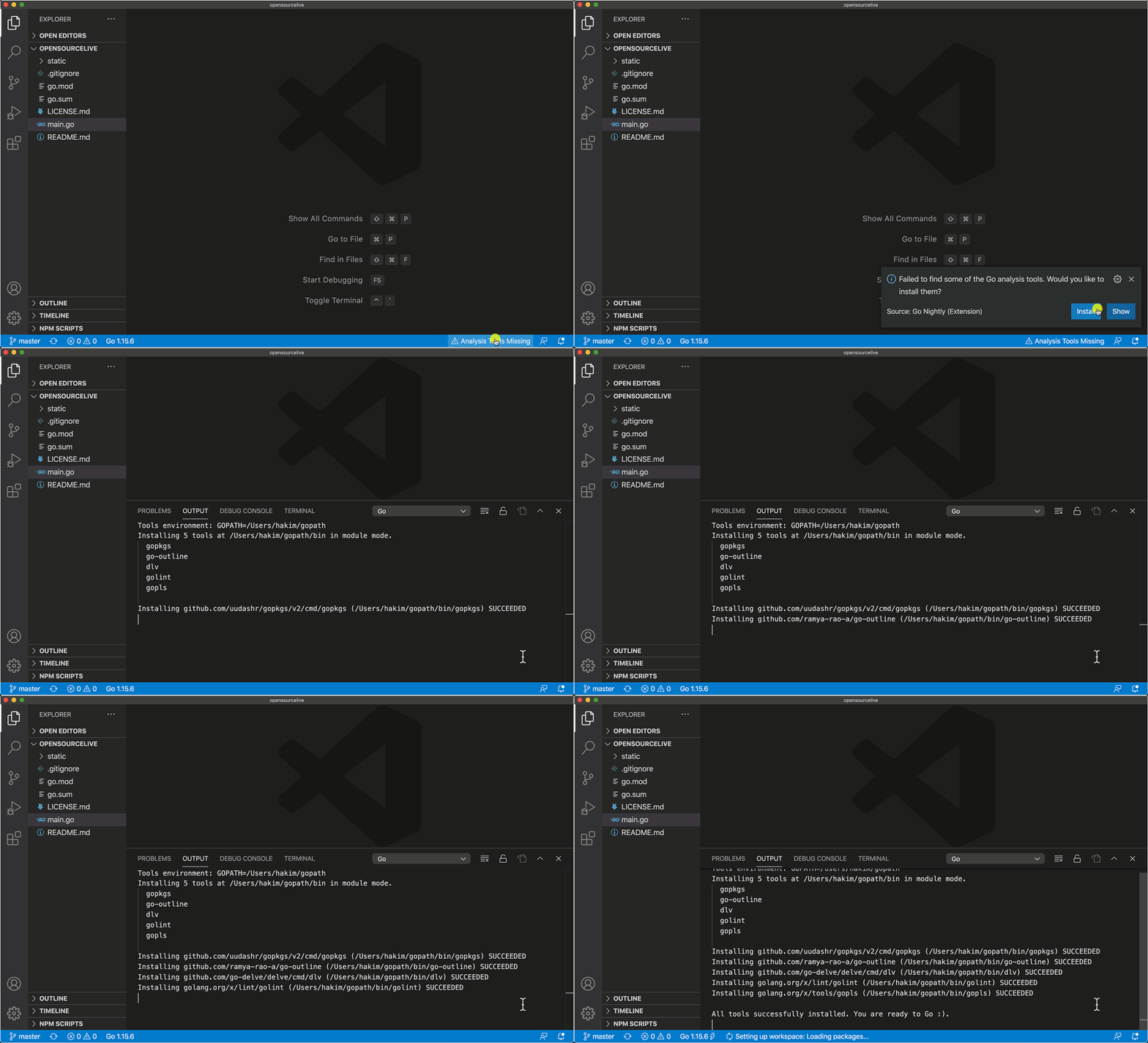
It is one of the most installed extensions with more than 7M installation. If you are using the GO programming language then this is a must-use plugin for you. As you have guessed this extension provides rich language support for the GO. It also provides many features including IntelliSense, code navigation, code editing support, etc.
2. Quokka
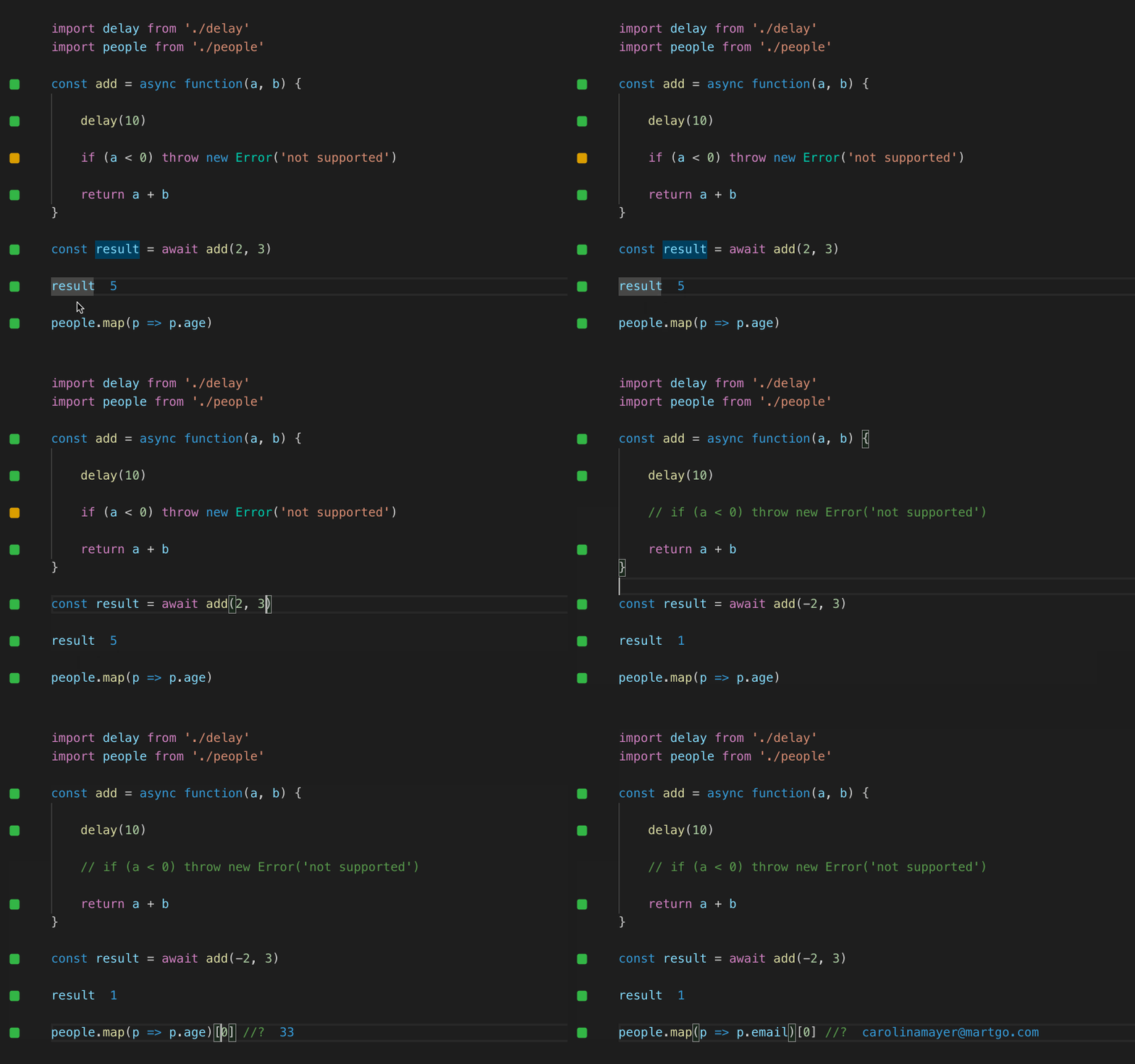
This is a productivity tool for developers that allows for quick JavaScript and TypeScript prototyping. With this plugin, as you type code, runtime values are updated and shown in your IDE next to it. It has an installation of more than 1.7M.
3. Rainbow CSV
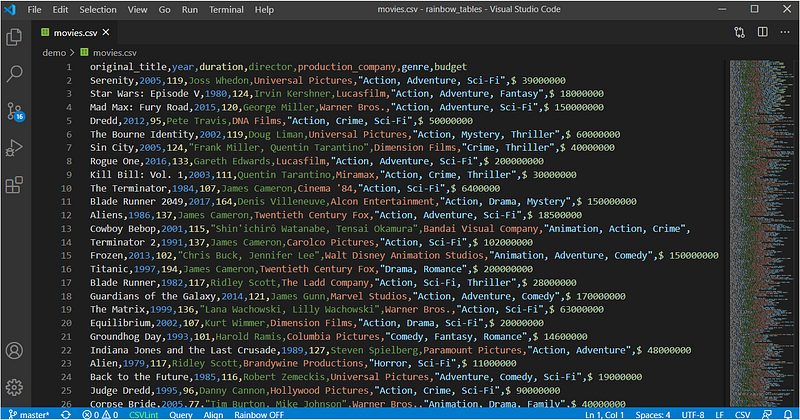
If you have to work with CSV files then this is a great plugin for you. As the name suggests this plugin allows you to highlight CSV files in various colors. It also provides lots of features like supports commas, semicolons, pipes, tabs, and colons as a delimiter, supports double quotes, backslash as an escape character, etc. It has an installation of more than 1.9M and a rating of 5.
4. Azure Functions
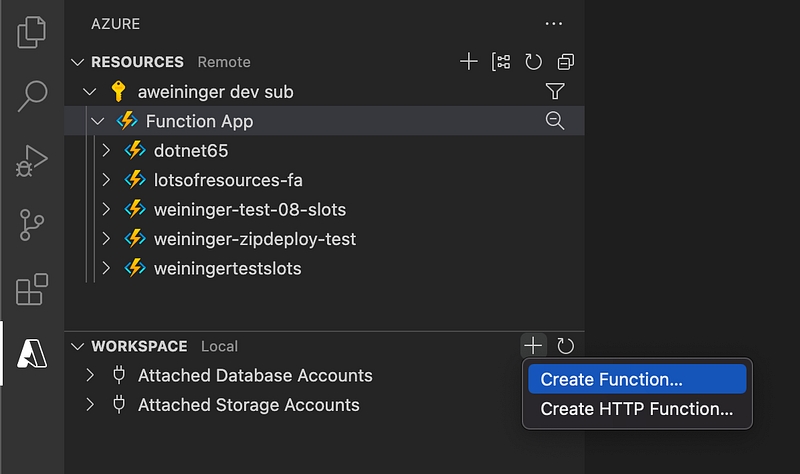
This extension will help you to quickly create, debug, manage, and deploy serverless apps directly from your beloved IDE. If you want to know more please check this Azure serverless community library to view sample projects. It has an installation of more than 1.3M.
5. Markdown All in One
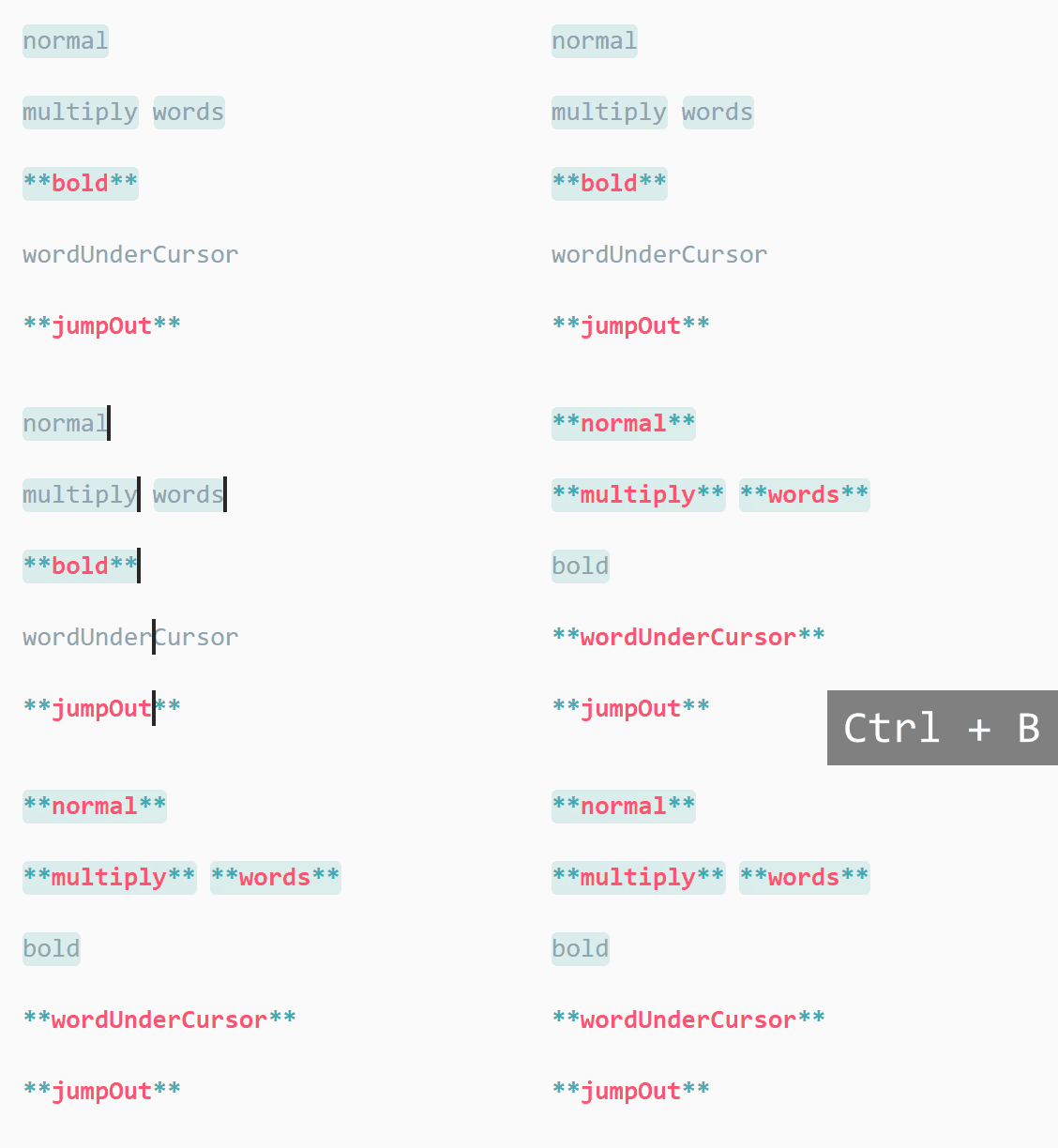
This is one of the most installed plugins with more than 4.4M installation. As you have guessed this extension power up your Markdown. It provides lots of features like keyboard shortcuts, table of contents, auto preview, and more.
6. XML
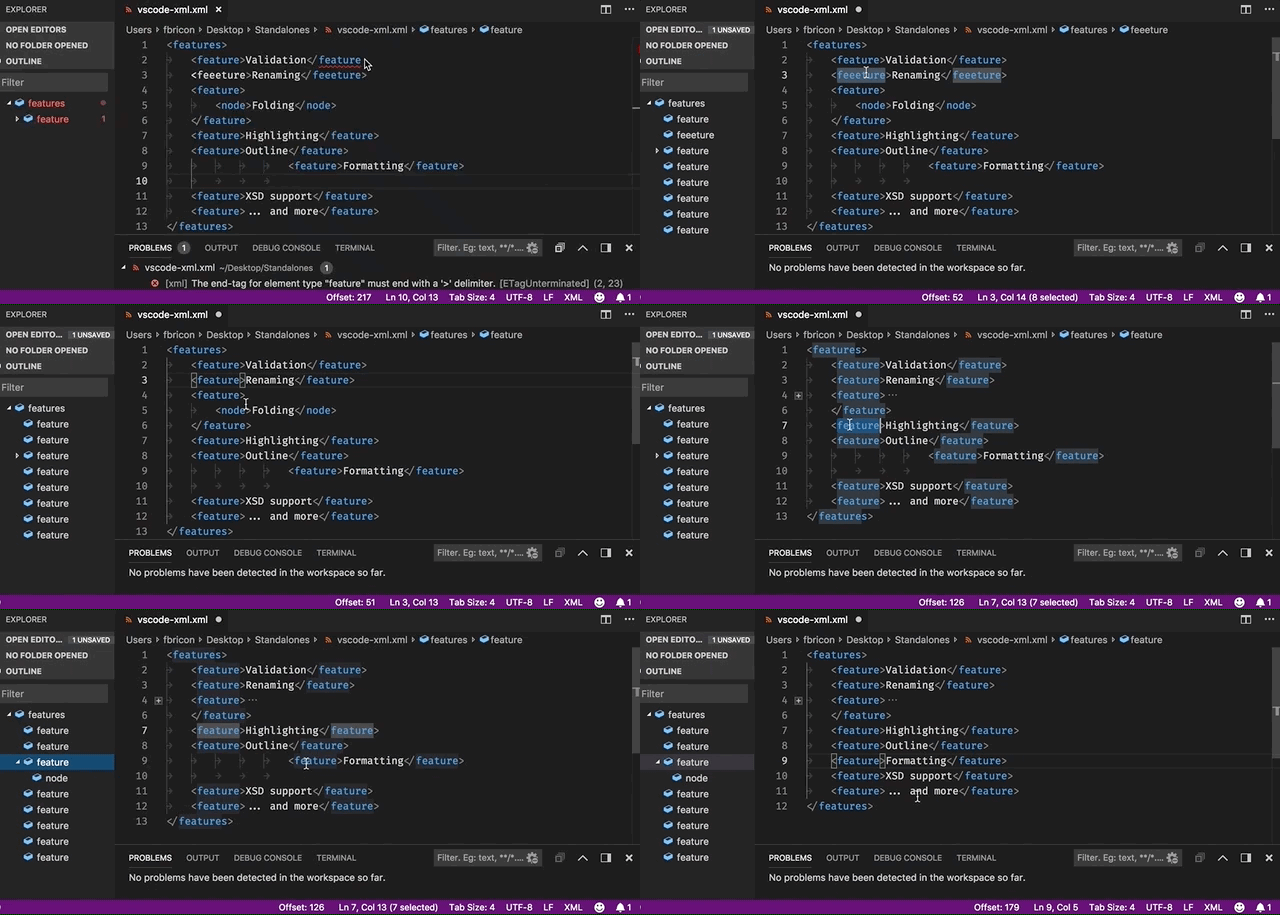
If you are using XML currently then this is a must-use plugin for you. This extension provides support for creating and editing XML documents, based on the LemMinX XML Language Server. It also provides lots of features like syntax error reporting, general code completion, auto-close tags, automatic node indentation, symbol highlighting, etc. It has an installation of more than 2.4M.
7. Ponicode
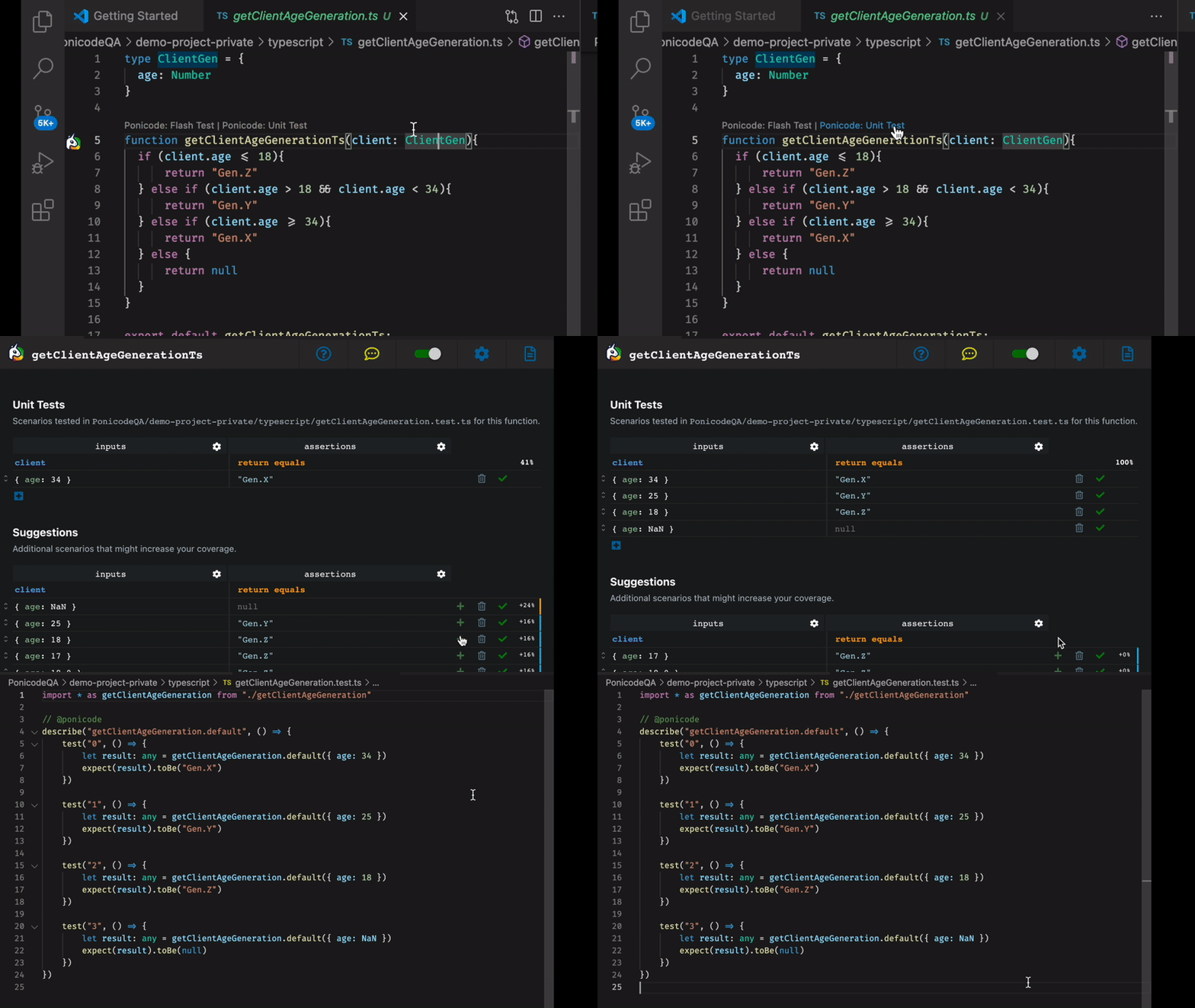
This extension pack uses artificial intelligence to produce unit tests for you. Thanks to ML-generated test scenarios and an intuitive graphical interface, it makes it simple and quick to create, visualize, and run unit tests for your functions. It has an installation of more than 33k.
Where is the other part?
There are lots of awesome VS code extensions. I want to share as much as possible about the power of your beloved weapon.
If you want to know more awesome VS Code extensions please check below.
That’s all for today. I hope this extension will help to make the development journey easier.
If you know of any other useful VSCode extensions, please share them in the comments. Until we meet again. Cheers!
If you Want to Connect, you can connect with me on Twitter