
7 Things I Never Knew About Dictionaries in Python Until Recently
# we can combine dictionaries using **
Day 45 of experimenting with video content
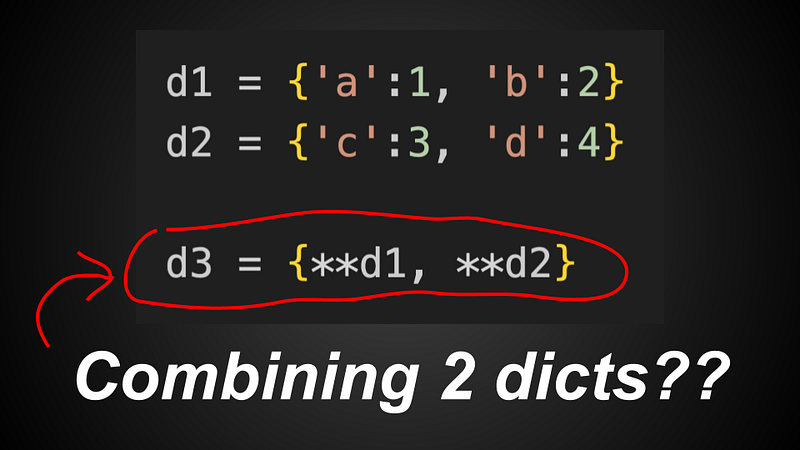
1) Combining dictionaries using **
d1 = {'a':1, 'b':2}
d2 = {'c':3, 'd':4}

d3 = {**d1, **d2}
# {'a':1, 'b':2, 'c':3, 'd':4}
When we use a ** in front of a dictionary, we are unpacking all key-value pairs into another dictionary. And we can use this to easily combine 2 or more dictionaries.
d1 = {'a':1, 'b':2}
d2 = {'c':3, 'd':4}
d3 = {'e':4, 'f':6}

d4 = {**d1, **d2, **d3}
# {'a':1, 'b':2, 'c':3, 'd':4, 'e':5, 'f':6}
Note that we can use this syntax to combine 3 or more dictionaries too.
2) dict.get
d = {'apple':4, 'orange':5}

print(d['apple'])      # 4

print(d['pineapple'])  # KeyError
When we try to index a key that does not exist inside a dictionary, we usually get a KeyError (which may crash our program)
d = {'apple':4, 'orange':5}

print(d.get('apple'))      # 4

print(d.get('pineapple'))  # None
When we use .get() instead of indexing, and we try to get a key that does not exist inside the dictionary, we get None instead of a KeyError
d = {'apple':4, 'orange':5}

print(d.get('apple', 100))      # 4

print(d.get('pineapple', 100))  # 100
We can pass in a second argument into .get() — this second argument would be the default value that will be returned if we try to get a key that does not exist inside the dictionary.
3) dict.update
d1 = {'a':1, 'b':2}
d2 = {'c':3, 'd':4}

d1.update(d2)
print(d1)

# {'a':1, 'b':2, 'c':3, 'd':4}
Here, we use .update() to add every key-value pair in d2 into d1. So d1 will now contain every key-value pair that was in d2. This can be convenient if we want to quickly add multiple key-value pairs into our dictionary at one go.
4) mapping proxies
class Dog:
  def __init__(self, name, age):
    self.name = name
    self.age = age

  def bark(self):
    print('woof')
^ here we have a random Dog class.
dog = Dog('rocky', 4)

print(dog.__dict__)        # {'name': 'rocky', 'age': 4}

print(type(dog.__dict__))  # <class 'dict'>
The .__dict__ attribute of an object (a Dog object) is a normal dictionary, and contains the methods/attributes of the object.
print(Dog.__dict__)

# {'__module__': '__main__', '__init__': <function Dog.__init__ at 0x10c400cc0>,
# 'bark': <function Dog.bark at 0x10c401260>,
# '__dict__': <attribute '__dict__' of 'Dog' objects>, ...
# }


print(type(Dog.__dict__))    # <class 'mappingproxy'>
Conversely, the .__dict__ attribute of a CLASS (not object) is a mapping proxy — which is simply an immutable dictionary (think a read-only dictionary)
This is so that we cannot randomly mutate the methods/attributes of a class in our code.
5) iteration with keys() values() items()
d = {'apple':4, 'orange':5, 'pear':6}

for key in d.keys():
  print(key)

# apple
# orange
# pear
^ to iterate through the keys, we use .keys()
d = {'apple':4, 'orange':5, 'pear':6}

for value in d.values():
  print(value)

# 4
# 5
# 6
^ to iterate through the values, we use .values()
d = {'apple':4, 'orange':5, 'pear':6}

for key, value in d.items():
  print(key, value)

# apple 4
# orange 5
# pear 6
^ to generate both key and value at the same time (key-value pair), we can use .items()
6) A faster way to type out dictionaries
d = {'apple':4, 'orange':5, 'pear':6, 'pineapple':7, 'durian':8}^ how we usually create dictionaries
d = dict(apple=4, orange=5, pear=6, pineapple=7, durain=8)^ an alternative way to typing out a dictionary
Using this alternative way, we need not type as many quote characters ' for our string keys. This can be useful if we intend for our dictionary keys to be strings.
Note — this does not necessarily make our code execution faster. Just a more convenient way to type out a dictionary.
7) dict.fromkeys
fruits = ['apple', 'orange', 'pear']

d = dict.fromkeys(fruits)

# {'apple':None, 'orange':None, 'pear':None}
We can use dict.fromkeys to quickly generate a dictionary from a list (or some iterable). Note that all values in this dictionary would be the default value None
fruits = ['apple', 'orange', 'pear']

d = dict.fromkeys(fruits, 5)

# {'apple':5, 'orange':5, 'pear':5}
If we pass in a second argument, this second argument would be the default value of the dictionary.
Conclusion
Hope you’ve learnt at least one new thing about Python dictionaries today
Some Final words
If this story was helpful and you wish to show a little support, you could:
- Clap 50 times for this story
- Leave a comment telling me what you think
- Highlight the parts in this story that resonate with you
These actions really really help me out, and are much appreciated!
Ebooks I’ve Written: https://zlliu.co/ebooks
LinkedIn: https://www.linkedin.com/in/zlliu/


