avatarCoder's Cat

Summary

The article presents seven entertaining terminal commands that can bring a smile to a developer's face after a long day of work.

Abstract

The web content introduces seven terminal commands designed for fun and relaxation, offering a playful break from the rigors of coding. These commands include sl for a train animation, fortune for random quotes and jokes, cowsay to display messages in a speech bubble above an ASCII cow, toilet for creating ASCII art with text, oneko to have cats chase the mouse cursor on the screen, xeyes for a pair of floating eyes that follow the cursor, and cmatrix to simulate the iconic digital rain from "The Matrix." The article emphasizes the joy these commands can bring and suggests they don't always have to be practical. It also provides installation instructions for Linux and macOS users and encourages readers to try out an AI service for a cost-effective alternative to ChatGPT Plus.

Opinions

  • The author implies that these commands can be a delightful surprise and a source of amusement, serving as a light-hearted diversion in a developer's routine.
  • There is an appreciation for the aesthetic and entertainment value of ASCII art and animations in the terminal, as evidenced by the inclusion of toilet and cmatrix.
  • The combination of cowsay with fortune is recommended as a fun way to generate whimsical content in the terminal.
  • oneko is highlighted as the author's personal favorite, indicating a preference for interactive and playful terminal applications.
  • The article subtly promotes the use of terminal-based entertainment as a means to enhance productivity by providing mental breaks.
  • The recommendation of an AI service at the end suggests the author's belief in the value of cost-effective AI tools that offer comparable functionality to more expensive options.

7 Terminal Commands That Will Just Make You Smile

These tutorials don’t always have to be practical

Photo by Mateus Campos Felipe on Unsplash.

Shell command is a powerful tool for improving a developer’s productivity. There are also some really funny command tools that will make you smile after a long day of work.

You can play word games in terminals, create a beautiful ASCII picture, and more. Let’s have a look.

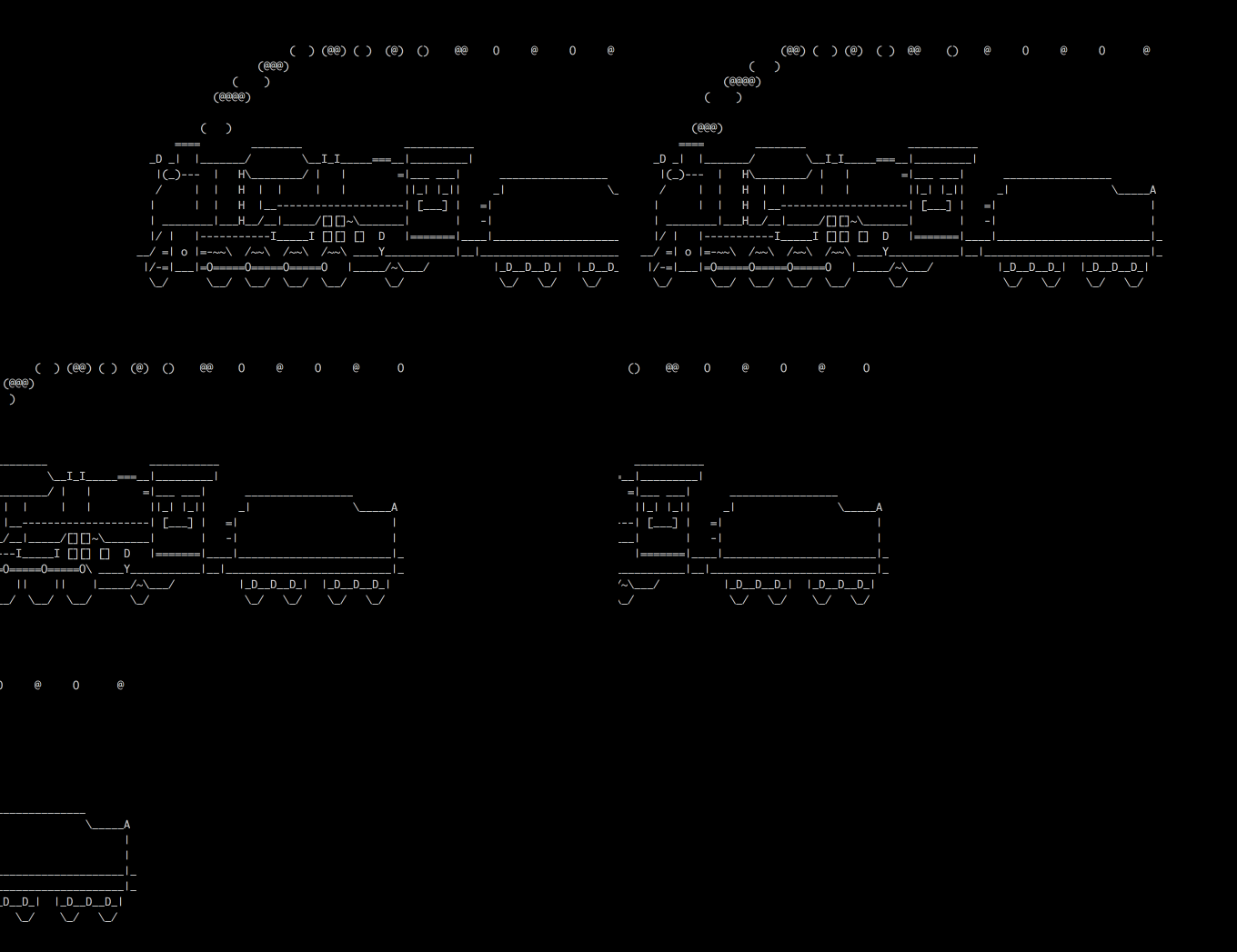
1. sl

This isn’t a typo. The command is indeed sl.

$ sudo apt-get install sl  # Linux
$ brew install sl          # MacOs

If you run it, you will see a train coming from right to left. The result looks like this:
2. fortune

$ sudo apt-get install fortune  # Linux
$ brew install fortune          # MacOs

fortune will display quotes, funny predictions, jokes, or even poetry in the terminal.

You can find more details on fortune’s webpage.

3. cowsay

$ sudo apt-get install cowsay  # Linux
$ brew install cowsay          # MacOs
$ cowsay hello

cowsay will display a cow with the words you input as arguments.

It’s funnier to combine it with fortune through a pipeline:

4. toilet

toilet can be used to make a beautiful ASCII picture with your inputs. All kinds of colors are available.

5. oneko

oneko is my favorite command on this list. The program will show cats that chase your mouse cursor, as seen in this video. I couldn’t find a version for macOS.

$ sudo apt-get install oneko  # Linux

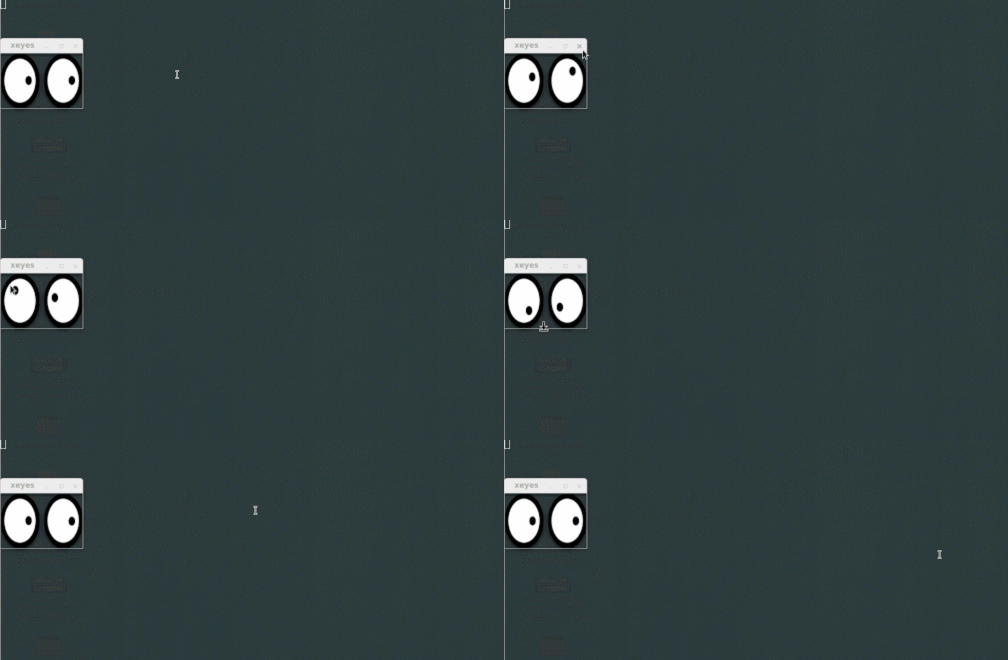
6. xeyes

This is an application that comes with a package of x11-apps. It’s not just for fun either. It’s also a useful utility if you have a big screen and a small cursor.

$ sudo apt-get install x11-apps  # Linux
$ xeyes
7. cmatrix

cmatrix shows flying text in the terminal, just like you can see in The Matrix! The source code is available on GitHub.

Have fun and happy coding!

Linux
Command Line
Funny
Programing
Cli
Recommended from ReadMedium