
7 Super Simple Steps to Create a Template in ConvertKit
This will make your process even easier and save you loads of time.
Go here if you need a step-by-step guide to starting a Mini Newsletter.
Creating and sending newsletters through ConvertKit is already pretty simple. But I like it when things are even easier.
That’s why I’m going to make a template and show you exactly how I did it, step by step.
1. Click “Email Templates”
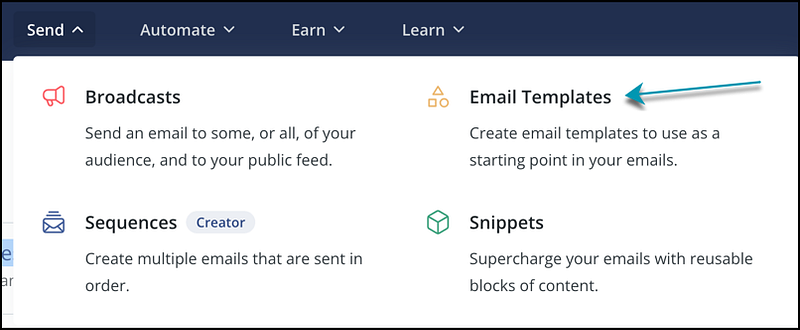
After logging in, you’ll hit “Send” in the top menu, then “Email Templates” in the menu that pops up.
2. Click the button
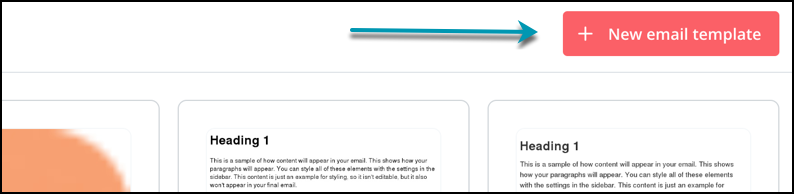
Pretty self-explanatory. Just hit that “New email template” button that pops up.
3. Choose an existing template
Pick a template you want to work with. I picked something simple since my newsletter is about simplicity.
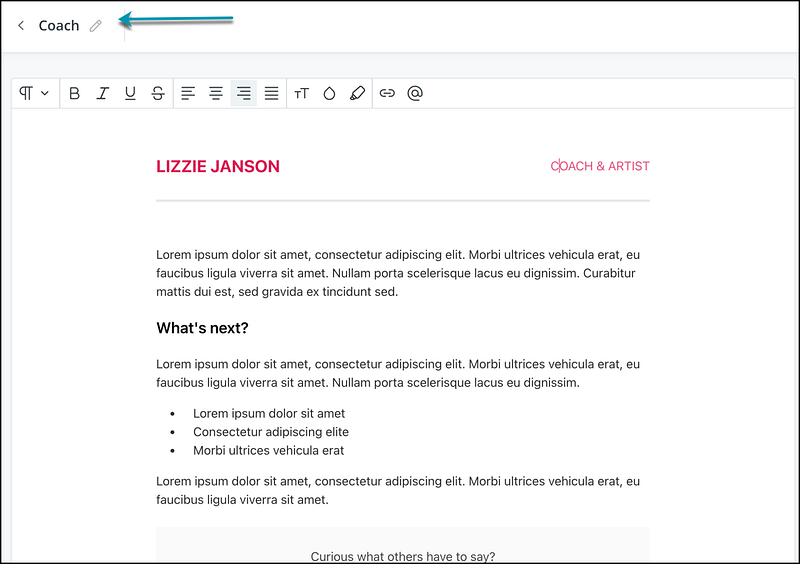
The template I chose was “Coach”. (But I renamed it “Intellectualists” so it’s easy to find.)
4. Make adjustments
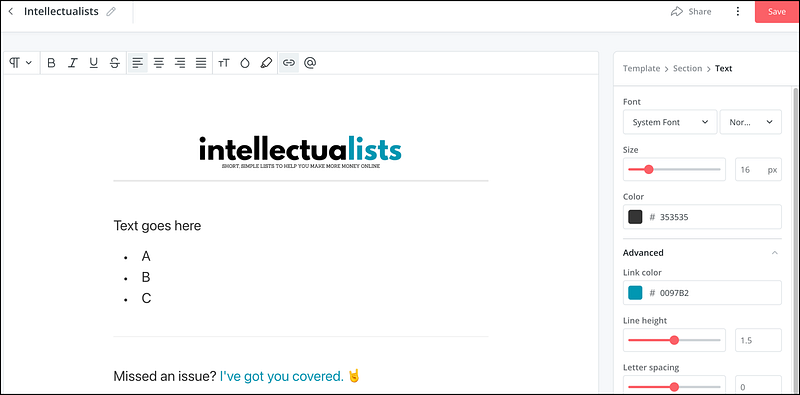
Change the existing template to whatever works for you. I added my logo, bumped the text size up to 24, and changed the color of the links.
I also added the “Missed an issue?” which is something I include in every newsletter.
6. Schedule a new broadcast
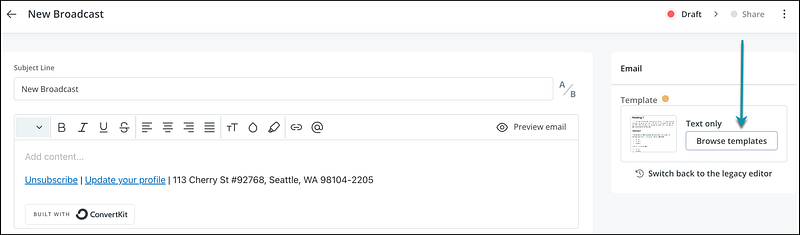
Now when you schedule a new broadcast, you’ll hit the “Browse Templates” button on the right of your screen.
7. Choose your new template
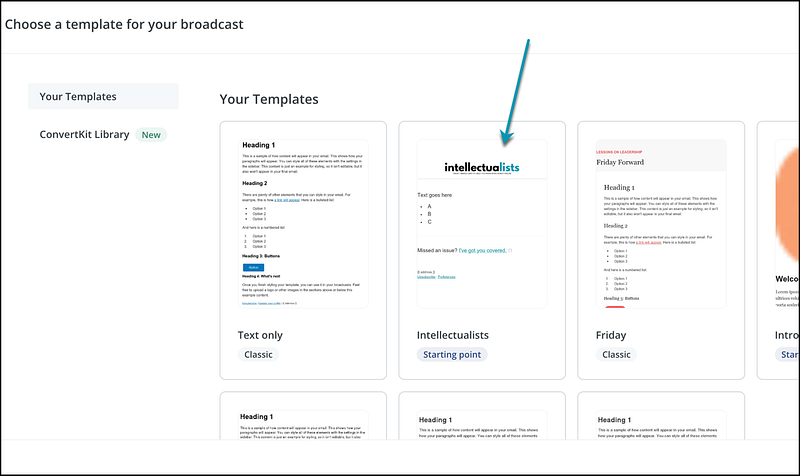
Now you can click on your new template to choose it for your next broadcast.
You may get a pop-up that says this:
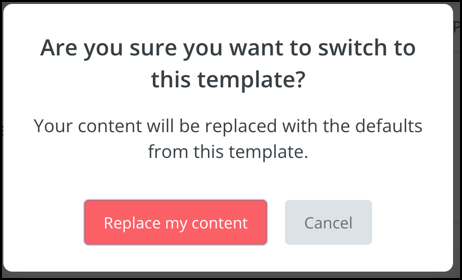
Just hit “Replace my content” button, and you’re all set!
Conclusion
Creating this template in ConvertKit only took a few minutes, but it will save me loads of time. I’m assuming you’re a busy person like I am. If so, you want to create as many systems and templates as you can. Taking the small amount of time to do this now will pay off big time in the future.
About the Author
Hey! I’m Christina. I’m a married mom to two teenagers (and 3 cats and a dog). I love drinking coffee, listening to rock music 🤘, and reading murder mysteries. I also love creating quick, easy-to-digest newsletters to help you find simple side income ideas online that won’t take over your life.
When you sign up for the free Intellectualists newsletter, you’ll receive a short list of ideas and resources each weekday. Come on over. I’d love to have you! 👉 intellectualists.com/newsletter
This article contains my referral link for ConvertKit, which is my favorite email service provider for small businesses.
If you purchase a premium subscription, I will receive a small commission at no additional charge to you.


