
7 Reasons to Condense Multiple Slides to Gain Audience Participation.
The power of visual on a single sheet of paper.
If you have been doing presentations, you are most likely familiar with the challenges of engaging an audience.
Like many facilitators, I would adjust my presentation, break down my presentation, work on my speech, work on the room setting, etc.
Some techniques worked, and some did not.
As I started exploring, I experimented with Visual Graphic for my CEO’s presentation.
I had 10 mins for the presentation, and I want him to have enough information to approve our L&D budget.
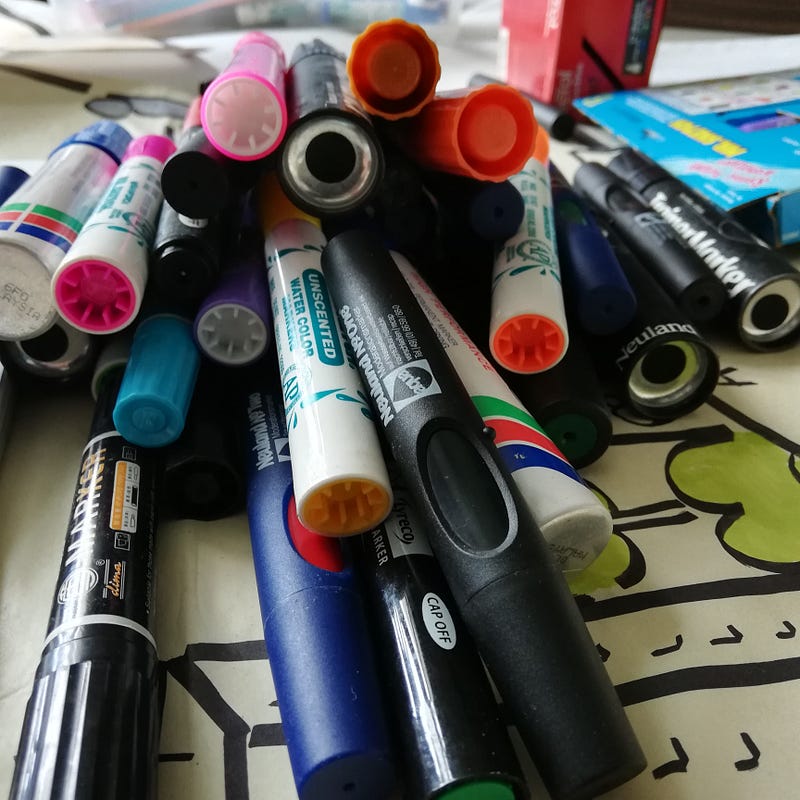
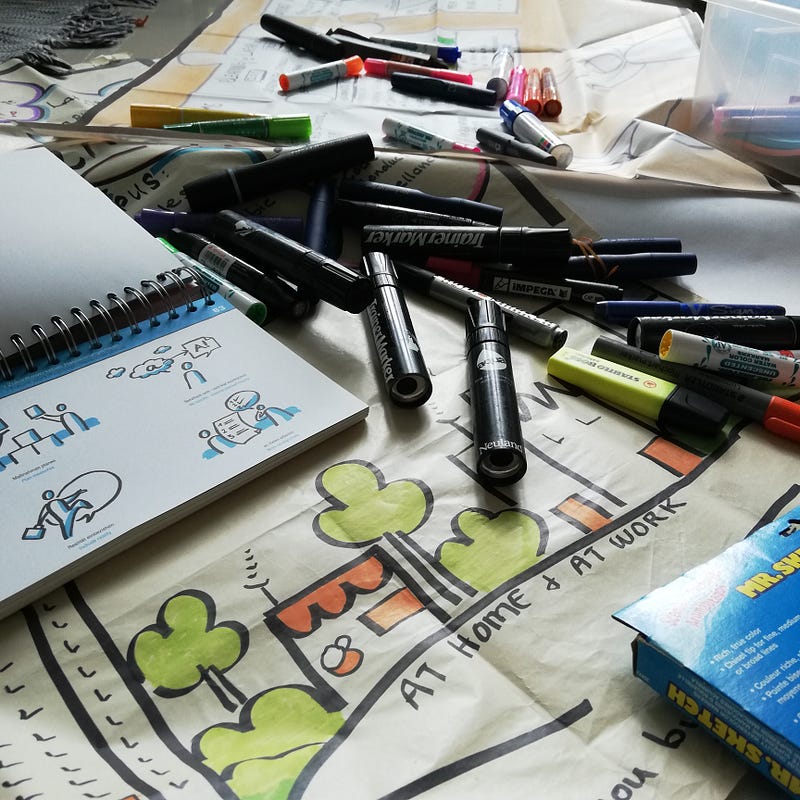
So I took out my pens and started sketching. Visual Graphic is almost like mind mapping techniques. It uses more visual symbols or characters to build a storyboard.
It took me 1–2 days of trial and error before I got the right storyboard. (I was still an amateur then)
The trick was to build a storyboard on a single piece of flip chart paper. Usually, a 10 minutes presentation would take at least 8–12 slides on PowerPoint. But for this CEO presentation, I had to condense all my 12 months projects onto one sheet of paper.
The effort paid off. The presentation was a success. The CEO added his thoughts to the storyboard. I had the best 10 minutes in brainstorming with him.
Here is what I learned in this experiment.
1) Story Telling
The audience, in general, tends to gravitate towards a story. They prefer to ‘journey’ with you instead of jumping from one bullet point to another. With the same storyboard, I have the option to share a long or a short story. My storyboard is a base, and I add on to it as my story unfolds. (As long as I stay on the one flip chart)
2) The power of a single sheet of paper
When you must put all your ideas on one sheet of paper, you force yourself to focus on the MOST important facts. You don’t get the luxury of hidden appendix/slides.
3) There are no cut and paste functions.
Since I had to sketch my storyboard on paper, I don’t get to do the usual cut and paste. Cut and paste are used to repeat a piece of information such as a graph/chart. Sometimes, it offers little value to the audience. As I had limited paper space, I had to synthesize and be creative in presenting my information. It forces me to think harder about the crucial facts I need to show. Or what points are required to help the CEO make a decision?
4) A picture paints a thousand words.
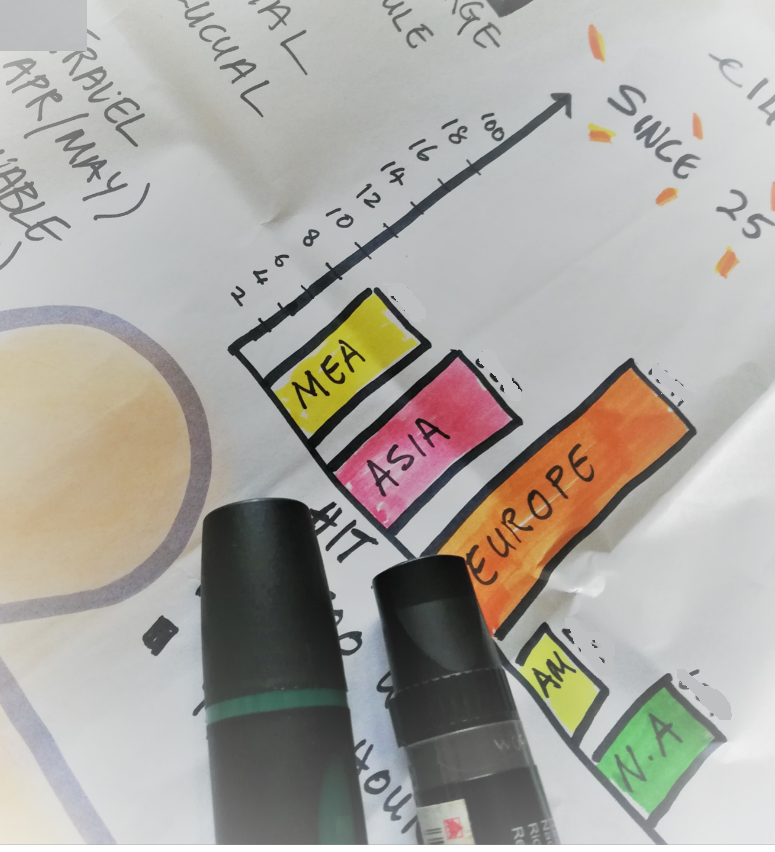
While this phrase is overused, it is vital when it comes to visual graphics. For instance, using an arrow that points up or down could indicate an increase or decrease in sales. You don’t even need to say anything about the chart because the arrow will be used in a specific context laid out in the story. Add dark or bright colors to give the storyboard an emotional mood.
5) Active Participation
When you are presenting a flip chart, there is a good chance you will be moving along the length of the flip chart. You are not sitting stiff like a robot flipping the slides. But more interestingly, I had the CEO coming up to the board, walking around it while discussing the information. We took time to pause and point at the storyboard. The presentation turned out to be a two-way interactive session.
6) More time for conversation and less clutter
All you need to set up for the presentation is tape and a flip chart. It took less than a minute to tape up the flip chart, thereby saving more time for interaction. You also avoid the usual logistic noise/clutter and focus on the dialog instead.
7) Empty spaces
If possible, leave some empty bubbles/spaces on your storyboard. Use the blank space to create active participation with the audience. I offered a marker pen to the CEO, and soon we were both brainstorming and building on the storyboard base. The graphic piece became a working sheet for both of us.
As I wrapped up my 10 mins session, the CEO left me with this piece of advice
“If you have to present an idea that will take more than a page, quite likely that idea is going to be too complex to put in place.”
While my experiment started with only the CEO as my audience, I used the visual board for employees’ onboarding programs, which had around 20–40 participants. I managed to stay away from PowerPoint fatigue and hear the employees’ voices as they came around to share on the board.
This technique will need some effort and time. If you are in a rush, then the PowerPoint slides would be your immediate choice. But if active participation and engagement are critical to you, I think the effort pays off in putting out a visual storyboard. I have also seen this technique use for scribing a meeting on zoom. It is useful even on virtual trainings today.
In case, you are curious about the technique, do check out this video. The flow is useful for build stories too.