
7 Prepper Apps for Travel and Home Safety
Load these mobile applications for travel or sheltering in place
In a true SHTF or TEOTWAWKI type situation, your mobile phone will quickly be rendered useless. You’ll know it when it happens… it could be the rising sea levels, zombie apocalypse, electromagnetic pulse, or impact of a meteorite the size of a city.
This article is not about any of those scenarios. This article is about preparing for the everyday situations we encounter leading normal lives at home or while traveling. A mobile phone is a powerful tool when loaded with the applications listed below. Most of them are usable even when there is no cellular or data/WiFi signal available. All of the applications mentioned below are available on both Android and iOS platforms.
1. Maps (free)
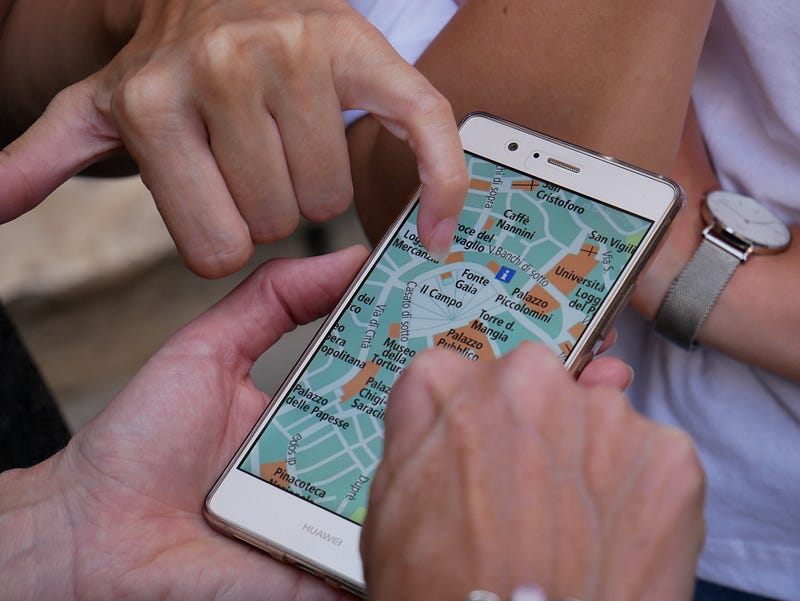
The Maps.me application (Android or Apple iOS) allows you to download offline maps that are accessible without cellular or data signal. This is useful when traveling since it can identify your location using your phone’s GPS even if you haven’t purchased a local sim card.
Google Maps (Android or Apple iOS) also has an offline mode. You can select a large area, but if you need more, you can store multiple offline maps. Under the application settings, select “Offline Maps” and “Select Your Own Map.” Once downloaded, the selected map is stored for one month. Using google maps on your desktop browser or on your phone, add stars to all the important places you plan to visit including hotels, offices, restaurants, and other points of interest. The navigation feature of Google Maps often works offline to direct you to these locations. If even that fails, you can show your map to friendly locals and ask for directions.
2. First Aid (free)
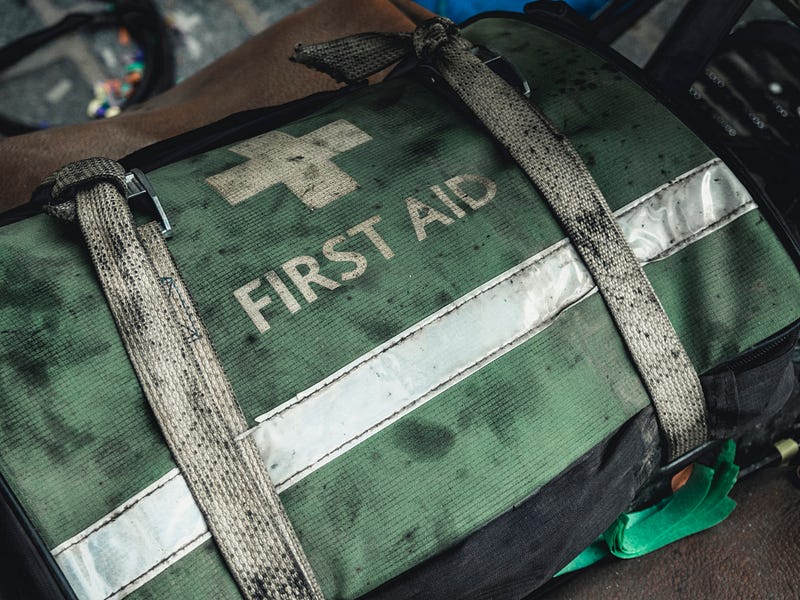
The American Red Cross First Aid application (Android or Apple iOS) is a great tool that provides a wealth of information. It includes helpful instructions on a wide variety of topics including wound care, burns, strokes, choking, poisons, head injuries, and fractures. For those of you with pets, the link above also lists an additional application for veterinary first aid.
3. Google Translate (free)

Google Translate (Android or Apple iOS) is a lifesaver when you’re traveling in a country where you don’t speak the local language. You can download multiple languages to be used offline and you can then type in words or entire sentences to be translated. If you have a roaming data connection, you can even use the microphone or the camera to auto-translate a news broadcast or read a menu. The application can act as an impromptu interpreter in the middle of a conversation or just serve as a pocket dictionary to look up that word you’re missing.
4. FEMA (free)

The Federal Emergency Management Authority mobile application (Android or Apple iOS) provides important information and alerts during extraordinary circumstances. These include extreme weather events and other disasters, both natural and unnatural. The FEMA app pushes real-time alerts for up to five selected locations and can also help you find an emergency shelter.
5. Virtual Private Network-VPN (monthly subscription)
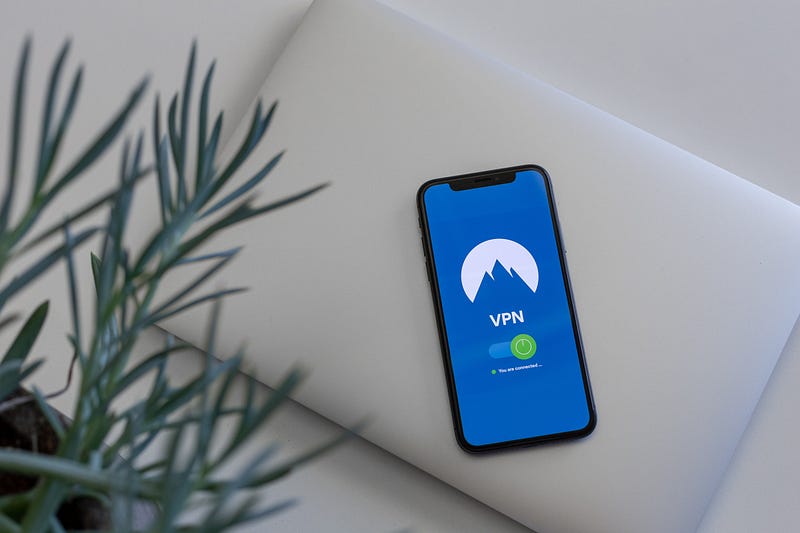
Whether you’re traveling overseas or just visiting your local coffee shop, you shouldn’t trust the WiFi and might not want to trust the data network either. Get a “Virtual Private Network” application, or VPN, to keep your passwords and other data safe. VPN’s create a secure connection between your device and the internet, preventing malicious actors from intercepting any data that you send or receive. NordVPN is affordable, works well, and is trusted widely (Android or Apple iOS). You can configure it to be active at all times or just while you’re using WiFi. The connection can be a bit buggy at hotels that use captive portals to verify that network users are actually guests, but even these usually work with a bit of fiddling.
6. Password Management (free or monthly subscription)
Wherever you go, there are multiple ways that your passwords can be stolen. You could be on an insecure network, you could lose a device that has passwords stored on it, or someone could just look over your shoulder while you type. The first scenario can be addressed by using a VPN and making sure you only enter data in secure websites (https instead of http). The second two are addressed by a password manager.
Your browser and phone often ask to remember passwords for you. While this might prevent prying eyes from recording your password as you type, it could be a security issue if your phone were ever lost or confiscated. Instead, use a trusted password management app. LastPass is activated with a single master password that you’ll need to memorize (use this app to generate a strong master password). It encrypts your credentials so that not even LastPass knows what they are. For ease of use while using it on your phone, you can set up your master password to use a biometric ID like your fingerprint.
7. Secure Text Messaging Service (free)
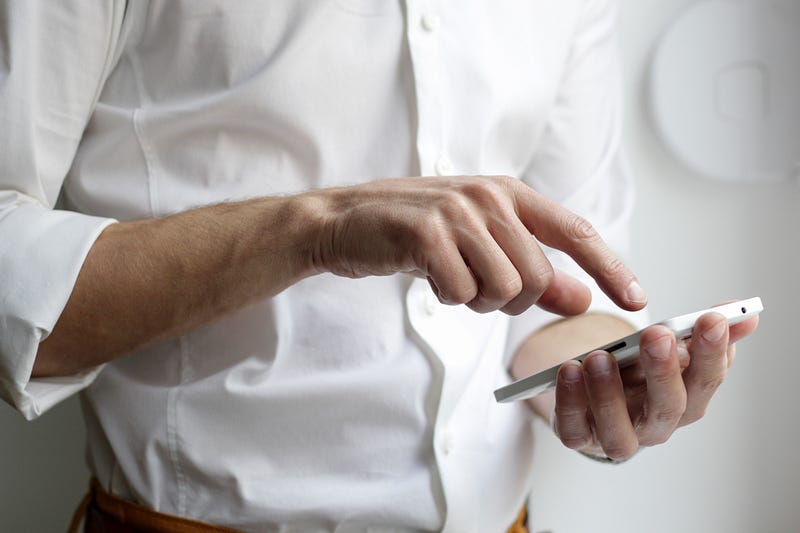
You should also have at least one secure text messaging service that will let you communicate without the need for cellular data service. This is especially important if your mobile phone plan does not include roaming, since most standard SMS text messages are reliant on access to a cellular network. While some newer phones allow SMS over WiFi, it’s not always reliable.
A backup system like WhatsApp (Android or Apple iOS), Hangouts (Android or Apple iOS), or Signal (Android or Apple iOS) will allow you to communicate rapidly with people any time you have WiFi access.
BONUS ADVICE: Locking Your Phone

In addition to the seven applications listed above, it is also important to understand the settings of your mobile phone. If you suspect someone might try to confiscate your phone, know how to disable easy accessibility features. In some scenarios, you may need to lock your phone or even erase the data. Many phones have a feature that locks the device after multiple incorrect biometric prompts (wrong fingerprint) or multiple entries of an incorrect password. This is important information if you are visiting a foreign country or even protesting in the US. For protest safety, you should also download the ACLU Mobile Justice app optimized for your state. Police in the US can force you to use your finger or face to unlock your phone, but cannot legally force you to enter a password or pattern.
Did we miss any apps that have helped you out in a tough situation? Let us know in the comments below!
Citizen Upgrade is a community of experts covering technology, society, and personal development. Visit us at our website, on Facebook, or on Twitter.

Sign up for our new newsletter to stay informed with up-to-date curations from our editors:👇


