10 Obsidian Publish Alternatives to Publish Your Notes Online for Free
Easy to set up alternatives that cost no money
Obsidian publish is a great addition to the obsidian note-taking software. But the price tag of obsidian publish scares most people. If you have a lot of money, that might not be anything. But, for most people it is expensive.
For people looking for free obsidian publish alternative and who want to publish their notes publicly, there are other alternatives. In this article, I will list some of the free obsidian alternatives you can use to publish your notes online.
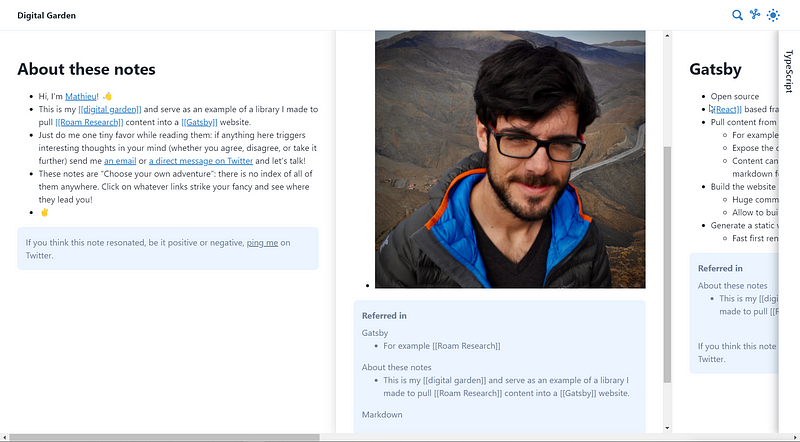
Digital Garden Gatsby Template
Features:
- Supports wikilinks and markdown links
- Preview notes on hover
- Automatically generated backlinks
- Multiple panes support like Andy Mustchak’s sliding pane
- Dark & light mode
- Dedicated Graph view
Cons:
- No sidebar navigation
- No table of content
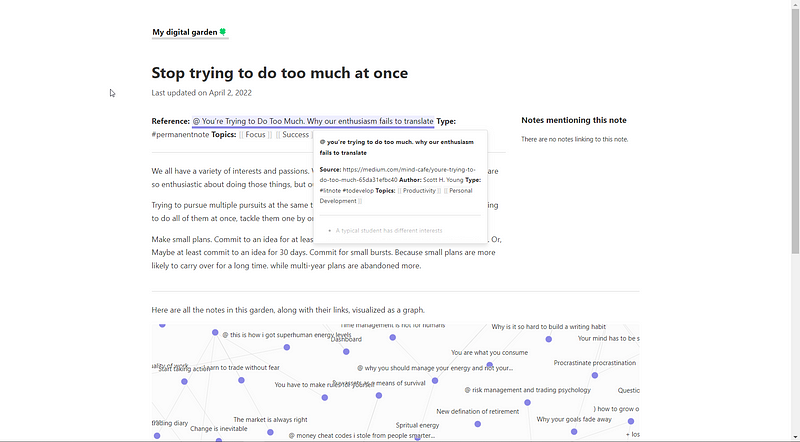
Digital Garden Jekyll Template
Features:
- Automatically generated backlinks
- Supports wikilinks and markdown links
- Local graph view
- Link preview on hover
- Simple & Minimalistic
Cons:
- Only light mode support
- No sidebar navigation
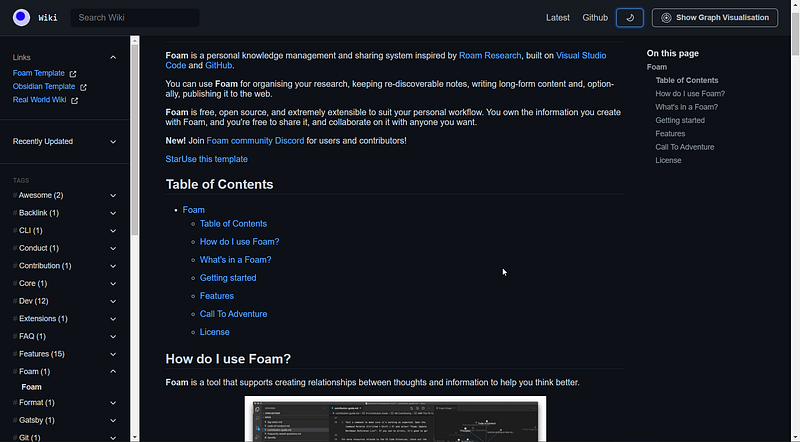
Gatsby Theme Primer Wiki
Features:
- Wikilinks and markdown links support
- Graph view
- Sidebar Navigation
- Table of contents
- Link preview on hover
- Dark & light mode
Cons:
- No backlinks
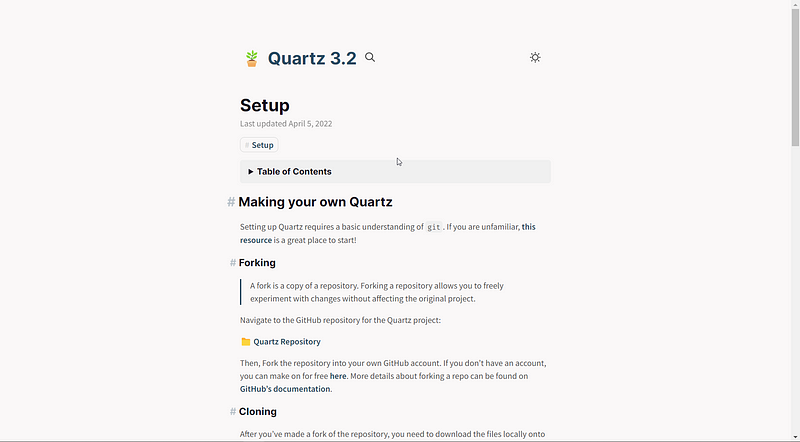
Quartz
Features:
- Automatically generated backlinks
- Link Previews
- Local graph
- Supports both Markdown and Wikilinks
- Supports Table of Content
- Dark & light mode
Cons:
- No sidebar Navigation
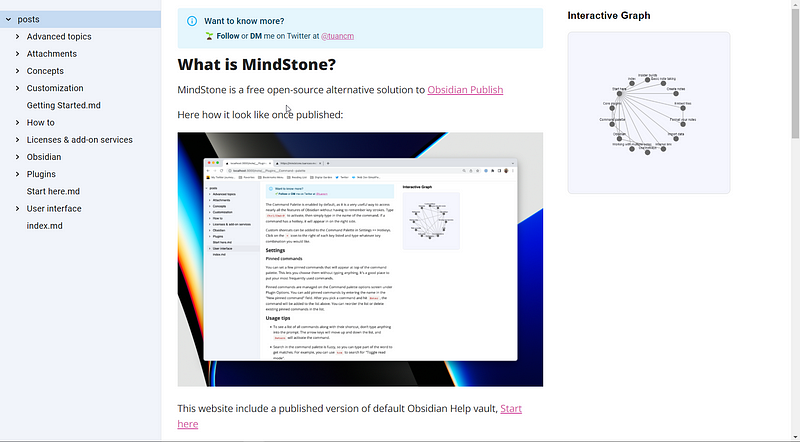
Mindstone
Mindstone is another free alternative to obsidian that allows you to host your second brain online for free.
Features:
- Markdown and wikilink support
- Folder-based navigation sidebar
- Graph View
- Automatically generated backlinks
Cons:
- No table of content
- No link previews
- Only light mode
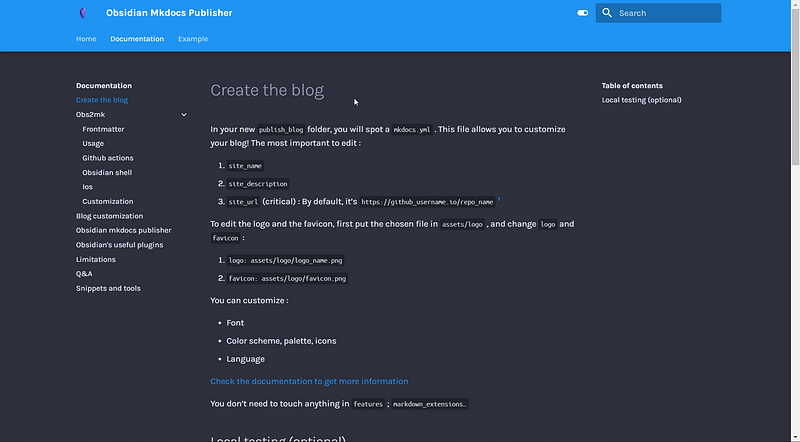
Obsidian-mkdocs template
Features:
- Markdown and wikilinks support
- Sidebar Navigation
- Dark mode & light mode
- Previous & next notes
- Supports Table of content
- Automatically generated backlinks
Cons:
- No local graph support
- No link previews
Obsidian PKM
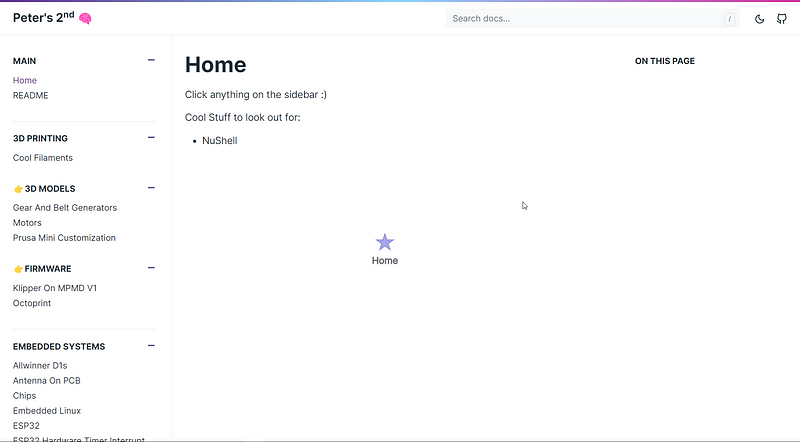
Features:
- Wikilink and Markdown links supported
- Folder style sidebar Navigation
- Interactive graph view
- Automatically generated backlinks
- Dark mode & light mode
Cons:
- No link preview
- No table of content
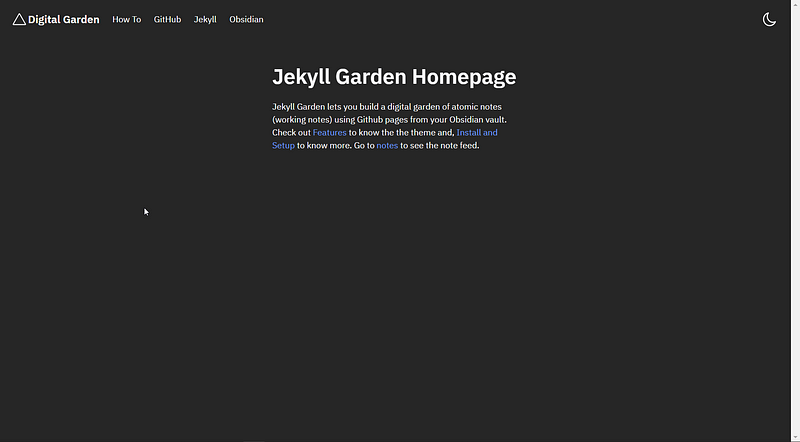
Jekyll Garden Template
Features:
- Supports wikilinks and markdown links
- Dark & light mode
Cons:
- No graph view
- No link preview on hover
- No backlinks generated
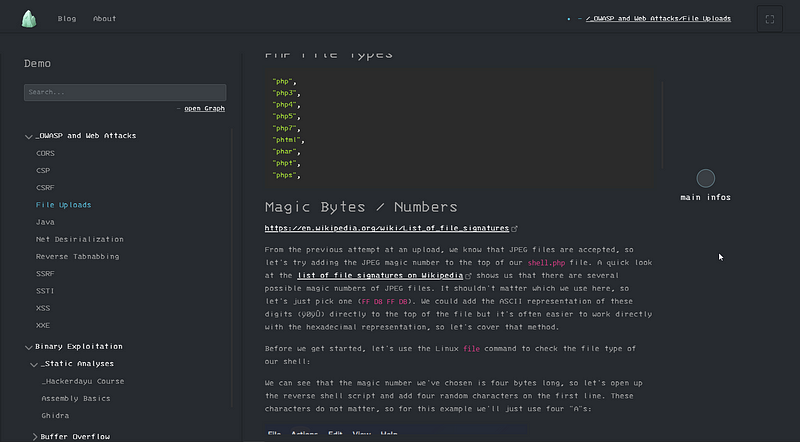
Perlite
Features:
- Supports wikilinks and markdown links
- Sidebar navigation
- Graph view
Cons:
- No link preview
- No backlinks support
- Only dark mode
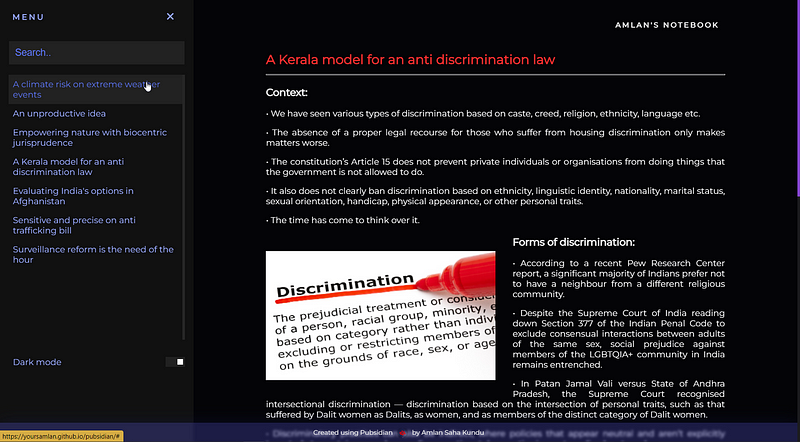
Pubsidian
Features:
- Graph view
- Sidebar navigation with search
- Dark & light Mode
Cons:
- No link preview on hover
- No support for wikilinks & Markdown links
- No backlinks support