
7 Incredible Chrome Extensions for Increasing Your Productivity
Become a google chrome master.

Social media, online stores, and the news while using the internet at work can be incredibly distracting.
According to statistics, 41.8 percent of Americans work remotely, which is projected to increase over the next few years. The rising numbers are evidence of how effective remote work is.
- So how can you increase your productivity when working from a distance?
- How can you maintain the quality of your work? Is there a tool you can use to keep yourself on track?
Chrome productivity and efficiency addons/extensions are the solutions to these queries.
Thousands of extensions and applications that give your browser additional features and boost productivity are now available in the Chrome Web Store.
The top 7 Chrome extensions have been trimmed down.
1. Window Resizer
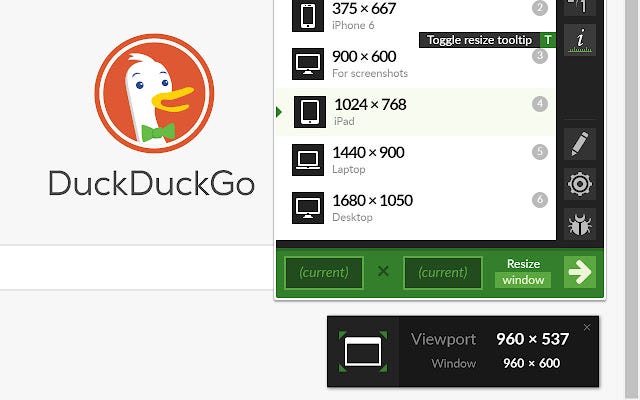
The purpose of this extension should come as no surprise. Window Resizer excels at doing only one thing.
You may simulate screen resolutions using a variety of pre-built answers. However, the extension is adjustable and allows you to adjust the window’s location, width, and height and whether to apply the changes to the viewer or the window.
2. LastPass
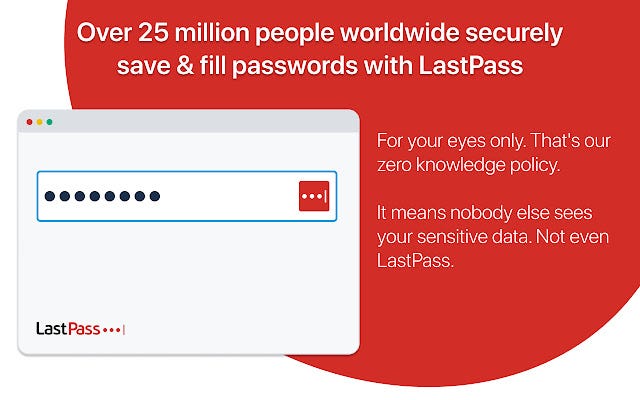
Once you switch to working remotely, you must often log in and out of dozens of programs and websites.
Passwords become challenging to remember as a result. Additionally, manually entering the password each time you want to log in might be incredibly annoying.
Passwords are stored on your device in encrypted form by LastPass, a password manager. The plugin automatically fills out passwords, saving you time and effort.
And to top it all off, LastPass lets you share login information with your team without divulging the password itself.
The password is automatically entered for them by the extension. Once you are through with your job, you may also disable this option.
3. Pocket
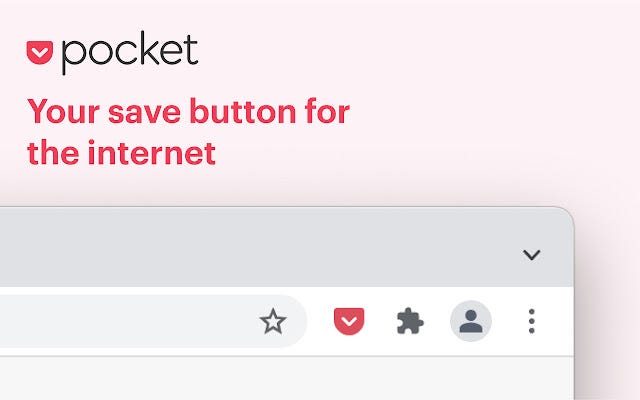
Every time I stumble into an interesting article, I get sidetracked, and before I know it, the day has passed with me reading more pieces than I had intended.
Installing the Pocket extension overcomes this issue. After opening an intriguing article, you can quickly categorize it by choosing the appropriate tag and start building up your reading list by clicking on the pocket icon in your toolbar. Then, as a bonus for a well-done job, you may enjoy them afterward.
If the links to the articles expire, this chrome extension will keep a copy of the article in case the originals are lost. As a result, it serves as both a reading list and a database for further study.
4. TinEye
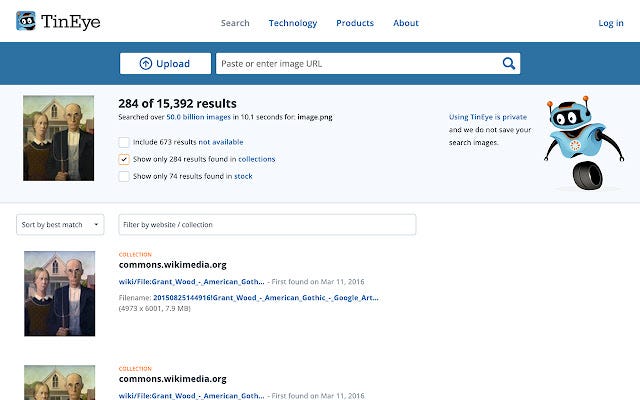
A reverse image search tool is called TinEye. Want to find out where a specific image came from or another place it’s being used online?
To access the TinEye website, click the extension button. Once there, drag any internet picture to the page — even one already open on another website — without first downloading it.
After a brief delay, TinEye will display all the websites where it discovered that particular image.
Please sign-up to get all my upcoming stories directly to your inbox.
5. Grammarly
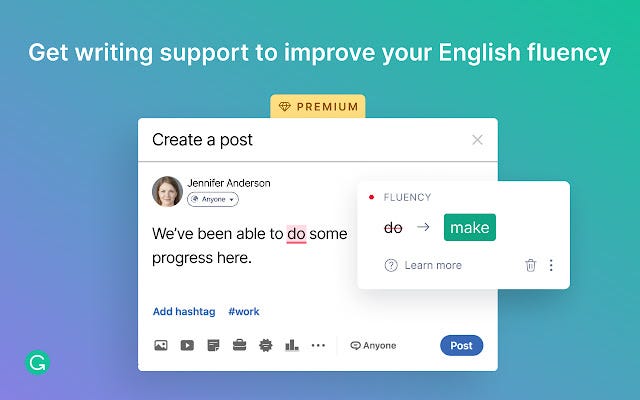
Grammar and spelling mistakes can damage your trustworthiness, as stated by Grammarly.
It takes time to go back and spell-check completed work. Think about adding this extension to Gmail, Google Docs, Twitter, Facebook, LinkedIn, WordPress, and millions of other websites to fix your text as you type automatically.
It will highlight misspelled words in red, grammatical mistakes, and improper punctuation. It will even assess your writing’s clarity.
6. Noisli
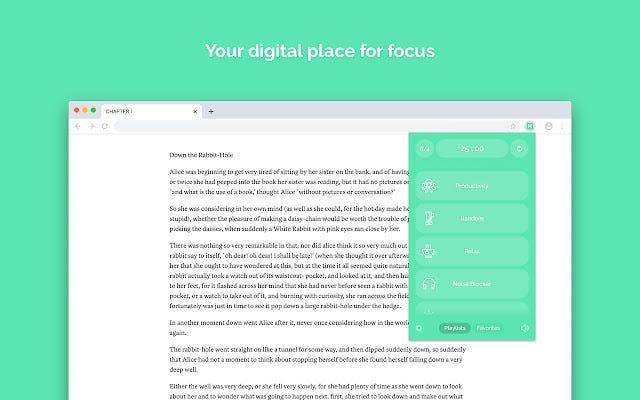
What you hear while working has a significant impact on how productive you are.
You may build a soundscape with the Noisli addon to drown out distracting background noises and improve your attention. A range of natural sounds, including rain, waves, a forest, flickering fires, and more, are used to produce monotone music that improves attention.
If you want anything else, there are other sounds like trains or even a busy coffee shop.
7. Highlighter
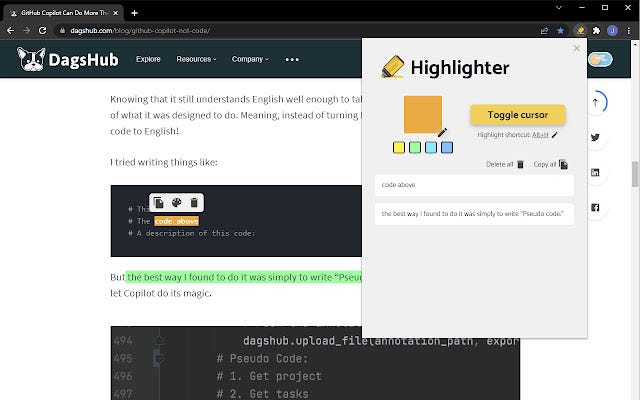
I like to mark important material when I come across it so I can refer back to it later. I’m able to accomplish that thanks to the Highlighter browser addon.
This plugin allows you to highlight content and store it on any page. This implies that the highlights are still preserved even if you close the browser or the page.
For the time being, it functions best with static websites like blogs. For instance, highlighting material on social media might not be the most effective practice.
Use this plugin to “store” informational chunks so you never lose them again! It’s a fantastic and valuable browser addon.
Closing Thoughts.
Acclimating to remote work may be challenging, and maintaining a work-life balance can be particularly difficult. You may use these chrome extensions to assist you in adjusting to the changes in the workplace.
Improve your attention, increase productivity, prevent distractions, organize your job more effectively, and streamline your work when working remotely by updating your Chrome browser with these extensions.
Which Chrome addons/extensions are crucial to your design or development process? Leave a comment with your favorites!
Feel free to become a member for full access to my content — and the entire Medium library! In addition, I’ll earn a small commission if you sign up through my link. Thank you for supporting my work!


