
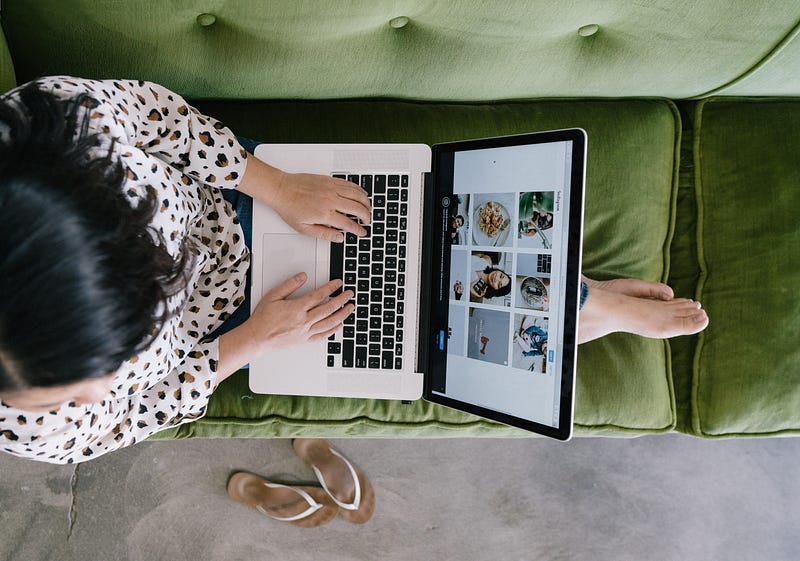
7 Important Etiquette Tips for Work-From-Home Video Conferencing
Impress your boss or your clients with your level of video conferencing professionalism
We’re living in a brave new world right now with so many people working from home and having to hold meetings or other communications with clients and coworkers via video conferencing. Whether it’s via computer or tablet, it’s up to everyone to make things easier. Key to that is being considerate and following some pretty simple etiquette guidelines.
Focus on the person, not their home office
Many don’t even think about what their home office looks like on camera. Why should they? Their home, even if it’s their office, is a private space where they feel freer to be themselves. If they want to line the end of their desk with little plastic dinosaurs, that’s their business, isn’t it? (I may or may not be drawing from real life here.)
Or take into account those who are working from home for the first time. If you’re video conferencing with someone in this situation, you may be getting a look at their kitchen and, if they have kids, no… it hasn’t been cleaned yet.
Be cool. Don’t say anything. Stick to business. If the person on the other side of your video call has an exceptionally nice looking workspace, it might be okay to make a positive comment on it in passing but keep it professional. Quickly move on to the important stuff.
This is especially important advice if you’re a manager looking in on an employee’s work-from-home space. So long as your employee remains productive and professional, what is in the background of their video screen is not important.
Get on top of technical issues sooner than later
Technical snafus happen. We’ve all been there. And for some reason, the more people waiting on you to successfully pull off an even minor technical feat, the more likely a problem is going to happen.
That said, there’s really little excuse for it to keep happening. Don’t keep people twiddling their thumbs in front of their screens because your video, audio, or both aren’t working again.
In many cases, restarting your computer or tablet solves the problem. Ten minutes before any video conference is scheduled to begin, restart your device and give it a clean startup. If your software prompts you for permission to access or test your camera and microphone, allow it. If there are problems, your device will let you know. If you’re running off an old piece of equipment, you just may need to look for the latest drivers online.
Or you may need to upgrade your device entirely. If you’re working from home because of the COVID-19 situation, your company should take steps to assist you in getting you up and running.
In short… get your video conferencing setup working reliably. Don’t be that person who is always holding things up.

Keep your camera turned on for video conferences
I get it. Many people don’t like how they look on camera. Similarly, if you’re working from home, you may be in a relaxed mode. Perhaps too relaxed and you don’t feel like having your coworkers or clients see you in your robe.
It’s understandable why you might want to turn the video off. I mean, how different could it be from a phone call?
The trouble is that while phone calls are fine and all, there is more to effective communication than spoken words alone. We communicate with our facial expressions. We show we’re paying attention by how we look when speaking to someone else. We use body language in ways we don’t even realize.
By showing your face during a video conference, you’re at least showing that you’re paying attention. It cuts down on miscommunications and sends some much-needed goodwill to your business conversation.
Put down the bag of chips…
… or whatever. A lot of us like to snack while we’re working from home. We probably shouldn’t snack as much as we do, but doing so while video conferencing is a definite no-no.
It’s hard to appear professional while chowing down on nuts or chips. Even having a perfectly reasonable lunch can be a hindrance to good, professional communication. Computer and tablet microphones can pick up a lot of sounds you wouldn’t normally think could be heard.
Wait until the call or meeting is over before getting back to the snacking.
Try to anticipate and manage potential disruptions
If you’re working from home during the COVID-19 crisis, there’s a chance you’re not home alone. You may have kids, partners, or roommates to contend with. Talk with everyone about keeping noise levels down while you’re video conferencing. Try to let them know the times when this would be happening so they can plan.
Try to keep your workspace away from places that experience a lot of foot traffic. Even if everyone is being quiet, seeing people pass back and forth in the background can be distracting. If sensitive information is being discussed you could even get in a bit of trouble if people think you’re not being discrete. If you’re in an industry with regulatory requirements such as health care or finance, you could be subject to fines, termination, or even prosecution.
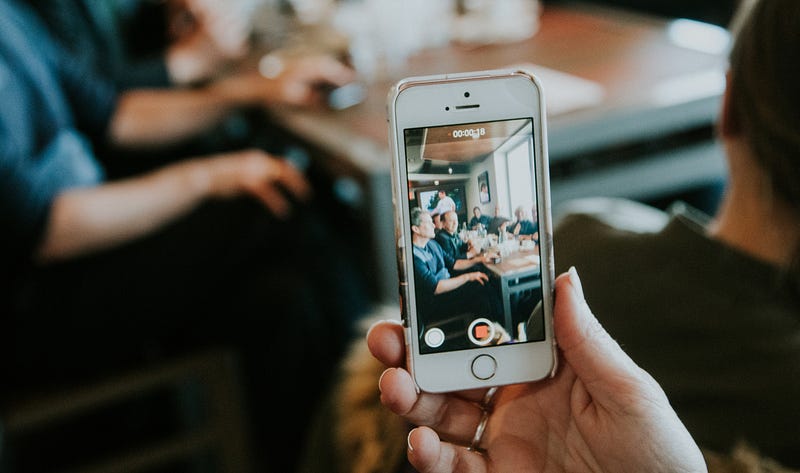
Stabilize your device
No one likes shaky video. If you’re using a tablet or smartphone for your video conference, set it down someplace stable and resist the urge to pick it up or constantly adjust it. If you’re using a laptop or desktop computer, check the angle of the camera.
Most devices allow you to flip the camera view. Before your session starts, preview how you may look to whoever you’ll be speaking with. Is the background too bright? Is the foreground too dark? Is the angle just… wrong?
Fix it before your conversation begins, then leave it alone.
Wait your turn
Finally, wait for your turn to speak. It’s very easy for video conferences to turn chaotic once people start speaking over each other. Try to make sure that whoever is currently speaking has finished before replying.
It’s not easy. Other people may cut in. People may misread cues as to when they can speak.
Just the same, it’s worth making an attempt to not be part of the problem.
Video conferencing has become huge these past few weeks and it will likely remain so for a while. Break bad habits before they become set. You’ll send a positive message to your clients and coworkers and, in the end, be more successful at your job.
Thank you for reading. I’d love to share more with you via my Weekly Word Roundup newsletter sent to subscribers every Sunday. It will feature news, productivity tips, life hacks, and links to top stories making the rounds on the Internet. You can unsubscribe at any time!