
7 Awesome .NET UI Library To Create a Better UI
Create a Beautiful UI

There is a proverb “You don’t have to reinvent the wheel”. Libraries are the best example of that. It helps you to write complex and time-consuming functionality in an easy way. In my opinion, a good project uses some of the best libraries available
UI is one of the most critical components in software development. Here I have compiled 7 useful .NET libraries for UI development that will help you in your development journey.
1. Avalonia
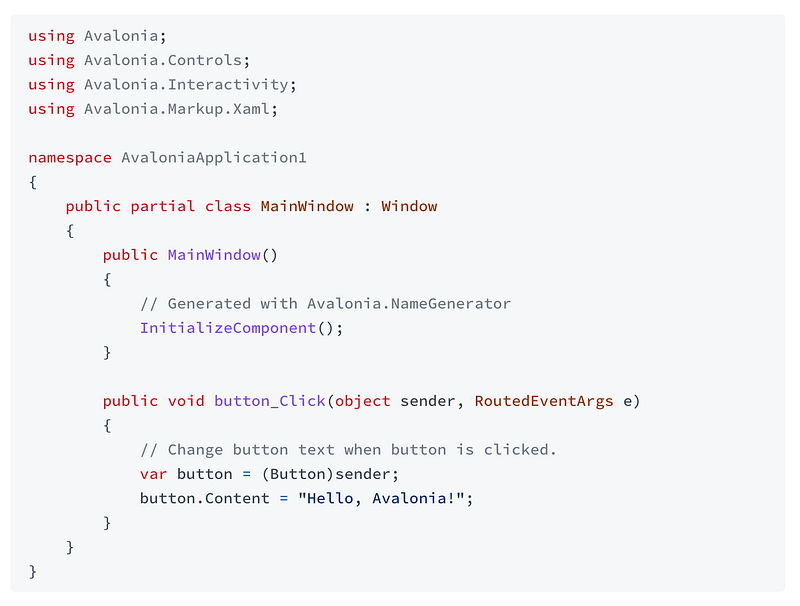
This is one of the most starred .NET libraries with more than 18k stars on GitHub. This is a cross-platform UI framework providing a flexible styling system and supporting a wide range of platforms such as Windows, macOS, Linux, iOS, Android, and WebAssembly. This is mature and production ready and is used by companies, including Schneider Electric, Unity, JetBrains, and Github. Please check the library here.
2. LiveCharts
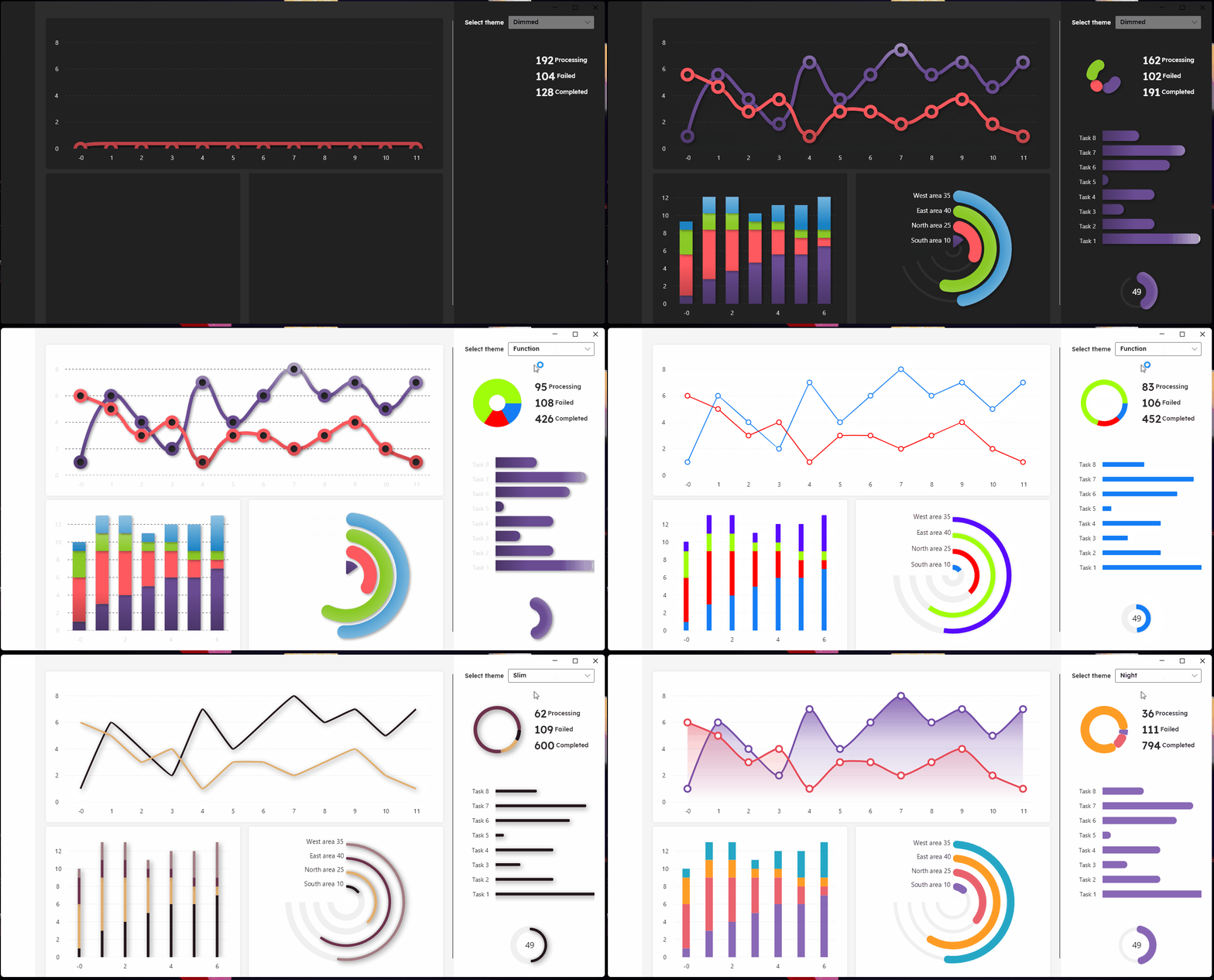
As the name suggests if you have to use charts in your applications then this is a good resource for you. This is a data visualization library that provides a wide range of charts and graphs for .NET applications. It supports real-time updates, interactive features, customizable styling, and many more. It has more than 2.5k stars on GitHub. Please check the library here.
3. MaterialDesign
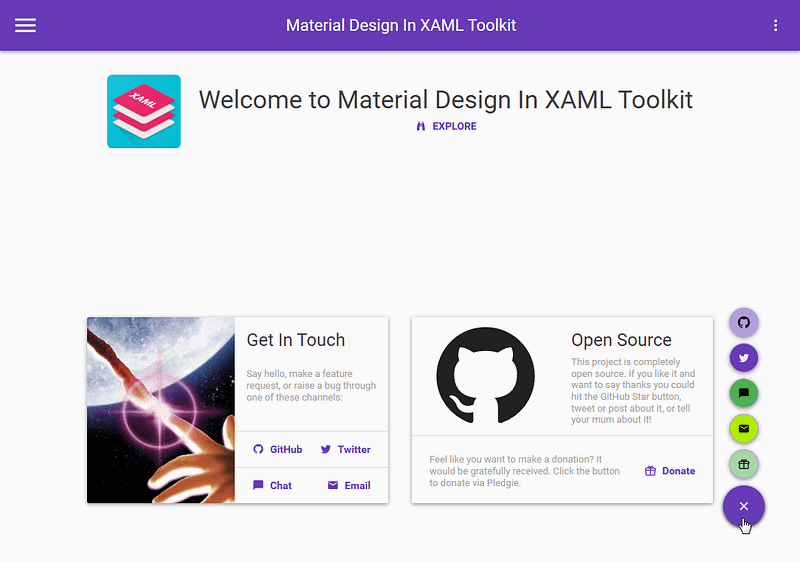
This library brings Google’s Material Design to WPF and WinForms applications. It includes lots of features like Additional controls to support the theme, including a Multi Action Button, Cards, Dialogs, Clock, Easy configuration of the palette (at design and runtime) according to Google’s guidelines, Easy transition effects, and many more. It has more than 13.5k stars on GitHub. Please check the library here.
4. Metro
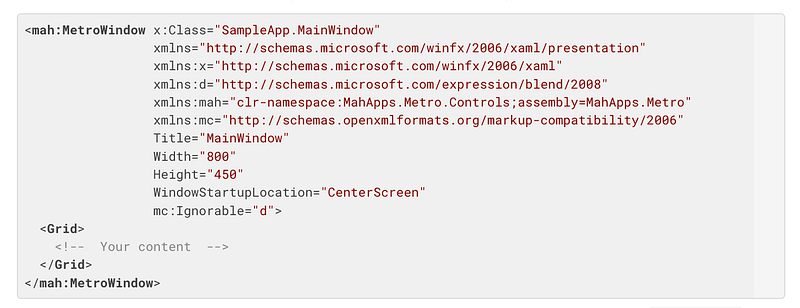
This library allows developers to cobble together a Metro or Modern UI for their own WPF applications with minimal effort. It offers styles, controls, and utilities that follow the principles of Microsoft’s Fluent Design System. It has more than 8.5k stars on GitHub. Please check the library here.
5. Eto
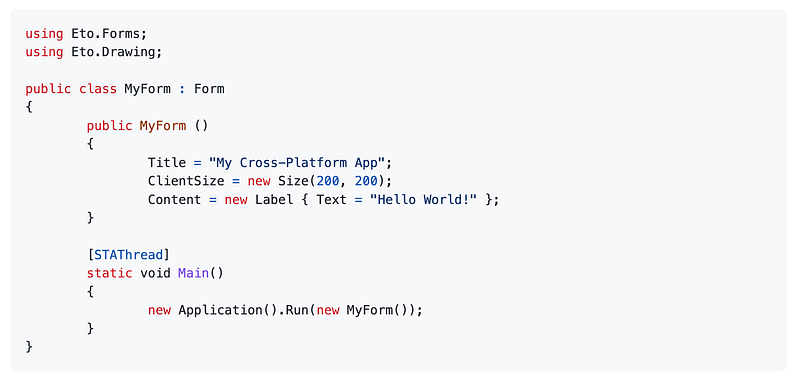
This library can be used to build applications that run across multiple platforms using their native toolkit. This will make your applications look and work like native applications on all platforms, using a single UI codebase. For advanced scenarios, you can take advantage of each platform’s capabilities by wrapping your common UI in a larger application, or even creating your own high-level controls with a custom implementation per platform. It has more than 3k stars on GitHub. Please check the library here.
6. ModernWpf
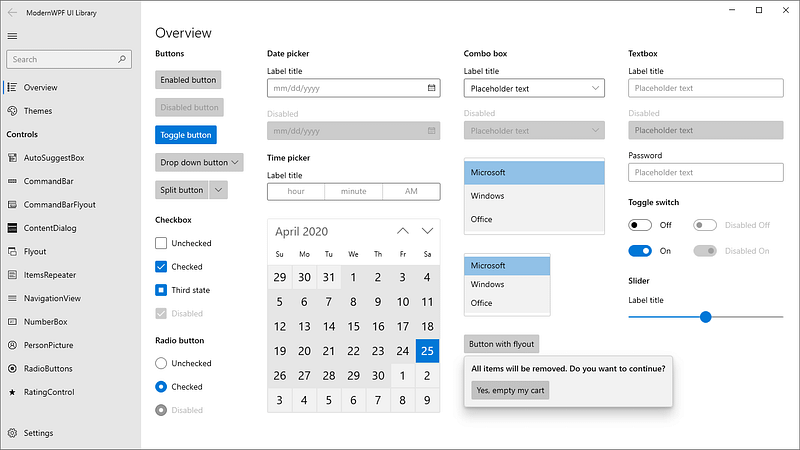
This is a modern and responsive UI toolkit for creating Windows desktop applications. It offers a set of controls, styles, and themes that follow the latest design principles and user experience guidelines. It has more than 3.5k stars on GitHub. Please check the library here.
7. Ooui
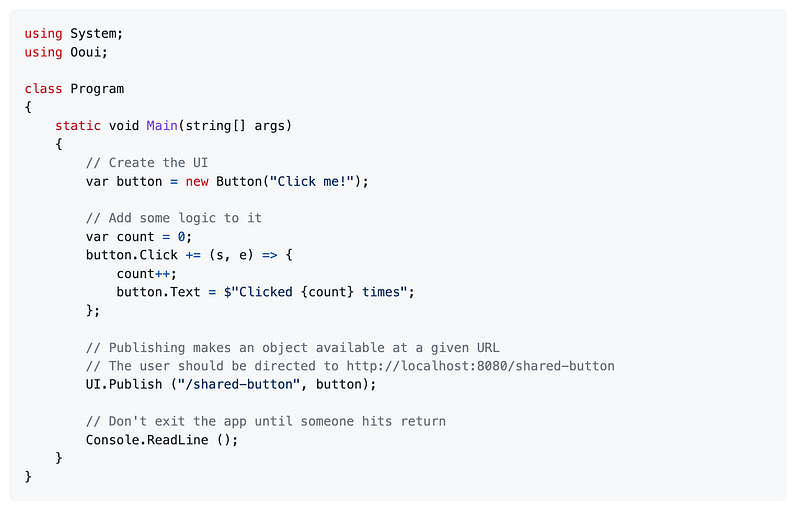
Ooui (pronounced weee!) is a small cross-platform UI library for .NET that uses web technologies. It presents a classic object-oriented UI API that controls a dumb browser. With this library, you get the full power of your favorite .NET programming language plus the ability to interact with your app using any device. It has more than 1.5k stars on GitHub. Please check the library here.
Where are some other awesome resources?
There are always new things to learn. If you want to learn more about awesome resources please check out the below link.
That’s all for today. I believe these libraries will help you a lot in your development journey.
If you know of any other beautiful .NET libraries, please share them in the comments. Until we meet again. Cheers!
Want to Connect? If you want to, you can connect with me on Twitter.


