
7 Amazing AI Tools That You Should Start Using No Matter What You Do
Please don’t expect ChatGPT.

Let’s be honest, the future of technology is heavily intertwined with the advancement of Artificial Intelligence (AI).
With the release of tools like ChatGPT by OpenAI, the potential for AI-powered apps and services has become more evident than ever. However, as the use of these tools increases, so do the challenges of scaling them to meet the demands of a growing user base.
But, despite these challenges, AI tools continue to be a popular choice among individuals and businesses looking to increase their productivity and streamline their work. And the good news is that many of these tools are free to use and accessible to anyone with an internet connection.
From natural language processing and image recognition to predictive analytics and machine learning, there are a plethora of AI-powered tools available today. Each of these tools can help you automate tedious tasks, gain insights from data, and even create new products and services.
Here, I will be highlighting some of the best AI tools available today and how you can use them to increase your productivity and improve your work. Whether you’re a developer, a marketer, or just someone looking to streamline their work, these tools can help you get ahead of the game.
Note: I wasn’t compensated to write this piece by any of these tools. In other words, I don’t receive any payment from their founders. There is no affiliate link, and each one is free to use.
So, stay tuned, and let’s dive into the world of AI and see how it can help us be more productive and efficient in our daily lives.
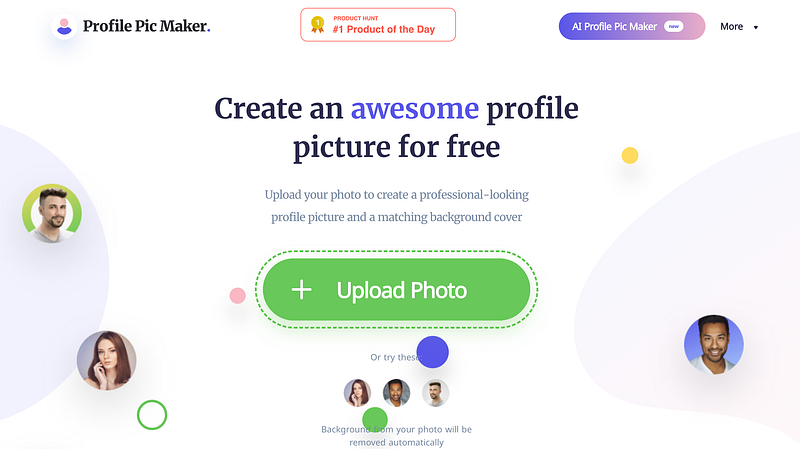
When it comes to creating a professional and trustworthy online presence, having a high-quality profile picture is essential. Whether it’s for your resume, LinkedIn profile, or social media accounts, having a great photo of yourself is a must.
But here’s the thing, getting a professional photo can be quite costly, and not everyone has the time or resources to invest in it. This is where AI-based tools come in handy.
There are a number of them available in the market that offer the ability to create high-quality, AI-generated photos. However, many of them come with a price tag.
That’s where Profile Pic Maker comes in as a game-changer. This innovative tool is completely free to use, and it doesn’t require any sign-up. You can easily create a professional-looking photo of yourself and even customized it based on your choice.
It uses AI technology to create high-quality images that look just as good as those taken by a professional photographer, without the high cost.
With Profile Pic Maker, you can have a great photo of yourself at your fingertips, ready to be used on all your online profiles, without breaking the bank.
So, why wait? Give Profile Pic Maker a try today and take your online presence to the next level.
2. Mem.ai
We all know that no matter how hard we work, it can be challenging to stay organized and on top of our tasks.
But what if I told you that there’s a tool that can help you do just that? Introducing Mem.ai — a productivity and project management tool that’s designed to help teams streamline their work and stay organized.
While there are many other tools available on the market, Mem.ai stands out for its ability to do so much more.
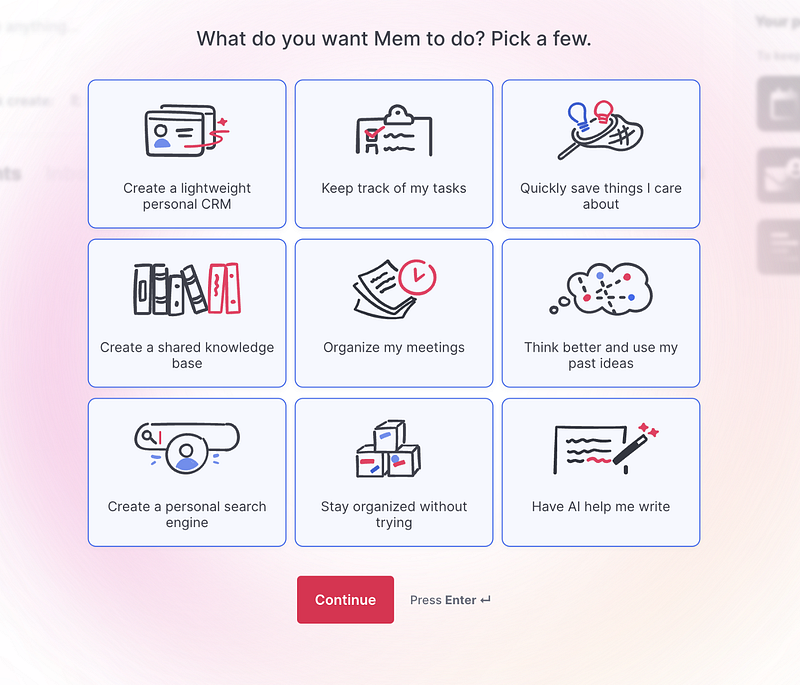
It can help you create a lightweight personal CRM, keep track of your tasks, quickly save important information, create a shared knowledge base, organize your meetings, and even assist with your writing. The possibilities are endless with Mem.ai.
But here’s the best part, despite its extensive capabilities, Mem.ai doesn’t come with a hefty price tag. It’s free to use up to a certain limit, making it accessible to everyone.
So, give it a try and see how it can help you and your team stay organized and on track with your work.
3. Upscale
We’ve all been there — you need to increase the size of an image, but when you do, the quality takes a hit. It’s frustrating, to say the least.
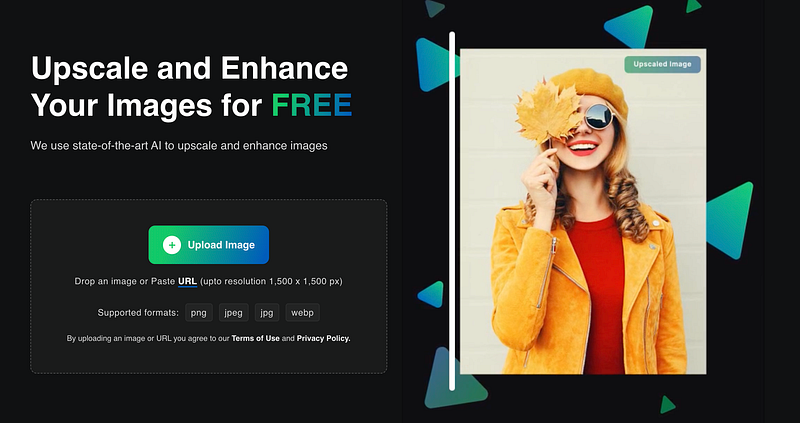
But what if I told you that there’s a tool that can help you overcome this problem? Introducing Upscale, a powerful image upscaling tool that can help you increase the size of your images without sacrificing quality.
With Upscale, it’s easy to upload your images in any of the popular formats such as PNG, JPEG, JPG, and WEBP, and then upscale them up to 4x their original size.
The tool uses AI algorithms to analyze the image and create new pixels that maintain the quality of the original image. This means that you can increase the size of your images without worrying about them becoming pixelated or blurry.
If you’re tired of dealing with the hassle of poor image quality when increasing the size, Upscale is the solution you’ve been looking for. It’s easy to use, and it’s available for free.
So, why not give it a try and see the difference it can make to your images?
Applying for a job can be a daunting task, especially when you consider the competition. One of the most important things you need to submit when applying for a job is your resume. A resume is a document that summarizes your education, qualifications, and experiences, and is used by recruiters to determine if you’re a good fit for the role.
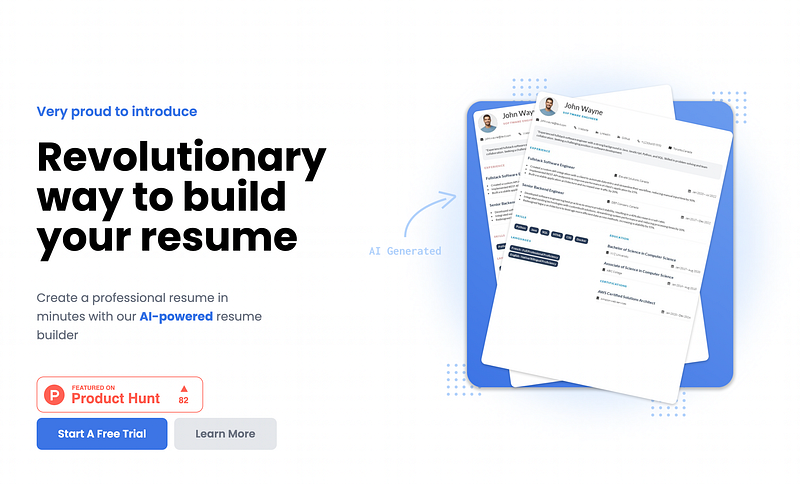
However, with thousands of resumes being submitted for a single job role, it can be difficult for recruiters to find the best candidate. This is where it becomes crucial for you to stand out from the rest. And that’s where an AI-powered resume builder like Resume Studio comes in.
Resume Studio is an easy-to-use tool that can help you create a professional and attractive resume that will grab the attention of recruiters. It uses AI algorithms to analyze your resume and suggest improvements, such as using keywords, formatting, and design that will make your resume stand out.
Additionally, it can also help you to identify and highlight the skills, qualifications, and experiences that are most relevant to the job role you’re applying for.
The best part is that Resume Studio is completely free to use. So, why not give it a try and create a resume that will help you stand out from the crowd and increase your chances of getting the job you want?
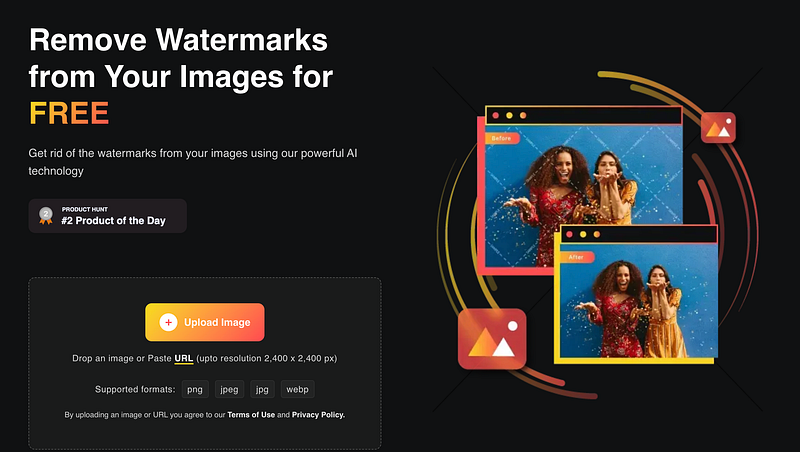
We’ve all been there — you’ve spent hours creating a polished presentation, image, or resume, only to find that it’s been marked by an unsightly watermark. Whether it’s a small logo or a large text, watermarks can detract from the professionalism and impact of your work.
This is where WaterMark Remover comes in as a lifesaver. This powerful tool can help you easily remove watermarks from your documents, leaving you with a clean and polished final product. It uses advanced image processing algorithms to analyze the image, detect the watermark, and remove it while preserving the integrity of the original image.
WaterMark Remover is easy to use, and it supports a wide range of image formats, including PNG, JPG, JPEG, and WEBP. It can remove various types of watermarks, including text, logos, and even QR codes. The tool is also available for free.
So, if you’re tired of dealing with the hassle of watermarks on your documents, WaterMark Remover is the solution you’ve been looking for.
It’s fast, efficient, and most importantly, it’s free.
6. Bardeen.ai
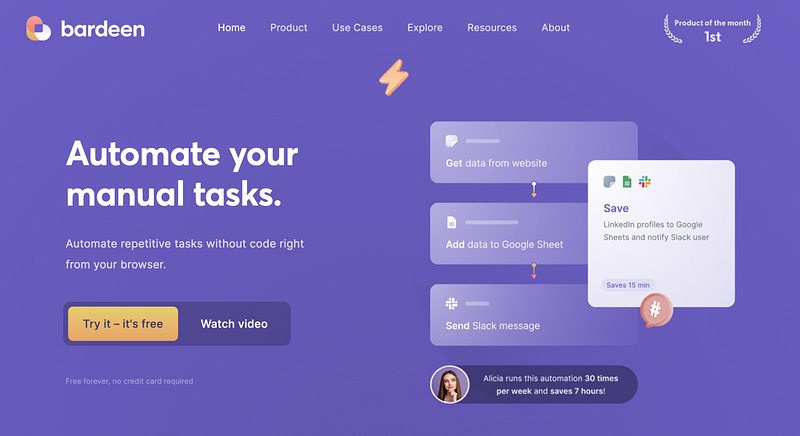
As a programmer, you have the skills and knowledge to automate many of the tasks you perform on a daily basis through code. However, not everyone has the programming expertise to automate their tasks. That’s where tools like Bardeen come in.
Bardeen is an online tool that enables users to automate a wide range of operations related to meetings, marketing, product development, sales, and prospecting, recruiting, market research, and personal productivity.
It’s designed to help users streamline their work and improve their efficiency without the need for programming skills. With Bardeen, you can automate repetitive tasks, schedule appointments, create reminders, and even automate your email campaigns.
The tool is completely free to use, making it a cost-effective choice for anyone looking to automate their processes
7. Akkio
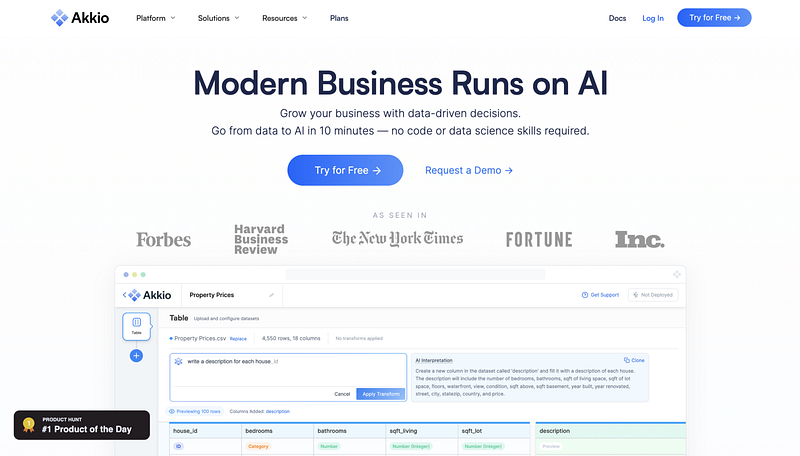
As someone who’s been in the game of no-code tools, you know that I’ve been vocal about the many benefits of using these tools to build websites and games without having to write a single line of code. But as the world of technology evolves, so do the tools and technologies we use. And in recent years, there’s been a surge in the use of AI and Machine Learning.
But here’s the thing, not everyone is an AI expert or has the skills or knowledge to train machine learning models. And that’s where Akkio comes in.
Akkio is a user-friendly, web-based platform that enables individuals to build and train ML models without needing to know SQL or have advanced knowledge of Machine Learning. It provides a simple, intuitive interface that makes it easy to create, test, and deploy ML models with just a few clicks.
With Akkio, you can quickly and easily train models for tasks like image recognition, natural language processing, and predictive analytics. And it’s not just for programmers or AI experts, it’s for anyone who wants to integrate ML capabilities into their projects without having to learn SQL or spend hours writing code.
It is a great solution for anyone who wants to add ML capabilities to their projects without having to spend time learning new technologies. It’s user-friendly, easy to use, and most importantly, it’s free.
Give it a try and see how it can help you build and train ML models within minutes.
Hope you like it.
That’s it — thanks.
Consider becoming a Medium member if you appreciate reading stories like this and want to help me as a writer. It costs $5 per month and gives you unlimited access to Medium content. I’ll get a little commission if you sign up via my link.


