
6 Ways to Spice-up Your Virtual Meetings
There is more to a good online meeting than just showing up prepared
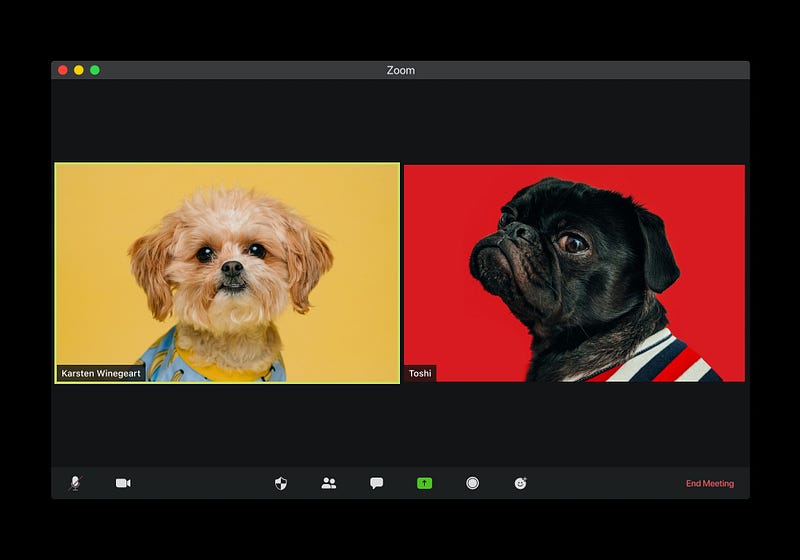
We now have more virtual meetings than face-to-face ones. I am sure there are some who are more comfortable with virtual meetings than in person meetings. However, many of us miss the intimacy of being in the same room as our colleagues, customers, and suppliers. Let’s face it, the in-person meeting is a more familiar setting. Face-to-face meetings provide us with many visual and nonverbal cues which help to interpret the information we are hearing and seeing. But for their time-saving benefits alone, virtual meetings are here to stay. Below are six tips to help you embrace and enjoy your virtual meeting experience.
Sign in early and have a chat
When you attend a meeting, it is proper etiquette to arrive a few minutes early. So why not do that in virtual meetings too? There will not be any donuts to incentivize you, but having an opportunity to talk about non-business topics will help everyone to know each other better.
Create a social meeting
Meetings do not have to be all business. Some organizations are scheduling virtual cocktail hours and water cooler chats. These activities allow you to discuss challenges in an informal environment and brainstorm creative solutions through the use of a “hive mind.”
Use emojis and gifs
One complaint most of us have about virtual meetings is that it is challenging to read non-verbal qualities like the tone of voice and body language. Using emojis and gifs is a quick and easy way to show a reaction to the ideas of others. If a picture is worth a thousand words, then gifs and emojis are priceless communication tools in meetings. They help others to understand your feelings about the information presented.
Use the private chat to nudge quiet folks to speak up
As a friend or moderator, you could give those folks who are usually more restrained in meetings a silent nudge to participate. All you have to do is open a private chat and remind them of the great idea that they shared with you the other day. Be forewarned that a savvy facilitator can see these comments. So, keep them professional.
Use the public chat box to sum-up key points
When you come to the end of an agenda item, you may want to use the chat box to summarize the key ideas. This ensures that everyone understands them. Reading head bobs and verbal affirmations in a virtual meeting is challenging, but giving meeting members a visual representation of what they are hearing improves their understanding.
Ask questions during presentations
Finally, using the chat box for asking questions during a presentation ensures that we do not forget the queries we were going to make and allows us to ask in real-time. The presenter could then answer these at the end of their talk in a linear fashion, answer questions based on centralized themes that came up, or respond while giving their presentation. This final technique is a conversational style and exhibits a high degree of subject matter competence.
Virtual meetings are about as similar to face-to-face meetings as a movie is to the theater. So, don’t expect the same experience. It’s just different. Learn the technology, adjust your agendas, and try new things. Using the chat functions and finding ways to add a social element will make you into a virtual meeting maven.
Here are more tips for improving your online meetings
How to have a virtual meeting that’s not painful — Fast Company
How to Run a Great Virtual Meeting — Harvard Business Review
12 Tips For Making Your Virtual Meetings More Professional — Forbes
Keep up with my writing and other projects — Sign up here