
6 Ways to Run Jest Test Cases Silently
A detailed guide on how to turn off console information
Among all types of tests, unit tests reside at the bottom of the Test Pyramid. Each unit test case verifies one specific point of the software logic, with a very narrow and well-defined scope. Since unit tests are nimble and fast, the number of unit tests should largely outnumber any other types of tests.
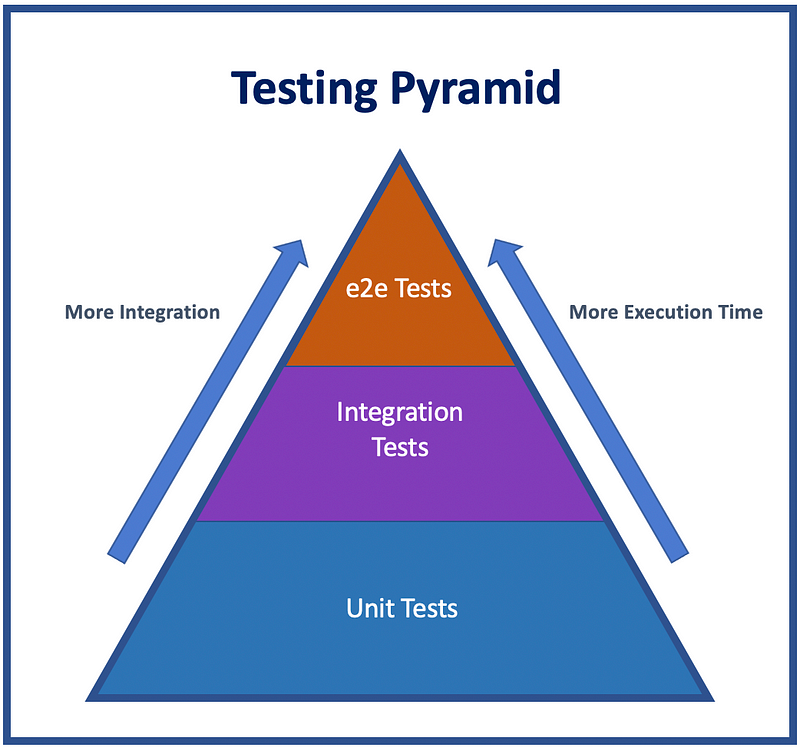
With a large amount of test cases, there might be a large amount of console information from the code, which you may not have control of.
The console object provides access to browsers’ debugging console. A number of methods are provided by the console object:
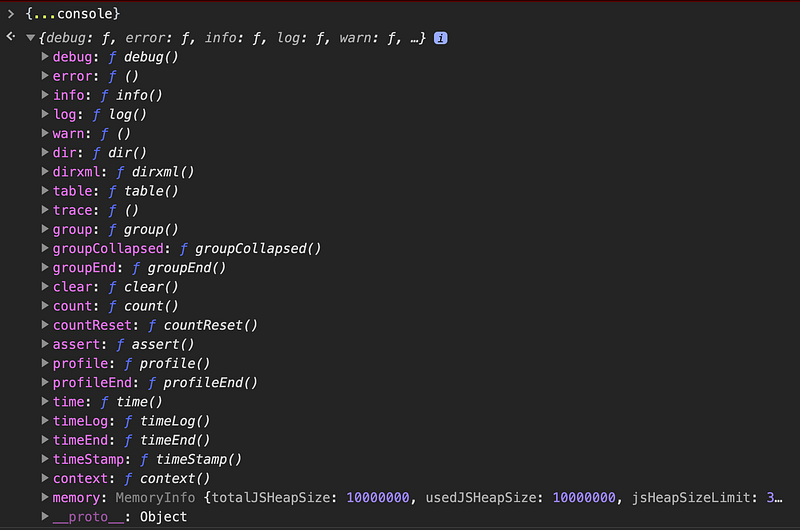
The most frequently-used feature of the console is logging information. The popular methods are:
console.log(): Prints out a debug message to the console.console.debug(): An alias for console.log.console.info(): Prints out an information message to the console.console.warn(): Prints out a warning message to the console.console.error(): Prints out an error information message to the console.
When unit test cases are executed, console messages in the code are printed out on the screen. Likely, you may want to turn them off and run test cases silently. There are six ways to do it.
1. Turn Off All Console Information
If using Jest test framework, you can turn off all console messages by one command: jest --silent.
2. Turn Off console.log and console.debug Messages Globally
You may want to only turn off console.log and console.debug messages, and keep other console information. This is the way to accomplish this.
Create a setup.js file:
Put the setup file in __tests__ subdirectory:
<rootDir>
  ├── __tests__
  │       └── setup.js
  └── ...
Configure the setup file in jest.config.js:
Now console.log and console.debug messages are turned off globally.
This setup.js file can be written as follows as well:
3. Turn Off console.log and console.debug Messages in One File Only
You may want to turn off console.log and console.debug messages in one test file only:
4. Turn Off console.log and console.debug Messages in One Test Only
You may want to turn off console.log and console.debug messages in one test case only:
5. Conditionally Print Out Console Messages While Jest Is Not Running
At the product source code level, you can conditionally print out console.log and console.debug messages while Jest is not running:
6. Conditionally Print Out Console Messages Based on NODE_ENV Environment Variable
At the product source code level, you can conditionally print out console messages based on NODE_ENV environment variable:
Conclusion
We walked through 6 ways on how to run Jest test cases silently. You can pick and choose your ways based on the situation and your preference.
Thanks for reading. I hope this was helpful. You can see my other Medium publications here.


