
6 Practical Tips - Typography System Creation
There is something necessary in every UI Design — Typography. To speed up your work, the design system must have well-prepared components and a typography system.
In this handy tutorial, I will show you how to improve yours with 6 practical tips:
1. Pick a typeface
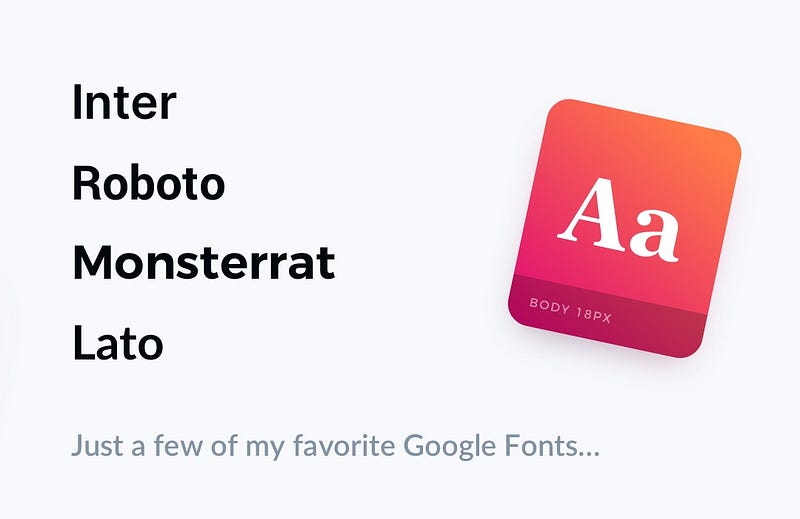
Usually, one typeface is enough. If you want to create a more outstanding experience, you may try to mix 2. Use one for headings or title and the second one for smaller sizes like Body, Caption, etc. I love to use good free fonts like Montserrat, Lato, Roboto or Inter. They ensure good readability and modern style.
2. Set the base size
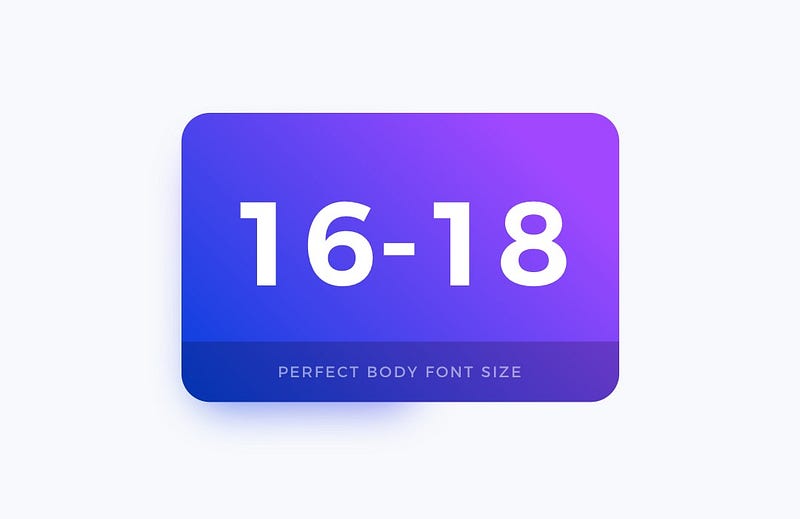
Body font is used to standard text content in your design. It is important to balance good readability with aesthetics. Usually, the perfect size, in this case, is around 16–18 pixels.
3. Create Type Scale
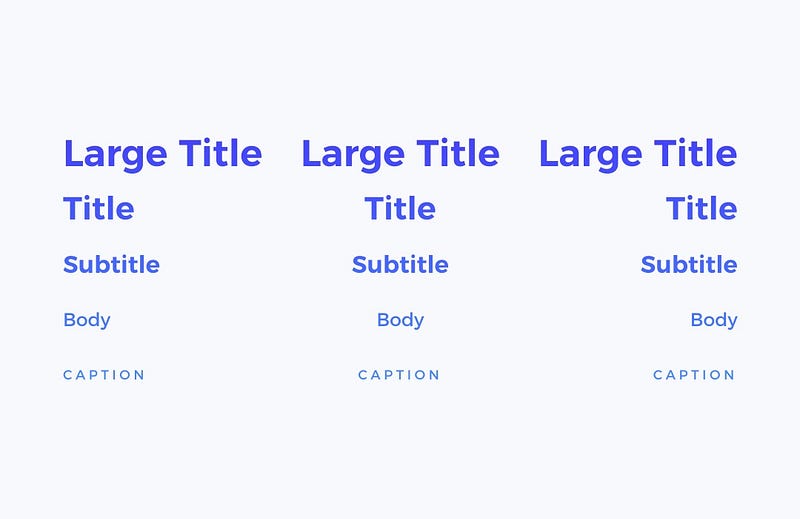
Creating a typography scale is always challenging. There are many techniques that allow you to create a harmonious set. I like to use strong foundations. When you want to create your use sites like type-scale.com or material.io to inspire yourself and build scale quickly.
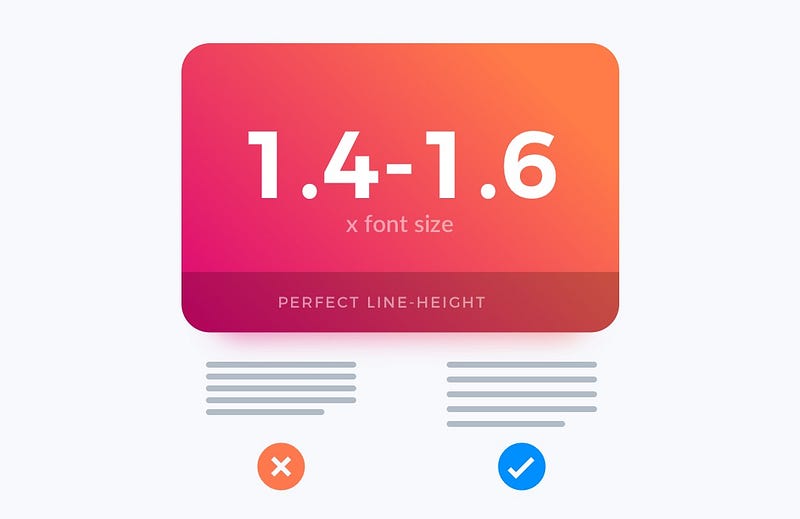
4. Set Good Line Height
To enhance text readability, it is not enough to have a good font size. Line-height has to fit the font size. For the best results, play with 1.4–1.6 of font size as a line-height. For example if your body font is 16px, the line-height should be around 24px. Try it on yourself, and see the difference in reading comfort.
5. Adjust Tracking
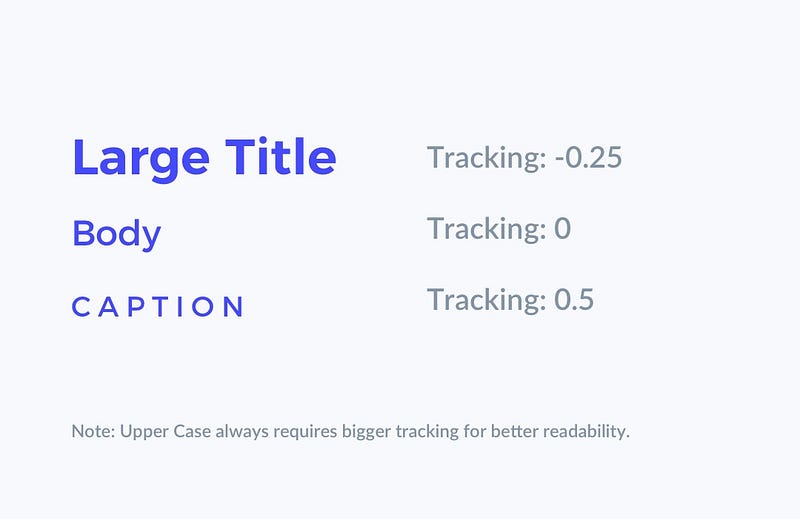
In typography, readability is king. The next factor that helps to enhance it is tracking. Bigger sizes like Headings or Titles require less tracking value. Smaller ones (especially with Upper Case letters) need to have tracking increased.
6. Define meaningful Colors
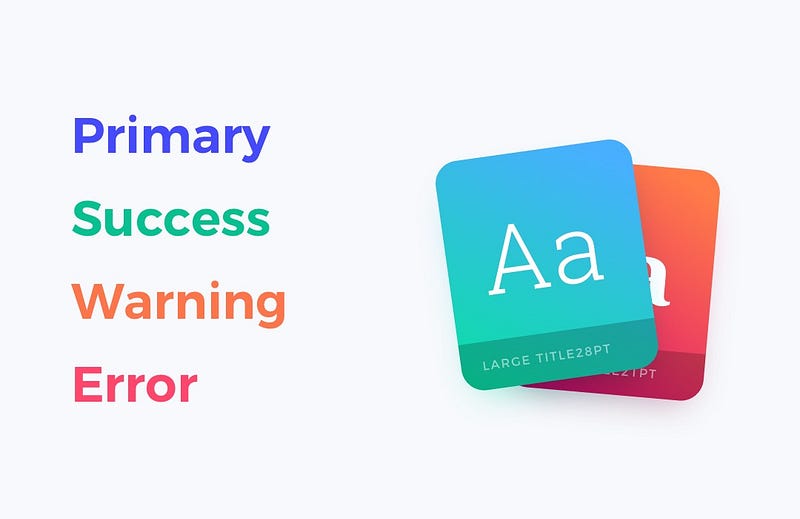
I always repeat that when it comes to Design System Creation do not use names like “Blue, Green or Yellow.” Make your colors meaningful. For example, give them the following names: “Primary, Secondary, Warning, or Error.” This also applies to font colors. This helps to recognize the right purpose of the element.
Bonus Tips!
Fee free to read the guide about Typography I have written on the blog:
To conclude
Building a Typography System is always challenging — every project requires an individual approach to reflect the brand. However, these simple tips will help you create your bullet-proof design system.
If you create or use Design System with Typography Systema, check out my time-saving 🚀 Design Starter Kit or 🏎 User Flow Kit. You may also read my other ✍️ UI Design Tutorials.
The article was originally published on my blog.
Thanks for reading!