
6 Awesome Text Editors For Windows You Need to Know Now
There are a lot of great text editors for Windows, but which one is the best for you? It really depends on your needs.
If you’re a programmer, you might want an editor that has syntax highlighting and code completion. If you’re a web developer, you might want an editor that has built-in support for HTML, CSS, and JavaScript. And if you’re just looking for a basic text editor, there are plenty of those to choose from as well.
Here are some of the best text editors for Windows:
1. Notepad++
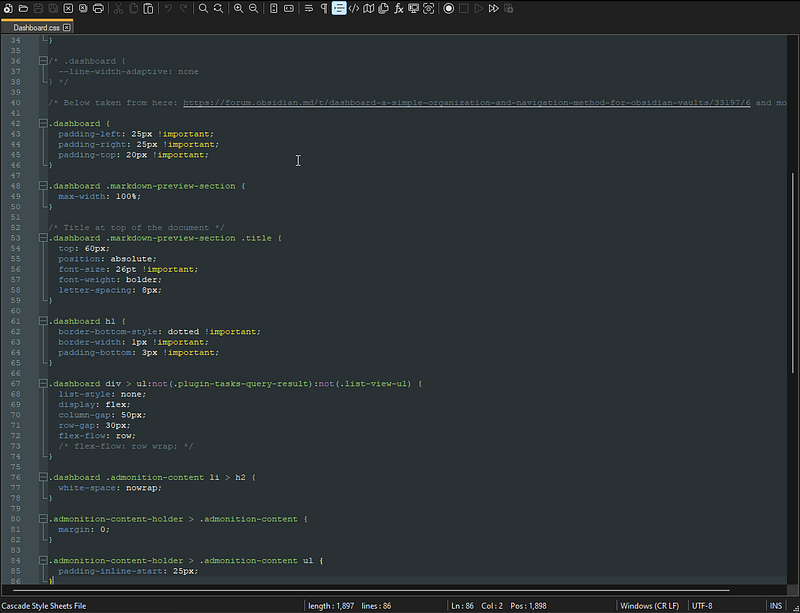
Notepad++ is a free and open-source code editor for Windows. It is a powerful tool for editing code and can be used for a variety of programming languages. Notepad++ has many features that make it a valuable tool for developers, including syntax highlighting, code folding, and a plugin system.
2. Visual Studio Code
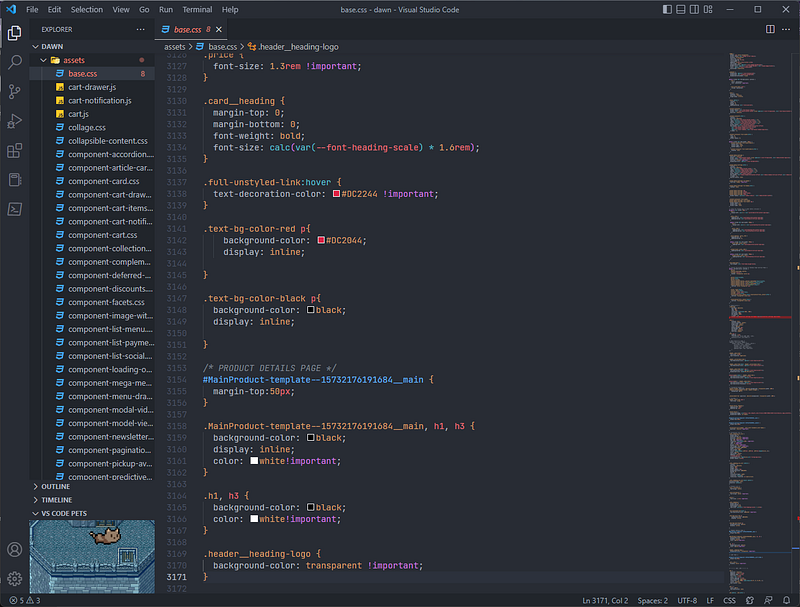
Visual Studio Code is a free code editor from Microsoft. It has a lot of features that make it a great code editor. It has syntax highlighting for over 50 languages, code completion, and integrated Git. It also has a great extension ecosystem.
There are extensions for just about everything, including language support, themes, and debugging tools.
If you’re not using Visual Studio Code, you should definitely check it out. It’s a great code editor that’s worth trying out.
3. Sublime Text
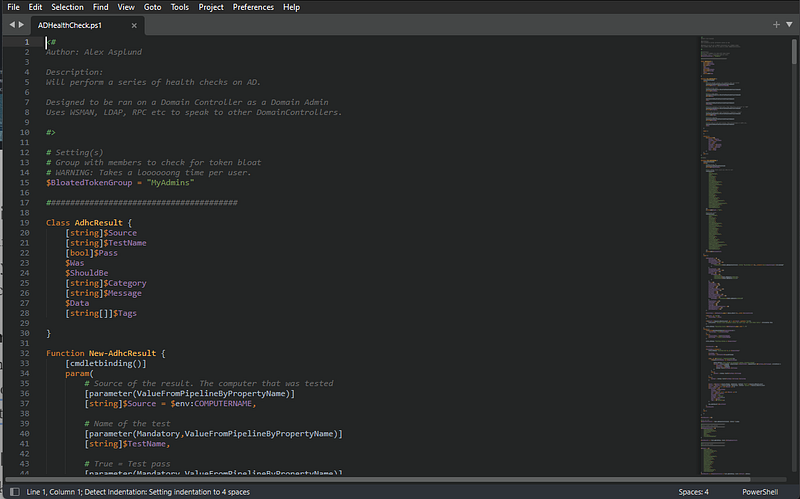
Sublime Text is a powerful text editor that has amassed a large following of devoted fans. It is beloved for its speed, flexibility, and wide array of features.
Whether you’re a seasoned programmer or just getting started, Sublime Text is worth checking out.
Here are some of the features that make it so great:
- Fast and responsive: Sublime Text is very fast and responsive, even when working with large files.
- Highly customizable: You can customize almost everything in Sublime Text, from the keyboard shortcuts to the interface theme.
- Extensibility: There are a ton of plugins available for Sublime Text, which can be used to add new features or extend existing ones.
4. Atom
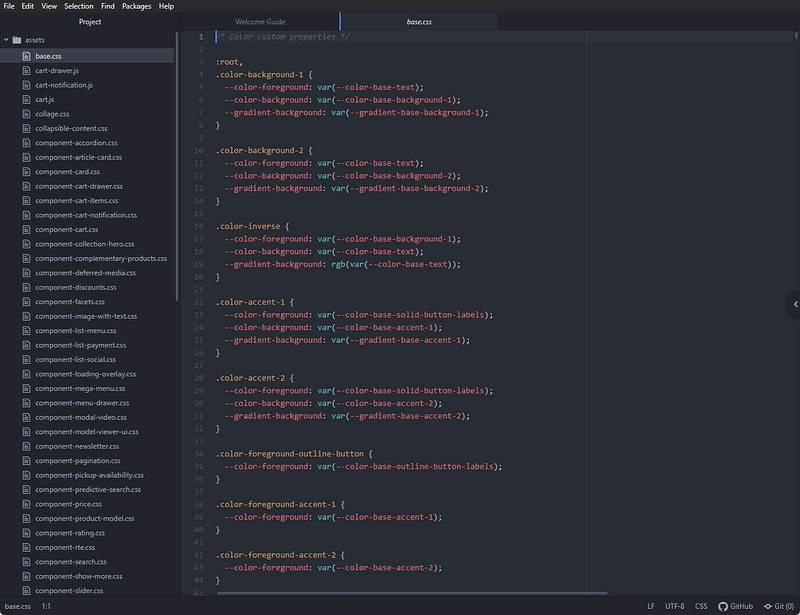
Atom is a text editor that’s modern, approachable, yet hackable to the core — a tool you can customize to do anything but also use productively without ever touching a config file.
Atom is built on Electron, which is used to build desktop applications using web technologies.
5. Brackets
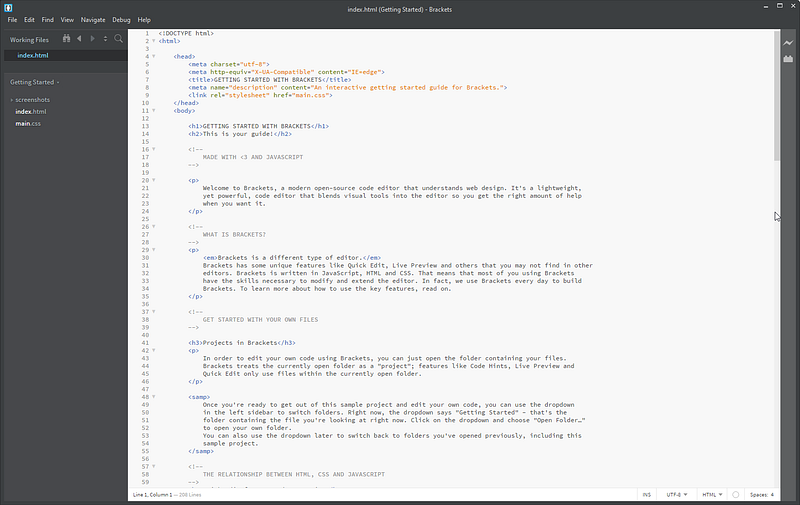
Brackets is a free and open-source code editor from Adobe. It has built-in support for HTML, CSS, and JavaScript, and allows you to preview your work in real time.
6. Vim/Neovim/Neovide
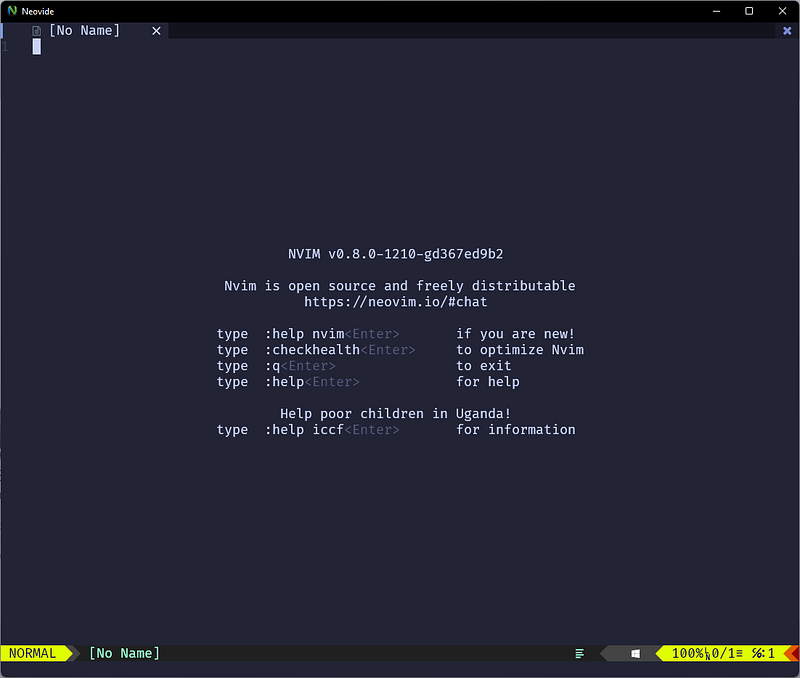
Vim is a highly configurable text editor for efficiently creating and changing any kind of text. It is an improved version of the vi editor distributed with most UNIX systems. Vim is often called a “programmer’s editor,” and is so useful for programming that many consider it an entire IDE. It’s not just for programmers, though. Vim is perfect for all kinds of text editing, from composing emails to editing configuration files. Vim is free and open-source software.
There is no definitive answer to which is the best text editor. I guess it depends on your needs. However, these are undoubtedly the most popular text editors for Windows. Which one is your favorite?
Click here to be notified every time I publish a new story 😉.
If you’re not a Medium member yet and wish to support me or get access to all my stories, click here.
Check out the My Obsidian Setup series.
Or read my articles about the best Windows Apps.


