The Nine States of Design
Modern UI teams are designing components first; Interfaces are merely the thoughtful composition of components. This leaves an often glaring hole for users on “the unhappy path” — The places where users may, intentionally or not, stray from your idealized flow. As we learn to craft systems rather than pages, we must invest effort into shaping these often missed states of design and create with a component lifecycle that can support everyone. Here’s the lifecycle as I see it:
States
- Nothing
What happens before your component does anything? Maybe it’s the first time a user sees it. Maybe it’s not activated yet. Essentially, the component exists but hasn’t started.
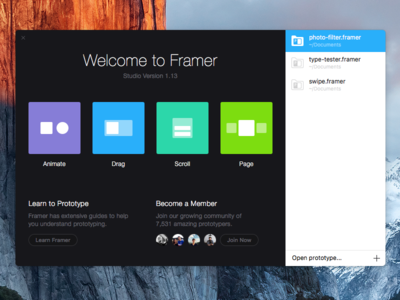
2. Loading
The dreaded state. In a perfect world, no one would ever see this; Alas, here we find ourselves. There are plenty of ways to keep your loading state subtle and unobtrusive. Facebook does a pretty good job of this:
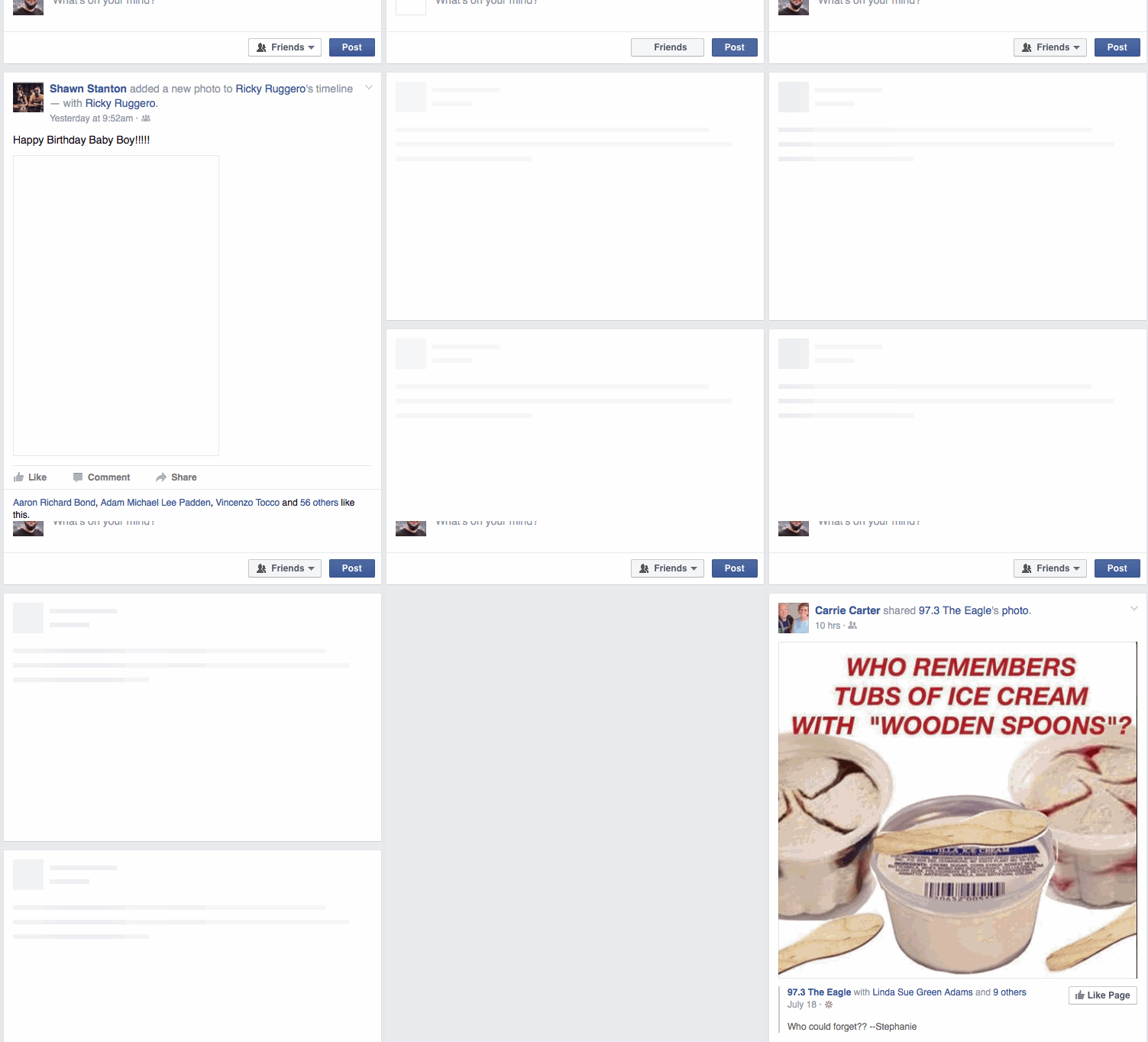
3. None
Your component has initialized, but it’s empty. No data. No Items. Now may be a good time to get the user to act (“Do this thing!”), or to reward them (“Good job, everything is taken care of”).
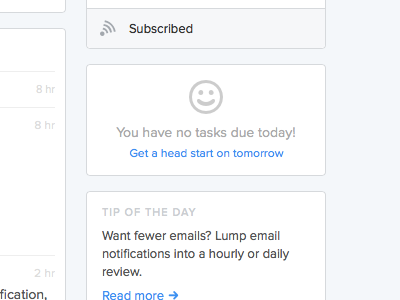
4. One
You have some data. On an input, this may be after the first keystroke. In a list, it might be when you have one item (or one left).
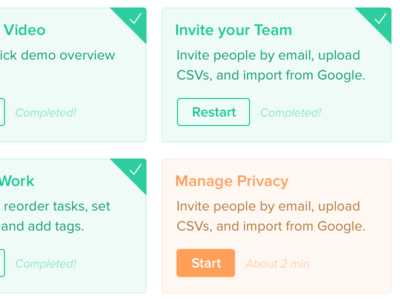
5. Some
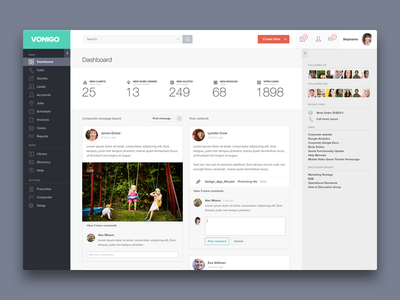
This is usually what you think of first. What is the ideal state for this component? Your data is loaded, you have input, and the user is familiar with it.
6. Too many
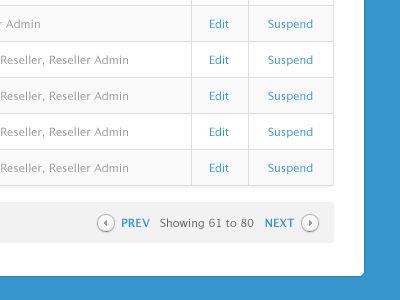
Woah there! The user has overdone it in some way. Too many results (maybe you paginate them now), too many characters (maybe ellipses?), and so on.
7. Incorrect
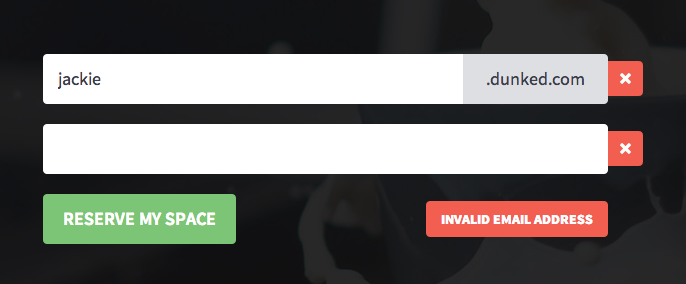
Something is not right about the component. An error has occurred.
8. Correct
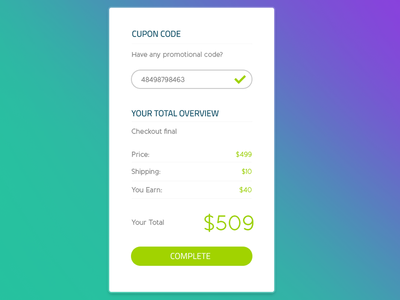
Good to go! This item has had its needs satisfied.
9. Done
The user’s correct input has been received by the application. They don’t have to worry about it anymore.

These states will repeat based on the page, user interaction, updated data, and pretty much any change of your application’s state. By thoughtfully designing for these changes, you can create a polished experience for users no matter which situation they find themselves in.
Many of these states are either inferred, forgotten, or simply ignored by teams. This is a huge mistake and an opportunity for you to rise above your competitors. By integrating stateful thinking into your process, you practice empathy with your users while simultaneously taking control of your application.
The nine states of design apply to all designs and all components. Even if you make a conscious decision to ignore one of them, following this guideline will ensure that you actually think about the unhappy path.

Published in #SWLH (Startups, Wanderlust, and Life Hacking)