
5 Tools You Never Knew Your Newsletter Needed
Bonus — They’re all free to use

You chose the platform to house your newsletter, imported your email list, and consistently blast out emails to your subscribers.
So how come your newsletter isn’t growing as quickly as you’d like and you’re not hitting the number of clicks you want?
The answer might be simpler than you think. Your emails could be missing a skosh of pizazz to get the engagement you’re looking for.
If only there was some sort of free tool(s) to help push your newsletter to the next level and help you reach your goals.
Oh wait, there are tools out there that do just that!
Here are five tools that have helped me boost engagement for my newsletter. The best part: they’re all free.
Feedletter
Getting feedback on your newsletter from your subscribers is a great way to help you improve it. Feedletter makes getting that feedback pain free.
After making an account, Feedletter helps you create simple and alluring feedback links that look similar to this:
🙋♂️ How did we do?
With your feedback, we can improve this newsletter. Please click on a link to vote:
👍 That helped me. Thanks
😐 Meh — was ok.
👎 Not interesting to me.
If you saw this while reading my newsletter, you’d notice that each option would be a link you could click and write out your feedback on.
Also, Feedletter allows you to craft most of the language yourself. Meaning, you don’t have to have your request for feedback look similar to mine.
I insert this tool at the end of my newsletter so my subscribers get a chance to digest everything they just read before leaving feedback.
I’ve found that the use of emojis draws in more readers to click and leave feedback. Also, the simplicity of Feedletter’s dashboard makes the data you receieve easy to analyze.
Poet.so
For a long time, I embedded tweets in my newsletter by clicking the embed button Twitter. It looked clean enough — I suppose — and got the job done.
However, Poet.so is a game-changer for anyone who likes to embed tweets in their newsletters.
Poet.so gives you more control over how the tweet will appear in your newsletter because it lets you control its dimensions.
It also provides an array of colorful, eye-catching backgrounds behind your tweet — which look similar to this:
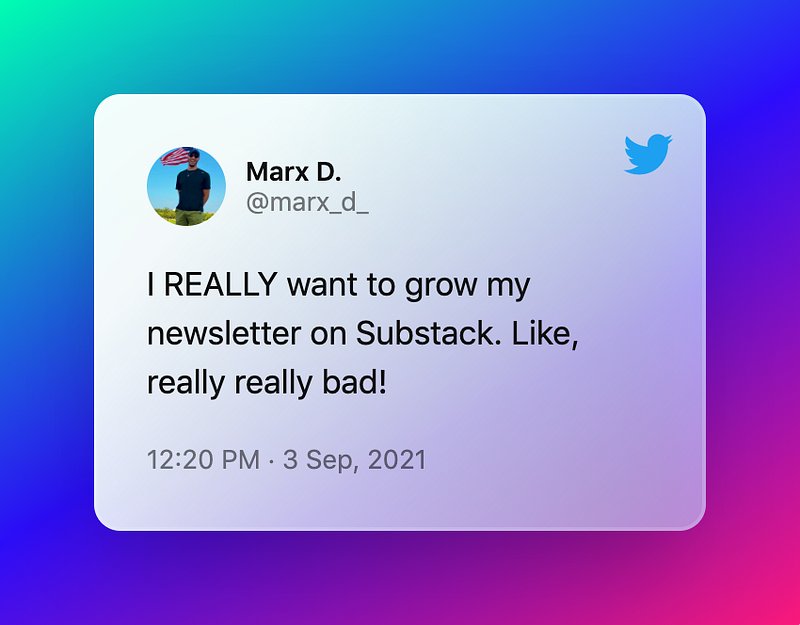
There are multiple ways to mix and match the color scheme of your tweets’ appearance and background.
All you need to do is copy and paste any tweet into the online software, adjust it to how you want it, and then either download or copy and paste it into your newsletter.
It’s extremely easy and quick to use, I promise.
DIY Book Covers
I discovered DIY Book Covers while in the process of launching my e-book. I realized it had more power than just stylizing book covers.
It’s a great way to create 3D mockups of a book — or just about anything else really.
Use the 3D mockup from DIY Book Covers in your email blast when:
- Selling a course and need to advertise a graphic for it.
- Selling an e-book.
- Selling or advertising anything really.
It’s a neat tool to help bring your designs to life and attract clicks.
I used a few different 3D mockups when sending out emails about my e-book:
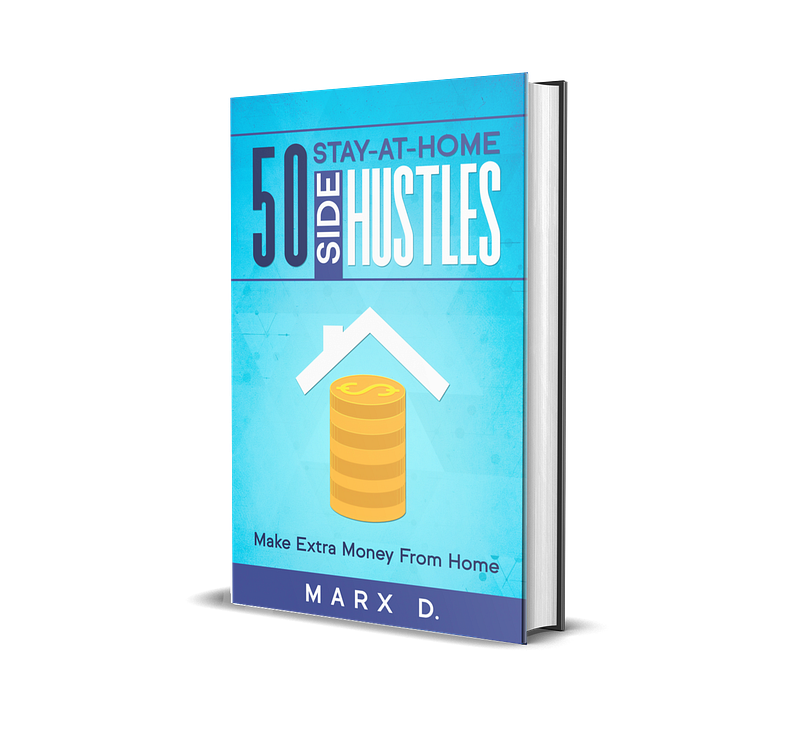
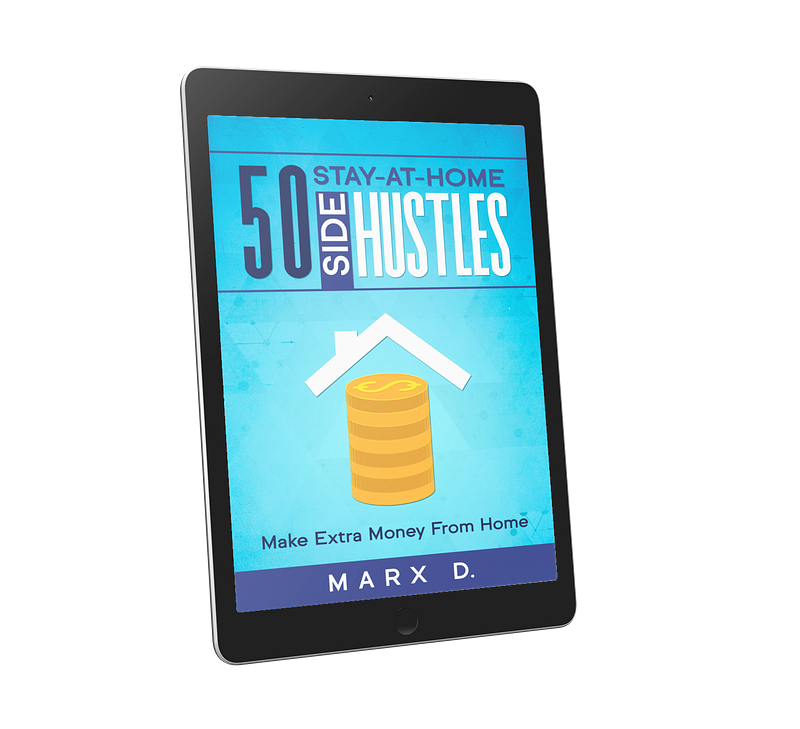
Instead of just putting your graphic design onto a 3D mockup of a book or tablet, you can also put it on a variety of different cellular devices like iPhones and smartphones.
Canva links
Links from Canva design projects come in handy for offering simple downloads of information sheets you created.
For example, I created a rules sheet on Canva about a writing contest I was hosting. After designing the sheet in Canva, I simply shared the link in my email blasts so my subscribers could access it.
In the past, I’ve created similar sheets in Google Docs, but I never liked the process of it. Mainly because you have to do the design element somewhere else — like on Canva — and then find a way to paste it into your Google Doc.
Sending out the Canva link after creating a design removes the extra step in getting information to your readers.
Plus, if you don’t excel at graphic design — like me — then you’re going to need a way to produce high-quality visuals without too much work or effort. Canva is the perfect tool to do that.
SurveyMonkey
This last tool is one most of us are aware of. SurveyMonkey is a survey website that allows you to create and send out surveys in a variety of different ways.
In my opinion, it’s one of the best survey tools that you can embed into your emails. It’s easy to use, has a clean design, and makes collecting survey data fast.
It’s been my experience that most people open newsletters on their cellular devices, and very few open emails on their laptops. You’ll want to use a survey that is just as smooth on a smartphone as it is on a computer.
SurveyMonkey is that survey platform.
You could also use SurveyMonkey to receive feedback on your newsletter instead of Feedletter, but in my experience, Feedletter is much better at gathering feedback. SurveyMonkey is better at distributing surveys, who would’ve thought?
Use these tools wisely
If you utilize each of these tools in the right way, you’ll quickly start to see your emails getting more engagement and clicks.
Every one of these tools is designed to pop and attract readers in an attempt to get them to click.
Other than being free to use, the coolest feature of these tools is how friendly and effortlessly clean they are for viewers look at and engage with. They won’t clutter the emails you send out and you have a lot of control over the way most of the tools look.


