
5 reasons why jupyter notebooks suck
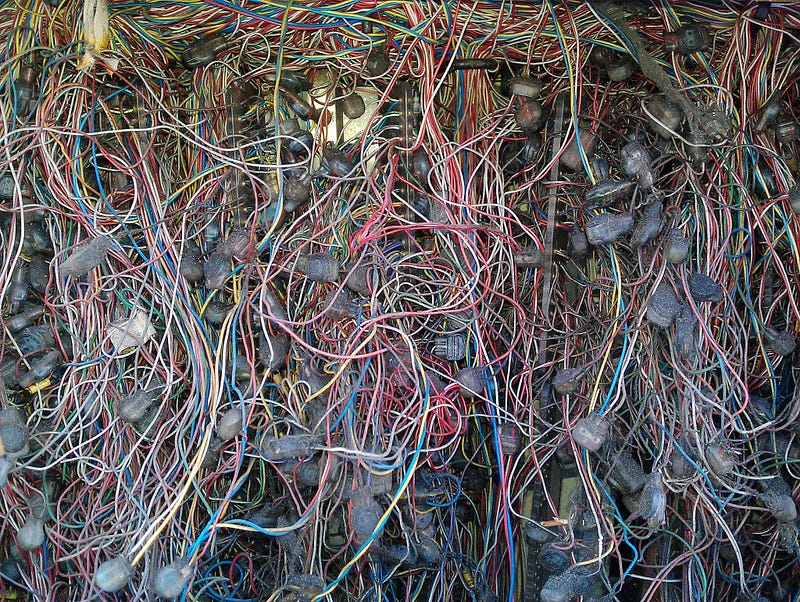
I’m working since roughly 3 years up to 60% of my time with jupyter notebooks. I think they are a wonderful tool for many tasks like exploratory data analysis, result presentation, insight sharing with co-workers. But more and more I’m coming to the conclusion that jupyter notebooks can’t be the last resort, especially when working in teams that aim to build products that are enabled by means of ML, DS, AI, etc. Let’s have a look why?
1. It is almost impossible to enable good code versioning
Do you work in a data team that collaborates and might work on the same notebooks? Probably you then tried to merge two jupyter notebooks. Due to the fact that jupyter notebooks are stored as big JSON files merging two notebooks is virtually impossible. This is bad because we cannot apply tools for software teams like a good git workflow will pull requests and reviews.
2. There is no IDE integration, no linting, no code-style correction
Once I posted a snippet from a jupyter notebook into slack python developer group. I cannot say how ashamed I felt about the way they blamed me for not following pep conventions. Jupyter has no kind of linting meaning you can write very badly styled coded. Just try to copy your code into your favorable code editor with linting, and you will see what I mean. Data Scientist are not software engineers and therefore tools that govern their code quality and help to improve it are very important.
3. Very hard to test
A colleague of mine once said when you work with jupyter notebooks you basically forget software engineering. And he is right! It is so damn hard to structure your code reasonable, put your code into functions and then develop tests for them. I’m a huge fan of test-driven development and I can only recommend moving away as quickly as possible from jupyter notebooks when you develop serious data pipelines. Jupyter notebooks are a tool for exploration not for production, as soon as you want to reproduce some experiments and run notebooks frequently. Dump your jupyter notebooks and develop your python script based on test-driven-development principles. (And yes you can also develop data products using TDD, you just need to get your fixtures right!)
4. The non-linear workflow of jupyter
Did you ever destroy your current working state when jumping between cells of jupyter notebooks? Yes? I can tell you’re not alone this happens to me quite frequently. This way of jumping around between cells can result in unreproducible experiments. The interactive way of coding and jumping in a notebook between cells is both one of jupyter notebooks best features and its biggest weakness.
5. Jupyter is bad for running long asynchronous tasks
I like to say big data means big problems. Usually, you start when approaching a problem with a small dataset that fits into your memory. You will come to the point where your machine is not good enough anymore. You could then jump to tools like spark, dask and distributed and run them from your notebook. I suggest not to do so. If you got your first data exploration done and want to rum large-scale experiments or even finalize your data pipeline. Pull your code out of the jupyter notebook start a proper python project, create fixtures, write tests and deploy your application then to a cluster. This will help you a lot to build reliable data-driven products.
Recommendations
If you face those problems I think you have to revisit your data science workflow. I still love working with Jupyter Notebook especially when having a first look at a dataset and do a lot of plots. However, I force myself as fast as possible to move away from handling to complex workloads in notebooks. One very promising possible way forward which overcomes some of the weaknesses mentioned here is the pynb project of my colleague Michele or the use of tools like Hydrogen.


