avatarH Locke

Free AI web copilot to create summaries, insights and extended knowledge, download it at here

3031

Abstract

s quick or as time-consuming as you want:</p><h2 id="19ac">1. Create a pattern library</h2><p id="2017">Go to your preferred source of UI inspiration and start hand-drawing patterns. Not perfect, not detailed — scamp the fundamental UI or interaction patterns. Collate them by similar or “like” functionalities (eComm basket, sign in page, check boxes, etc etc) and use your brain to try and understand what is similar, <a href="https://uxplanet.org/next-best-action-a-simple-model-for-user-engagement-495e7c4dbd64">what they are communicating to the user</a>, what they are doing well and why.</p><p id="b459">Back in the day I used to keep mine in a physical binder and refer back to them whenever I had a particular challenge. I used to collect weird and unusual design patterns just for the hell of it. I’m sure there’s some digital version of this that can be achieved now, but honestly — the point of this is no screens.</p><figure id="662c"><img src="https://cdn-images-1.readmedium.com/v2/resize:fit:800/1*872Fdy7SCCa0jcejAe6t-g.png"><figcaption></figcaption></figure><h2 id="eac8">2. Scamp everything</h2><p id="c35f">Don’t open Sketch and knock out the first thing that comes into your head. You are not a Sketch Monkey. You have a brain. Get a piece of A3 paper, divide it into 12 sections and force yourself to draw 12 different versions of the same screen. If you end up deciding that the first answer is still the best, fine. But now you know you haven’t allowed Brain to be lazy.</p><figure id="ed10"><img src="https://cdn-images-1.readmedium.com/v2/resize:fit:800/1*mEW0Ez_UXnaZX0BUyGC_4w.jpeg"><figcaption></figcaption></figure><h2 id="4a30">3. Sketch your initial user flows</h2><p id="47f6">I’m going to assume you’re doing user flows and not just producing screens, because I know you’re thinking through this experience <a href="https://uxplanet.org/next-best-action-a-simple-model-for-user-engagement-495e7c4dbd64">on behalf of your users</a>. Here, drawing out even the most basic initial set of <a href="https://uxplanet.org/11-reasons-why-ux-teams-should-care-passionately-about-information-architecture-f89bf52b767d">boxes-and-arrows</a> before you open Omnigraffle or your tool-of-choice will generate a ton of questions you need answering immediately before you go any further. Go sit down with your Product Owner and work them out, <i>then</i> you have enough information to hit the software.</p><figure id="3d28"><img src="https://cdn-images-1.readmedium.com/v2/resize:fit:800/1*BM3iggzlCwctS1KzCZW5lQ.jpeg"><figcaption></figcaption></figure><h2 id="aadc">4. Manually draw conversation flows for Voice products</h2><p id="e082">Voice and conversational interaction prototyping tools are coming on leaps and bounds. If you’re using something like <a href="https://www.voiceflow.com">Voiceflow</a> you don’t even need to map out dialogues in Omnigraffle (<a href="https://readmedium.com/a-ucd-methodology-for-voice-apps-c0a526cc7ba2">though I recommend trying it</a> because it will really challenge you

Options

!)</p><p id="87f3">However, for every voice project I insist on hand-drawing the initial task flow and part of the conversation or dialogue flow.</p><p id="d661">Why? Because you can do it more easily as a team with everyone contributing, and again you find really obvious problems early so you don’t spend time pushing the wrong blocks round the screen.</p><p id="239f">I don’t care if you’re not even getting to design voice products, this is an amazing exercise for simply understanding how users communicate.</p><figure id="65e2"><img src="https://cdn-images-1.readmedium.com/v2/resize:fit:800/1*1wVg3pX8WNnWpQmYjS-cMQ.jpeg"><figcaption></figcaption></figure><h2 id="93a4">5. Sketching research sessions</h2><p id="da7f">This is definitely one for the researchers, however if you’re already scamping out voice interactions, then this is kind of an extension of that.</p><p id="687f">Here, take a pen and start from after your intro blurb in a user test, and map your possible response to users as you travel together from task to task or question to question. What might the user say or do? How will you then respond?</p><p id="f571">Yes, this is complex if you map the whole session but just starting with a basic and/or flow will help prepare you for user testing or interviews, or just make you better at asking questions.</p><p id="3e7b">For anyone super-geeky out there this is called <a href="https://www.lexico.com/en/definition/prolepsis"><b>prolepsis</b></a><b>. </b>It’s something Lawyers do and they tend to be quite clever people.</p><figure id="da84"><img src="https://cdn-images-1.readmedium.com/v2/resize:fit:800/1*NRt0va8zdrfVflJL6ZLN1A.jpeg"><figcaption></figcaption></figure><h1 id="ecc0">Why should we bother with all of this?</h1><p id="dcd8">Ok, well apart from <a href="https://www.jstage.jst.go.jp/article/jsd/2/2/2_2_43/_pdf/-char/en">the evidence that suggests drawing design solutions first is a good idea</a>, and the fact that it’s just so much fun, here are the benefits of doing what I tell you:</p><ul><li>You will learn to think more quickly</li><li>You will think more creatively and come up with new and different solutions</li><li>You will be able to apply your brain more easily to a range of UX and IA challenges</li><li>You will learn to communicate better, especially on the fly and in front of clients</li><li>You will be able to bring people into your co-designed solutions rather than pointing them at a screen</li><li>Your eyes and your back will thank you for taking a screen break</li><li>You’ll still be able to “do” UX work when your laptop battery is flat.</li></ul><p id="d008"><b>Tools needed:</b> pen. paper. brain.</p><p id="7b53">Enjoy.</p><p id="7aec">If you found this useful, consider <a href="https://medium.com/subscribe/@h_locke">subscribing for free</a> to get email alerts when I post new articles, or you can <a href="https://medium.com/@h_locke/membership">join Medium for full access</a> to my article archive, plus everything else on Medium.</p></article></body>

5 drawing exercises to improve your UX skills

Using brains, not software to solve design problems
There is a natural instinct among some UX and UI designers to reach for the software at the first sign of a design challenge.

I’m not saying that’s wrong, and I bet you are way better at keeping your layers nicely labelled or creating shiny animations than me, but I just want to draw your attention to the problem this behaviour creates:

You’re spending too long making something pretty which is totally wrong.

Put the software down. Just for a minute.

I’ve sat through many meetings and workshops watching large numbers of beautiful wireframes being laboriously presented, only to have the right solution drawn out there and then in the room in Sharpie. It’s frustrating for the client or product owner who can see it’s wrong in the first 5 seconds.

How much of your clients’ and your own time are you spending polishing the wrong turd?

If you’re trying to solve a problem, and that problem is not “what is the prettiest thing I can make”, then you’re going to need to use wetware (brain) not software (Sketch etc). There is a brilliant role for software in bringing the solution to life. It’s your brain that has to solve the problem in the first place.

As studies into architectural design work have found, creative problem-solving is more effectively performed by the brain when drawing by hand rather than using design software.

So put down the laptop and pick up a pen. Trust me, it will make your life easier and your projects more successful.
But I’m scared of pens and I have The Fear of The Blank Page

Excellent. that’s a great place to start. You’ve discovered humility.

Here are 5 activities that span the user-centred design process (that you are, of course, following) that will force you to think — and use a pen — before you crack open the software.

They are also fun and collaborative, if you get a mate to help you. All you need is paper and a pen.
5 drawing exercises to improve UX design and problem-solving skills

All of these can be as quick or as time-consuming as you want:

1. Create a pattern library

Go to your preferred source of UI inspiration and start hand-drawing patterns. Not perfect, not detailed — scamp the fundamental UI or interaction patterns. Collate them by similar or “like” functionalities (eComm basket, sign in page, check boxes, etc etc) and use your brain to try and understand what is similar, what they are communicating to the user, what they are doing well and why.

Back in the day I used to keep mine in a physical binder and refer back to them whenever I had a particular challenge. I used to collect weird and unusual design patterns just for the hell of it. I’m sure there’s some digital version of this that can be achieved now, but honestly — the point of this is no screens.
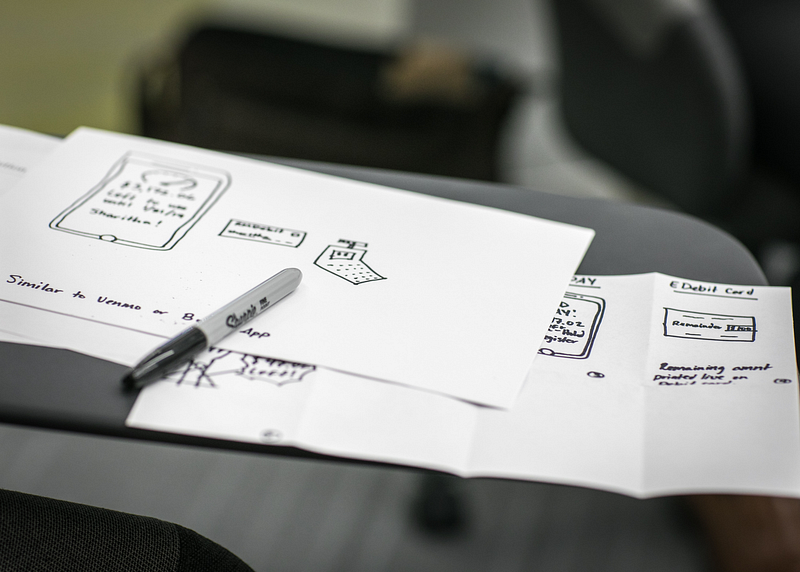
2. Scamp everything

Don’t open Sketch and knock out the first thing that comes into your head. You are not a Sketch Monkey. You have a brain. Get a piece of A3 paper, divide it into 12 sections and force yourself to draw 12 different versions of the same screen. If you end up deciding that the first answer is still the best, fine. But now you know you haven’t allowed Brain to be lazy.
3. Sketch your initial user flows

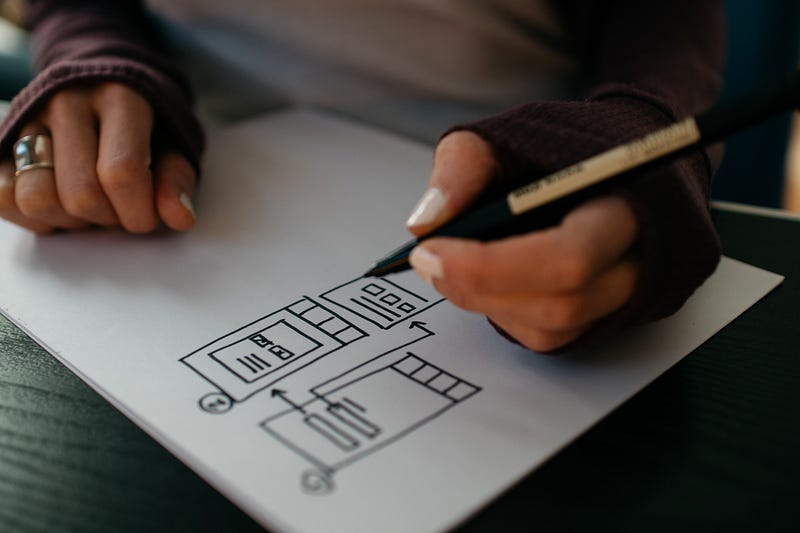
I’m going to assume you’re doing user flows and not just producing screens, because I know you’re thinking through this experience on behalf of your users. Here, drawing out even the most basic initial set of boxes-and-arrows before you open Omnigraffle or your tool-of-choice will generate a ton of questions you need answering immediately before you go any further. Go sit down with your Product Owner and work them out, then you have enough information to hit the software.
4. Manually draw conversation flows for Voice products

Voice and conversational interaction prototyping tools are coming on leaps and bounds. If you’re using something like Voiceflow you don’t even need to map out dialogues in Omnigraffle (though I recommend trying it because it will really challenge you!)

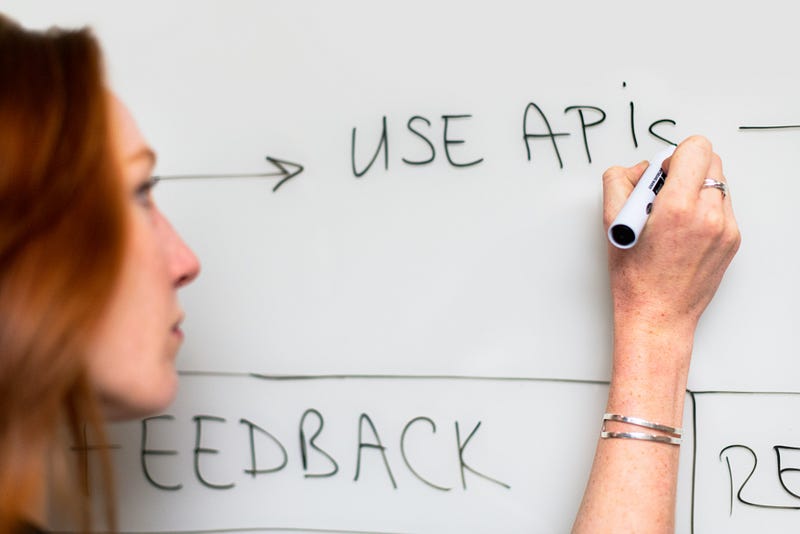
However, for every voice project I insist on hand-drawing the initial task flow and part of the conversation or dialogue flow.

Why? Because you can do it more easily as a team with everyone contributing, and again you find really obvious problems early so you don’t spend time pushing the wrong blocks round the screen.

I don’t care if you’re not even getting to design voice products, this is an amazing exercise for simply understanding how users communicate.
5. Sketching research sessions

This is definitely one for the researchers, however if you’re already scamping out voice interactions, then this is kind of an extension of that.

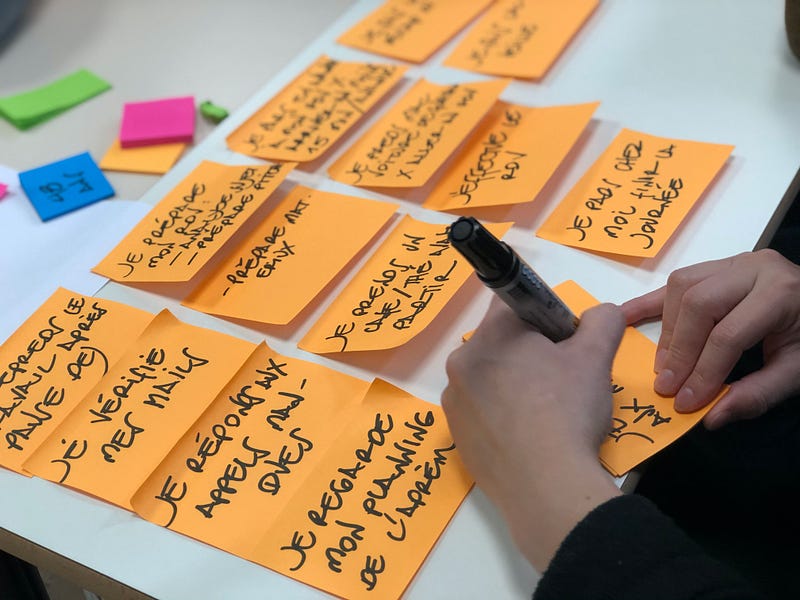
Here, take a pen and start from after your intro blurb in a user test, and map your possible response to users as you travel together from task to task or question to question. What might the user say or do? How will you then respond?

Yes, this is complex if you map the whole session but just starting with a basic and/or flow will help prepare you for user testing or interviews, or just make you better at asking questions.

For anyone super-geeky out there this is called prolepsis. It’s something Lawyers do and they tend to be quite clever people.

Why should we bother with all of this?

Ok, well apart from the evidence that suggests drawing design solutions first is a good idea, and the fact that it’s just so much fun, here are the benefits of doing what I tell you:

  • You will learn to think more quickly
  • You will think more creatively and come up with new and different solutions
  • You will be able to apply your brain more easily to a range of UX and IA challenges
  • You will learn to communicate better, especially on the fly and in front of clients
  • You will be able to bring people into your co-designed solutions rather than pointing them at a screen
  • Your eyes and your back will thank you for taking a screen break
  • You’ll still be able to “do” UX work when your laptop battery is flat.

Tools needed: pen. paper. brain.

Enjoy.

If you found this useful, consider subscribing for free to get email alerts when I post new articles, or you can join Medium for full access to my article archive, plus everything else on Medium.

UX
Design
Drawing
Recommended from ReadMedium