
🔥 5 macOS Apps that Every Programmer Should Know About in 2022
Boost your productivity with these open-source apps that you probably never heard of before!
🚀 See also:
— 🔗 Part 1 — 🔗 Part 2 — 🔗 Part 3
1. Hammerspoon (open-source)
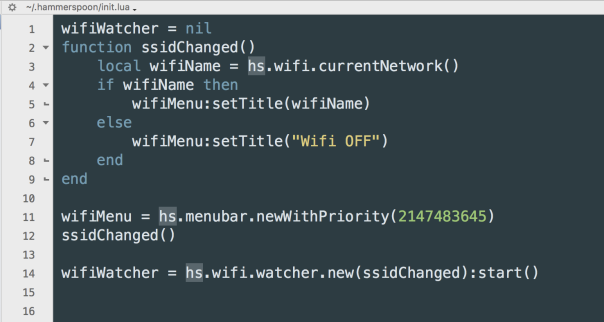
The equivalent of AutoHotKey on Windows. This is a tool for powerful automation of macOS. At its core, Hammerspoon is just a bridge between the operating system and a Lua scripting engine. What gives Hammerspoon its power is a set of extensions that expose specific pieces of system functionality, to the user.
In the future I’ll write about how the combination of Hammerspoon + Karabiner Elements can boost your productivity.
2. Boop (open-source)
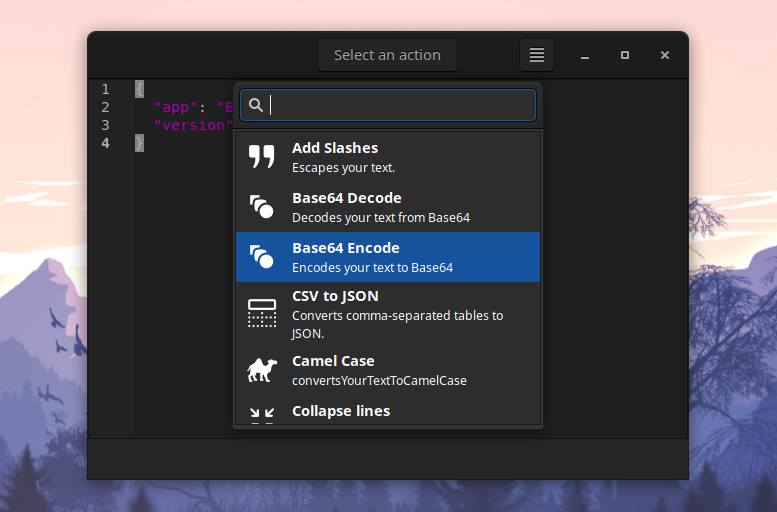
Boop is a simple editor that allows you to execute scripts on the buffer. The idea is that you don’t have to paste potentially secret information into shady websites to do some simple transforms, like format json and decoding query strings.
3. QLMarkdown (open-source)
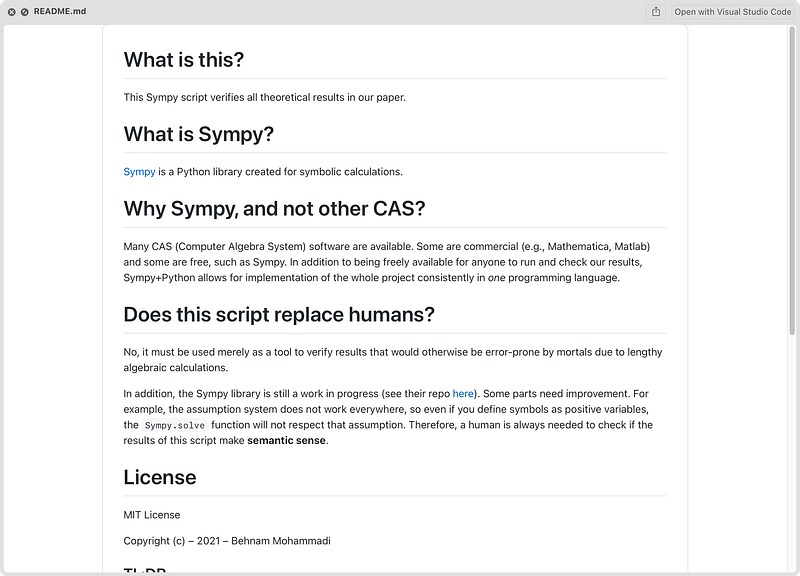
You know Quick Look? The macOS feature that lets you preview files without really opening them? The way it works is you select a file and press space to view the file. This works well for images and text files, but now you can view markdown files as well!
4. Syntax Highlighting (open-source)
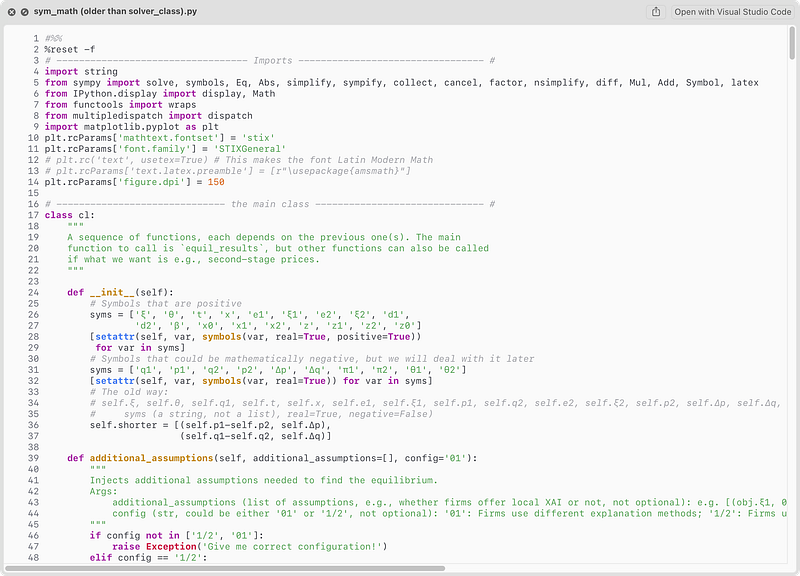
This application offers a Quick Look Extension for macOS 10.15 Catalina and later for previewing source files.
5. Jupyter Notebook Viewer (open-source)
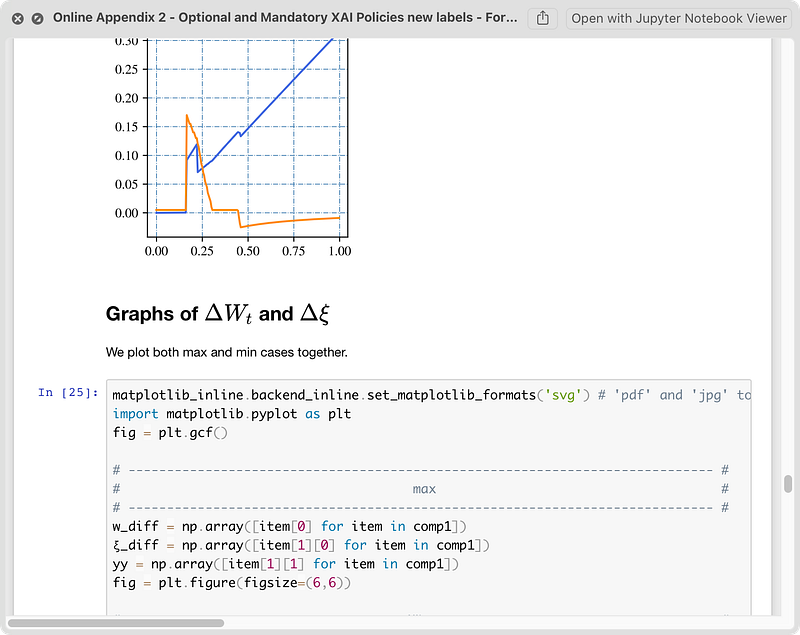
A native macOS application to view Jupyter/IPython notebooks. It’s also integrated with Quick Look!
If you enjoyed this list, please 👏 and follow for future posts!


