
5 Levels of Generating Word Cloud in Python
Word cloud is a new type of digital art
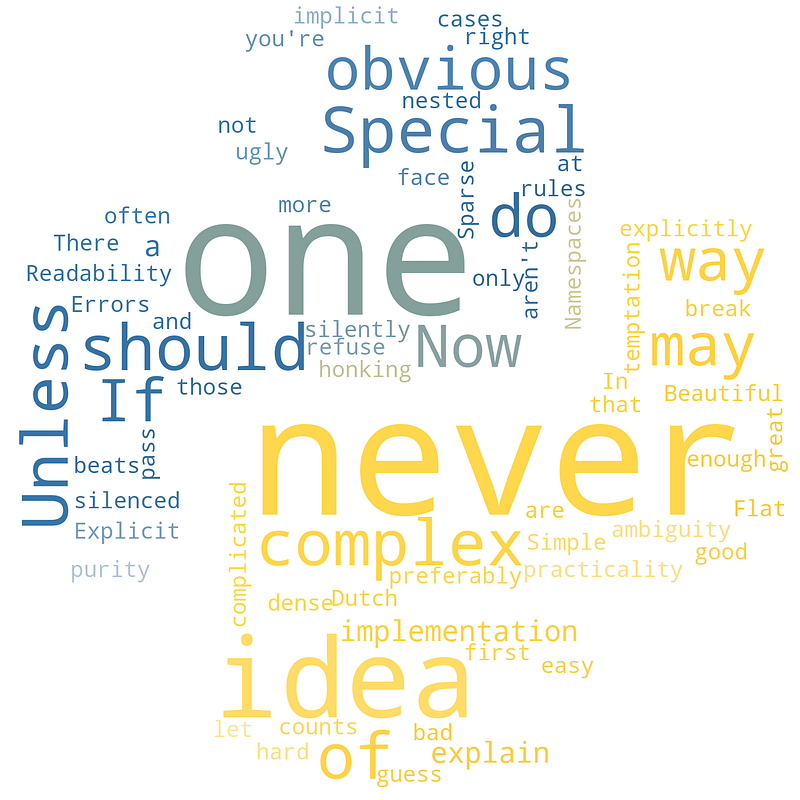
Word cloud, or called tag cloud, is a fantastic data visualization technique. Basically, it analysis the frequency of each word in a text and display the results in a beautiful way.
It is widely used in data analysis, digital marketing, advertisement and other areas. Some artists, such as Juan Osborne, even brought the idea of word cloud to contemporary art.
There are many ways and tools to generate a word cloud. But my favourite is the Pythonic way. In this article, I’ll introduce how to generate an amazing word cloud using a convenient Python module called wordcloud.
After reading, you can make your own word cloud art and become a contemporary artist too. 😎
1. Create a Simple Word Cloud
There are many Python tools for generating word clouds. But the wordcloud is a very convenient and user-friendly one. (Its source code is on GitHub.)
First of all, we need to install the wordcloud module:
pip install wordcloudThen, let’s jump into the water:
The above code opened a text file named “zen_of_python.txt” and used its words to generate an image — “zen_of_python.png”:
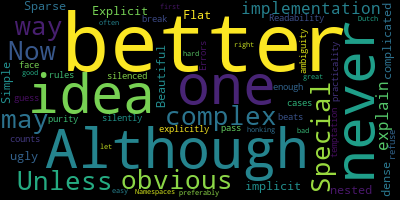
The process is very clear:
- Create a word cloud instance through
wordcloud.WordCloud() - Open a text file and use it to generate a word cloud
- Output the result into an image file, which will be the expecting word cloud image
2. Change the Shape of the Word Cloud
Since we generate the first example using the text of “the zen of Python”, is there any chance we can change the shape of the word cloud as Python’s logo?
It seems hard, cause the shape of this logo is a bit complex:

No worries at all. In this case, we just need to leverage the imageio module:
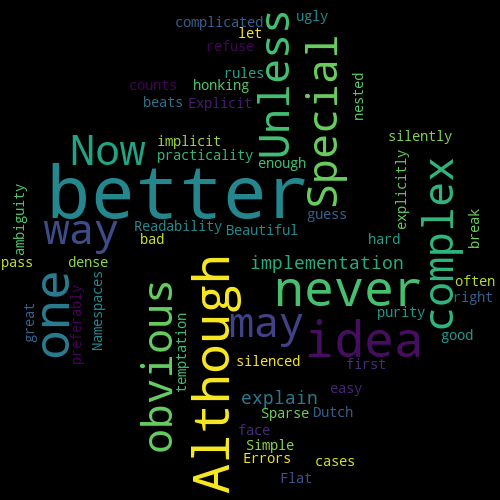
As shown above, we can call the imread() function to get an array of the image “PythonLogo.jpeg”, and then use it as a “mask” to generate the word cloud instance.
The result:
3. Skip Unnecessary Words
Obviously, some words are not essential in “the zen of Python” but our previous word cloud still displays them.
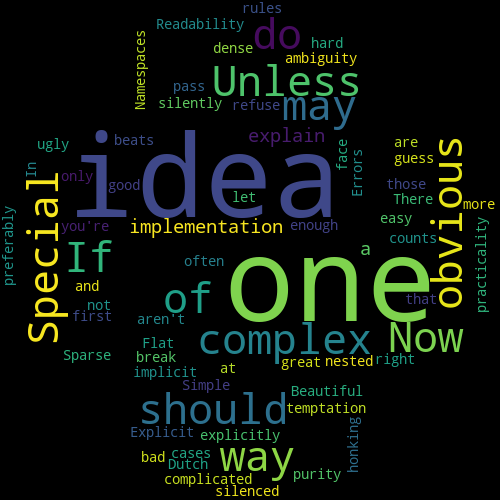
In this case, we can use the stopwords argument to avoid displaying certain words:
Now, the unnecessary words disappeared:
4. Customise Word Cloud as You Like
Now our Pythonic word cloud looks decent. But there are still lots of space to improve it.
In fact, the wordcloud module gives us much flexibility to customise a word cloud instance.
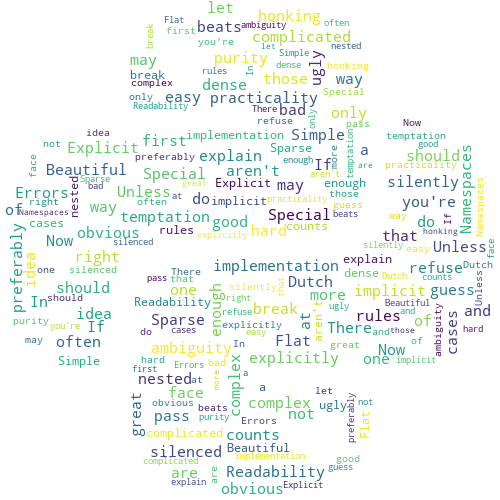
The above code changed the word cloud’s background color and font size, and allowed to repeat the same words.
Now, the new image is:
A full list of word cloud object’s parameters is on its document.
5. Make Your Word Cloud more Colourful
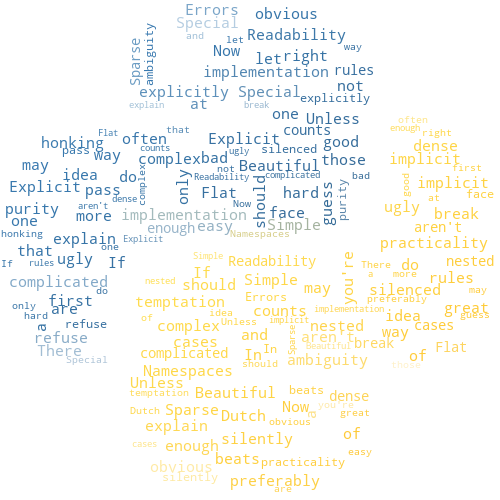
The only problem of our word cloud now is that the colors of the words are random. It’s gonna be great if they can follow the same color style as the Python logo:
No problem at all. There is an ImageColorGenerator() method of a wordcloud instance, we can just apply it to recolor our word cloud:
The final result is as follows:
Thanks for reading. If you like it, please follow or support me to enjoy more great articles. 🙂
More Python articles:


