
5 Essential Figma Plugins for Effective Lo-Fi Wireframing

Recently, during an intense brainstorming session for a new mobile app project, I found myself hitting a creative wall. Ideas were abundant, but nothing seemed to take concrete shape. That’s when I rediscovered the value of lo-fi wireframes. By reverting to these simple sketches, I was able to unlock my creative process and bring my ideas to life. This experience reinforced my belief that lo-fi wireframes are essential for transforming abstract concepts into functional designs.
In the world of UX/UI design, the ability to clearly communicate our ideas is paramount. Lo-fi wireframes, with their simplicity and effectiveness, offer us a quick way to share our visions without getting bogged down in aesthetic details. Today, I want to share with you five Figma plugins that have transformed the way I work with lo-fi wireframes. These tools are not just aids in design; they also stimulate our creativity and improve our efficiency.
Wireframer: Reinventing Text Generation for Wireframes
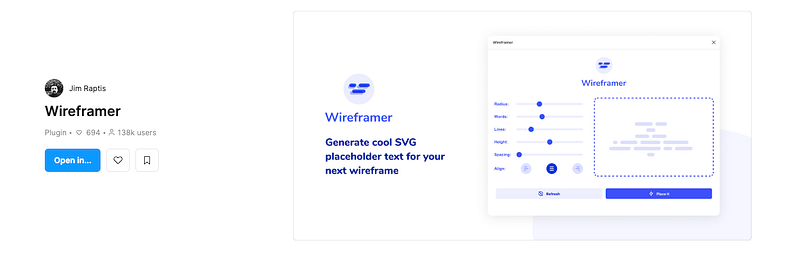
The Wireframer plugin changed my perception of wireframe creation. Its ability to generate unique and engaging placeholder text for wireframes, whether high or low fidelity, is remarkable. During a recent project, I used Wireframer to populate my wireframes with cool and unique SVG placeholders. This feature proved particularly useful for isometric illustrations, where every detail counts.
What sets Wireframer apart is how easily you can adjust the parameters to get a customized result. Whether you need placeholder text for a complex user interface or for a quick and messy prototype, Wireframer offers unparalleled flexibility. Moreover, their web application provides even more options to customize your wireframes. I encourage you to explore it to see how it can enrich your design process.
Wireframe: Accessibility and Versatility
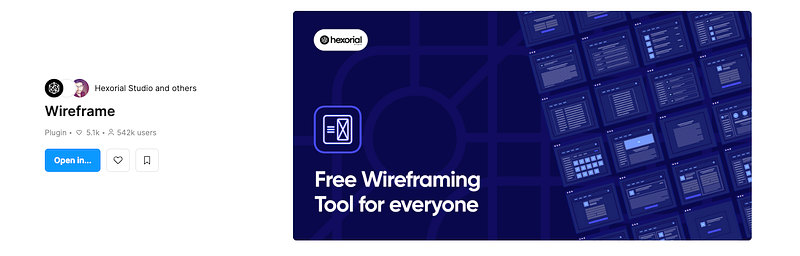
Discovering the Wireframe plugin was a revelation. Its ease of use is a major asset, even for those not familiar with Figma. This plugin offers a comprehensive library of royalty-free wireframes, greatly facilitating the creation of prototypes, user flows, and basic structures. The advantage is that no additional kits, files, or special skills are required; everything is done with a simple drag-and-drop in Figma.
One of the most appealing aspects of Wireframe is its ability to facilitate project ideation and brainstorming. Collaborating with colleagues on Figma, we were able to design the user flow for a web application project in real-time. The plugin offers over 350 custom-built graphics/cards covering most web and mobile elements, interactions, and use cases. This wealth of resources makes Wireframe an indispensable tool for those looking to simplify their wireframing and prototyping process, without needing additional skills or resources.
Ink Wireframe: Rapid and Intuitive Prototyping
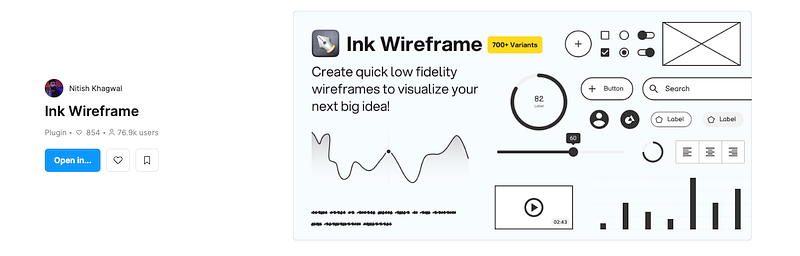
Ink Wireframe is a plugin that particularly impressed me with its ability to facilitate the rapid creation of lo-fi wireframes. With over 700 unique variants, this plugin allows for quick prototyping while exploring various design ideas. Recently, while working on an ambitious project, I used Ink Wireframe to brainstorm and iterate on multiple design concepts. The efficiency and speed with which I was able to develop and modify wireframes were simply incredible.
What makes Ink Wireframe so valuable is its intuitive approach and almost non-existent learning curve, both for designers and project managers. It not only facilitates the creation of wireframes but also the prototyping of user flows, allowing for rapid and effective iterations. In the context of large-scale projects, Ink Wireframe is a real accelerator, enabling ideas to be tested earlier and reducing potential errors. This tool is a significant ally in focusing on ideation and essential elements, while letting the plugin handle the technical aspects.
Hand Wireframe and Wire Box: Innovation and Returning to Basics
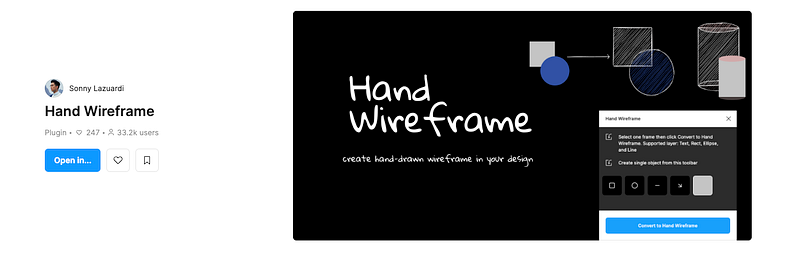
Using Hand Wireframe completely transformed my way of presenting design concepts. This plugin allows creating wireframes with a hand-drawn style, bringing a unique and personal touch to presentations. In a recent workshop, I used Hand Wireframe to convert my designs into hand-drawn sketches. The team’s reaction was unanimous: this style allowed focusing on structure and functionality rather than aesthetic details.
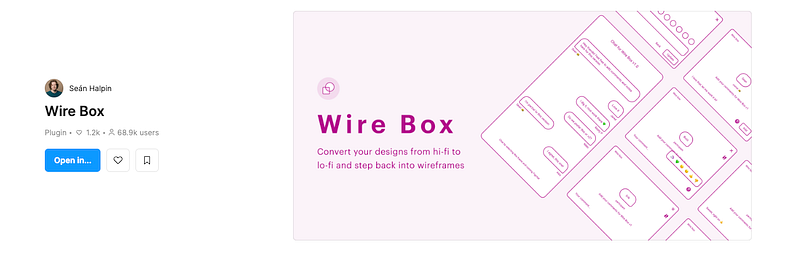
On the other hand, Wire Box is an indispensable tool for returning to the basics of lo-fi wireframes. In a context where design systems make high-fidelity design quick and easy, Wire Box offers the ability to convert designs into simplified wireframes with a single click. This feature is particularly useful for refocusing the team’s attention on the user experience rather than the user interface. With Wire Box, even the most complex designs can be brought back to their essence, thus facilitating discussion and analysis of the UX.
At the end of this overview of the five essential Figma plugins for lo-fi wireframes, it is clear that each one brings unique value to the design process. Whether through Wireframer’s innovative text generation, Wireframe’s ease of use, Ink Wireframe’s efficiency in prototyping, or the creative touch of Hand Wireframe and the simplicity of Wire Box, these tools enrich our work as designers. They help us transform complex ideas into functional and aesthetically pleasing designs, while keeping the essence of simplicity at the heart of our approach.
I hope this article has inspired you to explore these plugins and integrate them into your own design processes. Remember that the most powerful tool at our disposal is our ability to simplify and clarify our ideas. I would be delighted to hear about your experiences with these plugins or other tools you find indispensable in your work. Together, let’s continue to push the boundaries of what we can create.
Don’t hesitate to clap 👏 if you enjoyed this article and subscribe; I share a new story every day. ✍🏻
You can also follow me on Threads, Youtube, or Instagram, where I regularly post content. 📹
Lastly, if you’re interested in receiving free and personalized tips, simply join my newsletter. 📩


