
5 Email Security Tips You Should Always Remember
Simple ways to stay safe while checking your email.
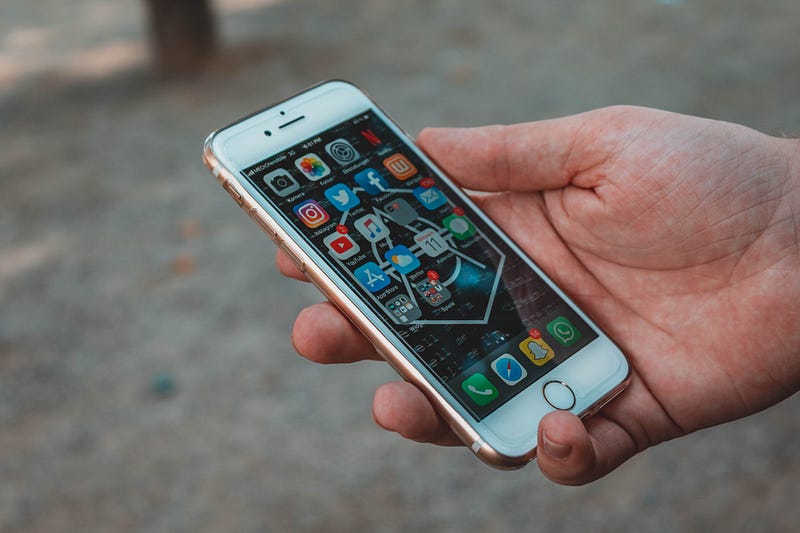
Sending and receiving emails is a daily habit for countless people. Smartphones make it easy to check your email from any location, whether you are hanging out at home or working in the office. Unfortunately, cybercriminals are always developing new strategies to target unsuspecting email users, as many as one in fifty emails contain some form of malicious content. The most popular types of attacks include adware, trojans, ransomware, phishing scams, and spyware. Always staying vigilant while checking your email is key in keeping your information safe.
Here are a few simple email security tips to always keep in mind.
#1 Use Strong Passwords
One of the best ways to keep your email account secure is always to use strong passwords. Typically, it is a good idea to use a password that is at least ten characters in length that also contains multiple uppercase and lowercase letters, numbers, and symbols. You should avoid using common phrases, such as “password1”, “abc123”, or “123456”. You should also avoid using any personal information, such as your birthday, hometown, or name.
#2 Enable Two-Factor Authentication
Another simple way to secure your email is to enable two-factor authentication for your account. All of the major email providers offer two-factor authentication, as it makes it much more challenging for cybercriminals to hack into your email. All you need to do is provide your cellphone number, as you will receive a temporary code to verify your identity each time you log-in to your email from a new device.
#3 Avoid Using Public Wi-Fi
Many people make the mistake of using public Wi-Fi to check their emails. However, these public Wi-Fi networks are often not secure. Cybercriminals can easily intercept this information online, which significantly increases the chance of being hacked and losing personal information. Choosing to use a virtual private network (VPN) is a much safer option, as it encrypts the information you send over the internet.
#4 Stay Aware of Phishing Scams
Phishing schemes are one of the most popular online scams, as a cybercriminal attempts to impersonate an organization to trick you into giving out personal information. These scams have the potential to steal your identity and cost you countless dollars. You should always remember that a legitimate company will never ask for sensitive information through email. Many phishing scams also include unsolicited attachments that contain malware. Deleting these emails as soon as they reach your inbox is always the safest way to deal with these scams.
#5 Always Scan Each Attachment
Keeping your anti-virus and malware software up to date is critical in maximizing security. You should always scan each email and only download an attachment from a trusted company. It is also important to avoid clicking on hyperlinks within an email. Taking these additional security precautions can play a key role in helping you prevent a data breach while you are checking your email.
Always staying aware of IT security is important for anyone that checks their email on a regular basis. Following these simple tips is a great way to increase your safety and makes it much more difficult for cybercriminals to hack into your email account.