
How I Cured My YouTube Addiction
The step-by-step guide to getting rid of YouTube addiction
Read the full story for free (if you don't have a medium membership).
The problem is that people don't consider YouTube an addiction.
According to Statista, people spend an average of 29 minutes and 37 seconds per visit on YouTube.
The average number of times people open YouTube in a day is 10–15 times.
So imagine the total watch time of people who are doomed to YouTube.
It is way more than you expect.
I, too, was in disbelief that by watching more and more videos, I was learning something new, but it was a lie that I kept telling myself for years.
As we know, too much of anything is bad. The same applies to YouTube.
Information overload is a symptom of our desire to not focus on what’s important. It is a choice. — Brian Solis
So, how did I actually get rid of it? Let's understand that part in detail.
Also, if you're facing the same problem, then this article is a must-read for you.
Let's dive in.
How Do I Check if I Am Addicted or Not?
We won half the battles by identifying the root cause.
So, how do I check it?
Open digital wellbeing from the settings (for Android users) or Open iOS Screen Time (for iPhone users).
Now check the overall watch time of the YouTube app. Also, check the number of times you've opened the app.
If your watch time is between 4-6 hours per day and the number of times you've opened an app in a day is more than 10, then you're definitely addicted.
But if you have less watch time than it, then also keep reading.
Because you never know when you will actually get addicted to YouTube.
Now, let's move on to the solution part.
Replace It
James Clear says in his bestseller book "Atomic Habits" that:
You don’t eliminate a bad habit, you replace it.
It says the solution to eliminating a bad habit is to replace it with a good one.
To apply this same thing to YouTube, we have to look for a non-addictive alternative.
After researching a bit, I found a solution, i.e., the NewPipe app.
It is a clone of the YouTube app but with a much less addictive interface.
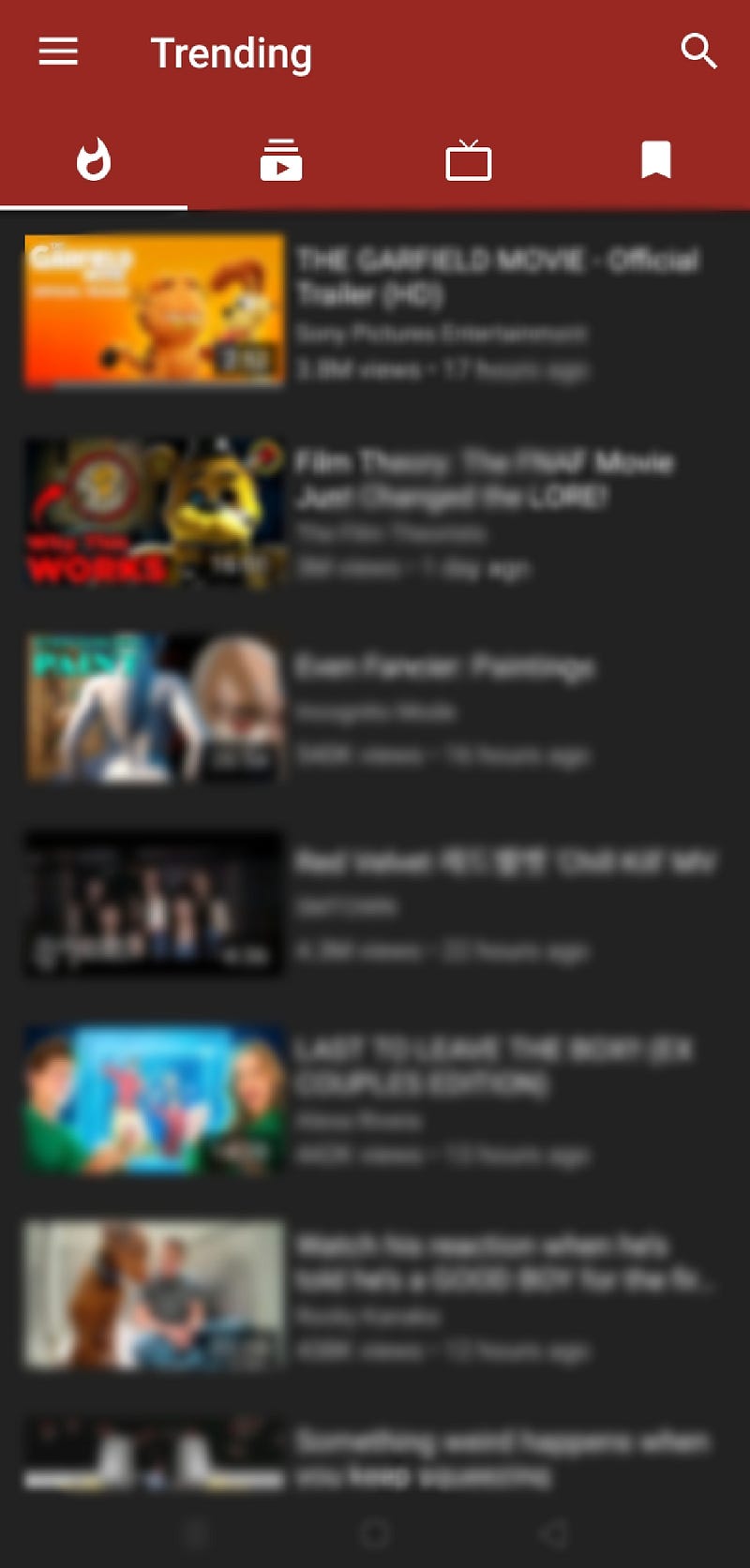
It is not available on both the Play Store and the App Store. But I have been using it for the last 6–7 months and have never faced any privacy issues.
The best thing is that you don't even have to log in here. So, there is no chance of data leak.
Also, it offers a lot of features, like:
- Run videos in the background: It replaces Spotify, and you don't need a separate music app to listen to any favorite song or podcast.
- Video Popup: Create a popup of a video where you can watch a video while working.
- Download Video: Not just video, but it also allows you to download the audio of a video and even its captions.
- Create a Queue: Creating a queue is a premium feature on YouTube Premium (which this app provides for free). Add your favorite videos to the queue and play them in order.
- Country-specific: It provides you with a feature where you will get access to trending videos in a specific country.
Delay Gratification
We have all become slaves to pleasure.
That quick dopamine spike that we get from watching these videos keeps us addicted to them.
But what if we have control over it?
It is seen from various research studies that the time to hook any individual on a specific video or an app is 10–30 seconds, so if you eliminate the trigger in this time period, then it becomes a piece of cake for you.
To do it, I use the OneSec app (available on both the App and Play stores).
It basically shows a pop-up like this whenever you try to open an app:
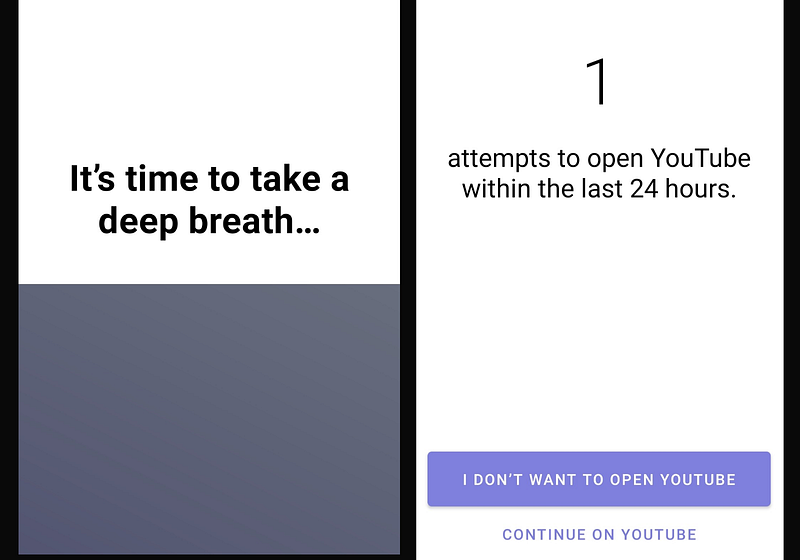
It diverts your attention from the actual thing and eventually helps you get rid of your addiction.
Make YouTube Work for You
YouTube has an in-built feature to control its usage.
But they've hidden it so that a very limited number of people can access it.
Because, at the end of the day, they're running a business. They need more viewership.
More viewers = more money.
So why would they dig a grave for themselves?
How do I use this feature?
Go to Settings >> General >> Remind me to take a break.
It reminds you to take a break every hour or in a specified time period by showing a pop-up like this.
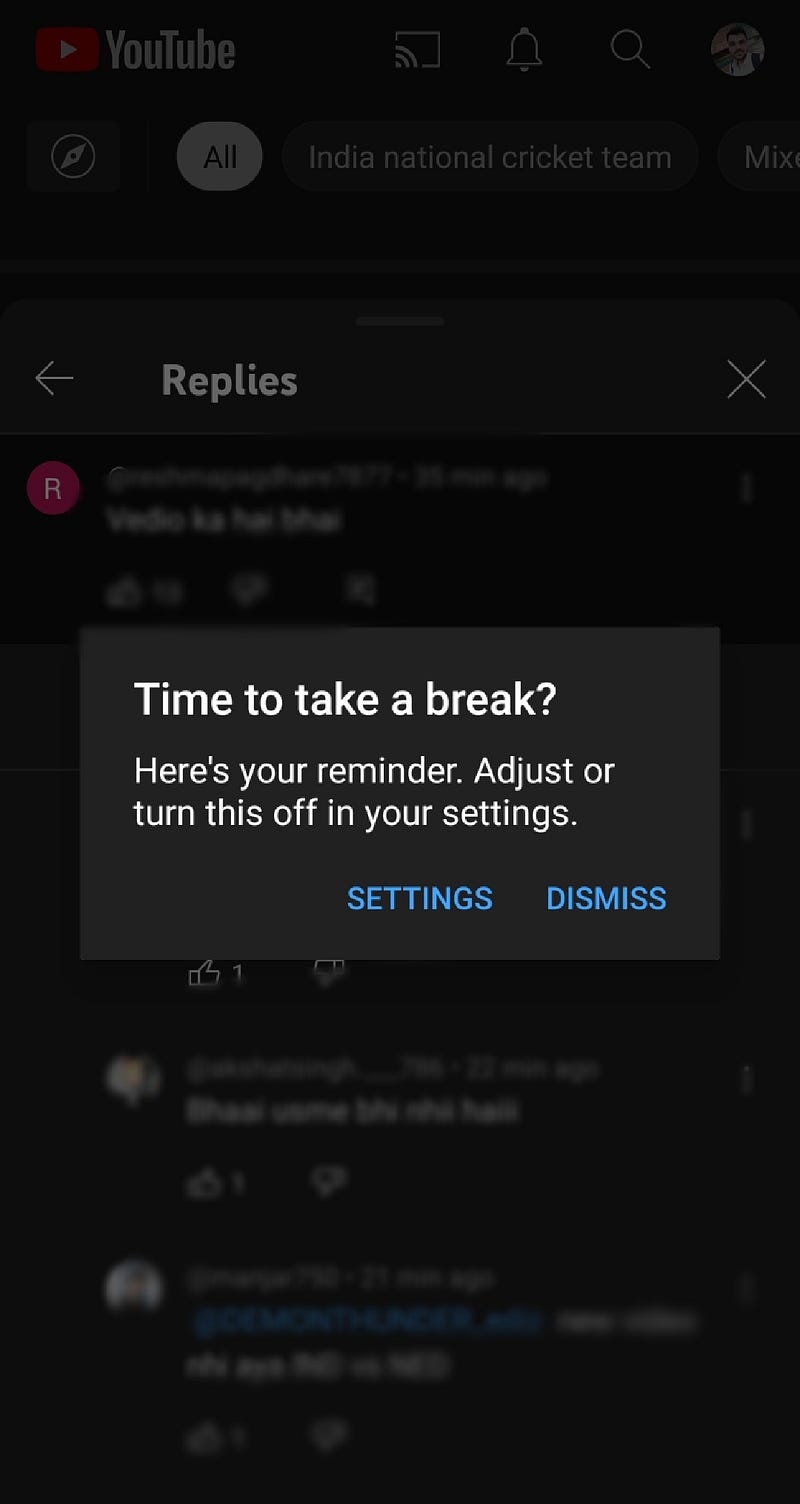
I bet hardly anyone knows about this feature.
If you already knew about it, write "I knew about this feature" in the comments.
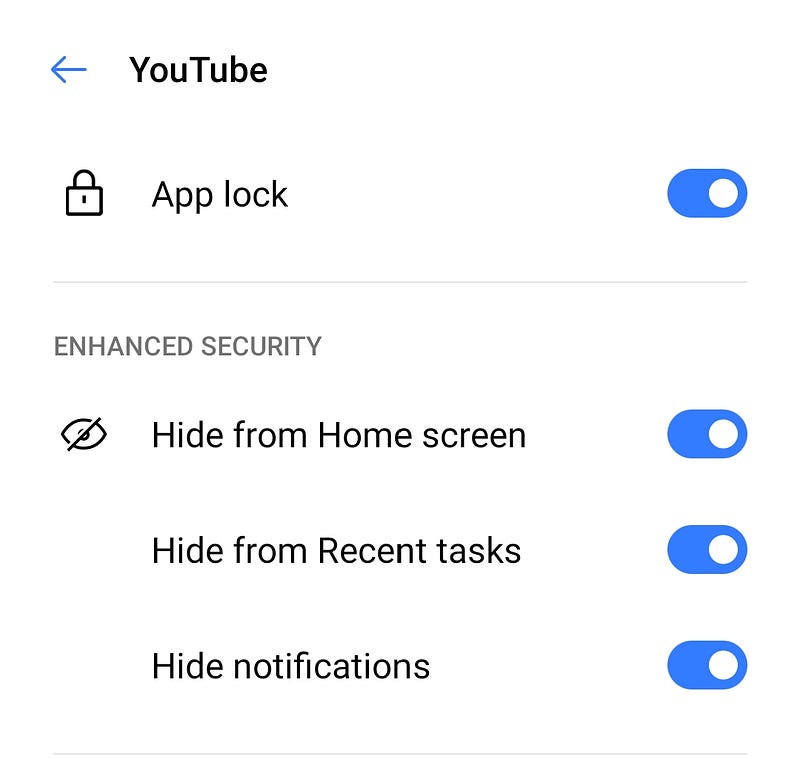
Hide From the Home Screen
The more you see it, the more you use it. It's not our fault, though. Our brain has built a connection here.
How many of you unknowingly open YouTube or Instagram and wonder how I got here?
This is the power of patterns.
So, to break this pattern, try to hide YouTube from the home screen.
Here's how to hide an app:
Phone Settings >> App Lock >> Hide apps from the home screen and recent apps.
This is how I cured my YouTube addiction.
Please share your experience if you've gotten rid of any social media app addictions.
If you genuinely find the story helpful, then follow me for more. Join 100+ readers to never miss an update on my upcoming stories.
Thank you for reading.


