
4 Visual Studio Code Extensions to Supercharge Your Data Processing
Improve your data activity with these extensions

If you are not subscribed as a Medium Member, please consider subscribing through my referral.
As data scientists, we might be comfortable using Jupyter Notebook for everyday data analysis. However, sometimes we must use another IDE for the programming activity — for example, Visual Studio Code.
VS Code is one of the most used programming IDE that offers many extensions. These extensions make the IDE more versatile and powerful for data scientists.
This article will teach four VS Code extensions that supercharge your data processing activity. What are these extensions? Let’s get into it.
1. Excel Viewer
Excel Viewer is a simple VS Code extension that previews Excel and CSV files on the IDE. The extensions also provide a way for data selection preview and sorting, which is nice to have.
To install the extensions, you only need to go to the Extensions Marketplace in your VS Code and find the Excel Viewer, similar to the image below.

When the installation succeeds, we can use the extensions. Right-click the file in your excel or CSV file and select open with. Then choose the CSV Editor if the file is a CSV file similar to the image below.

In your VS Code, you would obtain the data preview.
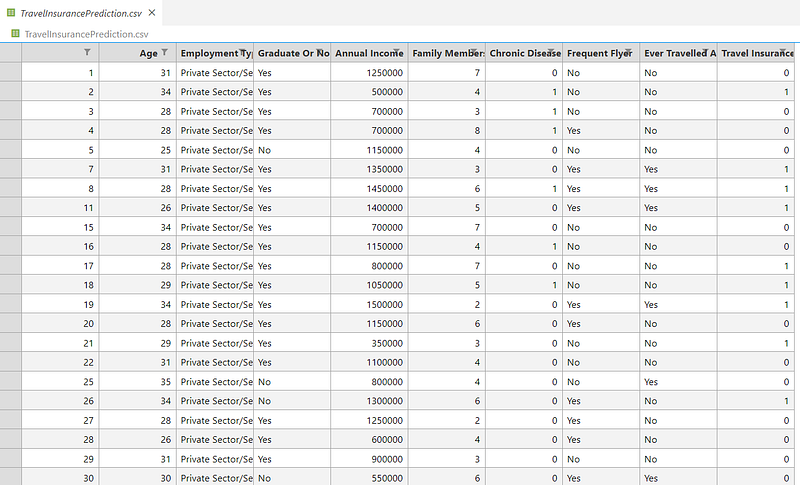
You can scroll the table to see all the data you have. If you need a more specific data selection, press the columns and get the filter similar to the image below.
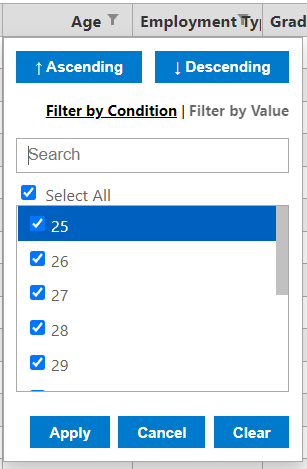
It’s a simple extension but helpful when we want to understand our data better.
2. PDF Preview
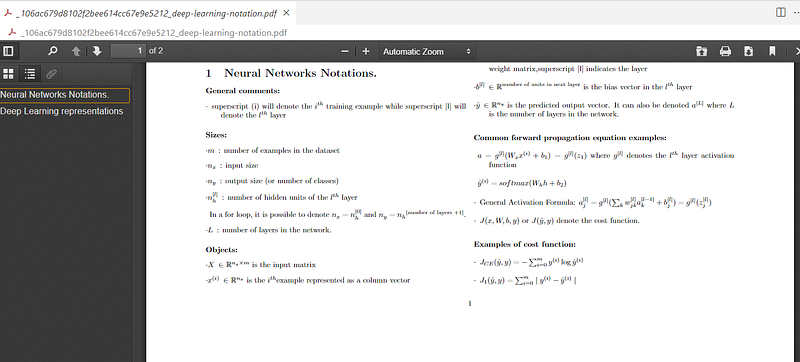
PDF Preview is an extension to read PDF files in the VS Code. It’s a simple extension but useful in many data processing applications, especially if it involves PDF files.
Try to search the PDF Preview in the extension marketplace, and you will find them easily.
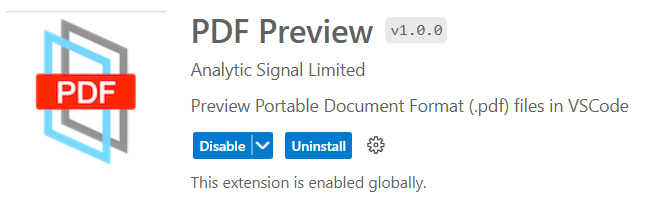
After the installation succeeds, open any PDF file in your VS code. In my case, it would look like the image below.
3. Generate Data
marketplace.visualstudio.com is a VS Code extension that provides dummy data for processing data. It could be used for quick testing or data checking.
To install the extensions, search the Generate Data on the extension marketplace, and you will find them.

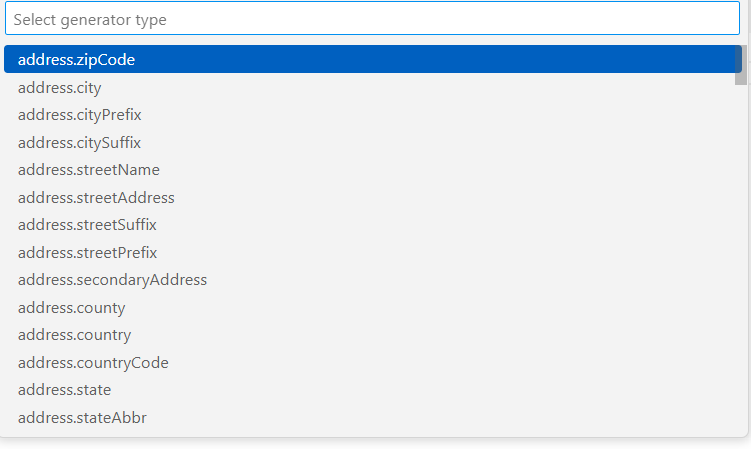
After installing the package, we could easily use this extension. Try to press F1 and press either “Generate Data” or “Generate Data — Multiple” if you need a lot of data.

Select the kind of data you want to generate, and you will get them instantly on your file.
4. SandDance
SandDance is a VS Code extension for visually exploring the CSV data file. It’s a great extension to understand our data with nice visualization quickly.
To install the extension, try to look for SandDance in the marketplace extension.

After installing the package, right-click the CSV files and choose View in SandDance.
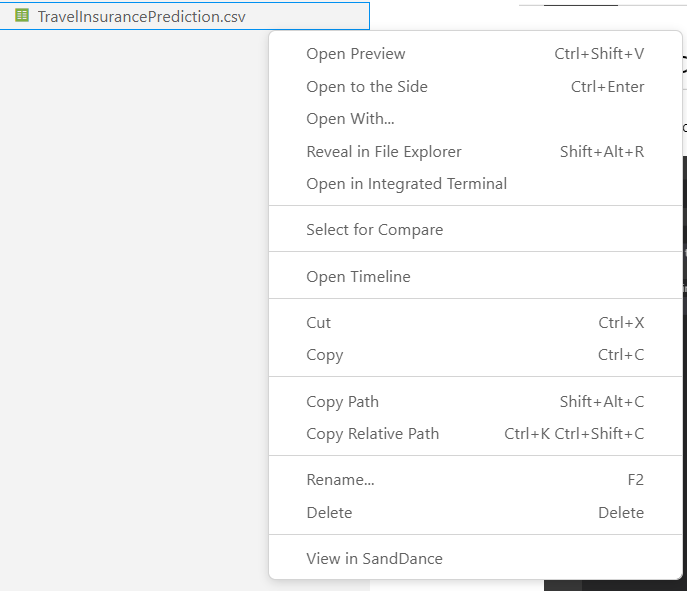
After that, you will be presented with a visualization dashboard that we can use to explore the data.
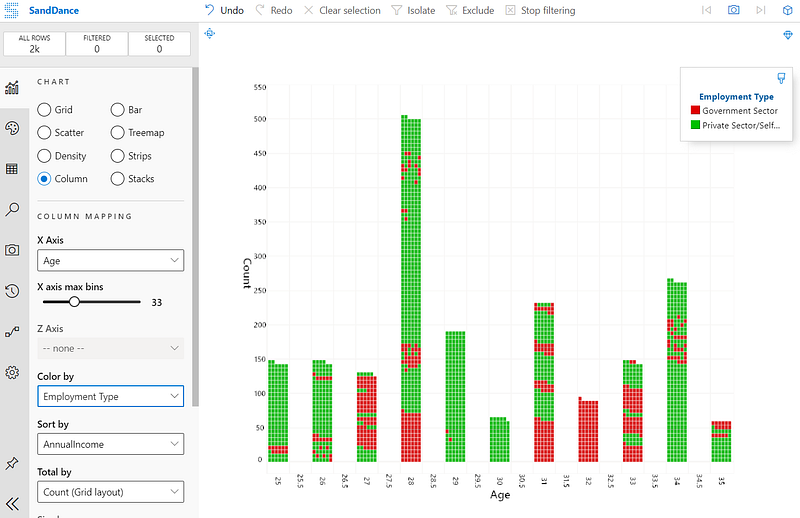
Explore the extensions yourself, as many important functions could improve our data processing.
Conclusions
Visual Studio Code is an IDE used in many programming activities, including data processing activities. To supercharge the process, here are four recommended extensions to have:
- Excel Viewer
- Pdf Viewer
- Generate Data
- SandDance
I hope it helps!


