
4 Easy Tips to Improve Your Wi-Fi Connection
A few simple steps to improve your internet speed.
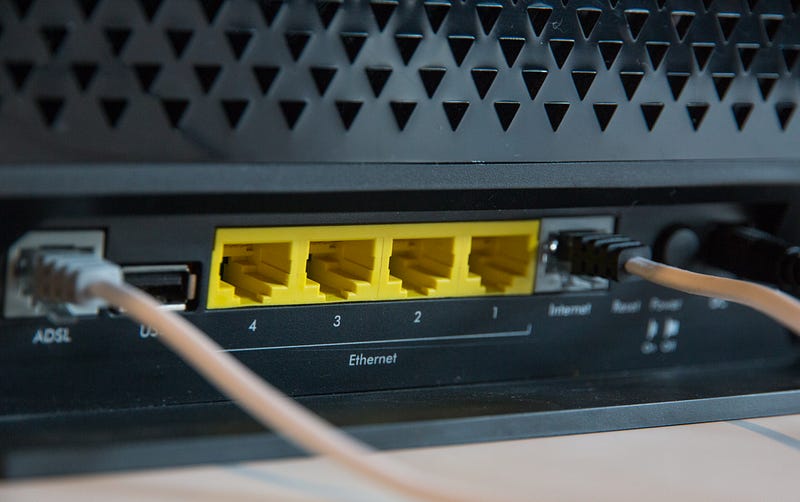
A slow internet connection is always frustrating, whether you are working at home or playing an online video game. Finding ways to improve the speed of your Wi-Fi connection is always well worth the extra effort. Keeping a few tips in mind can help you maximize your internet connection and create a much less frustrating experience.
Here are a few simple ways to improve your Wi-Fi speed.
#1 Optimize Your Router Settings Many routers offer various settings to help you increase the speed of your internet. For example, choosing the entertainment setting on your router is a great option if you are playing video games or streaming content. However, it is a good idea to turn off the entertainment setting if you have multiple people sharing a Wi-Fi network. You can always change these settings at any time to produce the best results for your situation.
#2 Enable Password Protection Adding a password to your Wi-Fi network is essential in keeping your data safe. A password-protected Wi-Fi network can also improve the speed of your internet, especially if you had others accessing your system without your knowledge. You should also choose a password that isn’t easy to hack and never use the same password for multiple accounts. Adding uppercase and lowercase letters while also including numbers and symbols is a great way to create a strong password for your Wi-Fi network.
#3 Reset Your Router One of the most simple ways to improve your Wi-Fi connection is to reset the router. Rebooting your router can dramatically improve your internet connection, especially if it hasn’t been restarted in a long time. Typically, it only takes around 30 seconds for a router to reset itself and allow you to regain access to the internet. Choosing to restart your computer or mobile device is another option if you are still experiencing a slow internet connection.
#4 Purchase a New Router Technology is always changing, as a router can quickly become outdated in only a few years. Upgrading your router is an excellent way to maximize your internet speed and create a much smoother browsing experience. Many new routers also offer additional security features and are compatible with a wide variety of devices. Always doing your research beforehand is a good idea to help you find the best router for your needs.
Understanding how to improve your Wi-Fi speed is essential due to the widespread use of the internet in our daily lives. Maximizing the speed of the internet allows you to work more effectively and creates a much better browsing experience. Following these simple tips can improve your internet connection while saving yourself a lot of frustration.


