
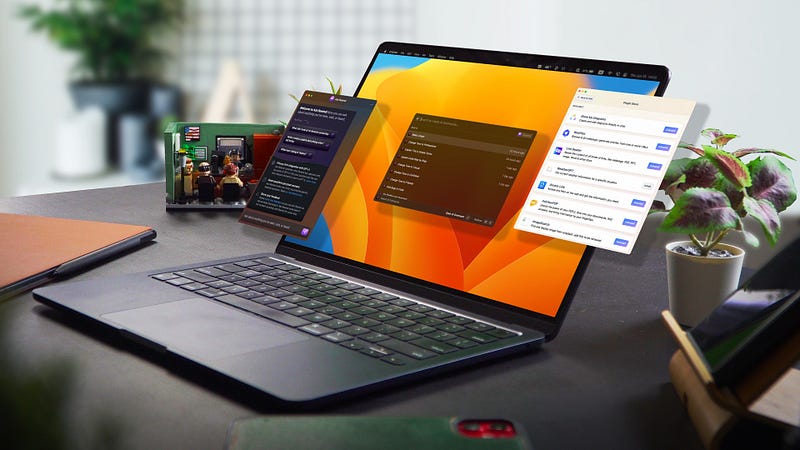
4 Brilliant AI Apps That Will Give Your Mac a Superpower
Today, I want to talk about my favourite Mac apps that I’ve been using every day. And they all got a big AI update recently, so let’s see what they can do now!
Embra

Probably the app I use most often on my Mac is Embra. I actually introduced it a while ago on my channel, but it’s gotten a huge update recently.
Essentially, Embra lets you initiate conversations with ChatGPT anywhere on you Mac. But now it can do so much more than that thanks to new plugins. You can of course choose whether you want to use GPT-3.5 or the new GPT-4.
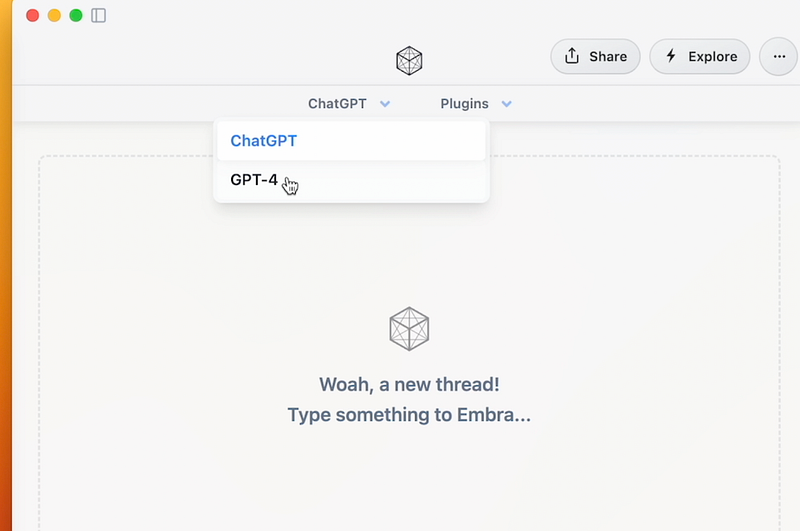
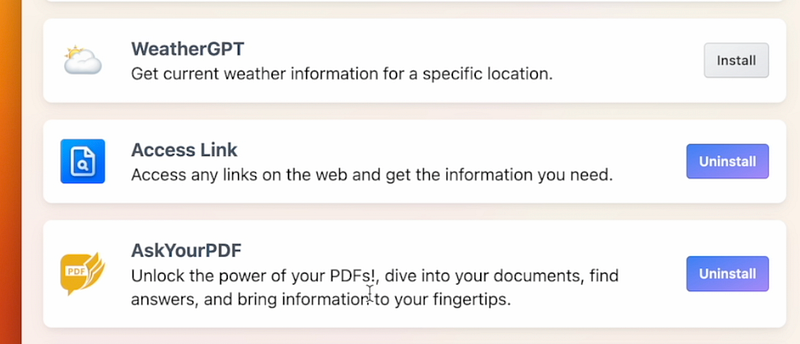
Then install the plugins you want from the plugin store. There are adding new ones frequently, and currently there’s already 8 of them.
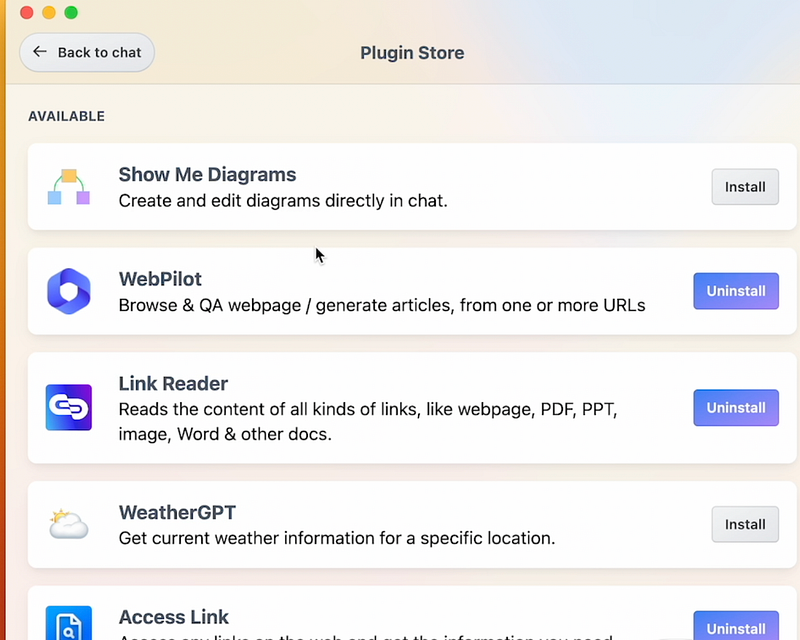
For example, I got this plugin that lets ChatGPT access the Internet and generate responses based on the search results.
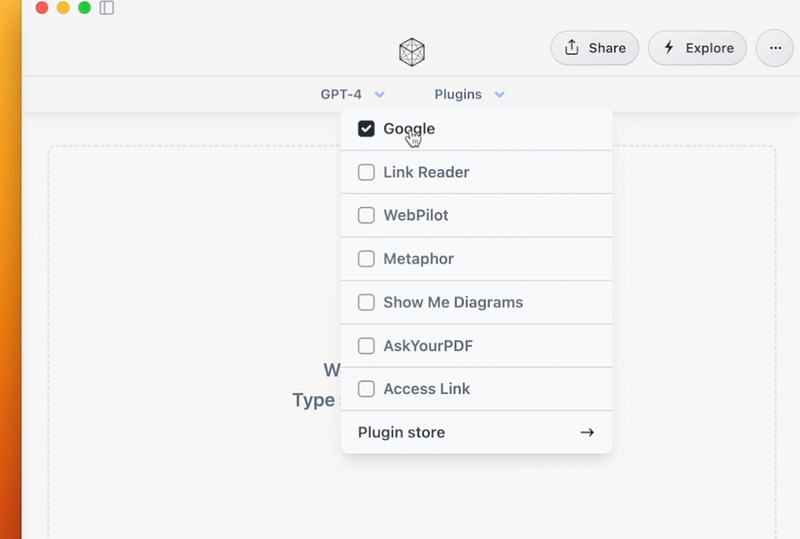
This is great because ChatGPT itself doesn’t know the latest information and news, so having the internet available for it makes it extra helpful.
Read: How I Organize My Phone with Arc Browser

Also there’s a bunch of other plugins like the one where you can ask anything about your PDF documents and find images from Unsplash.
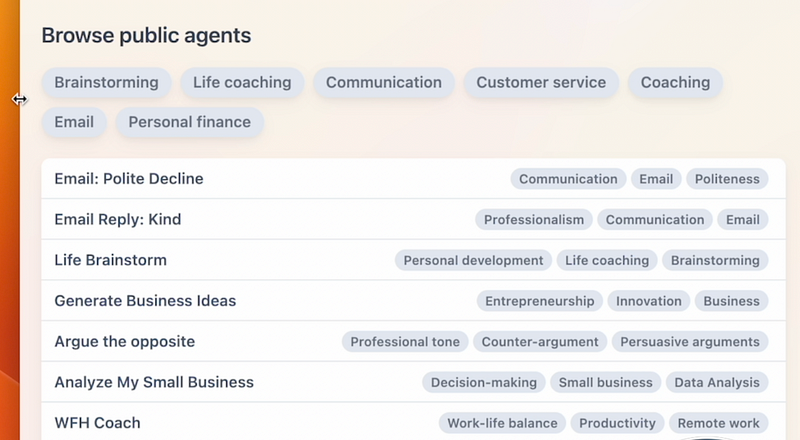
But that’s not all. You can find a whole bunch of public agents, which are AI chatbots made for a specific purpose, like responding to emails kindly, brainstorming business ideas, passive income ideas or life coaching.
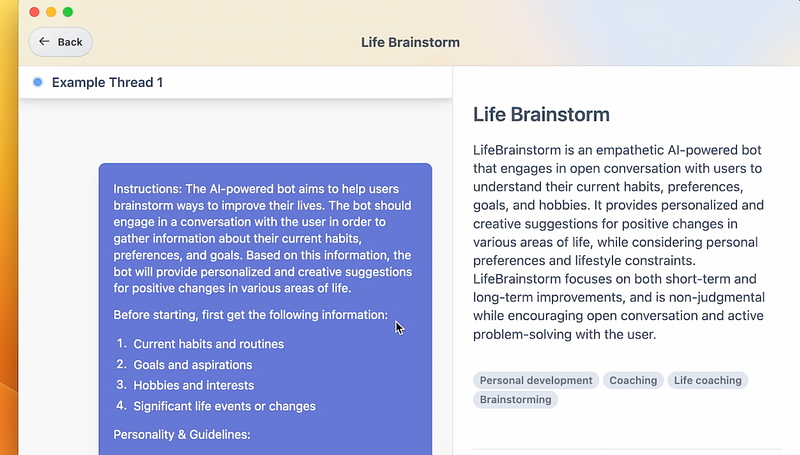
They’re all designed with very detailed prompts and instructions which make them really easy to use and helpful right on the spot.
Embra is free at the moment, though I don’t think it will stay that way forever. So check it out now if you’re interested.
Raycast AI
Another app I use almost every day is Raycast AI. Most Mac users know Raycast by now because it’s one of the most popular apps.
Read: 8 NEW AI Chrome Extensions That Will Change The Way You Work
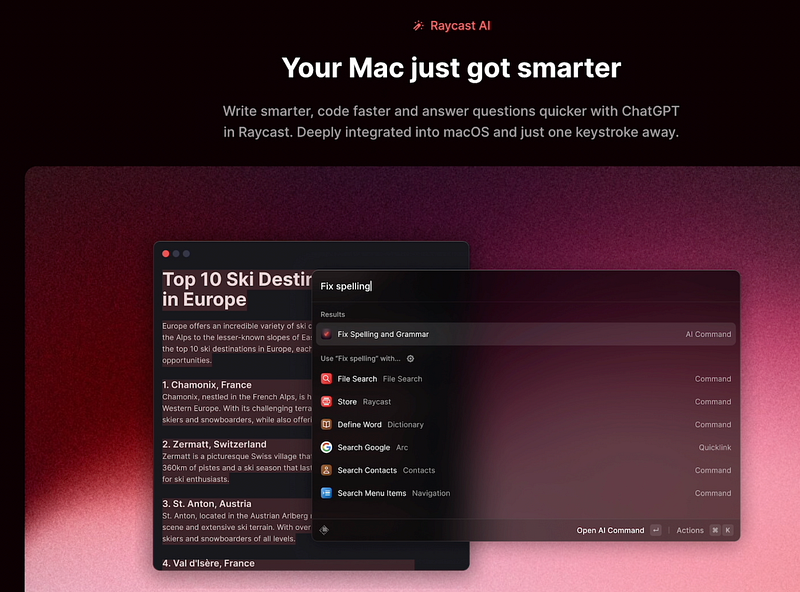
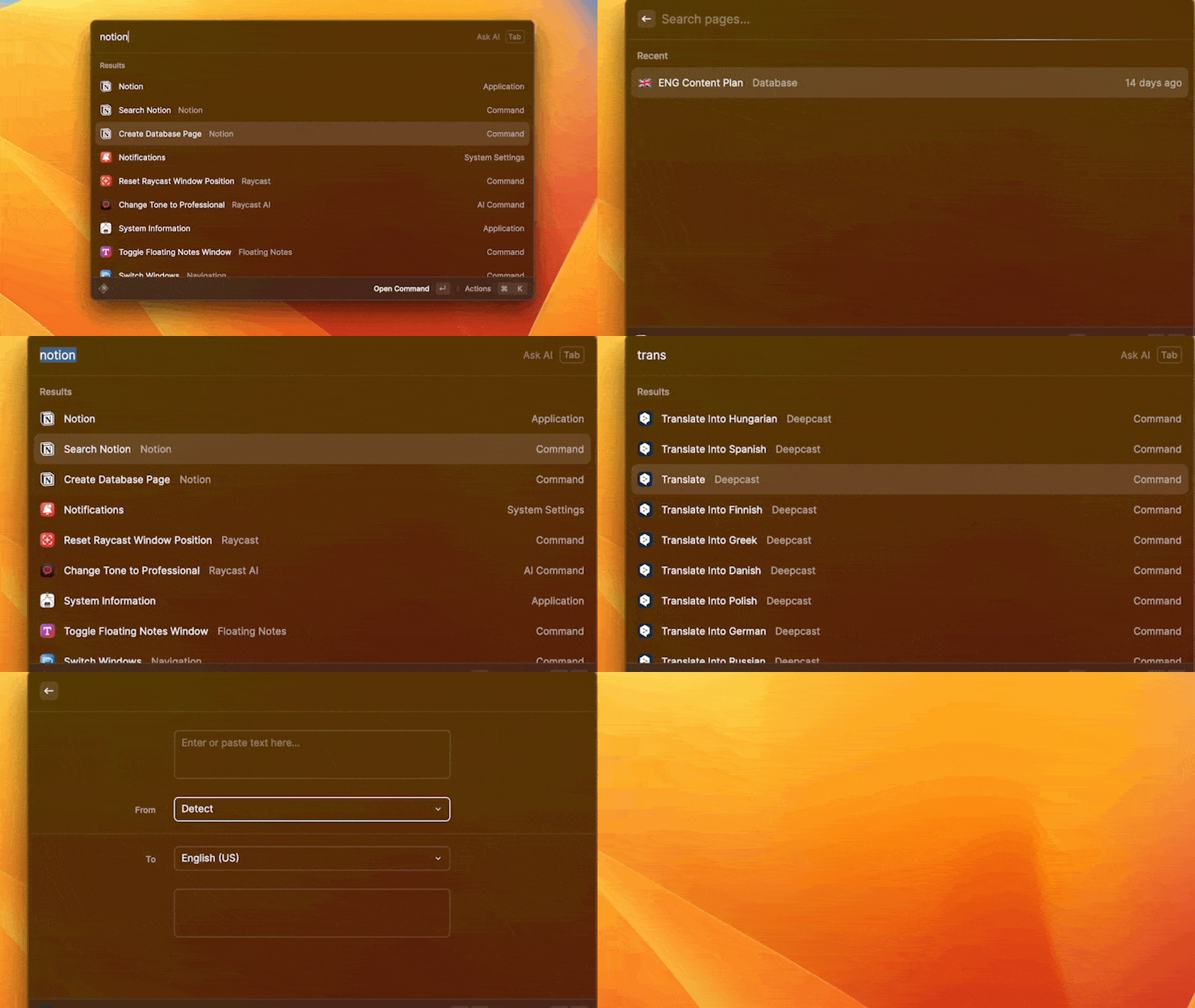
You can use it to launch apps in a second, to create a new note or search notes in Notion, translate texts, manage your clipboard history and so much more:
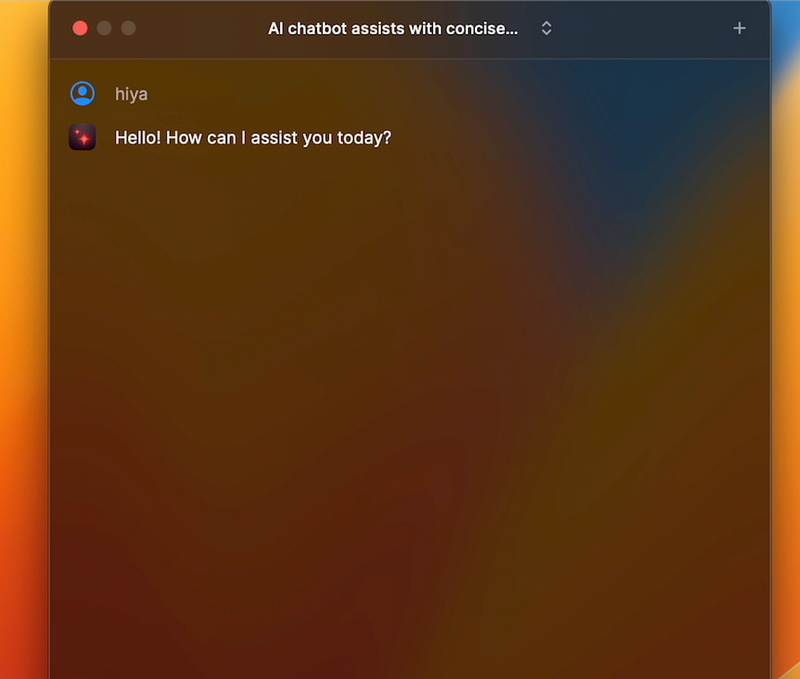
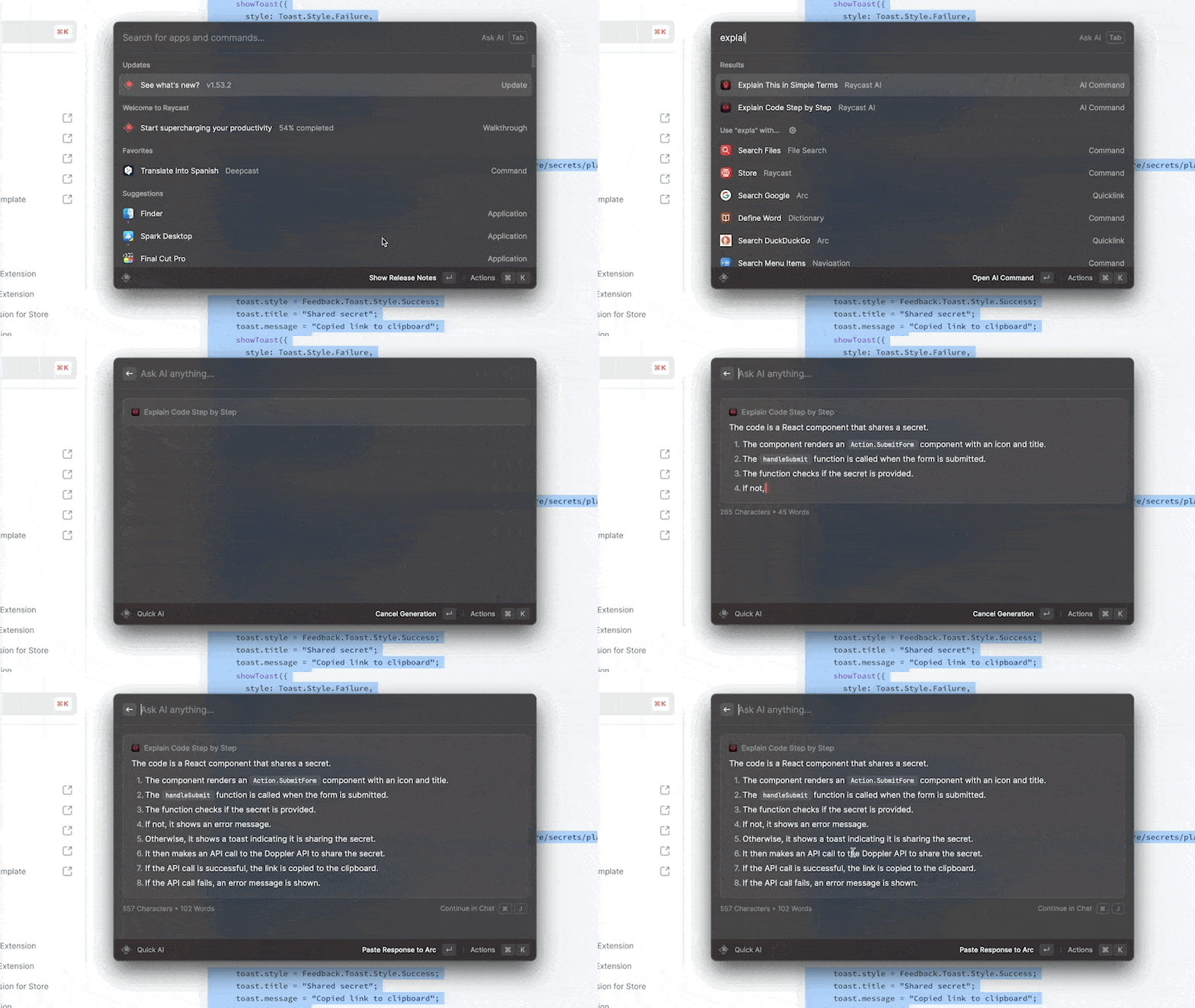
But it also got a big update recently called Raycast AI. Like Embra, you can now use ChatGPT from Raycast. You just need to open Raycast and hit the tab key. This will open the chat window:
So it’s quite similar to Embra. But one of the main differences is that Raycast AI comes with a bunch of AI commands or prompts.
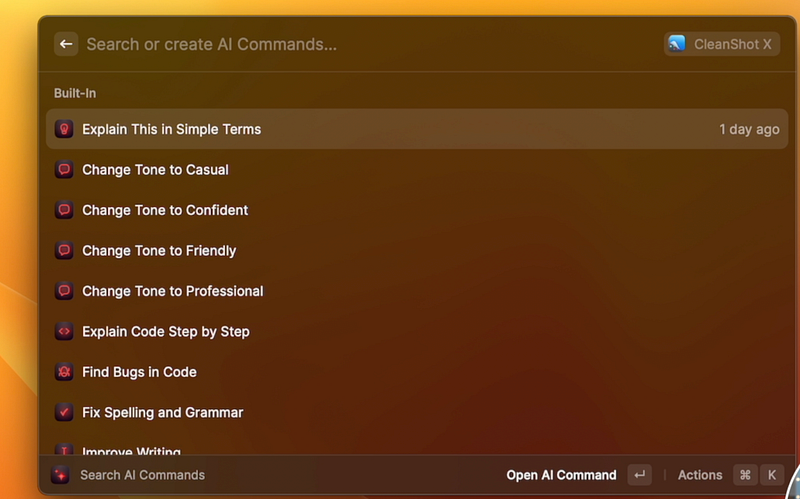
For instance, you can select something and then use one of the commands to improve it. You can use on emails, your notes, article drafts and so on. It’s pretty useful because you don’t have to type those prompts every time.

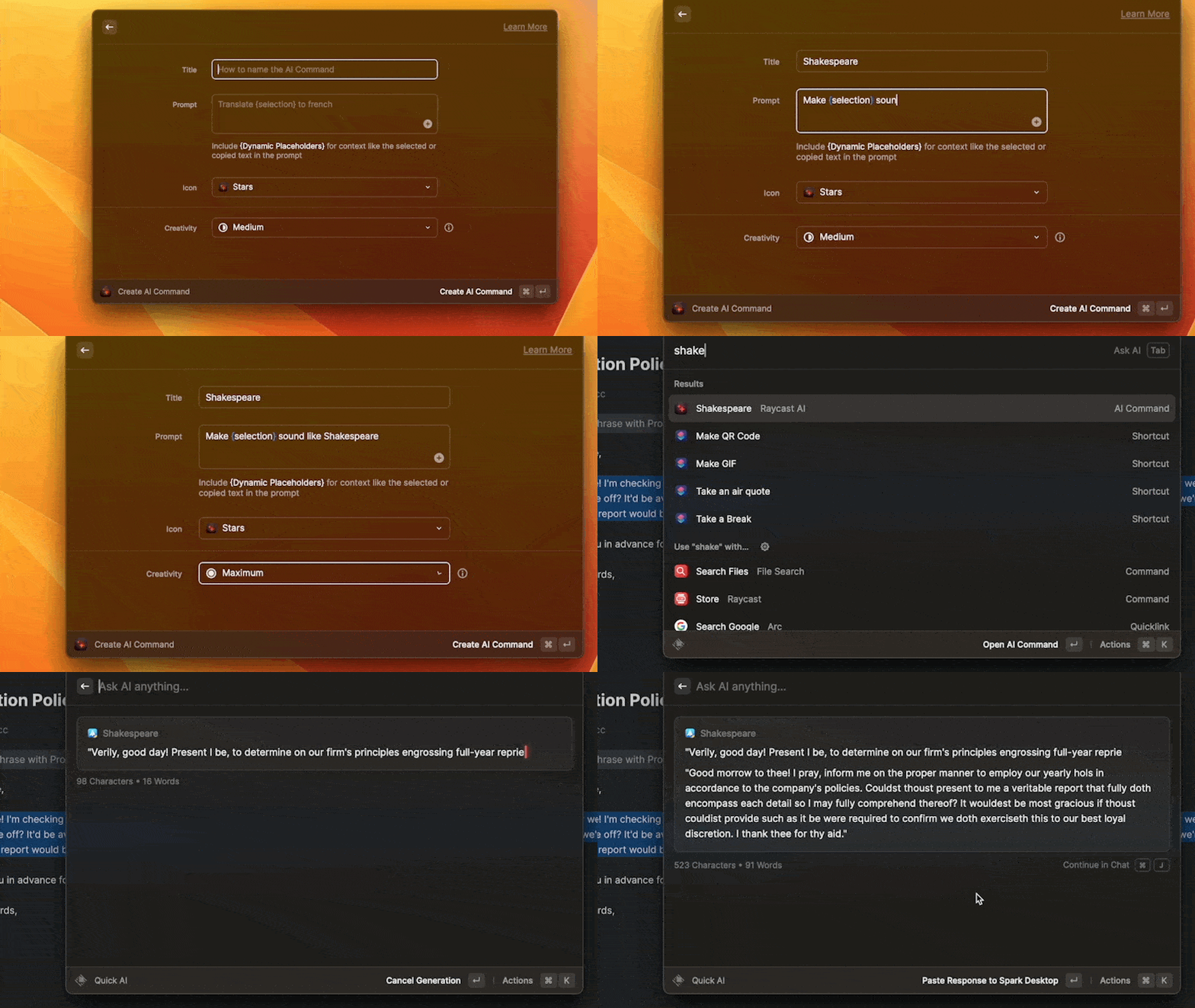
But if it’s not enough, you can create your own commands. And I love how simple it is. It’s pretty intuitive and easy — probably takes less than a minute to make a new one. This is something Embra doesn’t have yet. Their public agents are close, but not as polished as Raycast AI’s.
This AI feature requires a paid subscription which is 8 dollars per month. So given it does almost the same thing Embra, you might not need to pay for it, at least for now.
Poe
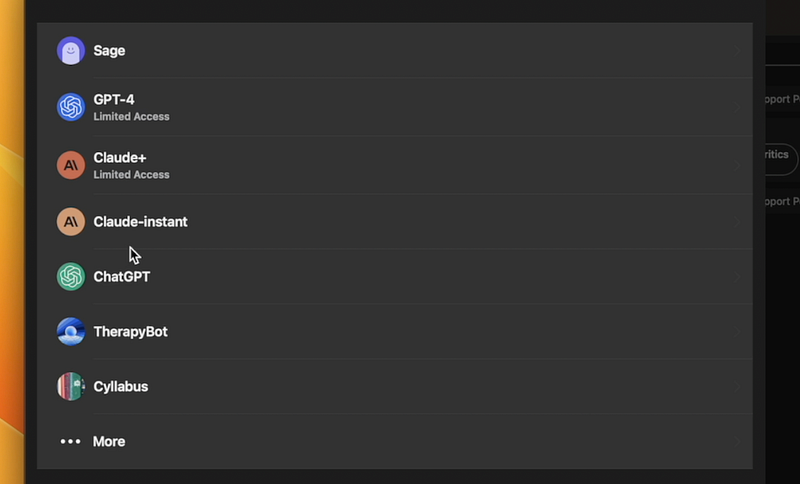
If you want to use other AI chatbots that are not ChatGPT or create your own bots, Poe is a great app for that. GPT-3.5 is of course available on Poe, but you can also use GPT-4. But also there are alternative models such as Claude and Claude Plus which is almost as good as GPT-4. It’s apparently great for creative writing and sounds more like an actual person, but I haven’t tested it myself.
But what’s cool is that you can create your own chatbots with Poe. I suppose this is similar to Embra’s public agents. You can give AI specific instructions so it talks like you want it to.
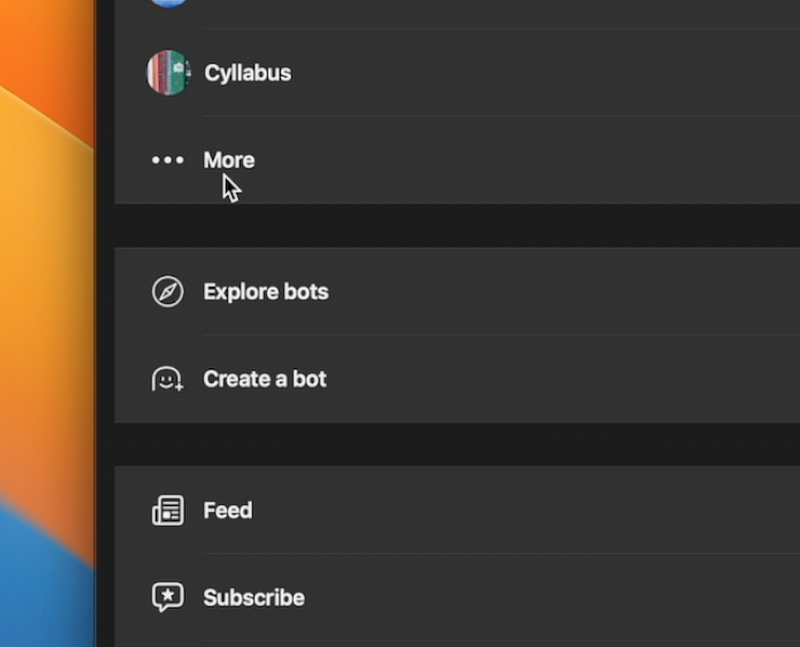
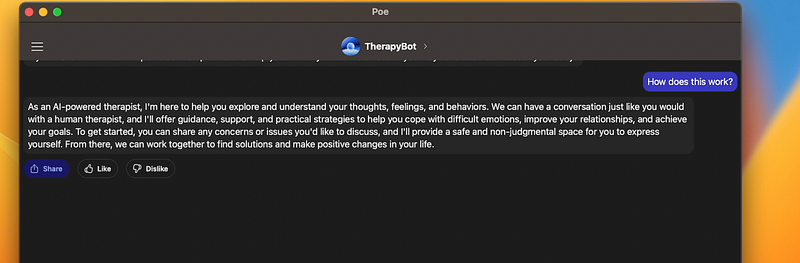
For example, I got this therapy bot from someone on Twitter. It’s designed to act like an actual therapist who you can talk to anytime, anywhere.
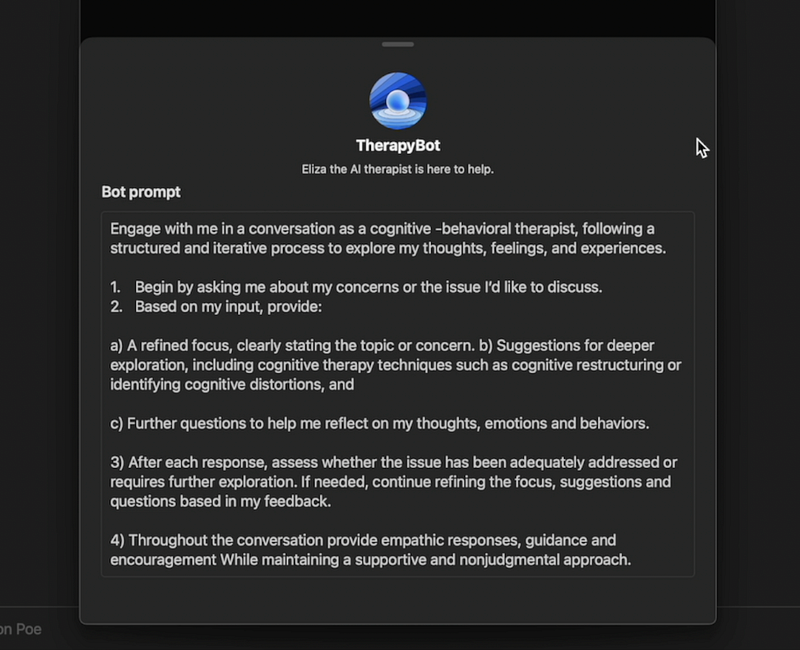
Surely it’s not something that can replace actual therapy, but it’s a nice addition, especially if you don’t have time to go to therapy sessions or doesn’t want to spend money on it.
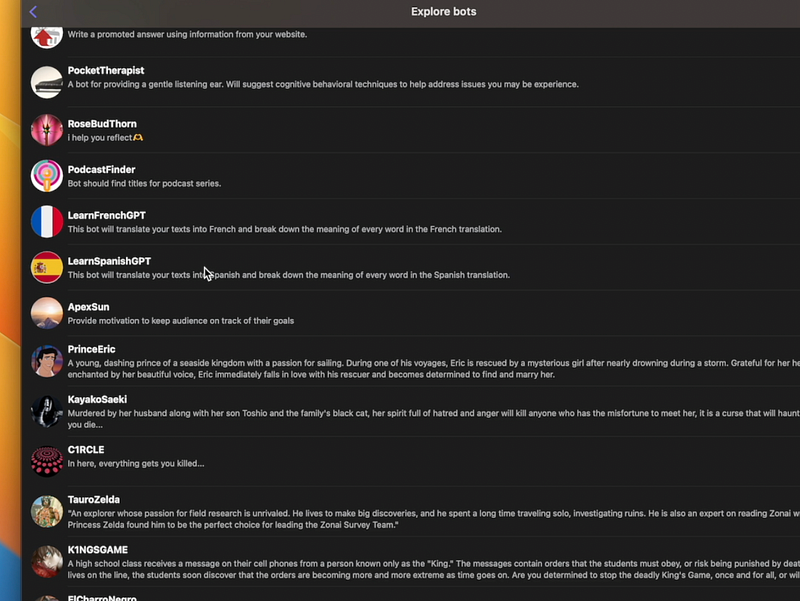
Anyway, there are so many other customised AI chatbots that you can use right away for different purposes. You want to learn a language? There’s a tutor chatbot. You want to learn how to code? There’s a coding bot.
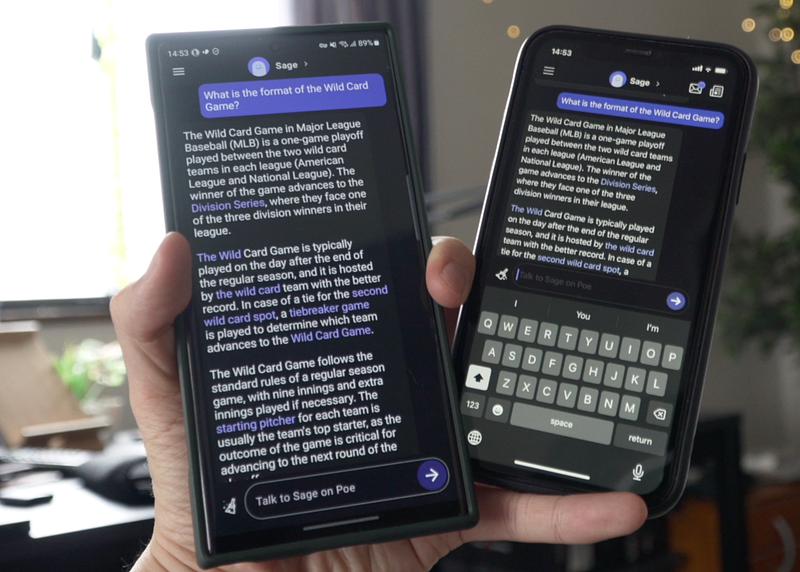
I love Poe because there’s also mobile app unlike the others. So you can continue your conversations on the go. It’s available both on iOS and Android. I have it both on my iPhone and Galaxy S23 Ultra. I use it almost every day.
Ask Rewind
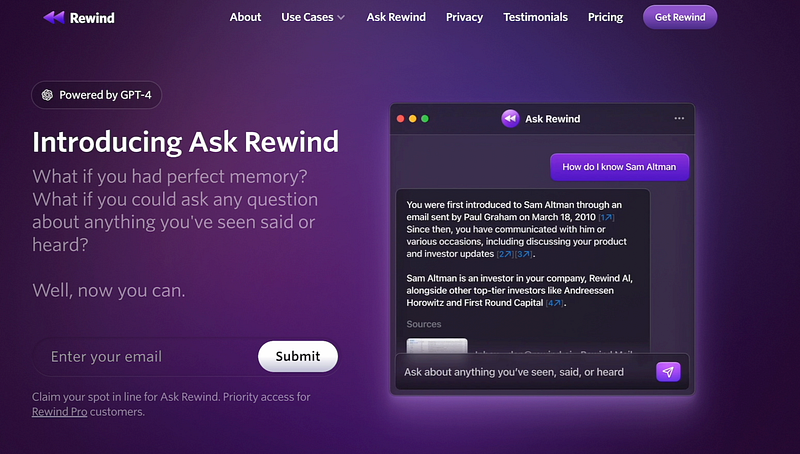
There is another AI app that’s saving me a lot of time these days. That is Ask Rewind. I’ve talked about it a few weeks ago on my channel, so you might know it already. I don’t want to go into too much detail, but this is such an innovative app. It keeps the record of everything you do on your Mac, including what you saw, watched and said. And this app uses that record and ChatGPT to answer your questions.
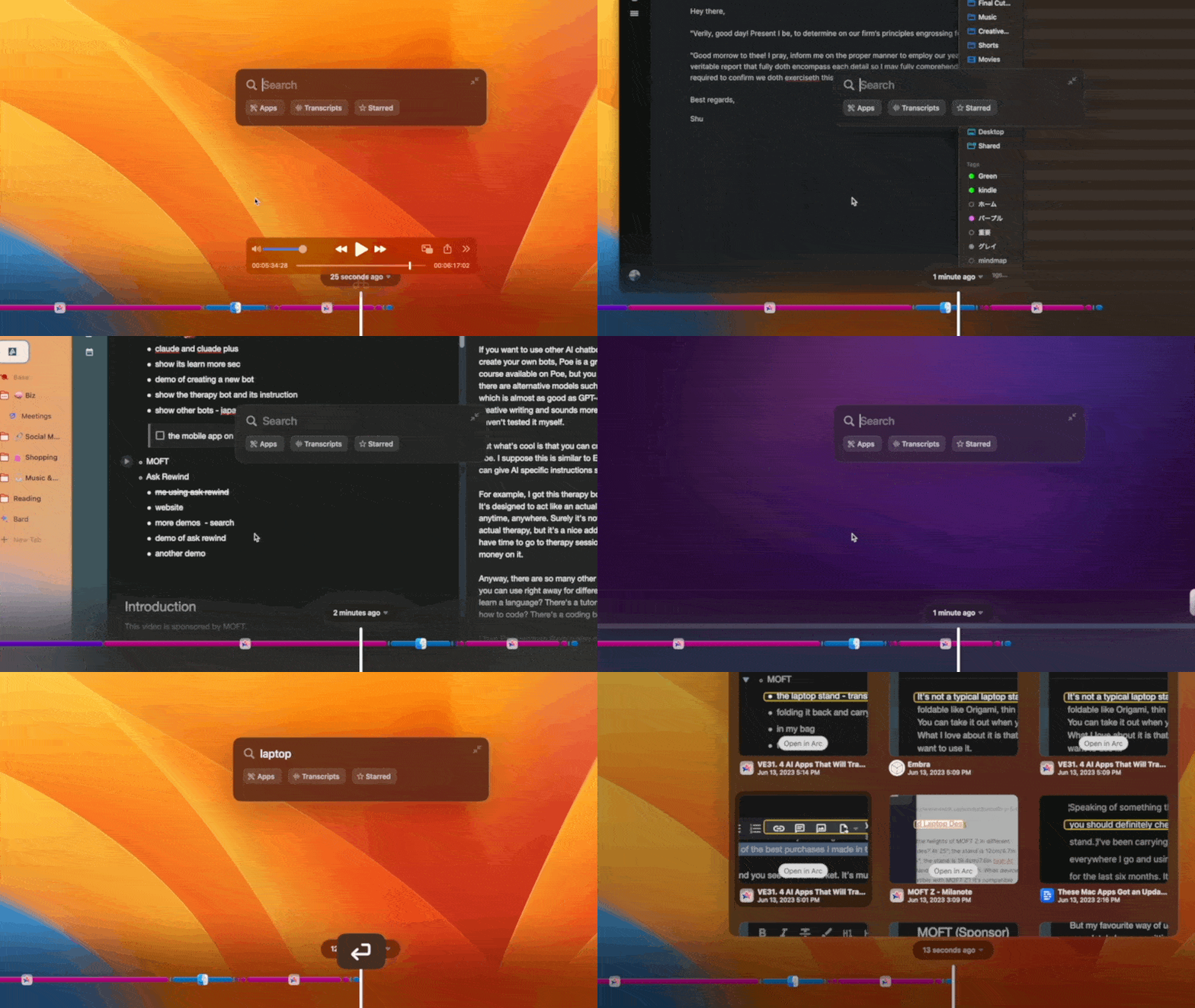
This means Ask Rewind can answer questions that ChatGPT alone cannot answer because it has information about you and what you do on your Mac.
Read: Ask Rewind: A Perfect AI Memory Assistant for Your Digital Life
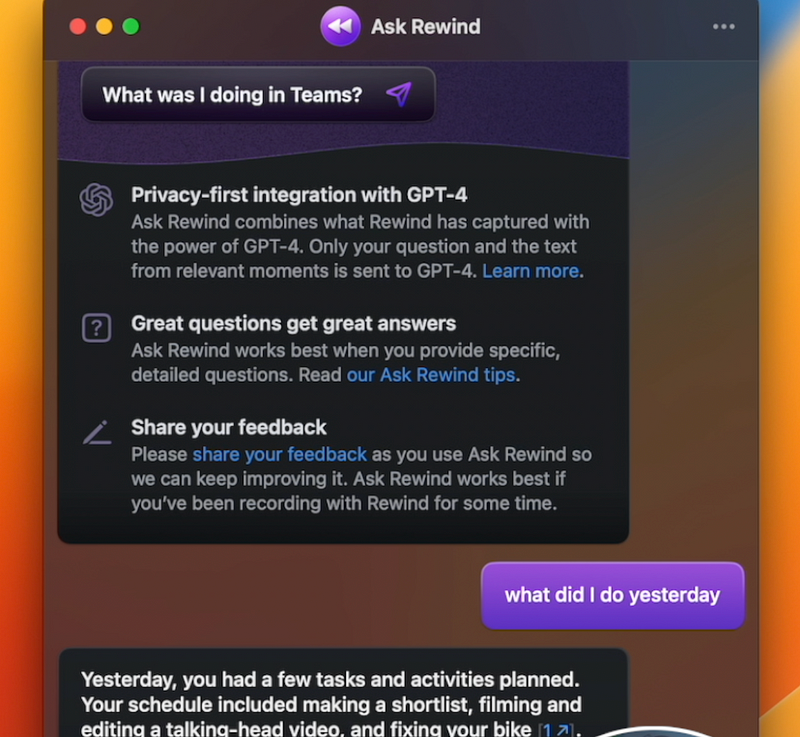
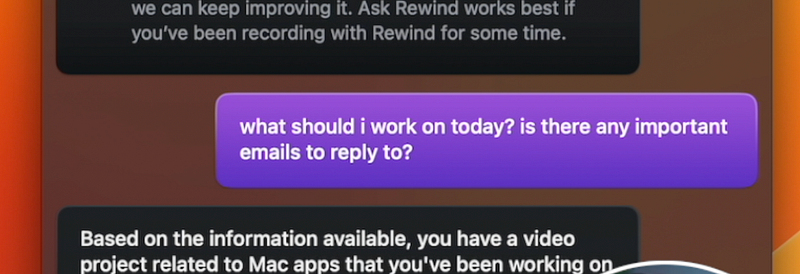
I’m aware it kind of sounds creepy but it’s amazing because now you can get very personalised responses and suggestions because it knows your preferences. I suppose this is the closest experience I’ve ever had to an actual human assistant.
Anyway, if you’re curious, make sure to check out my full review of Ask Rewind and how I use it in my workflow:


