
31,920 Verses of the Bible Turned Into a Notion Template for Your Convenience
No, I did not manually type in the verses 😄
For those of you that read the bible, this free Notion template will be a great way for you to keep track of the verses you read and create bible notes relating to a verse in a personalised and creative way.
The bible template will be a helpful tool for situations such as when you do bible study or write sermon notes.
In this article, I will go over a few different use cases for this bible template and explain the Notion features you would need to understand for you to make the most of this template! 💪🏻
What the Bible Template Contains:
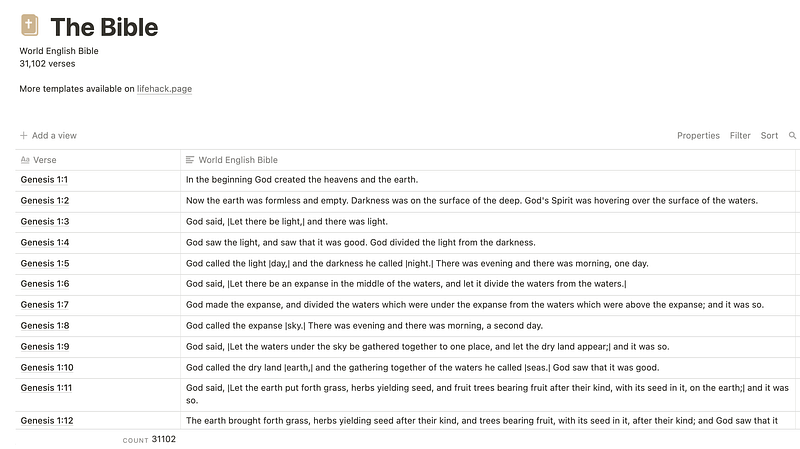
The template is simply a single page with one database table that contains 31,102 rows. Each row contains one bible verse.
The Bible has 23,145 verses in the Old Testament and 7,957 verses in the New Testament. The number of rows in this notion template is the same as the number of verses in the bible.
Interacting With the Notion Bible Template
This part is only for new Notion users
On the top right of the table, there are two features worth knowing, which are filter and search.

When you click search, you can type in anything relating to the verse you are looking for, such as the chapter name or the verse content, and what you typed will show up in the table.

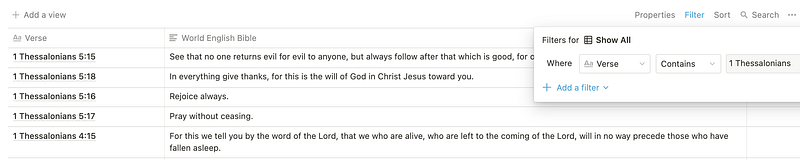
When you click on the filter button, the table will bring up all the rows related to what you filtered for. For example, you can filter through the table for all the verses that contain the word ‘love’

Or you can filter through the table to only show a certain chapter
The sorting feature sorts things from A~Z or Z~A, but it doesn’t work the way you might want it to work, as it sorts not by verse order but by the perceived numerical value.
For example, verse 10 will come before verse 2 as 1:10 is considered as 1.1 whereas verse 2 (1:2) is considered as 1.2.
How To Write Bible Notes: Simple
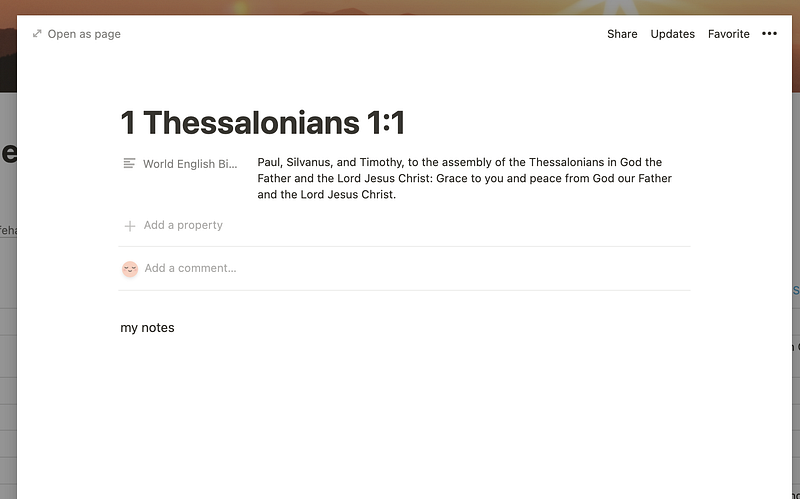
The simplest way to write bible study notes would be for you to search through the table for the verse
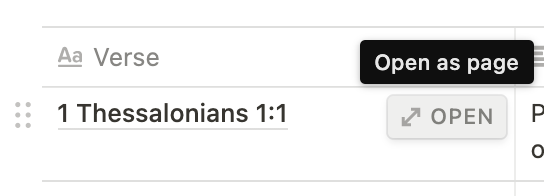
Click on the verse to open up the page and write your notes within it.
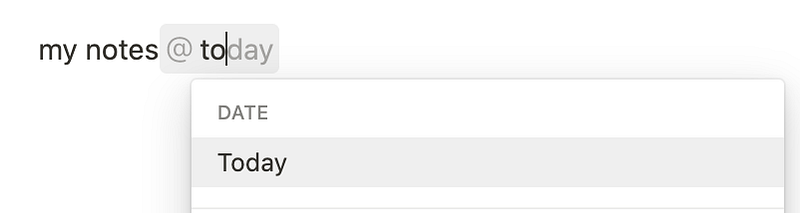
and optionally type ‘@today’ to create a timestamp
How To Write Bible Notes: Advanced
Through creating relational databases (another table linked to the bible table), you can refer to the verses from the bible table in more personalised ways.
For example, if you write your daily journal within Notion and have a database for that, you can link the bible database to your journal and create a column where you can choose the bible verse of the day.
And then create a roll-up column to display the content of the selected bible verse. To take a step further, you could then create a text column where you write your overall notes for all those verses.
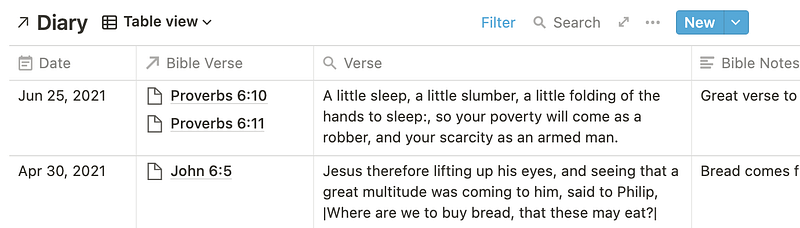
Knowing how to do this will allow you to track your bible reading, create traceable bible reading plans, link your weekly sermon notes and more.
You can find out more about the relation and roll-up properties here.
Bible x Mood Toolbox Use Case
Another use case is to create something like a bible x mood toolbox. You can link a verse that you find useful for a certain mood or circumstance and remind yourself of peace giving truth 🍵
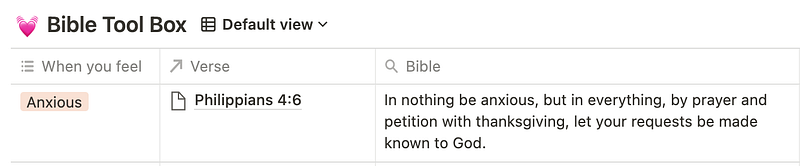
You could display your table as cards and try memorising them, or add images and make it visual.
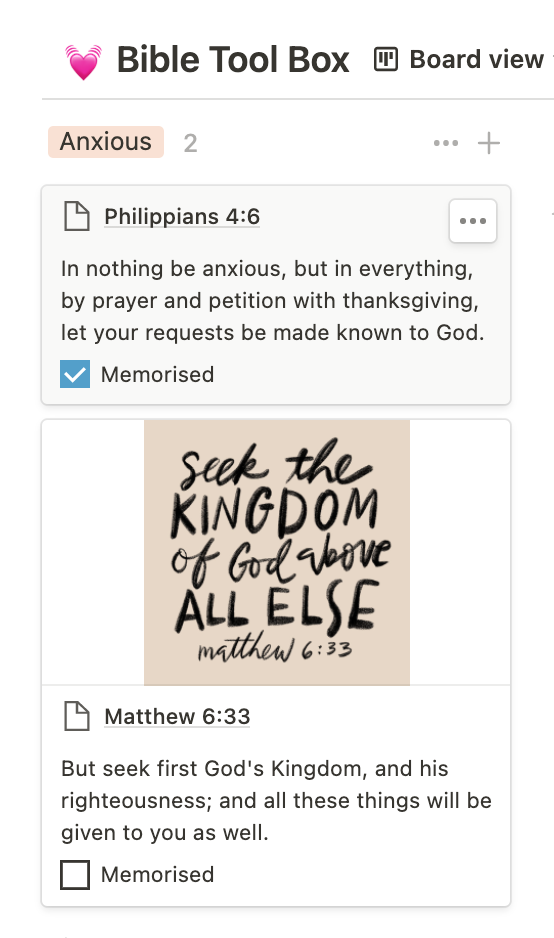
I can imagine how having an organised table of verses could help someone find the right verses when delivering a themed sermon or blog post!
That’s all from me for today. I hope you found this helpful.


