
30+ Killer AI Tools That Are So Valuable That They Feel Illegal To Know — No BS
I bet that 99.99% of you don’t know about most of these tools.

Let’s be honest, the future of technology is heavily intertwined with the advancement of Artificial Intelligence (AI).
Artificial Intelligence (AI) has been transforming the technology landscape, and with innovations like ChatGPT from OpenAI, it’s clear that its impact will only continue to grow.
However, as more individuals and businesses turn to AI tools to enhance their productivity, the need for scalable solutions that can handle increasing user demands becomes paramount.
Despite these challenges, AI remains a popular choice for those seeking to streamline their work and unlock new efficiencies.
With an internet connection, access to numerous AI-powered tools, ranging from natural language processing and image recognition to predictive analytics and machine learning, is now possible.
These tools offer the ability to automate repetitive tasks, gain valuable insights from data, and even develop new products and services.
In this article, we’ll explore some of the best AI tools available and examine how you can put them to work for you. Whether you’re a developer, marketer, or simply seeking to improve your workflow, these AI tools are sure to provide a boost.
Note: I wasn’t compensated to write this piece by any of these tools. In other words, I don’t receive any payment from their founders. There is no affiliate link, and most of these are free to use upto a certain limit.
So, stay tuned, and let’s dive into the world of AI and see how it can help us be more productive and efficient in our daily lives.
1. Durable
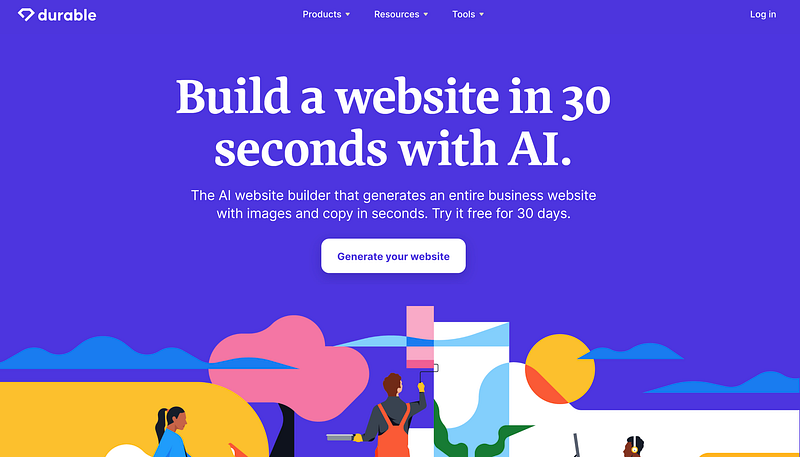
Have you ever wanted to create a website for your business, but the thought of coding and technical know-how seems overwhelming?
Well, you’re not alone! That’s why I’ve done the research and listed some amazing free no-code and low-code online tools on Medium that can help you build a website within minutes or hours.
But what if I told you that there’s an online tool that takes website building to the next level? Introducing Durable — an AI-powered website builder that promises to have your website ready in just 30 seconds.
That’s right!
All you have to do is type in your business information and voila! You have a professional website, ready to impress. And if you want to customize further, adding headings, social media links, and more is a breeze.
So, whether you’re a small business owner, freelancer, or just want to build a personal website, Durable has got you covered. Say goodbye to the complicated and time-consuming website-building process and hello to an easy, quick, and AI-powered solution.
Don’t believe me? Give it a try for yourself and see how this tool can revolutionize the way you build websites.

Have you ever wanted to improve the quality of your old photos? Well, you’re in luck because there are tons of tools that can help you do just that. You can even change the background or customize your pics to your heart’s desire.
But, what if I told you there’s an AI tool that takes it to the next level? That’s right! Deep Nostalgia allows you to animate your old photos in the most amazing way possible.
So, whether you’re looking to bring your old memories to life or just want to animate some of your fave pics, Deep Nostalgia is the way to go.
Bring your old photos to life and give Deep Nostalgia a shot! It’s the perfect tool for those who don’t have any animated videos or photos of their loved ones or simply want to add some animation to their photos.
So, why wait? Try it out and see the magic for yourself!
3. AutoDraw
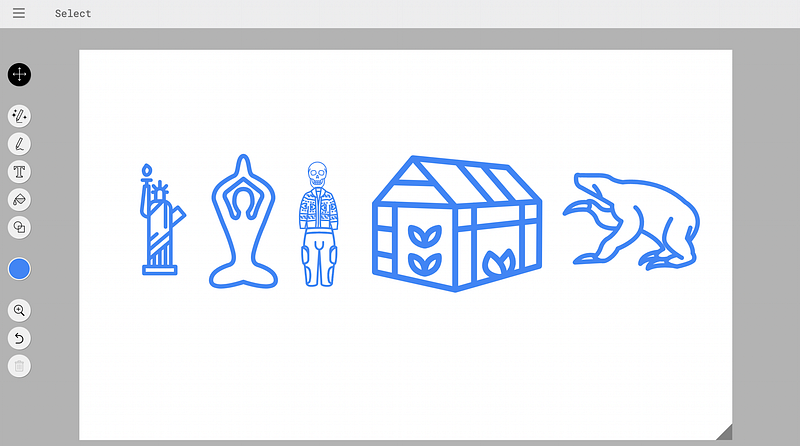
Have you ever struggled with creating diagrams, flowcharts, or time management strategies? Well, if you have, I’ve got good news for you! FigJam and Web Whiteboard are here to make your life easier. These tools allow you to create all sorts of diagrams and charts with ease.
But wait, it gets even better. What if I told you that you could add an AI twist to it? Yup, you heard that right. The folks at AutoDraw have combined the simplicity of FigJam and Web Whiteboard with the power of AI.
How cool is that?
So, here’s the deal. With AutoDraw, you can start drawing anything you want, and AI technology will suggest premade drawings based on what you’ve drawn. It’s like having a personal assistant for your diagrams and charts!
And the best part? You don’t need to sign up or pay a single penny to use it.
So, if you’re looking for a tool that can help you create diagrams and charts with ease and add some AI magic to them, look no further than AutoDraw.
4. Fontjoy
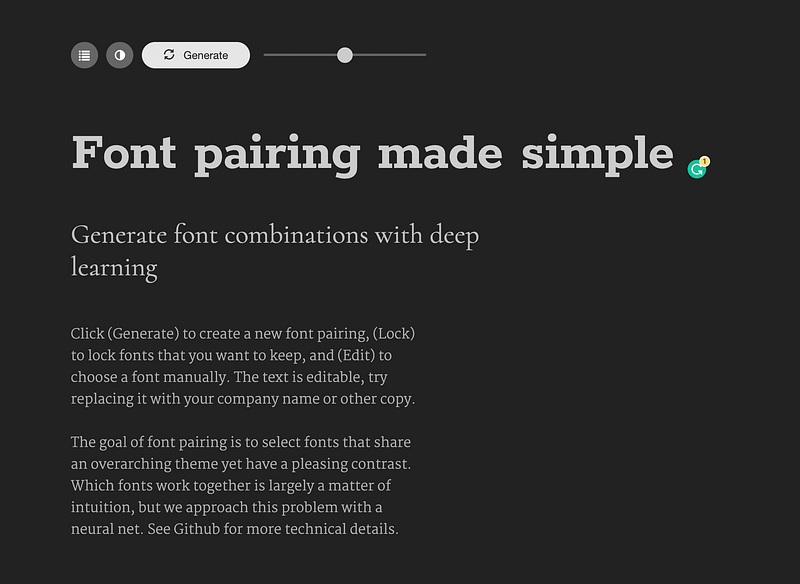
You’re probably like most of us and aren’t professional UI designers, but that’s okay because there are tons of no-code or low-code platforms that allow anyone to create a website. Some of them are even free!
But here’s the thing, as a non-designer, you’re bound to make some design mistakes and one of the biggest ones is choosing the wrong font.
Yeah, that’s right. Different fonts can seriously impact the look and feel of a website and unless you’re a design expert, you probably have no clue about font pairing.
Enter Fontjoy.
This cool tool uses deep learning to generate font combinations for you, so you can try out different font pairings and add them to your website design with ease. No more font pairing headaches!
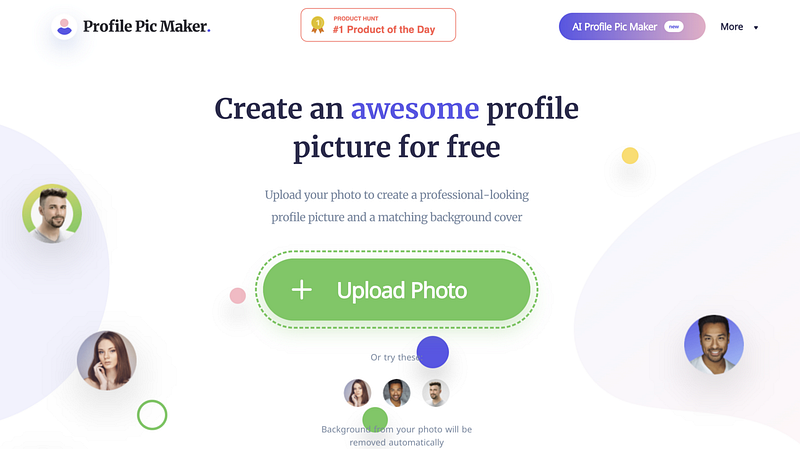
If you want to look your best online, you need a killer profile pic.
It doesn’t matter if it’s for your LinkedIn, your resume, or your social media — you need to look sharp and professional. But, let’s be real here, getting a professional photo taken can be a pricey deal. Not everyone has the cash or the time to splurge on it.
That’s where AI-based tools come in to save the day. There are tons of these tools out there that promise to give you an AI-generated, professional-looking photo, but most of them come with a hefty price tag.
Enter Profile Pic Maker — the ultimate game-changer. This tool is free to use and you don’t even need to sign up. It’s super easy to use and you can even customize your photo to your heart’s content.
It uses AI technology to give you a high-quality image that looks like it was taken by a professional photographer. The best part? You don’t have to spend a fortune to get it.
With Profile Pic Maker, you can have a fantastic photo of yourself ready to go on all your online profiles without breaking the bank.
So, what are you waiting for? Give Profile Pic Maker a shot today and take your online presence to the next level.
6. Mem.ai
Are you tired of feeling overwhelmed and disorganized at work?
Let me introduce you to the solution: Mem. This all-in-one productivity and project management tool is designed to help teams streamline their work and stay organized like never before.
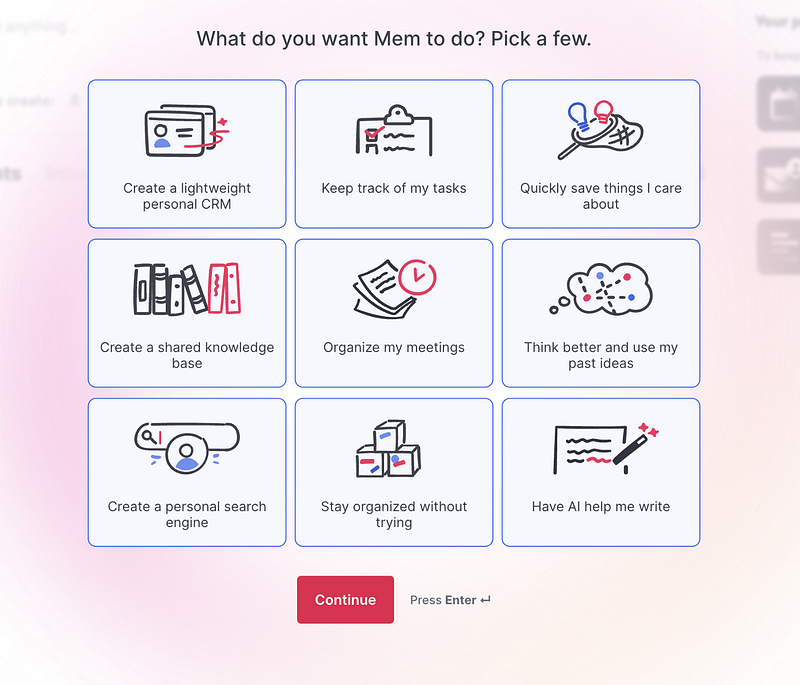
Unlike other tools in the market, Mem isn’t just a one-trick pony. It can help you with everything from creating a personal CRM, tracking tasks, saving important info, building a shared knowledge base, organizing meetings, and even writing! The options are endless with Mem.ai.
And the best part? Despite its incredible capabilities, Mem.ai is affordable for everyone. You can use it for free up to a certain limit.
7. Beatoven
Do you know what we all love? Songs, baby!
Whether you’re a big-shot entrepreneur, a code slinger, a marketing wizard, or just a regular Joe, there’s a good chance you’ve got a list of jams you love.
Well, what if I told you that you can make music all by yourself with the help of some AI magic? That’s right, with Beatoven, you can turn your musical dreams into a reality.
Beatoven lets you cook up some royalty-free bangers that’ll elevate your story to the next level. And the best part? Making music with Beatoven is super easy. All you gotta do is:
- Pick a genre or style that suits your vibe
- Cut up your tune to the right length
- Change up the mood to fit your story
- Compose the final product
And if you’re feeling a little lost, don’t worry! Beatoven has got plenty of tutorials to help you get started.
Talking about the pricing, you get to make a 15-minute song for free each month. Anything longer, and you’ll have to pay up. But trust me, it’s worth it for the sweet tunes you’ll get to create.
8. Upscale
Have you ever been in a situation where you needed to make an image larger, but the quality was just terrible after you did?
Yeah, we’ve all been there. But guess what, there’s a solution to this problem! Meet Upscale, the image upscaling tool that’s here to save the day.
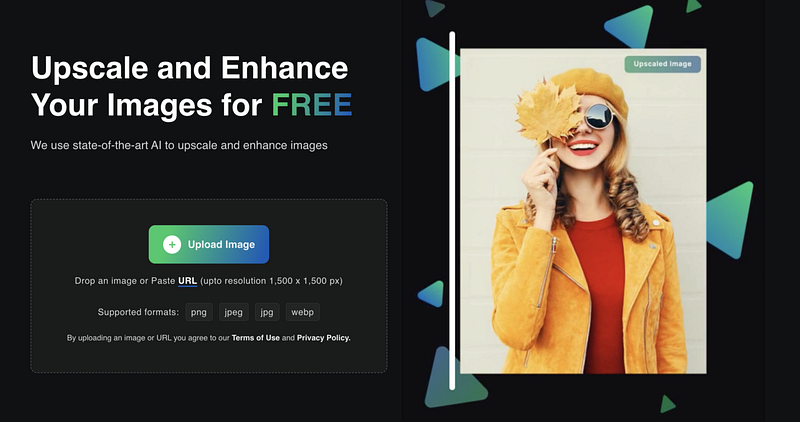
With Upscale, you can easily make your images bigger without sacrificing their quality. Just upload your image in any popular format like PNG, JPEG, JPG, or WEBP, and watch Upscale work its magic.
It uses AI algorithms to upscale your image up to 4x its original size while still preserving its sharpness and clarity. No more pixelated or blurry images!
Upscale is also user-friendly and best of all, it’s free to use.
So, if you’re done with the headache of losing image quality when making images larger, give Upscale a try.
Trust me, you won’t regret it!
9. Browse AI
Have you heard of web scraping? It’s like a secret way to get all the juicy info you need from a website. Email addresses, home addresses, even phone numbers — you name it, web scraping can get it for you.
And let me tell you, a ton of python developers are making some serious cash from this. But, what if you’re not a programmer? No worries, that’s where Browse AI comes in.
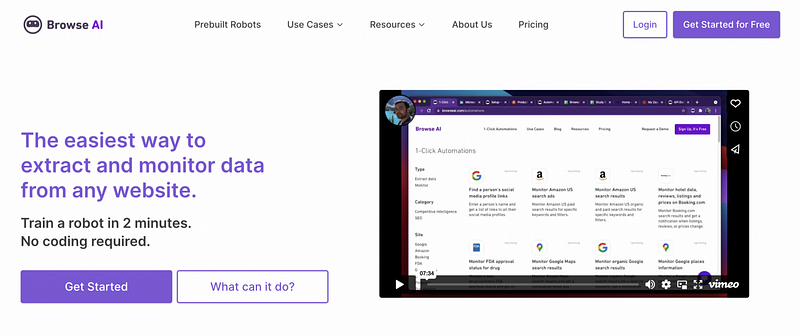
With Browse AI, you can extract information from multiple websites like a boss. And, you can even set up notifications so you always know when new info is available. It’s perfect for businesses, researchers, or anyone who needs to gather a ton of data quickly and easily.
Not only that, but Browse AI also offers options for data visualization and export. You can easily analyze and use the data you collect, saving you time and effort. It’s a super powerful tool that takes the hassle out of web scraping.
10. Tome
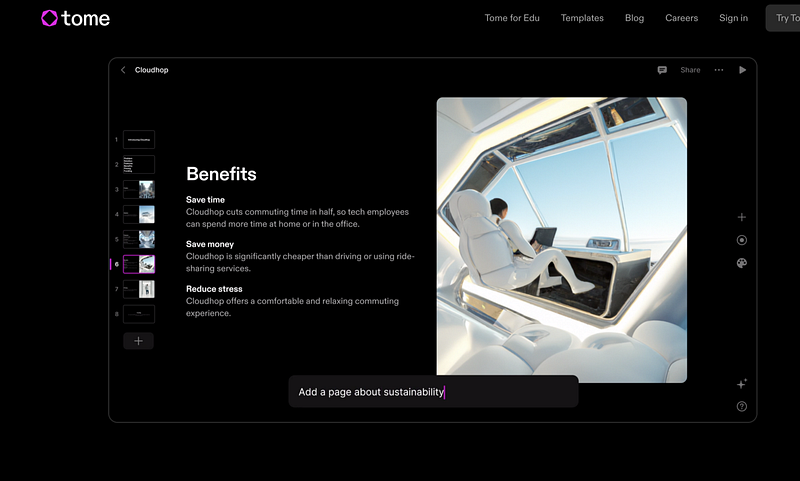
We know ChatGPT is a powerful language model created by OpenAI that’s got a ton of uses. It’s like a writing wizard that can crank out blog posts, code, test cases, and more in a way that reads like it was written by a human.
And then there’s Tome, man this thing is a lifesaver for anyone who hates making presentations. With Tome, you don’t need to be a design genius to make professional and slick presentations. Just give it a title or topic, and boom! You’ve got a fully-loaded slide deck with all the content you need.
Tome uses some fancy algorithms and NLP (natural language processing) tech to understand what you’re trying to say and generate the perfect content for each slide. It’s like having your own personal presentation assistant.
The best part? It saves you time and effort. No more spending hours designing and formatting slides, just give it a topic and let Tome do its thing.
I tried it myself and wrote the title “Side Hustle.” In no time, I had 8 high-quality slides ready to go.
Here is one of the slides below.
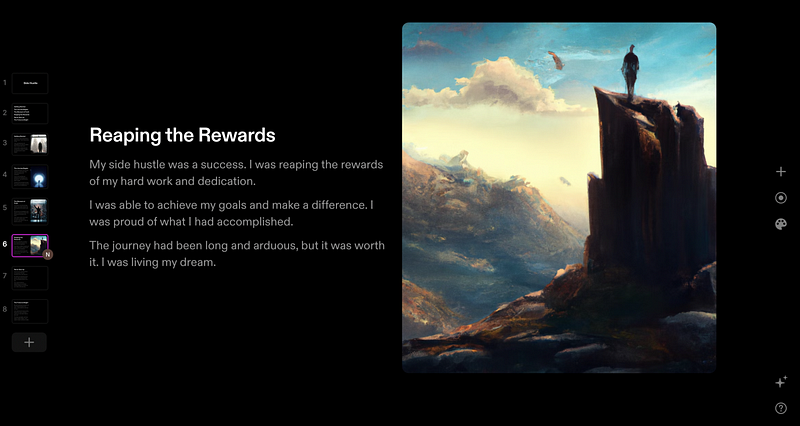
Lastly, it’s free right now to use.
11. Resume Studio
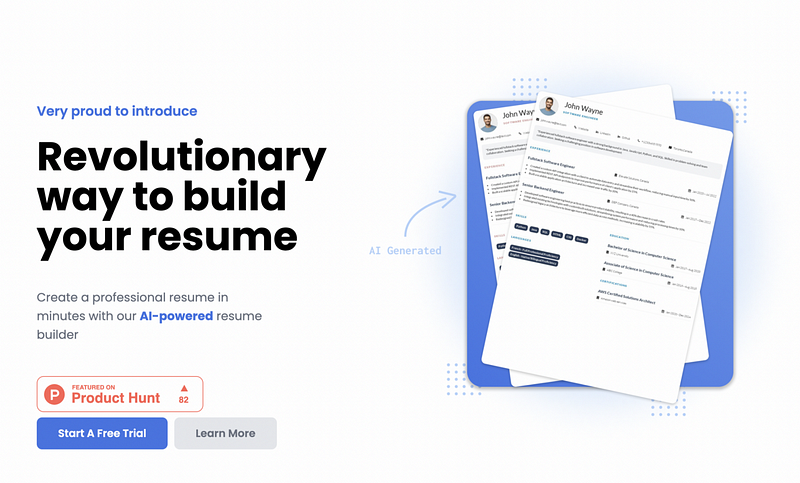
Applying for a job can be a stressful process, especially with the amount of competition out there. One of the most important components of your job application is your resume. It is a document that summarizes your education, qualifications, and experiences and acts as a tool for recruiters to assess if you are a suitable candidate for the role.
However, with so many resumes being submitted for a single job opening, it can be difficult for recruiters to sift through and determine the most suitable candidate. This is where having a standout resume becomes crucial. And that’s where an AI-powered resume builder like Resume Studio can make all the difference.
Resume Studio is a user-friendly tool that can help you create a professional and eye-catching resume that will catch the attention of recruiters. It uses AI algorithms to analyze your resume and make suggestions for improvements, such as including keywords, formatting, and designs that will set your resume apart from the rest.
The best part? Resume Studio is free to use up to a certain limit!
So, why not give it a try and create a resume that will help you stand out from the crowd and increase your chances of getting the job you want?
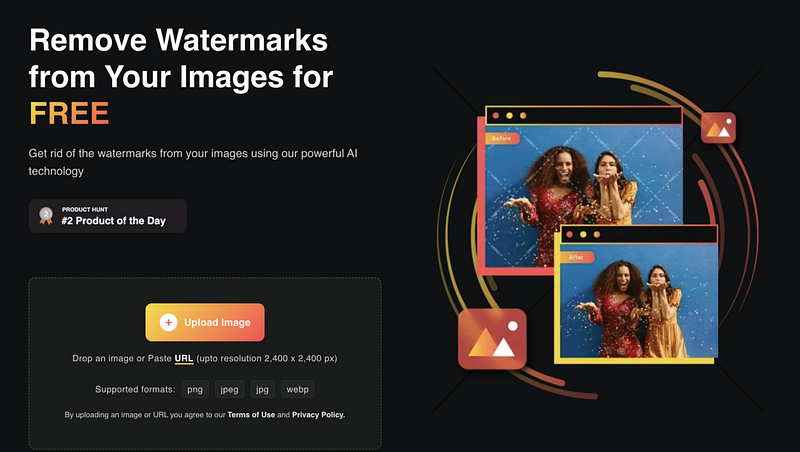
Tired of pesky watermarks ruining your presentation, image, or resume?
Say goodbye to them with WaterMark Remover! This ultimate tool is designed to help you get rid of watermarks from your documents, leaving them looking polished and professional.
With its advanced image processing algorithms, WaterMark Remover can easily remove any watermarks, all while preserving the original image’s quality.
No more worrying about ruining your hard work!
Using WaterMark Remover is super simple and it supports a variety of image formats, including PNG, JPG, JPEG, and WEBP.
Plus, the best part? It’s free to use up to a certain limit!
So why not give it a try and see how WaterMark Remover can save you time and hassle? Say goodbye to watermarks and hello to a clean and polished final product!
Here, it doesn’t mean you have to sell some products that are copyrighted by others and are made with a lot of pain and hard work.
13. Akkio
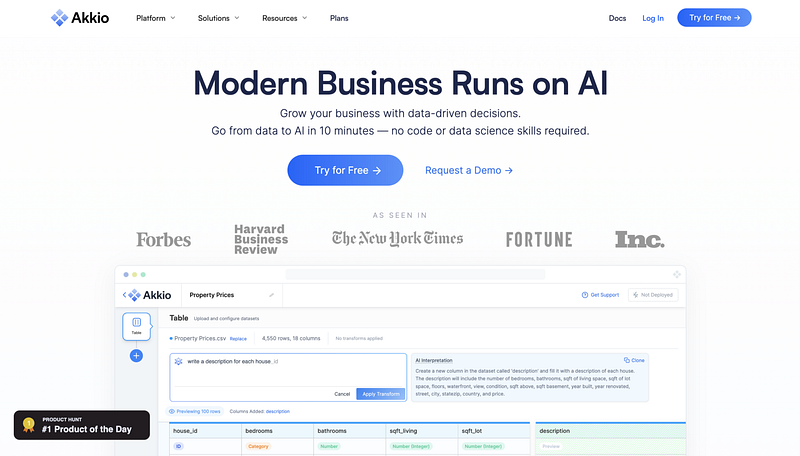
If you’re someone who’s been using no-code tools for your projects, you know just how convenient and efficient these tools can be.
With the rise of AI and Machine Learning, AI-related skills are becoming even more important. However, not everyone has the skills or knowledge to train the models.
Honestly, most of us even don’t know the concepts and tech behind AI. That’s where Akkio comes in to save the day!
Akkio is a web-based platform that makes it easy for anyone to build and train ML models, even if you don’t have a background in SQL or ML. The platform is user-friendly and has a simple interface that lets you create, test, and deploy ML models with just a few clicks.
So whether you’re looking to add image recognition, natural language processing, or predictive analytics to your projects, Akkio has got you covered.
It’s not just for tech experts or programmers, it’s for anyone who wants to integrate ML capabilities into their projects without having to spend hours coding. Akkio makes it easy and accessible for anyone to use ML in their projects.
14. Liner

Every one of you heard about AI and ML, right? These techs have been the talk of the town lately, especially with the rise of NLP and tools like ChatGPT. But let’s be real, you know that learning AI and ML can be a total headache, with all the coding and whatnot.
Enter Liner! It is your one-stop shop for building machine learning models, minus all the coding headaches.
It takes your training data and creates a model that’s easy to implement into your app. No more spending months or years trying to wrap your head around AI and ML.
With Liner, you can create models to boost your biz or organization in no time. And the best part? It’s super user-friendly! Even if you’re new to the AI/ML game, Liner’s got you covered with its simple, straightforward interface that takes you step by step through the model-building process.
Plus, it’s fully customizable, so you can make it work exactly how you want it to.
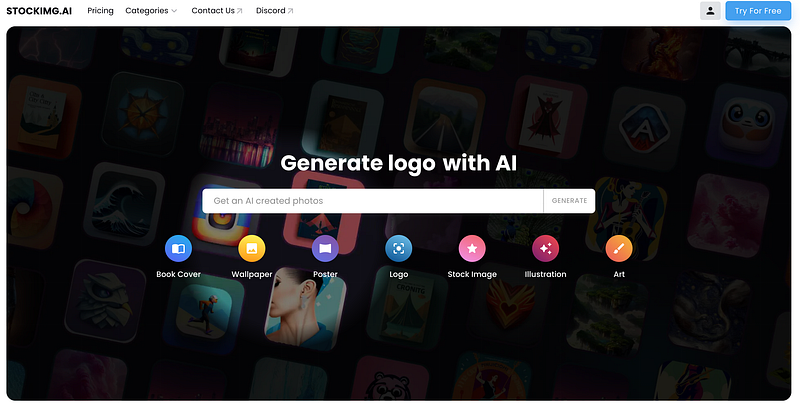
When it comes to designing, creating, and marketing your product or service, images, and graphics play a huge role. From a book cover to a logo, from wallpaper to a poster, and from a stock image to an illustration, visual elements can make or break your online presence.
But what if you don’t have any design skills, or you don’t have the time and budget to hire a professional designer? Well, don’t worry! Thanks to the advancements in AI technology, now you can easily generate all these visuals with the help of a website.
One such website is StockImg, it can create anything you need in just a few clicks. It’s simple to use, and the quality of the outcome is top-notch. However, you need to pay for it if you want to use it on a regular basis, but you can try it for free.
Another similar website is StockAI, which is like Pexels, but with integrated AI, making sure that the quality of the images is top-notch.
Whether you are a professional designer, or just starting out, these websites can help you save time, effort, and money, and help you create stunning visuals with ease.
16. CopyMonkey
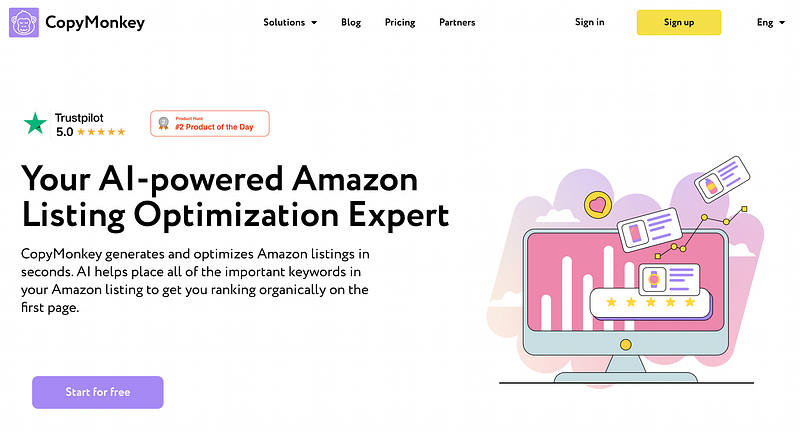
Let me tell you about the best e-commerce site for buying products. You already know the answer: Amazon! No matter where you are, Amazon is always the go-to for trust and speedy delivery.
And did you know that the people selling products on Amazon are just like us? Yeah, there are a ton of individuals selling on the site. But you know what’s not easy? Listing your own product on Amazon.
You gotta write the best description and sprinkle in the right keywords to get that sweet first-page ranking. Ain’t nobody got time for that!
Enter CopyMonkey.
This handy tool generates and optimizes Amazon listings in a flash and makes sure all the important keywords are in the right place to boost that organic ranking.
So, if you’re looking to sell on Amazon, but don’t have the time or patience to do it the hard way, give CopyMonkey a shot.
17. Ocoya
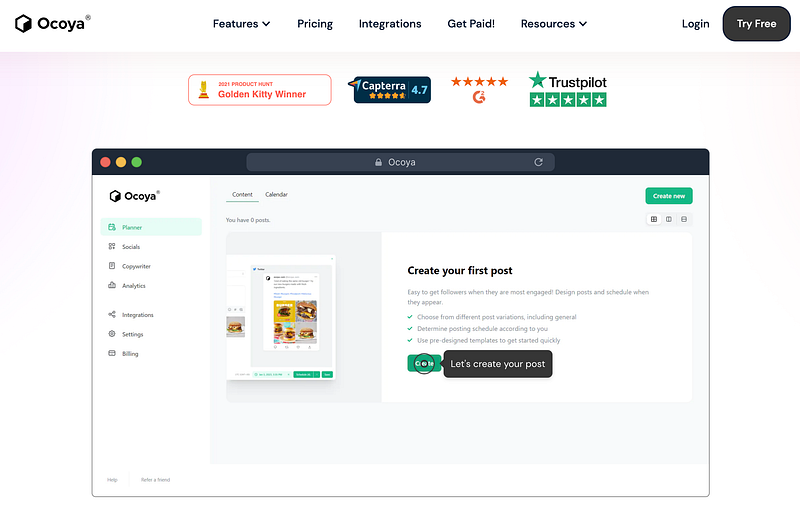
If you want to get more users for your product or service, you gotta advertise it online. I mean, you can’t just sit back and wait for people to find you, right?
Now, advertising is cool and all, but let’s be real, you have to use different social media platforms. And then you need to step up your content game on all your social media accounts. But let me tell you, coming up with valuable content can be a real pain in the butt and takes up a ton of your time.
So, what’s the solution? Enter Ocoya. This platform is here to save the day by helping you create, auto-generate, and schedule your content much faster. According to their website, you can save up to 80% of your time by using Ocoya.
So, if you’re tired of spending all your time on social media trying to come up with the perfect post, give Ocoya a shot. Trust me, your time (and your sanity) will thank you for it.
18. Krisp
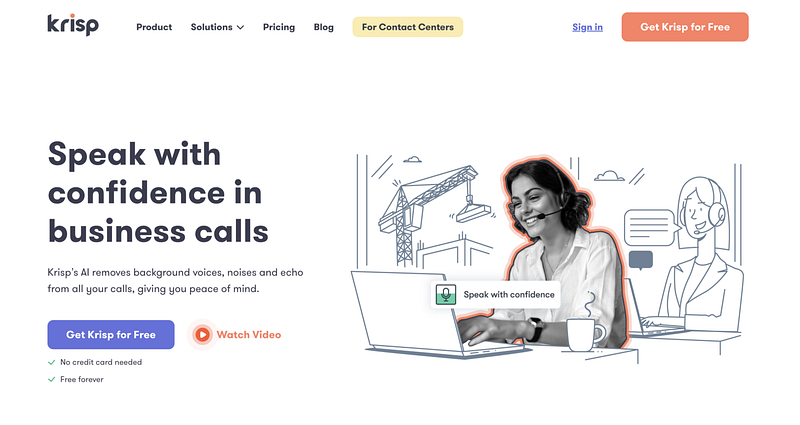
Krisp is a cutting-edge tool that aims to revolutionize the online meeting experience. It uses advanced artificial intelligence technology to eliminate background noise, voices, and echoes, making it an ideal solution for anyone who wants to have a clear and distraction-free conversation during their online meetings.
Whether you’re working from home, in a noisy environment, or just want to stay focused during a call, Krisp can help you achieve your goal. With its easy-to-use interface and efficient performance, you can get started with Krisp right away and enjoy its benefits instantly.
One of the standout features of Krisp is that it is completely free to use. That’s right, you don’t have to spend a single penny to take advantage of its advanced noise-canceling technology. It’s a great option for anyone looking for a budget-friendly solution to improve their online meeting experience.
In terms of usability, Krisp is incredibly user-friendly. It’s easy to set up and use, even for those who are new to AI technology. The intuitive interface guides you through the process, making it simple and straightforward to start using Krisp right away.
Whether you’re a freelancer, business professional, or student, Krisp can help you stay productive and focused during your online meetings. No more distractions, no more background noise, just clear and effective communication.
So, if you’re tired of dealing with background noise and distractions during your online meetings, give Krisp a try today. Experience the difference for yourself and see why so many people are turning to Krisp for a better online meeting experience.
19. Midjourney
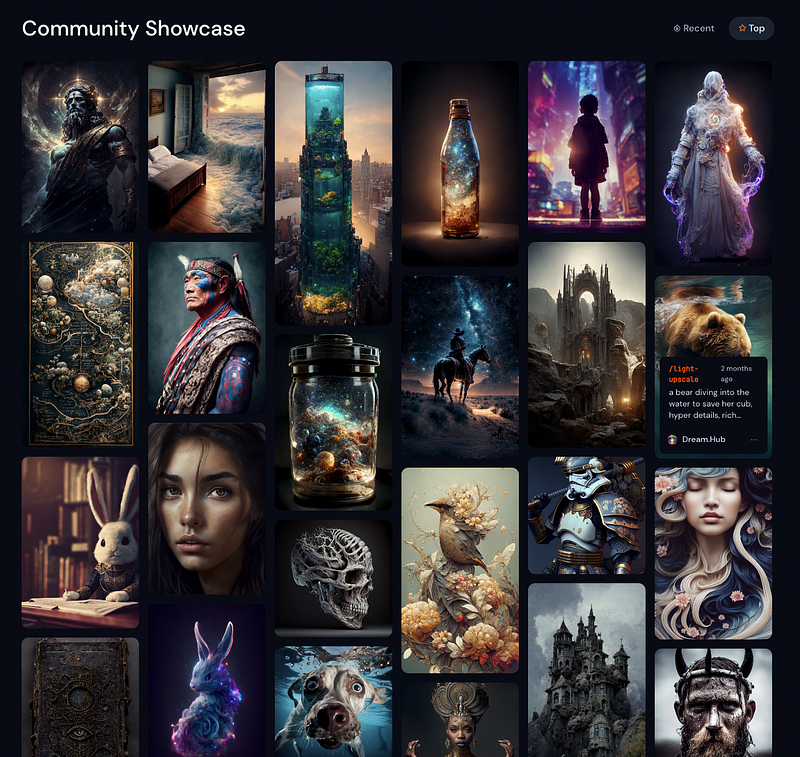
Have you ever heard of DALL·E 2? It’s like the ultimate AI tool that can turn text into mind-blowing high-def images. And, let me introduce you to Midjourney — a powerful tool that can do the same thing.
With Midjourney, you can effortlessly create realistic, high-quality images just by writing a simple text description. And the cherry on top? You can even use Midjourney right inside your Discord account, making it super convenient and accessible.
Whether you’re a designer, marketer, or just someone who loves to create, Midjourney is an essential tool for anyone looking to generate stunning images with ease. So, don’t miss out on this amazing opportunity to level up your image-creating game.
20. Runway
Have you heard of the bad boy in town? Runway — the tool that’s got everyone talking!
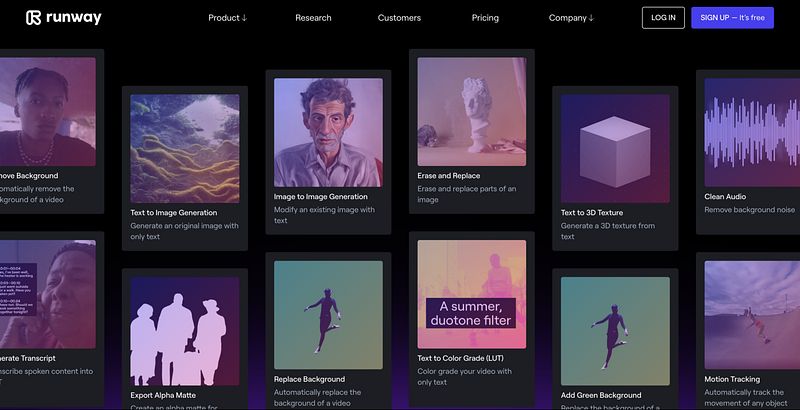
With the tagline “Everything you need to make anything you want”, Runway is the ultimate, all-in-one tool for anyone looking to get creative with AI projects.
With over 30 AI magic tools, Runway is designed to be an all-in-one solution for anyone looking to make the most out of their AI projects.
Whether you’re looking to perform video editing tasks, Runway provides you with the tools you need to get the job done. And, because the editing is performed in real-time, you can see your changes as they happen, making it easy to refine your work until it’s exactly what you want.
Another key aspect of Runway is its collaboration tools. Whether you’re working on a project with a team or simply want to share your work with others, Runway makes it easy to do so. With its built-in collaboration features, you can easily share your projects, give feedback, and work together to bring your visions to life.
So, if you want to be at the forefront of the AI revolution, check out Runway today!
21. Pictory
Video content is the king of all forms of content, hands down. When it comes to movies versus books, most people would rather watch a movie, any day of the week. The same goes for learning something new, it’s always easier to understand through a video instead of reading a long article.
But, creating a video is a whole different story. It can be time-consuming and a real pain in the neck. That’s where Pictory steps in to make your life a whole lot easier.
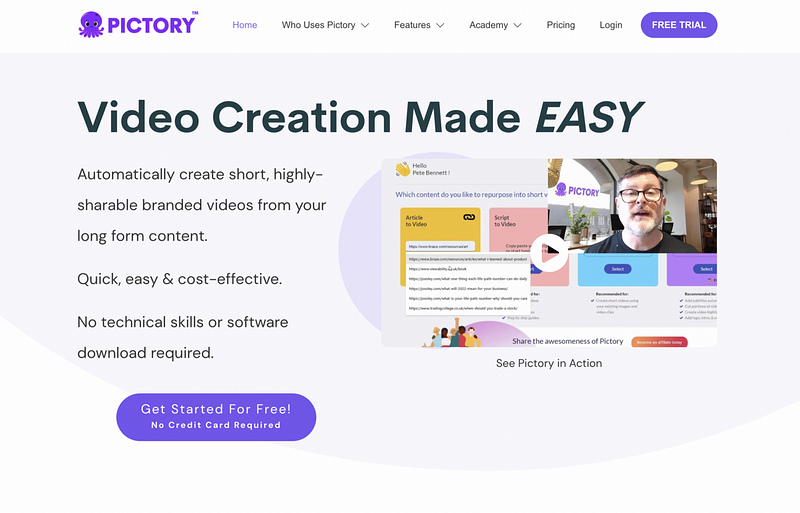
Pictory is a game-changer. It’s a tool that can automatically create short, high-quality branded videos from your long-form content in a jiffy. It’s like having your own personal video-making machine!
With Pictory, you can take your dull scripts and turn them into killer sales videos, convert blog entries into eye-catching videos, and even add subtitles to make sure your message gets across loud and clear.
Let’s talk about the cost. With the free trial, you can create up to 3 video projects, each up to 10 minutes long.
Cool, right?
22. Element of AI
If you’re thinking about picking up a new tech skill, you better buckle up because it’s gonna be a wild ride. But the course you choose can make all the difference in how quickly and easily you master that skill.
Take me for example, I was all about web dev and found a course that fit my learning style and pace perfectly. I was killing it, mastering that skill in no time. But when I tried to learn cybersecurity? Not so much. I couldn’t find a course that worked for me.
The thing is, finding the right course takes time and effort. But trust me, it’s totally worth it. The right course can be the foundation for your tech skills for the next 5–10 years of your career.
With AI and ML all the rage right now, a lot of folks are keen to learn those skills. That’s where the Elements of AI come in. It gives you a complete and engaging intro to AI and ML that’ll have you ready to tackle those skills in no time.
23. AI from Google

AI is all the rage these days, and everyone’s talking about how 2023 is going to be the year when AI explodes. And as a language model like ChatGPT, I’m definitely excited about the future of AI and what it has in store for us.
But let’s be real, to be a part of this exciting future, you need to have the skills to harness the power of AI. And who better to help you with that than the tech giant, Google? The machine learning experts at Google have created a ton of resources that you can use to get started with ML and AI.
And the best part? All of these resources are completely free!
So, if you’re looking to up your AI game, head on over to Google and start learning. Trust me, you won’t regret it.
With the right skills, you’ll be able to play a big role in shaping the future of AI and making it accessible to everyone.
24. Cleanvoice AI
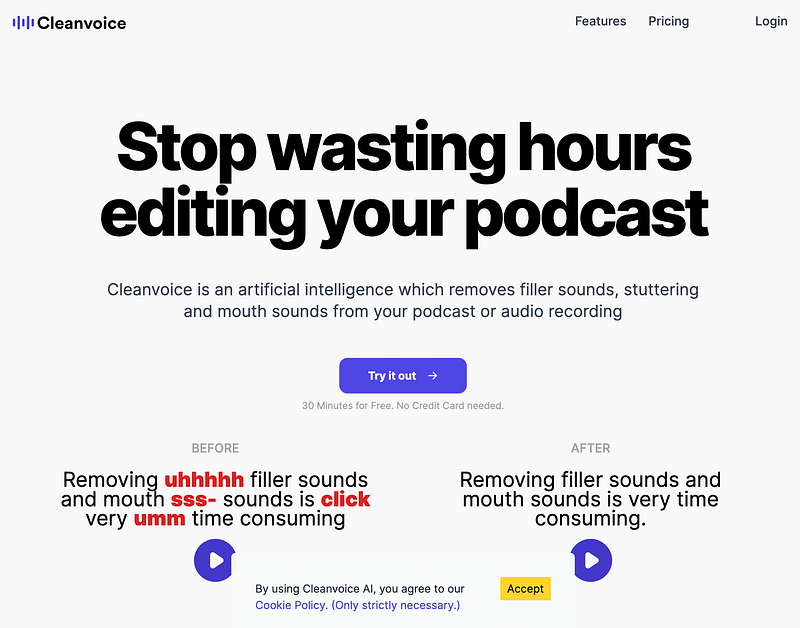
Are you tired of spending hours editing your podcast episodes? Well, have no fear because Cleanvoice is here! This amazing tool can help you save time and effort by automatically editing your episodes for you.
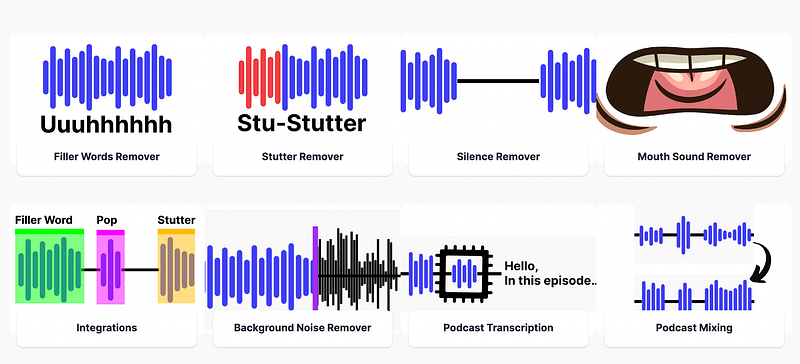
No more worrying about filler words, stuttering, silence, mouth sounds, or background noise — Cleanvoice got you covered. All you gotta do is record your episode and let the tool do its magic.
And the best part? You get to try it out for free for a whole month! After that, you’ll have to fork out some cash to keep using it. But trust me, it’ll be worth every penny.
25. Flair
Branded content is the name of the game these days, and it’s all about making your brand stand out from the crowd. Whether you’re selling a product, promoting a service, or just trying to build your brand’s image, you need to make sure your content is top-notch.
Creating high-quality content takes more than just an eye for design. You need expertise, research, and a good understanding of your target audience. But what if you don’t have the time or resources to create all the images you need for your brand? That’s where Flair comes in.
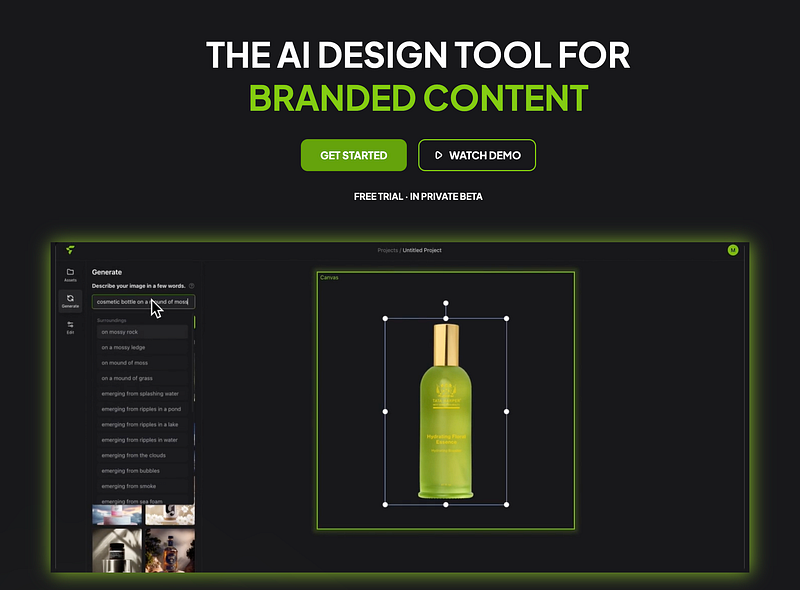
Flair is an AI design tool that makes it super easy to create branded images. All you have to do is drag your product photos into the canvas, add some visuals to describe the scene, edit until you’re happy with it, and then export and share! It’s that simple.
And the best part? Right now, it’s completely free!
So, if you’re looking for a way to streamline your branded content creation process, give Flair a try. Your brand will thank you!
26. Illustroke
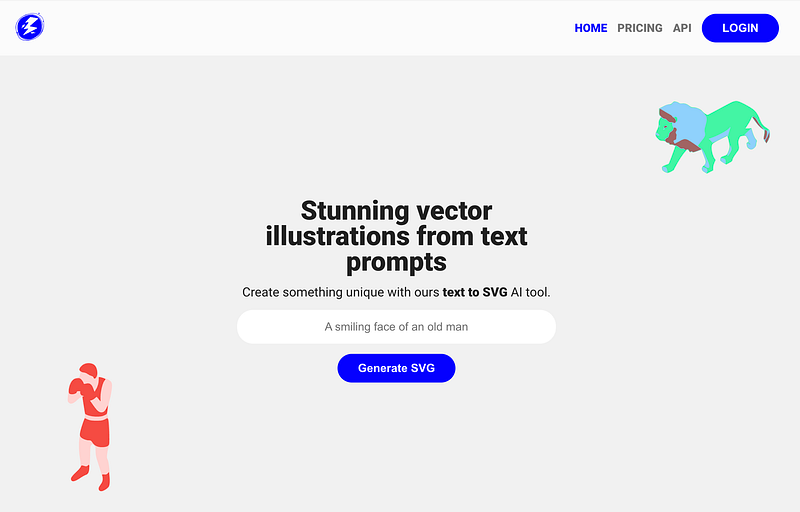
I’ve already talked about how you can make images, text, presentations, and videos with AI, but what about making insane vector images or illustrations? That’s where Illustroke comes in, my friend.
Are you ready for this? With Illustroke, you can create vector images just by writing what you want in the form of text.
Yes, you heard that right! Just type out what you want and let Illustroke do the rest. How cool is that?
So, if you’re tired of spending hours in design software or hiring a designer just to make a vector image, give Illustroke a try. You’ll be able to create killer vector images in no time, just by writing down what you want. It’s that simple!
27. Patterned

Alright, let’s get a little more specific with AI creation.
Are you ready? I’m talking about generating patterns! And who is better to help you with that than Patterned?
With Patterned, you can make unique patterns for your product using AI. No more staring at a blank canvas for hours trying to come up with something creative. Patterned will do the work for you, generating one-of-a-kind patterns that you can use for your products.
So, if you’re in the market for some fresh, new patterns but don’t want to spend all day designing them yourself, give Patterned a try.
28. Puzzle Labs
Let’s talk about content creation, shall we?
Whether it’s writing articles, making videos, describing your product, or crafting a killer sales pitch, it’s all about creating something that people will love. And trust me, if your content sucks, no one is going to stick around. That’s where Puzzle Labs comes in.
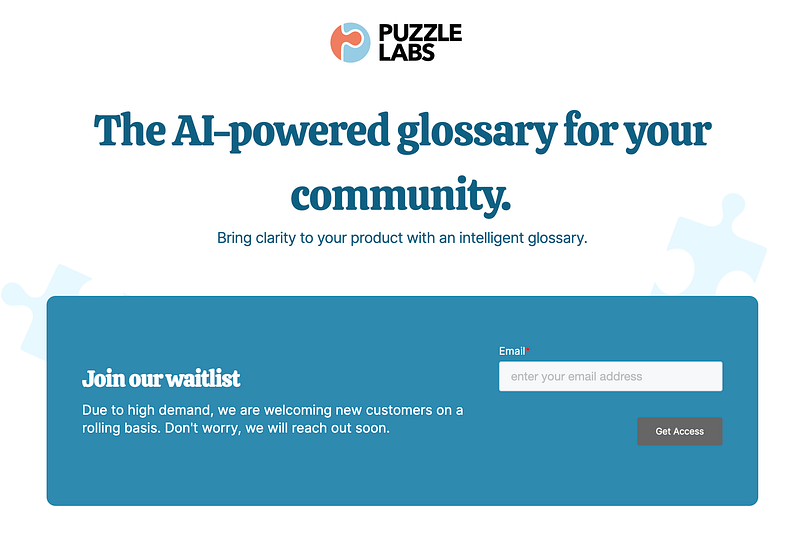
With Puzzle Labs, you can take your content to the next level. They’ve got a tool that lets you turn your content into a dynamic glossary in no time. All you have to do is a few clicks and bam! You’ve got a glossary that defines all the important terms and concepts in your content.
Plus, you can even embed the tool’s widget into your blog or docs so that you can easily highlight, define, and link to related content.
Puzzle Labs is all about making your customer education experience the best it can be. And the best part? They’re currently accepting new customers on a rolling basis, so if you want in, just add your email to their list and they’ll get back to you soon.
29. Khroma
If you’re a non-designer and you’re looking for an easy and fun way to choose the perfect color palette for your website design, then you’re in luck! Instead of using traditional tools that are time-consuming and complicated, you can use Khroma.
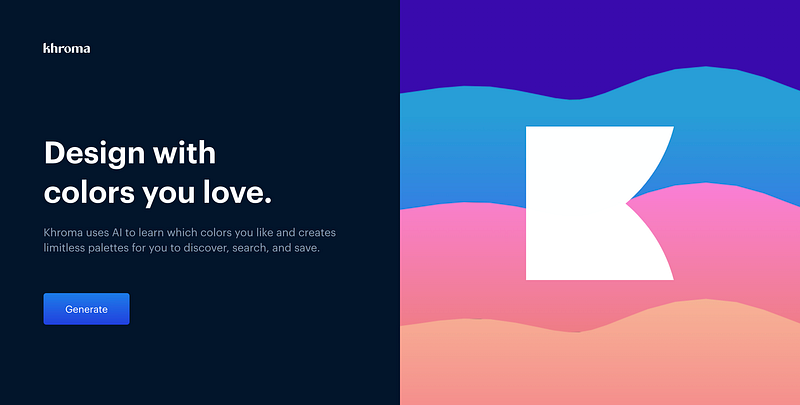
Khroma is a game-changer in the world of color selection because it combines the power of AI with your own personal preferences.
All you have to do is select 50 colors that you like. These colors will be used to train a neural network that will be able to recognize hundreds of thousands of other similar colors that you’ll like. The network knows which colors you don’t like because they weren’t in the original 50 you selected, so if you don’t choose dark brown, you won’t see it.
The result of this training process is a list of amazing color palettes that you can integrate into your website design. It’s really that simple! And the best part is, you don’t need any design skills or experience to use it.
So, if you’re looking for a fun and easy way to choose the perfect color palette for your website design, give Khroma a try! You won’t regret it.
Are you tired of spending countless hours trying to come up with the perfect ad, blog post, landing page, or sales email? Well, look no further because there’s someone new in the AI race and it’s here to help you out with all your digital content needs.
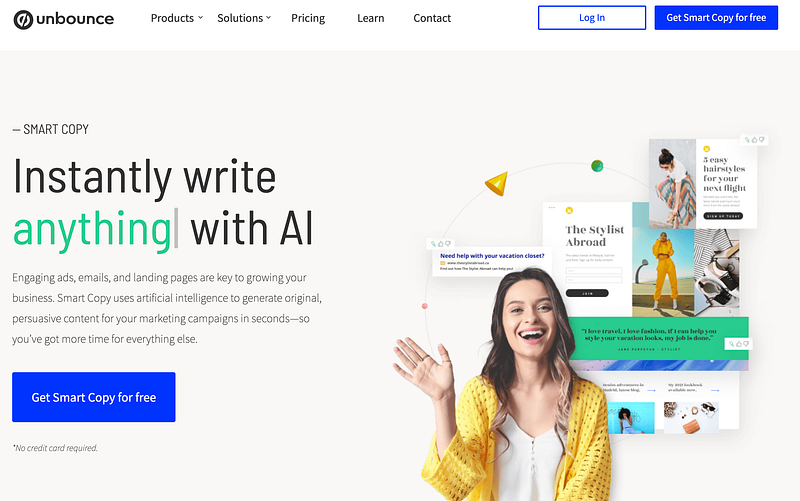
Meet Smart Copy by Unbounce — the ultimate solution to all your content creation problems. And the best part? It’s free! With 45+ free templates and the ability to translate your content into over 30 languages, you’ll never have to worry about content creation again.
Smart Copy has a template for everything, from Landing Pages to Google Ads to Facebook Ads to Product Descriptions to Sales Emails and more.
The process is simple, just pick a template that suits your needs, add some context, and let Smart Copy do the rest. In no time, you’ll have professional, high-quality content ready to go.
So, if you want to make your life easier and focus more on what really matters, give Smart Copy by Unbounce a try.
31. Slite
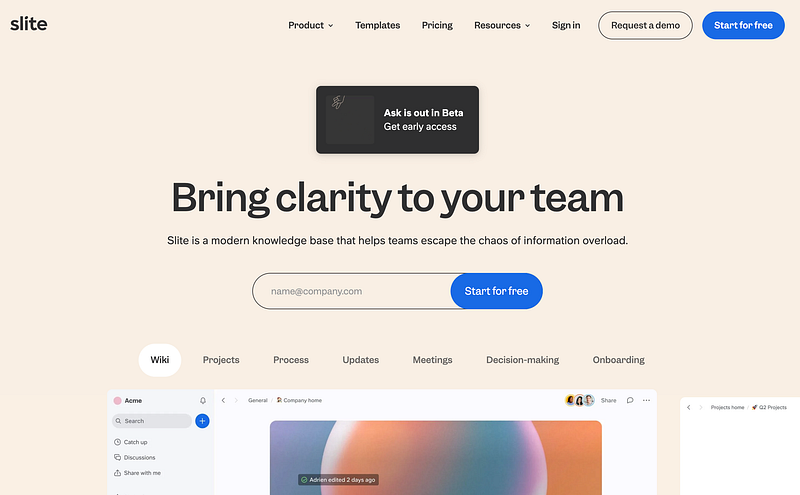
Have you heard about project management tools?
Well, Slite is a fresh new tool that’s got the inside scoop. Unlike those other tools where you search for content using keywords, Slite uses AI to give you answers to the questions you have about your knowledge base.
But what really sets Slite apart is its number of features like team collab and communication. It’s designed to make it easy for your team to work together and keep all the project info in one place so everyone’s on the same page.
One of the coolest things about Slite is the note-taking feature. You can use it to document your project progress, share ideas, and keep your team up to date with the latest info. And, it’s super simple to use — you can create, edit, and organize your notes like a boss.
Plus, Slite’s got all the collaboration tools you need, like comments, mentions, and task assignments, so your team can communicate and work together seamlessly.
And if you’re feeling overwhelmed with all the project planning, Slite’s got you covered. It’s got templates you can use to streamline your workflow and save you time. So, say goodbye to the headaches and hello to more productivity!
Hope you like it.
That’s it — thanks.
You can also find my writing on Substack.
Consider becoming a Medium member if you appreciate reading stories like this and want to help me as a writer. It costs $5 per month and gives you unlimited access to Medium content. I’ll get a little commission if you sign up via my link.


