
3 Useful Apps for Daily Business Life
Those Apps very help me to handle my business life.
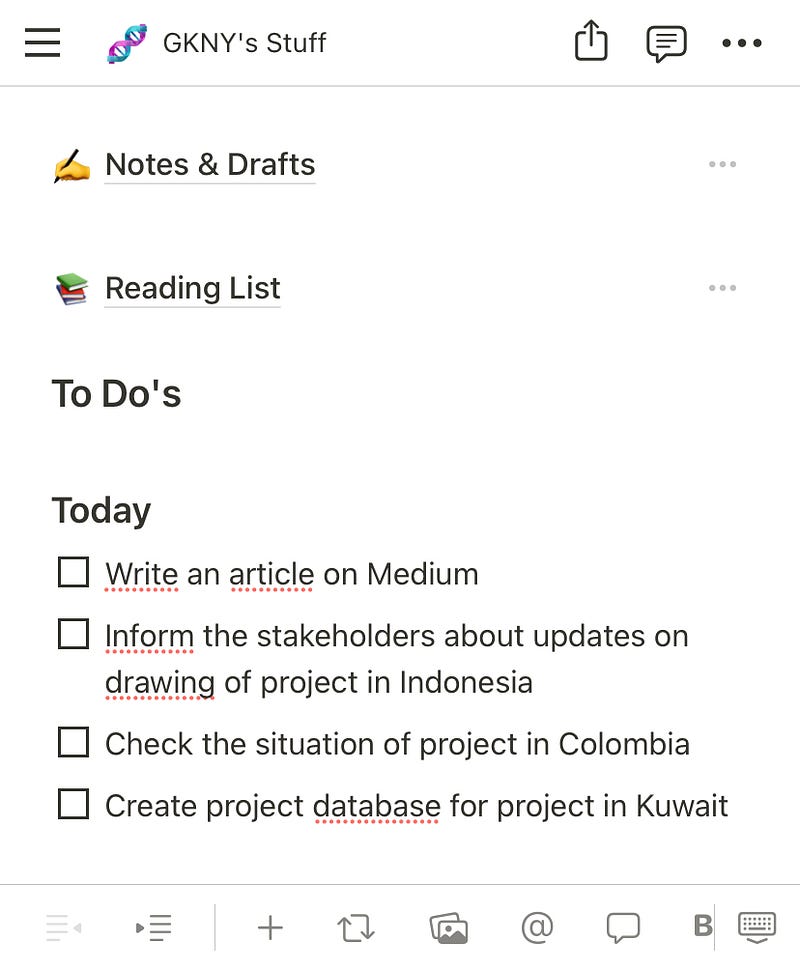
Notion is a delightfully different app: part note-taking app and part-task management tool, it combines the best of both types of programs to create something unique. As you can read in this full Notion app review, it’s the good kind of unique, too, the kind that pushes boundaries you didn’t even know needed to be pushed.
Is Notion a Good App?
- Notion is a good note-taking app and a good task management app, though it’s missing some advanced features from both.
What Is Notion Good For?
- Notion is great for basic task management, so think freelancers and small teams that are doing something that requires a lot of text or wikis.
Is Notion Better Than Evernote?
- Depends on what you’re using it for, but overall we like Notion better than Evernote because it has smoother navigation.
Is Notion Free?
- Notion has an excellent free plan for one user that contains all the features. Teams will need to upgrade.
Microsoft Teams is a great tool for keeping teams connected. It has a great chat feature that allows for instant messaging colleagues. Microsoft Teams also has the ability to have team meetings with or without video to keep teams connected and on the same page. It can be used to coordinate meetings both internally and with outside consultants and vendors. When you also incorporate the mobile app in addition to the desktop version, Microsoft teams is even more flexible. It is a great tool.
During Covid19 Pandemic this app has been provided limitless contact with all team members and customers easily when I need it.
Pocket is one of my favorite apps during my long business trips.
Here below you can see the detailed review but I wanna summarize that how I use this app efficiently during my trips. I collect all articles from Medium to read offline on my flights. It’s amazing to read everything offline.
If you install this app on your mobile devices, you’ll see the name of the app under the share link below.
SAVE FROM ANYWHERE.
Save the latest news, magazine articles, stories, videos, recipes, web pages, how-to information — anything you discover online or subscribe to, from any publisher. User favorites include Medium, New York Times, The Guardian, Washington Post, Flipboard, The Atlantic, New Yorker, Lifehacker, Business Insider, The Verge, BBC News, Google News, Buzzfeed, Vox, Engadget, Newsweek, Twitter, Youtube.
REST YOUR EYES. FIND YOUR FOCUS.
Pocket’s clean layout and customizable display make for a relaxing reading experience that clears out the visual clutter, gives your eyes a rest, and lets your mind focus on the information at hand. Love long reads? Pocket’s typography and layout keep reading comfortable for longer stretches. Love to read before bed? Try our new dark and sepia themes to reduce visual stimulation before you sleep.
LISTEN TO ARTICLES.
Pocket’s listen-to feature turns any news story, article, or blog post into a hands-free, eyes-free learning experience. Now you can turn content into knowledge while you cook, commute, work out, walk, or just relax and listen.
READ EVERYWHERE.
If it’s in your pocket, it’s on your phone, tablet, and computer — even when you’re offline. Whether you’re taking a news break, reading from bed, or breezing through articles on your commute, Pocket makes the most of your time by getting you straight to the news feeds, magazine articles, stories, information, news, and sports that are compelling to you. And estimated reading times help you turn any time into quality time.
Join Weekly Newsletter for “Pro Writing Tips”