
3 Common Signs Your Computer is Infected with Malware
How to recognize the typical signs of malware on your computer.
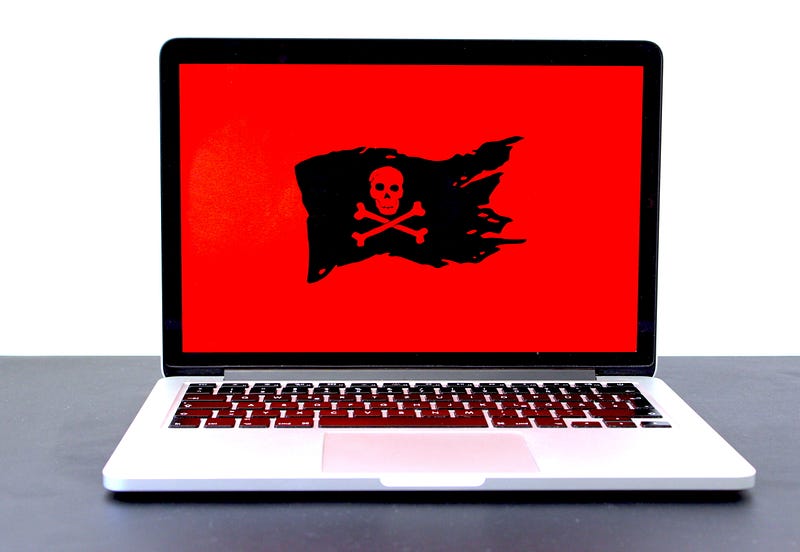
Keeping your computer working at an optimal level is essential in saving yourself time and avoiding frustration. Malware is one of the most prevalent problems with computers, as it can easily infect your system through email attachments or if you visit an unsafe website. One of the most common signs of malware is that it causes your computer to operate more slowly and even may force random shutdowns. Always taking the time to keep your security software up to date is critical in staying proactive against these threats.
Here are a few of the most common signs of malware.
#1 Unresponsive or Slow Computer
A computer can be slow due to a variety of reasons, such as a lack of space on the hard drive or if you have too many programs running in the background. However, your computer may also be slow due to malware as it can consume a significant amount of your computer’s memory. Scanning your system on a regular basis is the best way to identify malware threats. The vast majority of anti-virus scanners can remove malware, but you may need to reach out to an IT technician if you are unable to remove malware from your computer.
#2 Pop-Up Messages & Unwanted Toolbars
Noticing an excessive amount of pop-up messages is another sign that your computer is infected with malware. Many of these pop-up messages create a sense of urgency to attempt to trick you into clicking on the message without thinking about the consequences. You may also notice that your browser has installed new toolbars without your permission. These are all major signs of a malware infection, as it is important to avoid logging into accounts or accessing financial information until your computer is free from malware.
#3 Installation of Unknown Programs
One of the most obvious signs of malware is the installation of unknown programs on your computer. These programs can take up a large amount of space and make it difficult for your computer to operate normally. It is always safer to avoid clicking on these new programs, as they can potentially cause further damage to your system. You may also notice that your computer is working excessively while you are not using any programs. The safest option is to get your computer checked out by a technician as soon as possible.
Malware continues to rapidly evolve as it poses significant threats to anyone who uses a computer. Understanding the common signs of malware is essential in helping you stay proactive while keeping your system working at all times. Cybercriminals will continue to develop new types of malware, but always staying aware of these threats is a great way to keep your computer and personal information safe.