
3 Awesome Chrome extensions for Medium
There’s a lot of awesome Chrome extensions for Medium out there, but I just feel like sharing a few of my favorites.
1. Medium Enhanced Stats
Does exactly what it says on the tin — enhances your Medium stats. Thank you to Tomas Trajan for this gem.
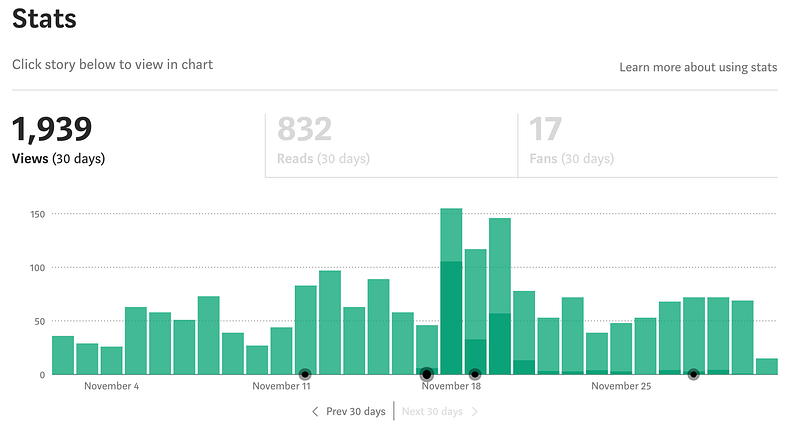
It’s now easy to see which days I published new articles and whether this affected the stats.
I like how I can also select an individual article and “show in chart” to quickly visualize the views coming from one specific article.
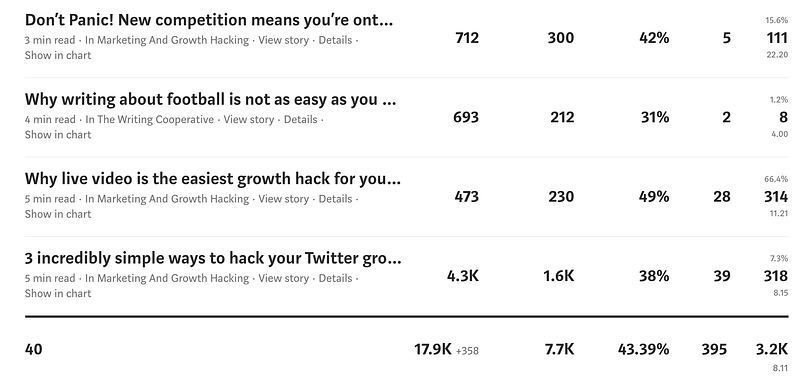
There is also a new column on the far rights for Claps! 👏👏👏
As well as giving writers the ability to see overall stats in a summary at the bottom of the stats page.
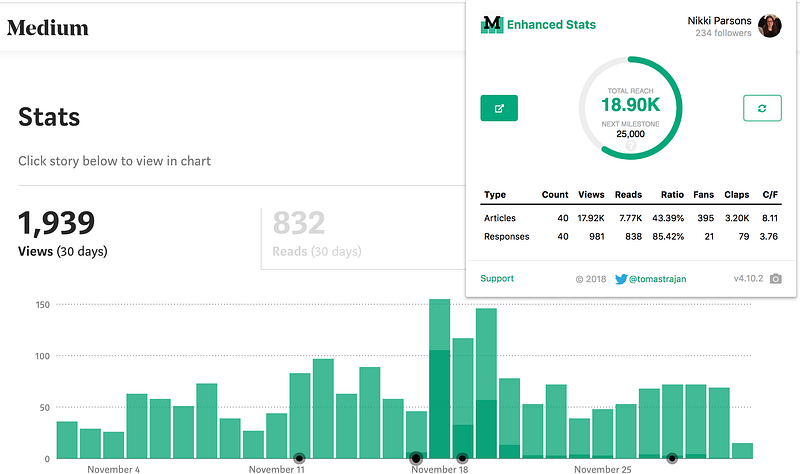
Finally, do you like having milestones and having achievements to aim for?
I do! Now I feel like I have something a bit different to aim for instead of just trying to increase that follower count.
Find the Chrome extension here.
2. Play.ht
About time. We can now easily start making articles more accessible.
This extension allows you to publish an article with text-to-speech voices. Thanks to Mahmoud Felfel for developing this one.
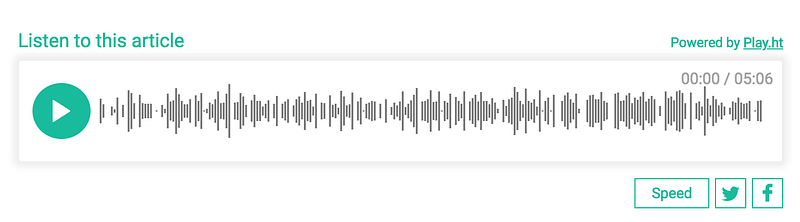
Surprisingly the text-to-speech voices are very good quality. Not completely natural, but impressive nonetheless.
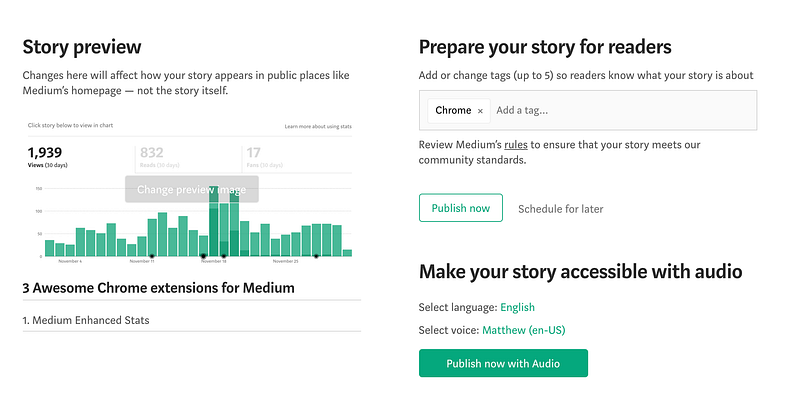
It’s really easy to remember to publish with audio, when you hit the “Ready to Publish?” button it prompts you and lets you select one of the standard voices.
FYI the extension is free, but if you want access to a weekly analytics report a personal plan starts at $9/month. For me, the free version is enough, but I’m also not as prolific a writer as many on Medium.
Find the Chrome extension here.
3. Darker Medium
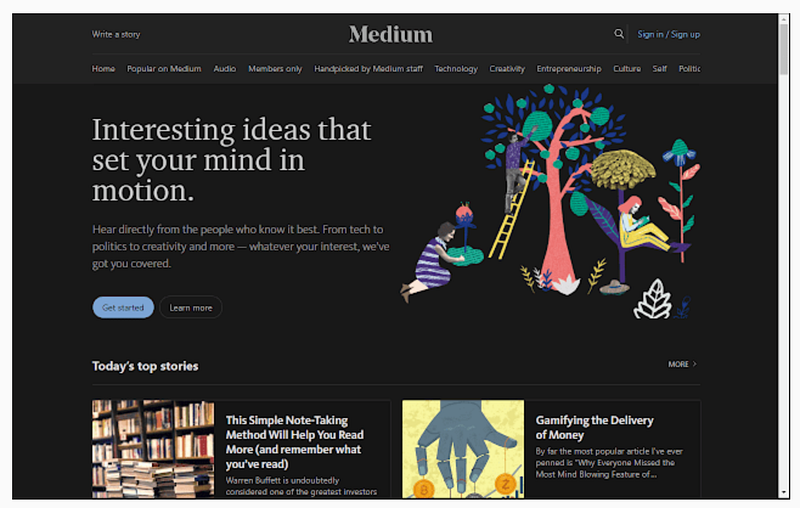
For those of us who like to read at night.
Easy to toggle back and forth to the darker option and also to customize the accent colors. Not much more to it than that.
Find the Chrome extension here.
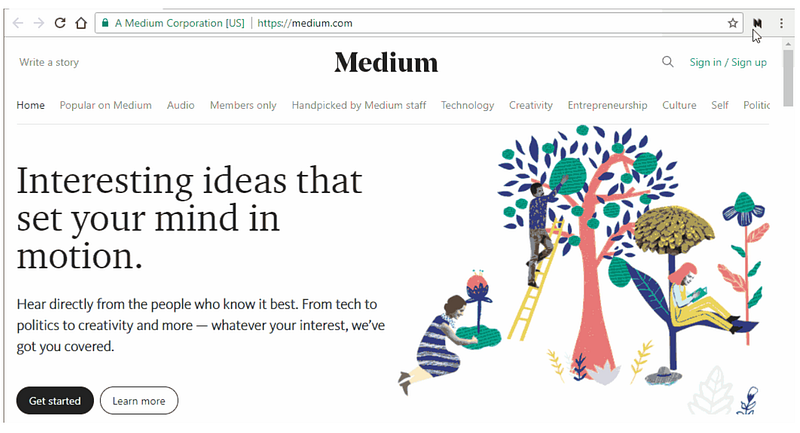
Have a favorite Chrome extension that didn’t make the cut? Leave me a note in the comments, I’d love to know what you think.


