19 Apps That Are Guaranteed to Improve Your Productivity
Procrastinating doesn’t mean you’re lazy; it means you’re overwhelmed. These apps can help.
Procrastination is a universal struggle and it’s important to remind yourself when you fall prey to it that a) you’re not alone, and b) you’re not lazy. On the contrary, most procrastinators will tell you that they’d much rather be working but feel like they can’t. This is usually because they’re paralyzed by the complexity or the sheer number of tasks on their to-do list; not knowing where to start; or simply feeling like the day is spiraling out of control due to trouble waking up or a derailed morning routine. To make matters worse, developing good, productive work habits can be as laboriously difficult as developing unhealthy time-wasting routines like mindlessly scrolling through social media.
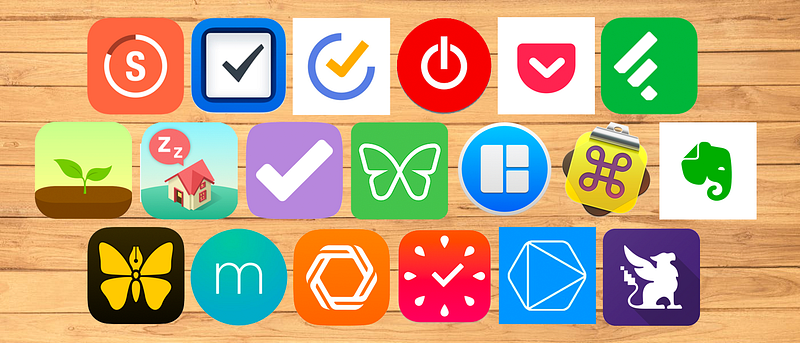
Fortunately, there are a number of incredibly useful tools that can help you head a lot of the problems that lead to procrastination off at the pass. Here are a number of fantastic, easy-to-use apps that incentivize good work and sleep habits; help you to stay on task by avoiding procrastination traps; maximize your focus by completing one task at a time; and create new workflows that will prevent you from feeling overwhelmed.
Streaks (Mac, iOS)
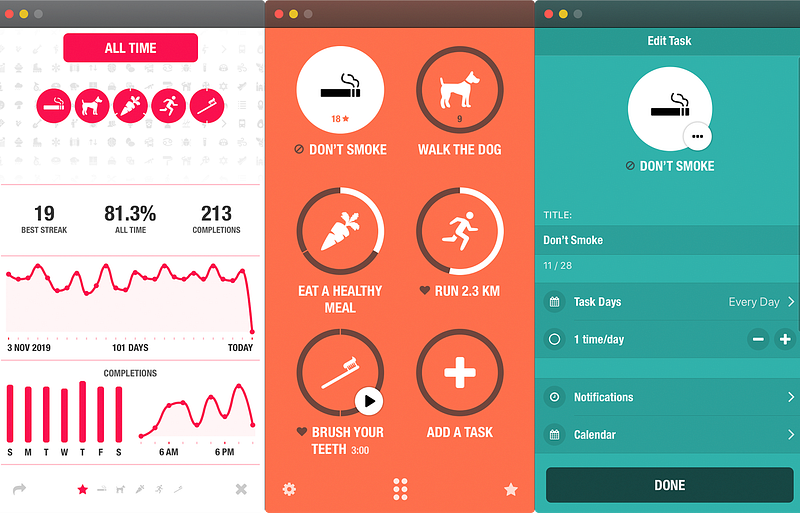
Streaks is a simple, effective To-Do List app that is designed to help you form habits. By encouraging you to hone in on a maximum of 12 specific tasks that you want to prioritize and then incentivizing you to repeat those tasks at chosen intervals to create success streaks, this app helps you to build muscle through repetition in areas of your life or work where you want to be productive.
Things 3 (Mac iOS)
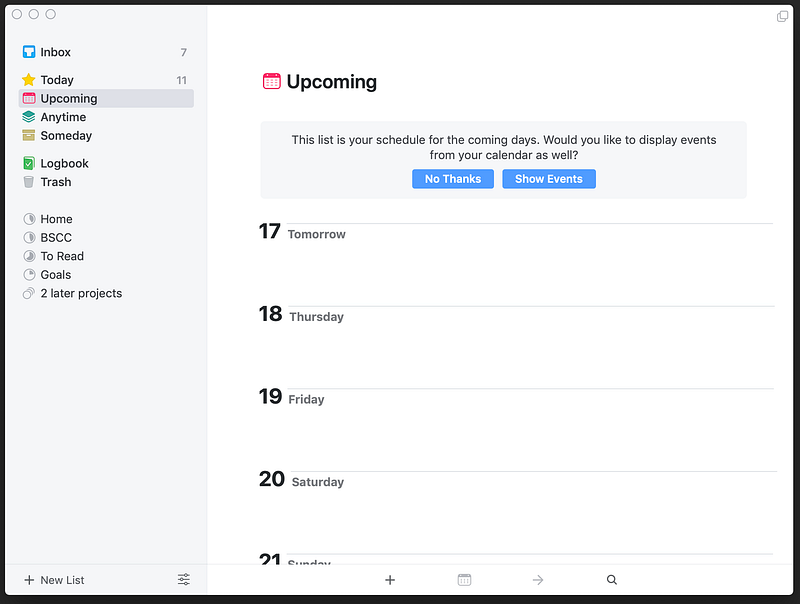
There’s no shortage of To-Do List and Task Manager apps out there, but Things 3 stands out above the rest. With a simple, intuitive design, Things 3 is beloved by practitioners of the Getting Things Done productivity philosophy, and it’s easy and satisfying to integrate into your workflow.
TickTick (Mac, iOS, Windows, Android, Chrome, Firefox)
Another powerful To-Do-List app that (unlike Things 3) is available outside of the Apple ecosystem, TickTick has a lot to love, including integrations with your email and calendars, robust “reminders” functionality, and natural language support.
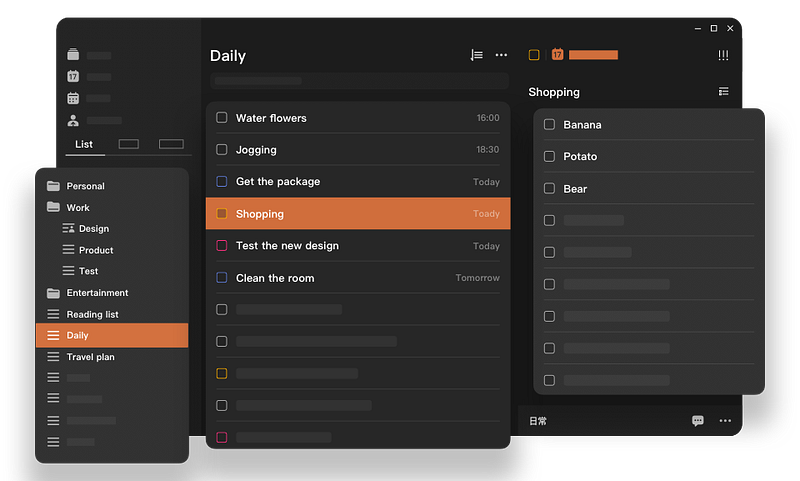
Toggl (Mac, iOS, Windows, Android, Chrome, Firefox)
A simple but effective time tracker, Toggl is a lifesaver for freelancers with multiple projects on the go, but it’s also a fantastic way of keeping tabs on what’s taking up your time, as well as how much real work you’re doing on a particular project—keeping you honest in the process.
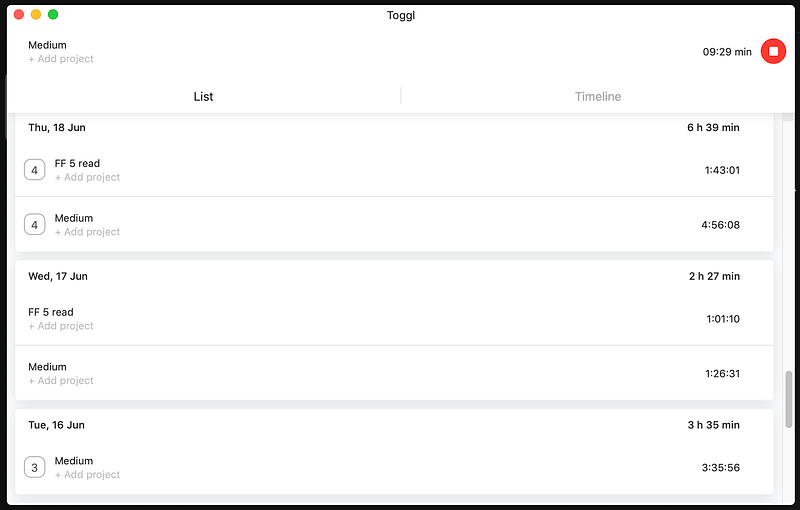
Pocket (Mac, iOS, Windows, Android, Chrome, Firefox, Safari)
By far the best bookmarking app out there, Pocket helps you keep track of things you’ve read that you want to refer back to, discover adjacent content, and save pages for future reading.
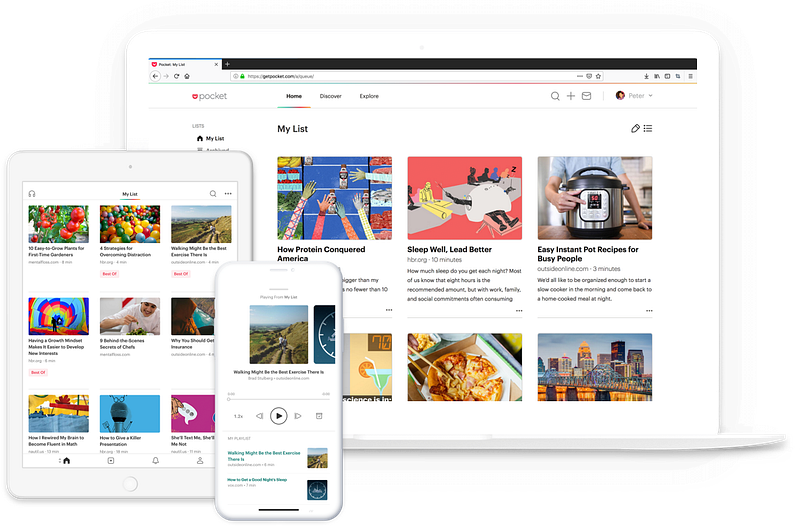
Feedly (Mac, iOS, Android, Windows, Chrome, Firefox)
Got a list of sites and other online resources that you need to stay up to date on? Why not put them all together in one place? Feedly is an excellent modern FeedReader (yes, they still exist!) that can help you organize the information you need to stay on top of without veering off track. Feedly even has collaborative functions for teams.
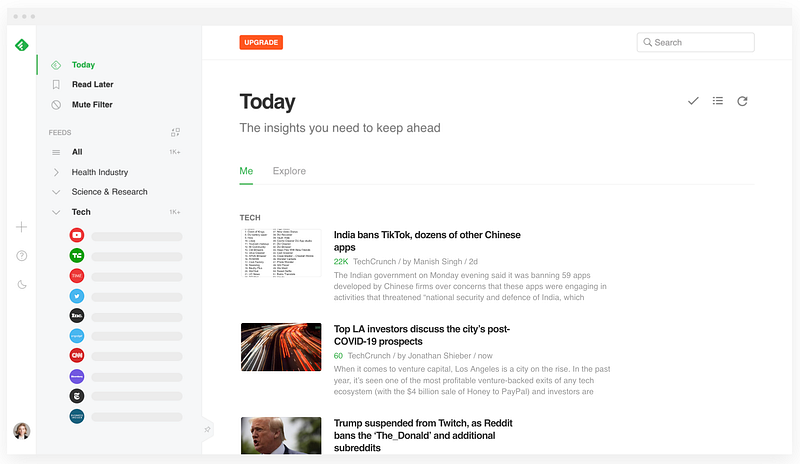
Forest (Mac, iOS, Android, Chrome)
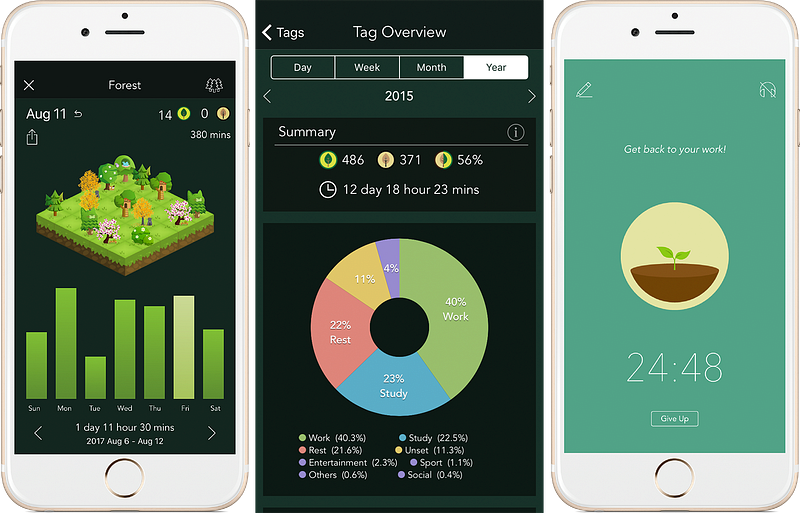
A completely unique app designed to help you stay focused, Forest gamifies the experience of staying on task and avoiding distractions by allowing you to nurture trees, which can wither if you visit blacklisted sites.
SleepTown (Mac, iOS, Android, Chrome)
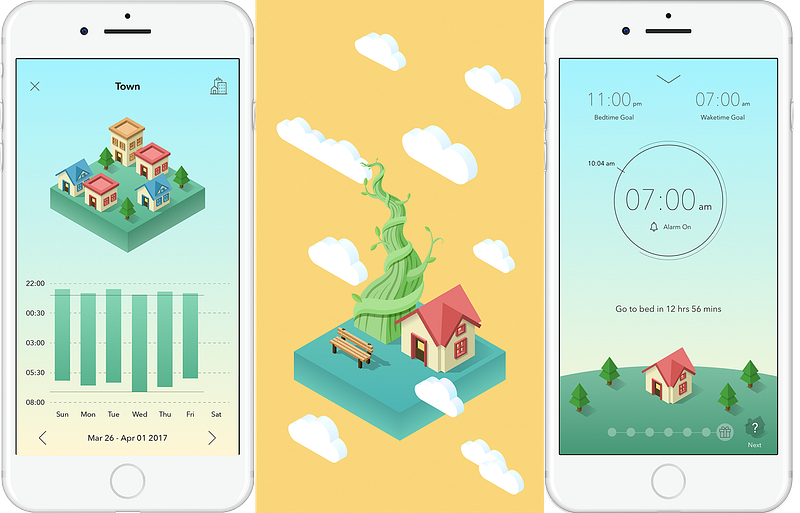
From the creators of Forest, SleepTown helps you to build healthy sleeping habits by setting sleep goals, incentivized by a town you’re building in the app. Rare buildings appear if you consistently achieve your bedtime and wakeup goals.
OmniFocus (Mac, iOS)
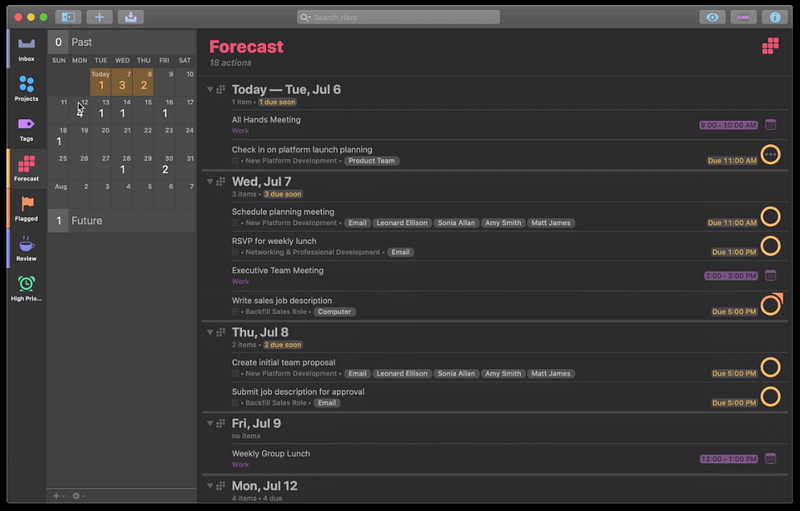
If you like your To-Do Lists to be more hardcore than anything Things 3 or TickTick can offer, OmniFocus is here to help you group multiple To-Do Lists in projects, stay focused on priorities, and review your progress as you go. This is no milquetoast To-Do List app—it’s a Task Management Death Star.
Freedom (Mac, iOS, Windows, Android, Chrome)
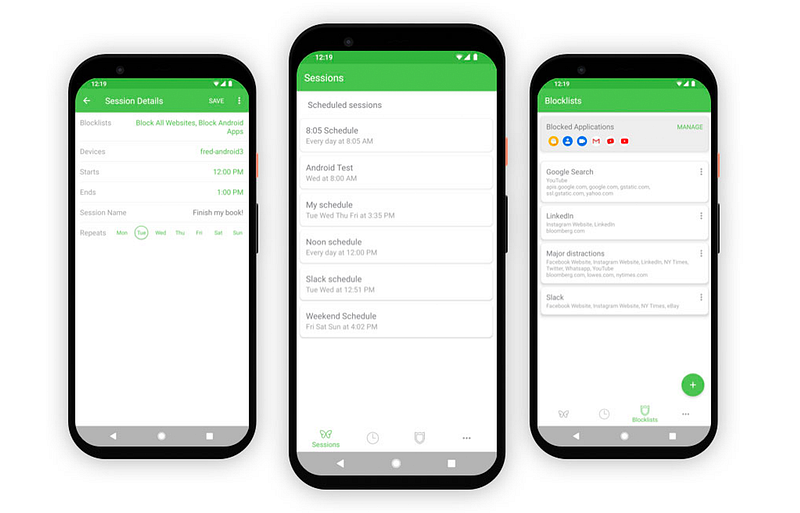
Freedom is an app and website blocker that can sync blocks across all your devices. You create lists of sites you need to avoid to stay productive, and you can even block the entire Internet if it’s bothering you. The app has a system that allows you to schedule in advance when blocks start and end, and a “Locked” mode to keep you honest when you need extra willpower.
Magnet (Mac)
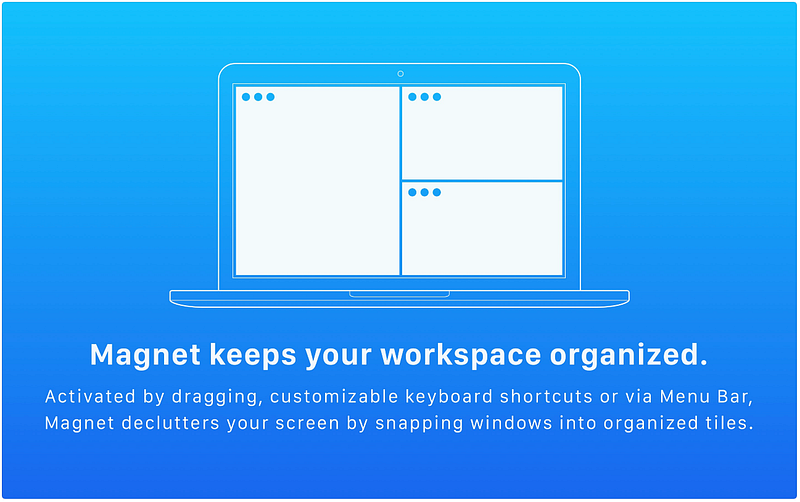
Magnet is a workspace organizer that helps you declutter your screen. By snapping windows into place based on configurations you can choose and control by dragging or with keyboard shortcuts, Magnet can help you spend less time toggling between apps and windows and more time focused on your work.
CopyClip 2 (Mac)
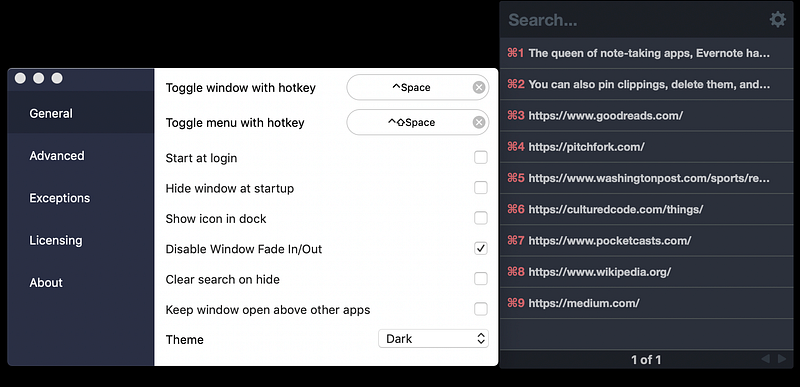
Once you start using a good Clipboard Manager, you’ll wonder how ever lived without it. CopyClip 2 (and its free version, CopyClip) runs from your menubar and keeps track of everything you’ve copied into your clipboard (including non-text items), so you can paste from your history, rather than just the last thing you copied. You can also pin clippings, delete them, and edit to make changes.
Evernote (Mac, iOS, Windows, Android)
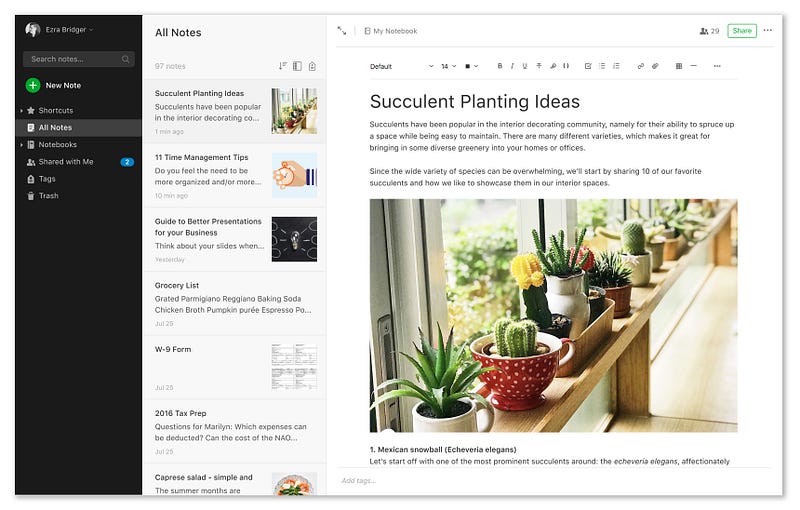
The queen of note-taking apps, Evernote has tools to help you organize your writing, lists, and resources you find online; sync across devices; create templates for repeated use; and collaborate with friends and teams.
Ulysses (Mac, iOS)
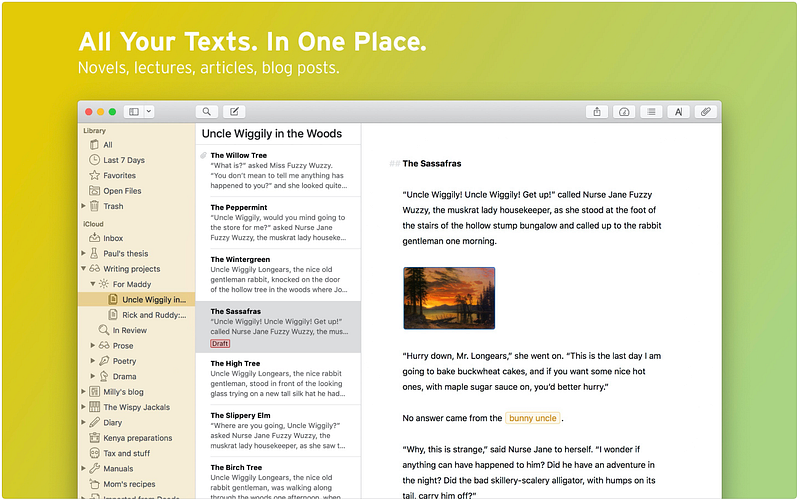
If you’re serious about your writing and you want something that is attractive, feature-rich, and powerful enough to contain the epic novel, play, poem, or entirely new literary form you’re working on, Ulysses is a beloved and gorgeous alternative to other pro writing apps such as Scrivener and FinalDraft.
Momentum (Chrome, Firefox)
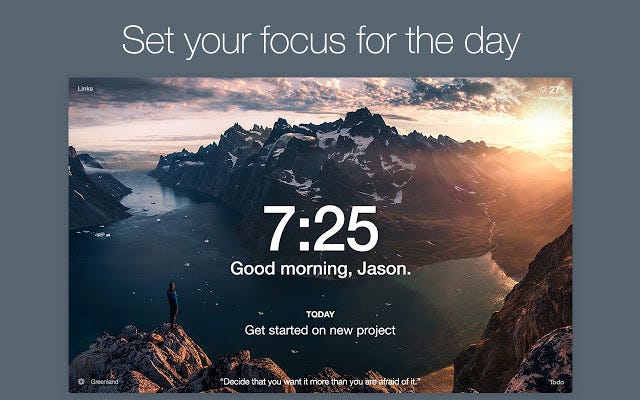
Change your homescreen or your new-tab page to Momentum instead of something distracting and terrible like Facebook, then integrate it with your photos for a bit of inspiration—and your favorite task manager for a bit of structure.
Woven (Mac, iOS, Windows)
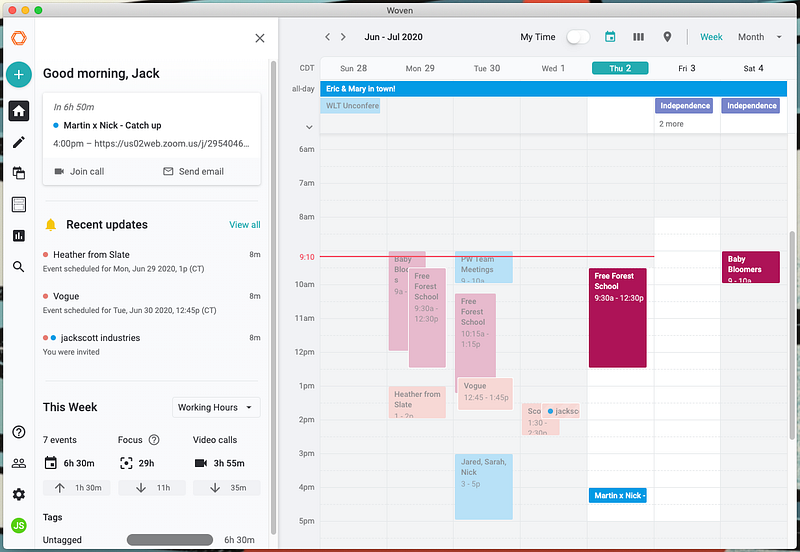
An attractive calendar app with smart scheduling features, group polls, and event templates that take the endless back and forth out of finding a time that works for everyone. Woven integrates with Google, G Suite, and Office 365 to keep all the calendars you need in one place.
Focus To-Do (Mac, iOS, Android, Windows, Chrome)
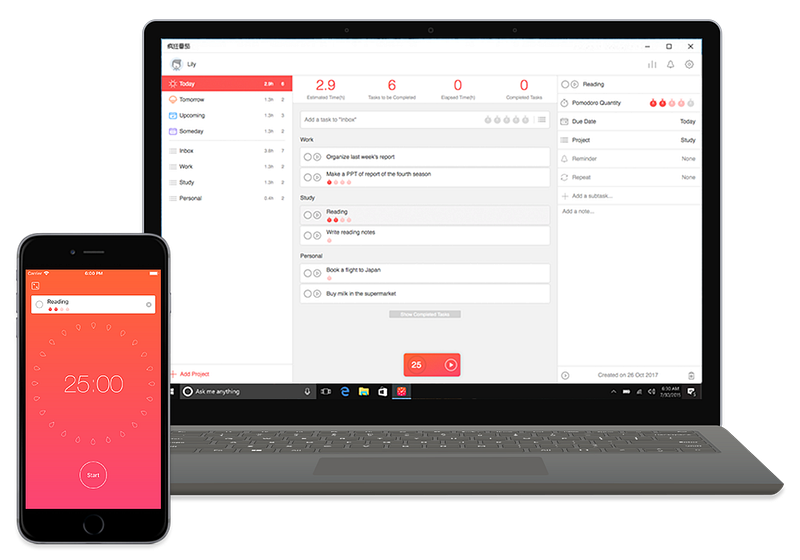
For adherents of the Pomodoro Productivity Technique, Focus To-Do is a simple time- and task-management application that helps you split up tasks and stay focused in 25-minute increments. The app can also help you schedule work sessions, record shopping lists, and set up reminders.
Timeular (Mac, iOS, Android, Windows)
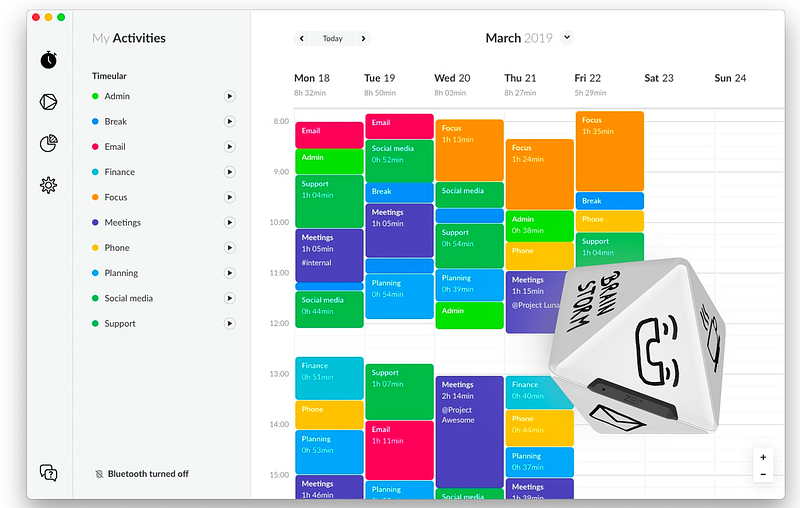
Timeular is an entirely unique time-tracker that uses a physical, Bluetooth-connected device to help you visualize your work as you’re doing it. It’s expensive, but the tangible device makes you feel much more connected (and committed) to thinking about, understanding, and analyzing where your time is going.
Habitica (iOS, Android, Chrome, Firefox)
All this productivity is great, but why not make it fun while you’re doing it? Habitica is a time- and task-management app that does exactly that, by turning the act of completing tasks into an RPG-style game. In-game rewards and punishments motivate you to stay focused on long- and short-term goals in your work, health, and daily life.