avatarDarshak Rana

Free AI web copilot to create summaries, insights and extended knowledge, download it at here

3963

Abstract

tuck with no internet connection.</p><p id="21f6">Whenever you see a “No Internet” page on your browser, just hit the Space bar.</p><p id="930e">Boom!</p><p id="9fe8">Your dinosaur game is live. Now use arrow keys to prevent your cute little pixelated T-Rex from becoming extinct.</p><figure id="e03d"><img src="https://cdn-images-1.readmedium.com/v2/resize:fit:800/1*s3_1YmAhDON_VOT8IHB_Yw.png"><figcaption>Image by the author</figcaption></figure><h1 id="0b7a">#5. Can Decide? Let Google Help You</h1><p id="3687">Try your hand at this Google coin flip game to see if you're feeling lucky.</p><p id="aa0e">Just type “Flip a coin” into the search engine and hit enter.</p><p id="363f">You’ll see an animation of a coin flipping in the air. Click on it to see if you get heads or tails.</p><figure id="516c"><img src="https://cdn-images-1.readmedium.com/v2/resize:fit:800/1*dUgS9FPNC2wIIiymkA4fCg.png"><figcaption>Image by the author</figcaption></figure><h1 id="fdaf">#6. Think With Google</h1><p id="380c">My best discovery on Google so far has been the “Think with Google” website.</p><p id="ecaf">If you’re not familiar with it, “Think with Google” is a website that provides marketing insights, research, and case studies.</p><p id="0e95">It’s an incredible resource for entrepreneurs, small business owners, and anyone who wants to learn more about online marketing.</p><figure id="5b6e"><img src="https://cdn-images-1.readmedium.com/v2/resize:fit:800/1*Mh3Qs64NrrEaCK-31oZ9Dw.png"><figcaption>Image by the author</figcaption></figure><h1 id="f395">#7. Google Can Read Images!</h1><p id="0743">This is a really cool Google trick that not many people know about.</p><p id="7a20">If you go to Google Images and click on the camera icon, you can search for images by keyword or upload your own image.</p><p id="5d03">Google will then show you all the similar images it has in its database.</p><div id="2b64"><pre><span class="hljs-symbol">Caveat:</span> You should be okay <span class="hljs-keyword">with</span> your uploaded images floating <span class="hljs-keyword">on</span> the internet.</pre></div><h1 id="911c">#8. Change The Google Logo</h1><p id="0c5c">This is a fun one!</p><p id="d8d7">If you go to Google.com and click on the “I’m Feeling Lucky” button, you’ll be taken to a random Google Doodle.</p><p id="45ad">A Google Doodle is a special logo that Google designs to celebrate holidays, anniversaries, and other events.</p><figure id="f757"><img src="https://cdn-images-1.readmedium.com/v2/resize:fit:800/1*1NKvEnW_rnk5bn2-2OqvsQ.png"><figcaption>Image by the author</figcaption></figure><h1 id="2a5f">#9. Okay, Google, What’s My IP address?</h1><p id="6b72">If you want to know your IP address, just go to Google and type in “What’s my IP.”</p><p id="f979">You’ll see your IP address displayed on the results page.</p><p id="14c2">Simple, right!</p><figure id="b072"><img src="https://cdn-images-1.readmedium.com/v2/resize:fit:800/1*iSIbY_MglUeg3208LFGeJg.png"><figcaption>Image by the author</figcaption></figure><h1 id="27f8">#10. Create a Self-Destructing Email</h1><p id="76f5">If you want to send a self-destructing email, you can do so with Gmail.</p><p id="4261">Just go to Gmail and create a new message. Near the SEND button, find an icon that looks like a combination of a lock and a clock. That’s where you can access the Confidential Mode.</p><p id="7dde">When you click on it, you’ll see an option to set an expiration date for your email. Once the email expires, it will be automatically deleted from both your inbox and the recipient’s inbox.</p><figure id="5a3e"><img src="https://cdn-images-1.readmedium.com/v2/resize:fit:800/1*iNwoSf1IriQQGM5atHOpEg.png"><figcaption>Image by the author</figcaption></figure><h1 id="eb5b">#11. Blink, Google Blink!</h1><p id="41a3">This is a really cool Google trick that not many people have seen.</p><p id="c5e2">Go to Google and type in “blink HTML” You’ll see the words “blink HTML” appear

Options

on the screen and then disappear.</p><p id="503c">What’s happening is that the text is being displayed for a fraction of a second and then deleted.</p><p id="1812">This trick works because Google reads the HTML code on the page and executes the “blink” command.</p><h1 id="bf59">#12. The Answer To Life, The Universe, And Everything</h1><p id="2b1b">This one is for all the Douglas Adams fans out there.</p><p id="6ec1">If you go to Google and type in “The answer to life, the universe, and everything,” you’ll see the result “42.”</p><p id="9040">This is a reference to Douglas Adams’ book The Hitchhiker’s Guide to the Galaxy, in which the character Ford Prefect tries to find the answer to life, the universe, and everything.</p><figure id="fe14"><img src="https://cdn-images-1.readmedium.com/v2/resize:fit:800/1*WLoR7J4ZdwY4CbRHQLEjxw.png"><figcaption>Image by the author</figcaption></figure><h1 id="f5d4">#13. Google in 1998</h1><p id="b478">This is a fun one!</p><p id="c954">Go to Google and type in “Google in 1998. Hit “I’m feeling lucky.”</p><p id="87c7">You’ll be taken to a special version of the Google homepage that looks like it did when Google was first created.</p><p id="9554">It’s a great trip down memory lane for long-time users of the search engine.</p><figure id="567a"><img src="https://cdn-images-1.readmedium.com/v2/resize:fit:800/1*8wnsKTct0ANhdjyXA8ANZw.png"><figcaption>Image by the author</figcaption></figure><h1 id="3609">#14. Scholarships and Internships</h1><p id="320e">Google can help you find the money for college!</p><p id="3f08">Go to the Google search engine and type in “scholarships” or “internships.”</p><p id="0680">You’ll be surprised at the number of results that come up.</p><h1 id="e64e">#15. Okay, Google…Roll a dice!</h1><p id="eeee">If you want to roll a dice, just go to Google and type in “Roll a die.”</p><p id="7673">You’ll see a virtual dice on the results page that you can roll by clicking on it.</p><figure id="946e"><img src="https://cdn-images-1.readmedium.com/v2/resize:fit:800/1*IBX9_eOow12bunv26_axmQ.png"><figcaption>Image by the author</figcaption></figure><h1 id="76c1">#16. Google speaks secret languages!</h1><p id="b2b0">On the top of your Google homepage, hit the nine squares on the right-hand side and go to My Account. Then click on Personal Info.</p><p id="cff1">Under the “General preferences for the web” tab, you’ll see a language option where you can add your favorite language.</p><figure id="14ef"><img src="https://cdn-images-1.readmedium.com/v2/resize:fit:800/1*fpHUI5hRE3oY5Uc2MGIWXA.png"><figcaption>Image by the author</figcaption></figure><h1 id="1680">#17. Google Terminal</h1><p id="184b">If you want to feel like a true hacker, you can.</p><p id="8158">Just go to Google.com and type in “Google Terminal.” Hit “I’m feeling lucky.”</p><p id="f55e">Voila~!</p><p id="029e">You’ll be taken to a page that looks like an old-school computer terminal.</p><p id="7a75">From there, you can type in various commands and see what happens.</p><figure id="cfda"><img src="https://cdn-images-1.readmedium.com/v2/resize:fit:800/1*cjEBPPO_mYa0BHCYxQ5Wng.png"><figcaption>Image by the author</figcaption></figure><h1 id="7b3c">Final Thoughts</h1><p id="15e4">Google is so much more than just a search engine!</p><p id="7777">With all of the hidden features and functions available, there’s something for everyone to do. Whether you want to play games, find scholarships and internships, or get organized, Google has you covered.</p><p id="7469">So what are you waiting for?</p><p id="2298">Start exploring today!</p><p id="b9df">Have you tried any of these activities? Let me know in the comments below.</p><p id="4820"><i>If you enjoyed reading this story, consider signing up for my <a href="https://darshak.substack.com/">friendly letter</a> — a conversation jam-packed with motivation and practical takeaways for the most important person in your life — YOU!</i></p></article></body>

17 Hidden Google Tricks 99% of People Haven’t Seen Yet

Unlock Google to its full potential

Photo by Sascha Bosshard on Unsplash

What can’t you do with Google?

Seriously, the answer is nothing! Google is amazing.

Google is a powerhouse when it comes to online tools and services. You can use it to research anything, connect with friends worldwide, and even entertain yourself.

Wait, did I say entertain yourself?

Yes, with so many features and options available, it can be hard to use Google to its full potential.

When I wrote a story, “20 Googling Tricks 99% of People Don’t Know About,” some time ago, it resonated with over 60,000 readers. Many thanks-pouring comments flowed in.

The craze didn’t stop there. I received over 150 personal requests on social media to write more about “hidden google tricks.” I even landed an $8000 writing project. Not bragging!

The encouragement and motivation prompted me to write more about this topic. It gives me immense pleasure to share what I know and bring smiles to people.

So, today I write about boredom-killing google tricks you probably haven’t tried before.

Let’s begin.

But, before that, if you haven’t checked out the previous article, here’s a link:

#1. Make Google Go Crazy

If you’re feeling silly, you can make Google’s homepage do a little dance.

Just go to Google.com and type in “Google Gravity.” Then click on I’m feeling lucky.

Watch as the page becomes unglued before your eyes!

Image by the author

#2. Play With Google

Google isn’t just for work and school projects.

You can also use it to have some fun!

There are several games you can play right in your search results. Try googling “Solitaire” or “Tic Tac Toe” next time you need a break.
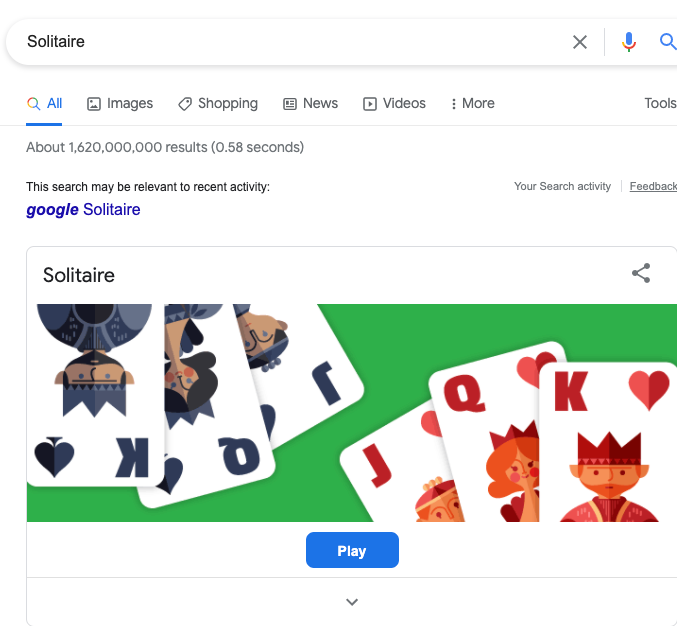
Image by the author

#3. Do a Barrel Roll

Feeling like you need a little excitement in your life? Want to see Google do a little jig?

Make Google do a barrel roll by typing “Do a barrel roll” into the search bar.

Then, sit back and enjoy as your screen does a 360.
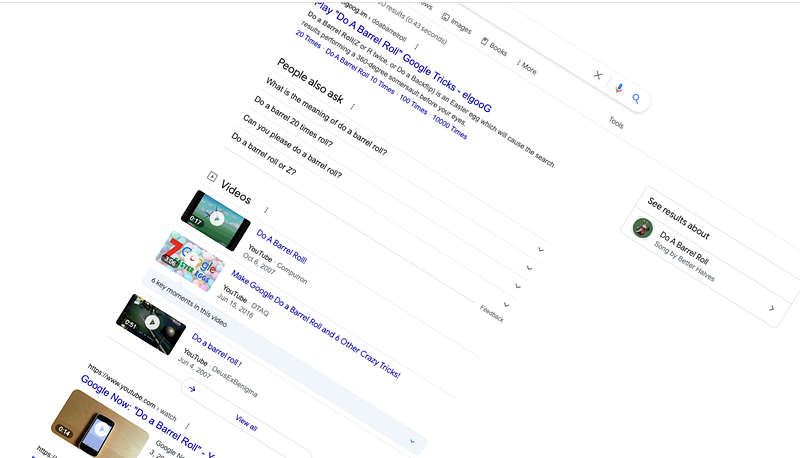
Image by the author

#4. No Internet Connection? No Problem!

This is a great fun trick to use when you’re stuck with no internet connection.

Whenever you see a “No Internet” page on your browser, just hit the Space bar.

Boom!

Your dinosaur game is live. Now use arrow keys to prevent your cute little pixelated T-Rex from becoming extinct.
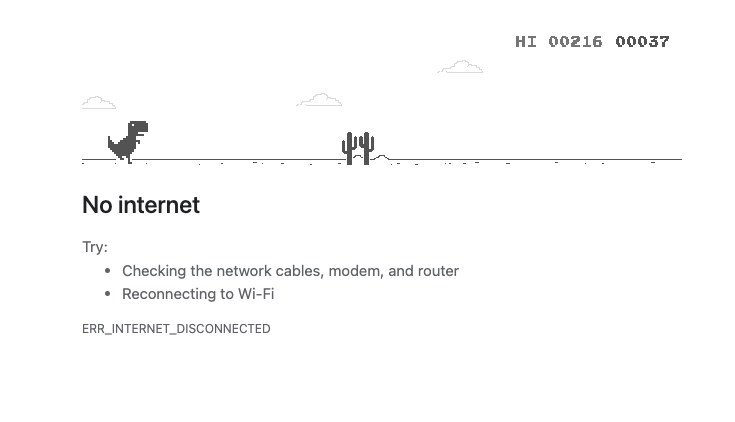
Image by the author

#5. Can Decide? Let Google Help You

Try your hand at this Google coin flip game to see if you're feeling lucky.

Just type “Flip a coin” into the search engine and hit enter.

You’ll see an animation of a coin flipping in the air. Click on it to see if you get heads or tails.
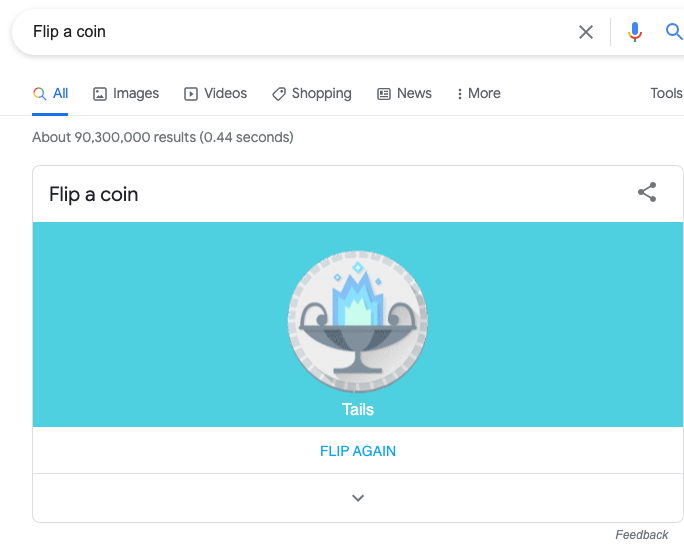
Image by the author

#6. Think With Google

My best discovery on Google so far has been the “Think with Google” website.

If you’re not familiar with it, “Think with Google” is a website that provides marketing insights, research, and case studies.

It’s an incredible resource for entrepreneurs, small business owners, and anyone who wants to learn more about online marketing.

Image by the author

#7. Google Can Read Images!

This is a really cool Google trick that not many people know about.

If you go to Google Images and click on the camera icon, you can search for images by keyword or upload your own image.

Google will then show you all the similar images it has in its database.

Caveat: You should be okay with your uploaded images floating on the internet.

#8. Change The Google Logo

This is a fun one!

If you go to Google.com and click on the “I’m Feeling Lucky” button, you’ll be taken to a random Google Doodle.

A Google Doodle is a special logo that Google designs to celebrate holidays, anniversaries, and other events.
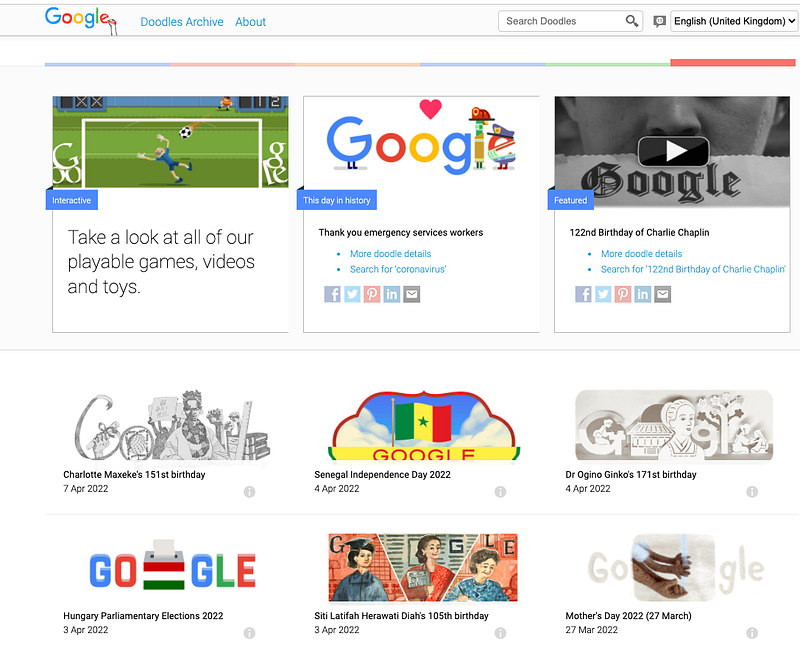
Image by the author

#9. Okay, Google, What’s My IP address?

If you want to know your IP address, just go to Google and type in “What’s my IP.”

You’ll see your IP address displayed on the results page.

Simple, right!
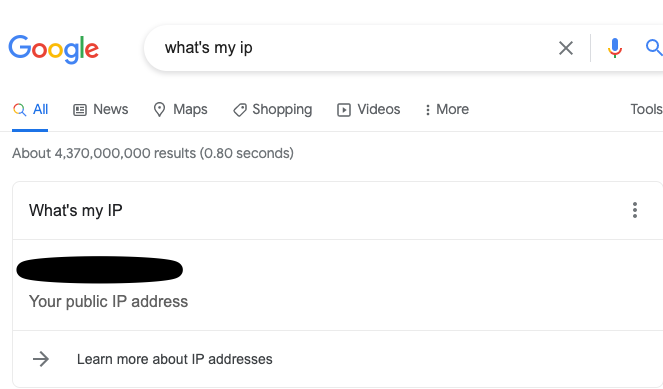
Image by the author

#10. Create a Self-Destructing Email

If you want to send a self-destructing email, you can do so with Gmail.

Just go to Gmail and create a new message. Near the SEND button, find an icon that looks like a combination of a lock and a clock. That’s where you can access the Confidential Mode.

When you click on it, you’ll see an option to set an expiration date for your email. Once the email expires, it will be automatically deleted from both your inbox and the recipient’s inbox.
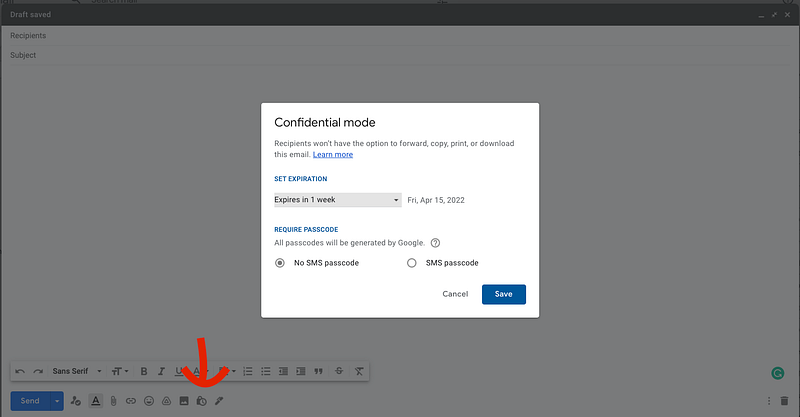
Image by the author

#11. Blink, Google Blink!

This is a really cool Google trick that not many people have seen.

Go to Google and type in “blink HTML” You’ll see the words “blink HTML” appear on the screen and then disappear.

What’s happening is that the text is being displayed for a fraction of a second and then deleted.

This trick works because Google reads the HTML code on the page and executes the “blink” command.

#12. The Answer To Life, The Universe, And Everything

This one is for all the Douglas Adams fans out there.

If you go to Google and type in “The answer to life, the universe, and everything,” you’ll see the result “42.”

This is a reference to Douglas Adams’ book The Hitchhiker’s Guide to the Galaxy, in which the character Ford Prefect tries to find the answer to life, the universe, and everything.
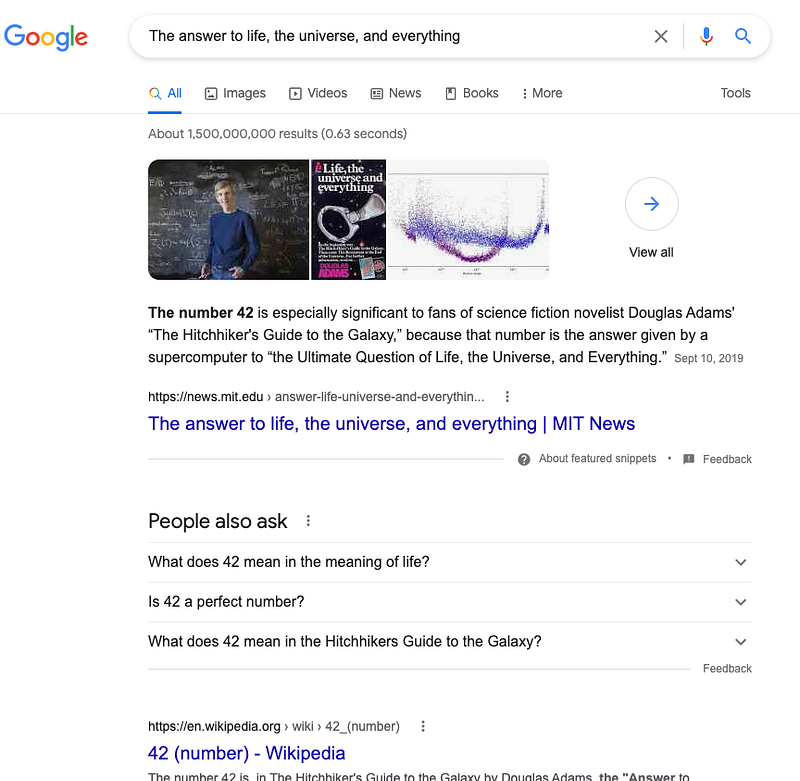
Image by the author

#13. Google in 1998

This is a fun one!

Go to Google and type in “Google in 1998. Hit “I’m feeling lucky.”

You’ll be taken to a special version of the Google homepage that looks like it did when Google was first created.

It’s a great trip down memory lane for long-time users of the search engine.
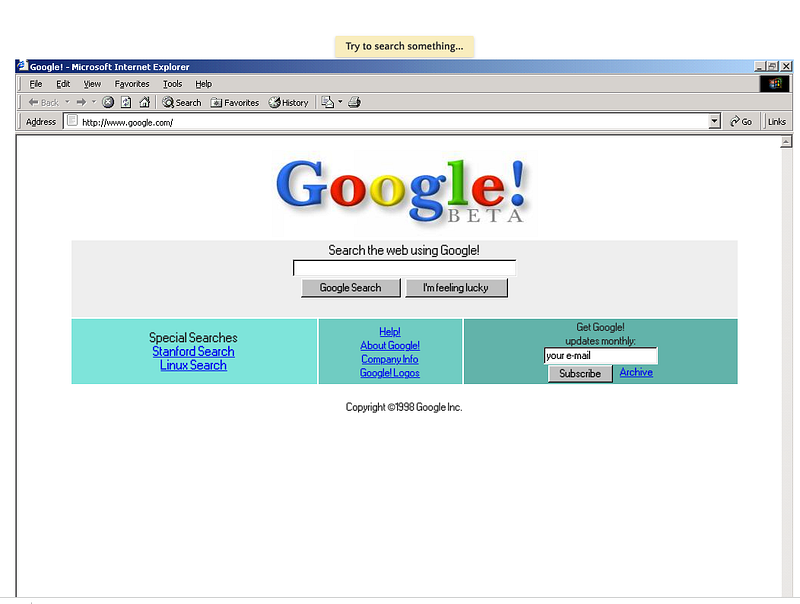
Image by the author

#14. Scholarships and Internships

Google can help you find the money for college!

Go to the Google search engine and type in “scholarships” or “internships.”

You’ll be surprised at the number of results that come up.

#15. Okay, Google…Roll a dice!

If you want to roll a dice, just go to Google and type in “Roll a die.”

You’ll see a virtual dice on the results page that you can roll by clicking on it.
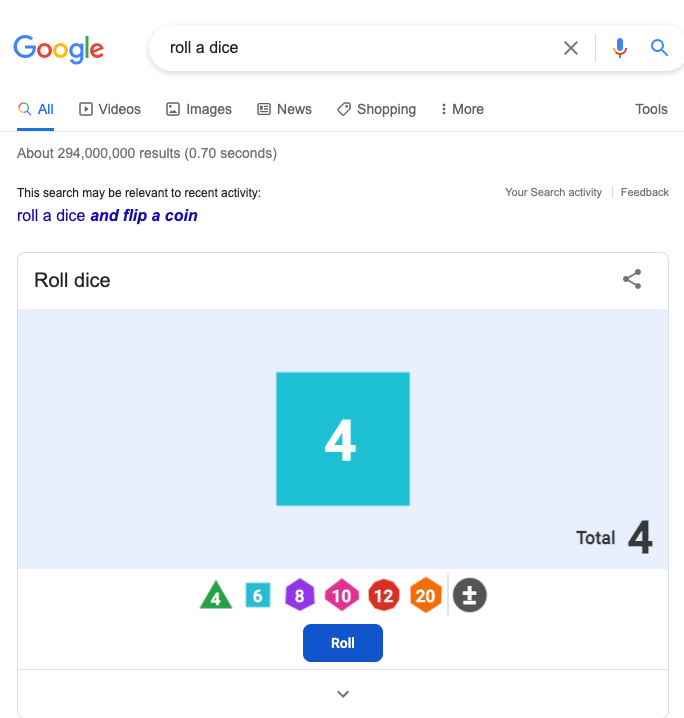
Image by the author

#16. Google speaks secret languages!

On the top of your Google homepage, hit the nine squares on the right-hand side and go to My Account. Then click on Personal Info.

Under the “General preferences for the web” tab, you’ll see a language option where you can add your favorite language.
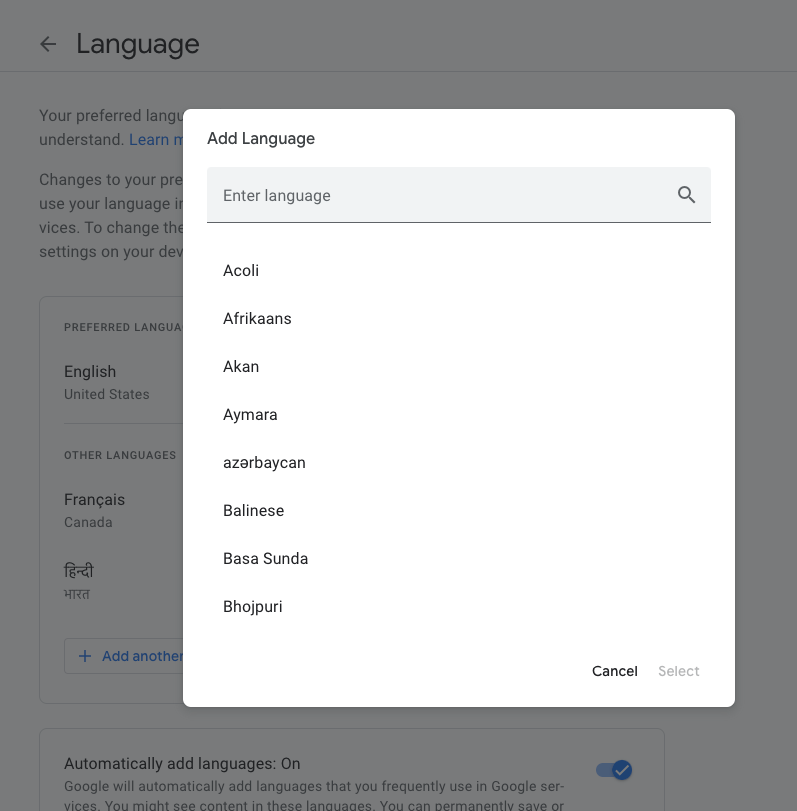
Image by the author

#17. Google Terminal

If you want to feel like a true hacker, you can.

Just go to Google.com and type in “Google Terminal.” Hit “I’m feeling lucky.”

Voila~!

You’ll be taken to a page that looks like an old-school computer terminal.

From there, you can type in various commands and see what happens.
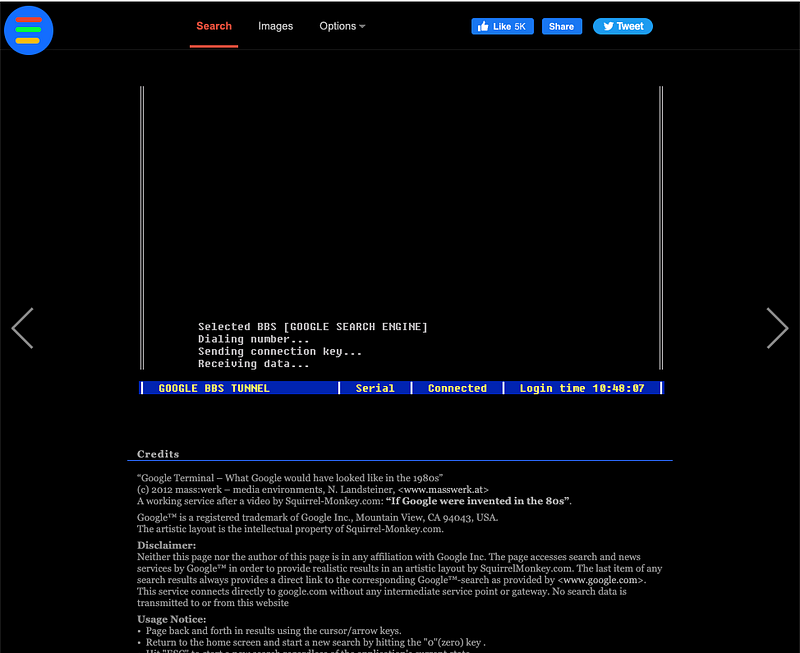
Image by the author

Final Thoughts

Google is so much more than just a search engine!

With all of the hidden features and functions available, there’s something for everyone to do. Whether you want to play games, find scholarships and internships, or get organized, Google has you covered.

So what are you waiting for?

Start exploring today!

Have you tried any of these activities? Let me know in the comments below.

If you enjoyed reading this story, consider signing up for my friendly letter — a conversation jam-packed with motivation and practical takeaways for the most important person in your life — YOU!

Productivity
Self Improvement
Technology
Work
Life Lessons
Recommended from ReadMedium