
13 Flexible and Scalable Rich Text Editors to Try in 2023

As front-end developers, we often need to add text content to our websites and applications. Unlike traditional text editors, rich text editors allow you to easily create various types of text content, including bold fonts, italics, frames, lists, images, videos, and more.
In this article I will recommend 13 open source flexible and extensible rich text editors that have their own unique features and extensions to help you create rich text content.
1. Quill (35.1k ⭐)
🏠 Homepage: https://quilljs.com/ 🗳️ Repository: https://github.com/quilljs/quill
Quill.js is a modern JavaScript-based rich text editor that excels in terms of interface, ease of use, extensibility and performance. Compared to traditional text input boxes, Quill.js’ rich text editor offers more intuitive, more natural interaction and more rich text content presentation features.
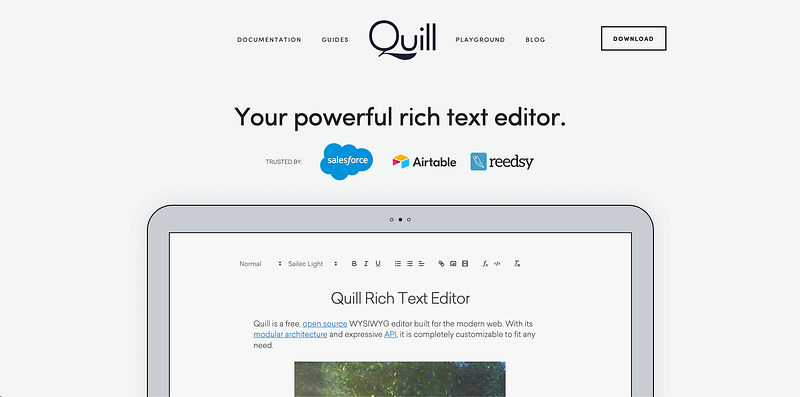
Quill.js has the following features:
- Easy to use: visual editing, auto-save and other features to facilitate the implementation of text styles, layouts, etc.
- Strong customizability: support custom extensions, add custom block types, toolbars, etc., more flexible and practical.
- Support formatting and styles: Provide a variety of basic formats and styles, beautiful and easy to read.
- Adaptive Layout: Adopt fully responsive layout to adapt to different browsers and devices to improve the mobile experience.
- Multi-language support: Provide multi-language UI support, user-defined languages and shortcuts.
2.Slate.js (26.8k ⭐)
🏠 Homepage: https://www.slatejs.org/examples 🗳️ Repository: https://github.com/ianstormtaylor/slate
Slate.js is a rich text editor with full customization support that excels in scalability, customizability, rich API and React integration.
The main goal of Slate.js is to provide a simple yet powerful way to build rich text editors.
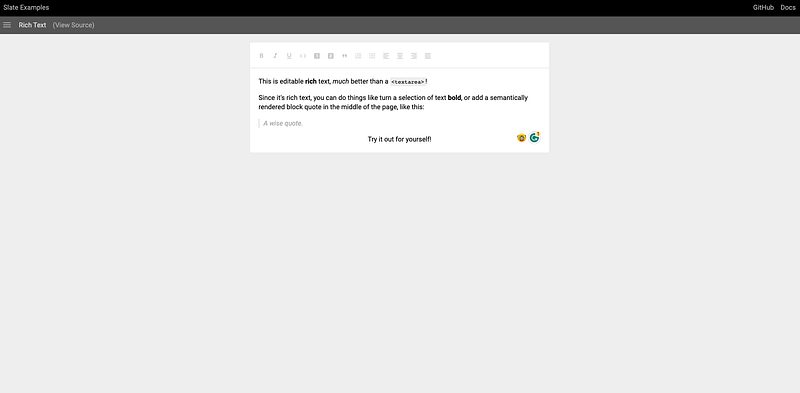
Slate.js has the following features:
- Assembly flexibility: plugins can be added or combined on demand for streamlined efficiency.
- Extended customization: Support user-defined plug-ins and editor behavior, providing a rich API and built-in plug-in system for fast customization and extension.
- Diverse operations: Supports basic operations such as text insertion, deletion, selection, undo, redo, etc., and provides comprehensive API guidance.
- Persistent storage: Use Git-like data structure, support version control and restore historical changes; support local storage, easy to use again.
3.Editor.js (22.5k ⭐)
🏠 Homepage: https://editorjs.io/ 🗳️ Repository: https://github.com/codex-team/editor.js
Editor.js is a simple JavaScript-based editor that provides a variety of core features useful for rich text content editing in a modular way.
Editor.js has an easy-to-use drag-and-drop interface (live preview) that allows rich media documents to be created in minutes and without any front-end knowledge.
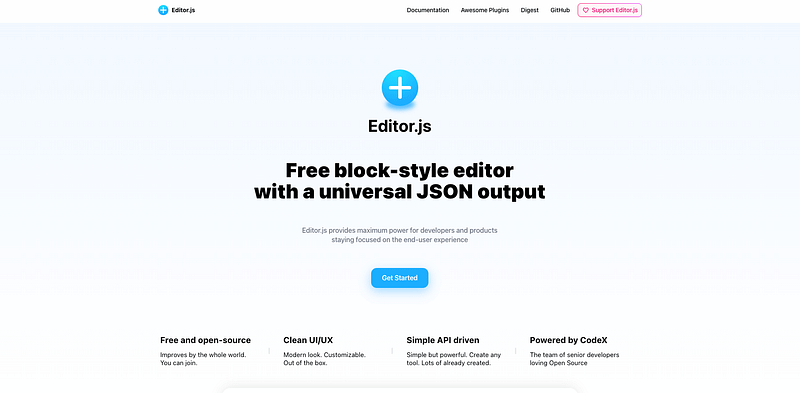
Slate.js has the following features:
- Powerful extensibility: provides a variety of customization blocks and tools to flexibly build document editor tools, such as building e-commerce product pages.
- No programming experience available: Users can easily create and generate embeddable code.
- Wide applicability: can be integrated into a variety of CMS platforms and website builders.
- Rich Plugin Library: Add style and functionality with plugins to provide powerful text editor features.
- Lightweight: only 15 KB in size.
4.Draft.js (22.4k ⭐)
🏠 Homepage: https://draftjs.org/ 🗳️ Repository: https://github.com/facebook/draft-js
Draft.js is a React-based rich text editor framework developed by Facebook. It uses extensible, configurable and composable modules to manage the editing of text content.
Draft.js is a better modular solution for writing rich text editors that conform to a variety of applications.
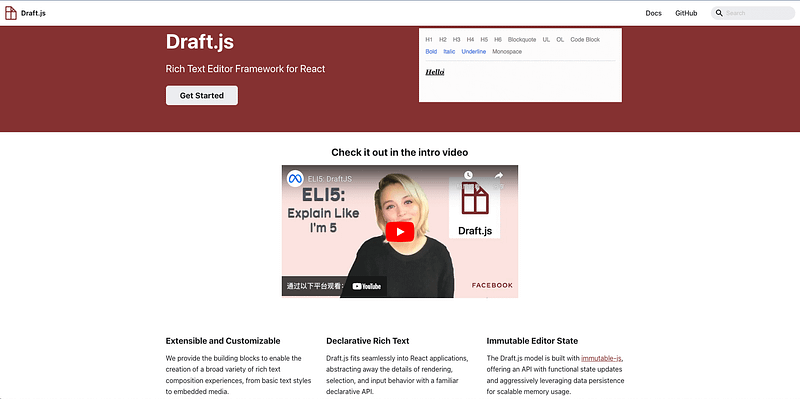
Draft.js has the following features:
- Powerful Extensibility: Provides a variety of composable rich text editor components and plugins that allow users to customize behavior and appearance.
- Highly customizable: Full API support for style, behavior, checksum, and other modifications to meet specific needs.
- Real-time collaboration: Support for multi-user simultaneous editing and real-time collaboration scenarios.
- Easy-to-operate data: Text content and style management using the easy-to-operate and maintain EditorState data model; React-based for faster rendering and smoother interaction.
- High security: Includes mandatory security checks to restrict the use of certain tags and dangerous attributes.
5. StackEdit (20.2k ⭐)
🏠 Homepage: https://stackedit.io/ 🗳️ Repository: https://github.com/benweet/stackedit
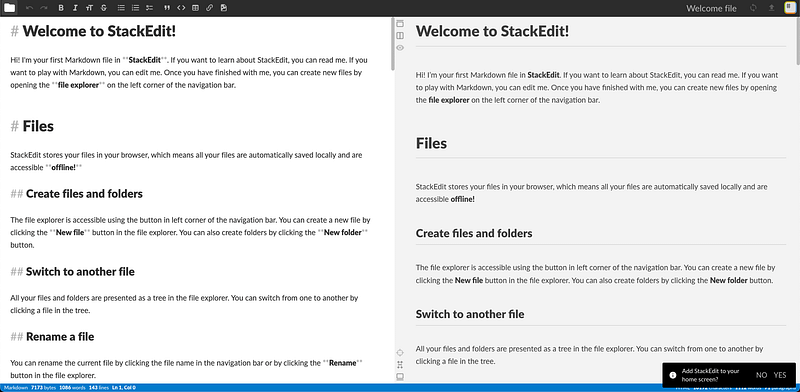
StackEdit is a web-based online Markdown editor that allows users to easily edit Markdown documents and sync them directly to cloud-based storage services such as Dropbox, Google Drive, GitHub, etc. This is another great feature of StackEdit. StackEdit helps users read and edit Markdown documents better by providing a live preview mode.
StackEdit has the following features:
- Cloud sync support: synchronize personal data with various cloud storage services. 2.
- Multi-platform support: Works on multiple platforms such as Web, Windows, macOS, Linux, etc. 3.
- Real-time preview mode: Instantly preview Markdown editing content to improve editing efficiency.
- Custom themes and styles: Provide a variety of themes and style settings to meet the needs of different users.
- Plug-in support: support plug-ins, and self-select the required functions to enhance the use of the effect.
- Easy to use: Simple and clear interface, easy to create, edit, and export Markdown files.
6. Tiptap (18.8k ⭐)
🏠 Homepage: https://tiptap.dev/ 🗳️ Repository: https://github.com/ueberdosis/tiptap
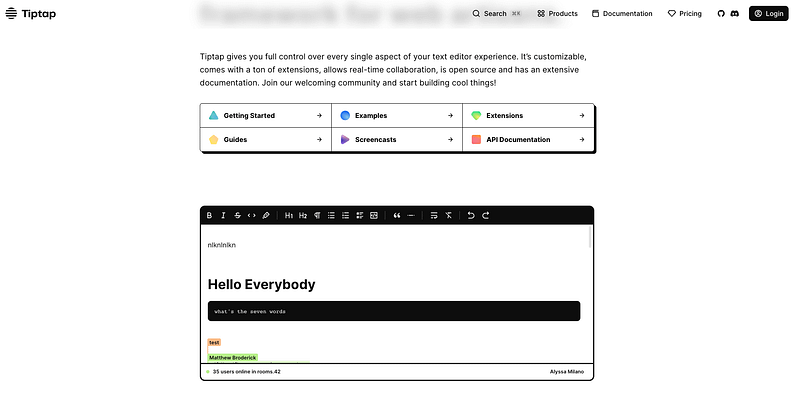
Tiptap is a Vue-based rich text editor that uses annotated JSON data structures to manage text content and styles. tiptap aims to provide developers with a rich text editor solution that is scalable, customizable, and easy to integrate.
Tiptap has the following features:
- Outstanding extensibility: provides built-in features and plugins, developers can write their own plugins and publish them to the component library for others to use.
- Rich toolbox: provides commands, tags, filters, key bindings and other tools to facilitate the rapid construction of powerful editors.
- Custom theme support: Support for customizing the editor UI style via CSS to meet different user needs.
- Easy to use: API is easy to use, supports a smooth editing experience, and can handle complex rich text editing scenarios.
- Based on Vue: based on Vue.js development, perfectly integrated into the Vue.js ecosystem, easy to use in Vue applications.
7. GrapesJS (17.7k ⭐)
🏠 Homepage: https://grapesjs.com/ 🗳️ Repository: https://github.com/artf/grapesjs
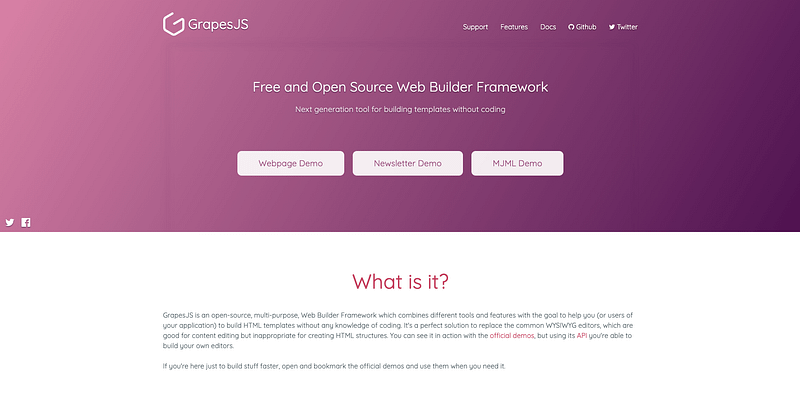
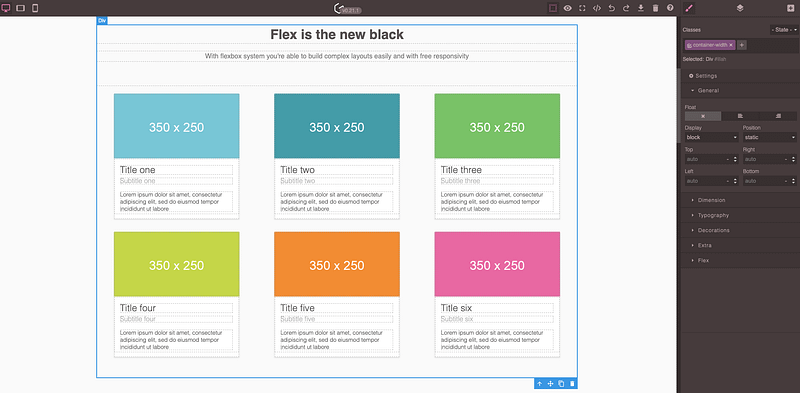
GrapesJS is a powerful web-based page builder that allows people to intuitively create and edit web pages by dragging and dropping. It is an open-source project with support for major browsers and is a mature tool developed in JavaScript and CSS.
GrapesJS provides a visual editor, thus allowing users to access various design tools and plugins at the same time without writing HTML or CSS code.
GrapesJS has the following features:
- Visual Editor: provides drag-and-drop web elements, fast style handling, and other features to facilitate users to quickly build web interfaces.
- Very flexible: customize the appearance and functionality, and through the API and plug-in mechanism, it can be integrated into different environments.
- Applied to complete workflows: supports text, image, and video production and can be used as a complete Web Content Management System (CMS), or a lightweight page authoring tool.
- Easy to use: easy to use, no need to write CSS and other code, provides a real-time preview and undo/redo features.
8. Trix (17.6k ⭐)
🏠 Homepage: https://trix-editor.org/ 🗳️ Repository: https://github.com/basecamp/trix
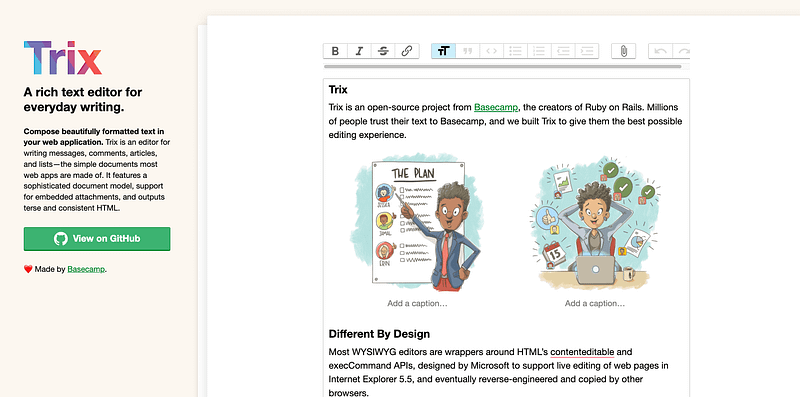
Trix Editor is a web-based rich text editor, developed by Basecamp Inc.
Trix Editor is positioned as an easy-to-integrate and use editor that is very easy to use and provides the basic functionality needed for a rich text editor while featuring easy extensions and customization.
Trix has the following features:
- Easy to integrate: easily integrates with existing web applications and provides several official packages for frameworks such as Ruby on Rails, React, Vue, etc.
- Full of basic features: Provides common basic features such as color and font styles, paragraph styles, links, image, and video insertion, etc. It also supports undo and redo functions.
- Easy to extend and customize: allows users to add plug-ins to extend the functionality, and customize the appearance and style of the editor through CSS and custom styles.
- High security: This does not allow users to use custom HTML tags or scripts on which to perform text editing operations, improving the security of the editor.
- open source and free: is an open source freeware to facilitate widespread adoption.
9. Toast UI Editor (15.9k ⭐)
🏠 Homepage: https://ui.toast.com/tui-editor/ 🗳️ Repository: https://github.com/nhn/tui.editor
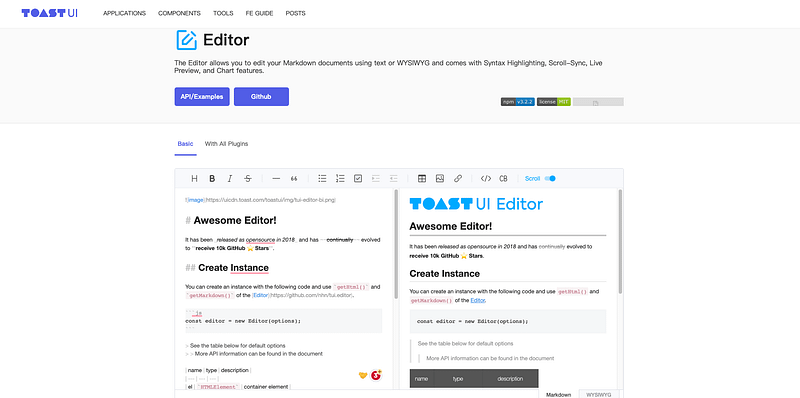
Toast UI Editor is a block editor developed using JavaScript and jQuery. It supports multiple text fonts and sizes, and can also use Markdown or WYSIWYG (What You See Is What You Get) editing modes.
Toast UI Editor has the following features:
- Support for Markdown editing: It can use Markdown syntax for text editing, and users can type Markdown syntax directly to edit text content. 2.
- Real-time Preview Function: Provides a real-time preview function, users can view the preview effect of the edited text in the editor at the same time, so as to better understand the editing effect. 3.
- Rich functional features: fonts, colors, tables, bulleted lists, image and video insertion, code blocks and mathematical formulas, etc., to facilitate users’ text editing and layout operations.
- Simple interface: With a simple user interface, users can easily find the desired functions and toolbars, and can modify the appearance and style of the editor through custom styles.
- Easy to integrate: can be integrated into CMS, blogs, and forums via plug-ins, and can also be embedded into web framework-based applications.
10. Gutenberg (8.6k ⭐)
🏠 Homepage: https://wordpress.org/gutenberg/ 🗳️ Repository: https://github.com/WordPress/gutenberg
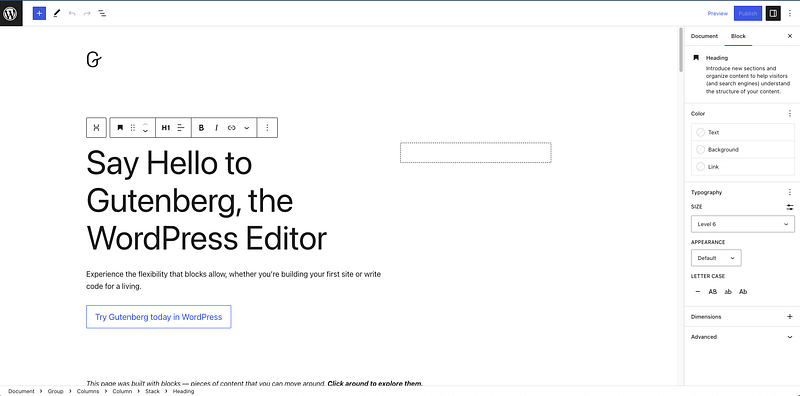
The Gutenberg editor is the default editor in WordPress 5.0 and above. It is a block-based editor designed to provide a more intuitive, richer, and more flexible editing experience.
Gutenberg has the following features:
- Block Editor: Divides article and page content into separate blocks, which users can quickly edit and move between different types of blocks by dragging, copying, and pasting.
- Content Visualization: Intuitive and friendly content visualization editing function to edit and adjust the style, layout, and typography of content in real-time.
- Extensibility: With a rich API and plug-in system, users can customize and extend as needed to meet different needs.
- Multimedia Support: Easily add and manage various types of multimedia resources, including images, videos, audio, etc., for easy integration into articles and pages.
- Compatibility: Good compatibility with mainstream browsers and devices, suitable for a variety of scenarios and device usage needs.
11. CKEditor 5 (7.1k ⭐)
🏠 Homepage: https://ckeditor.com/ckeditor-5/ 🗳️ Repository: https://github.com/ckeditor/ckeditor5
CKEditor 5 is a powerful and modern web-rich text editor designed to provide a user-friendly, extensible, and easy to integrate editing experience.
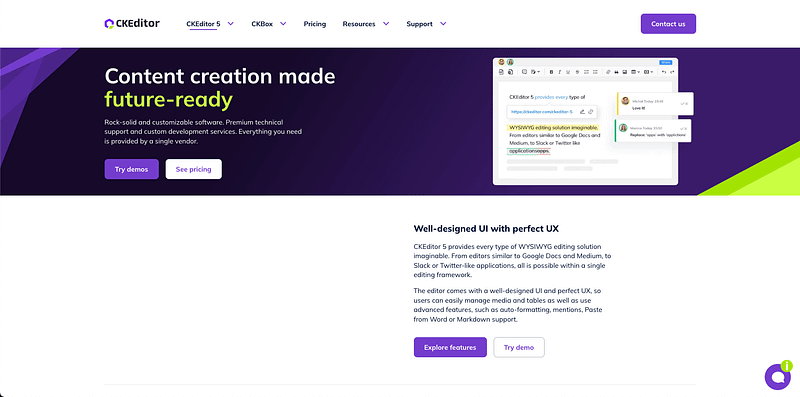
CKEditor 5 has the following features:
- Separated Components: Split the editor into multiple independent components to provide flexible and extensible editing features, such as rich text editor, tap sensing, real-time input, paragraph splitting, etc.
- Plug-in architecture: Provide a rich plug-in system, users can install and use different plug-ins as needed, such as emoticons, syntax highlighting, code blocks, etc.
- Natural Language Processing: Use natural language processing technology to achieve intelligent text editing functions, such as automatic spell-checking and semantic typesetting.
- Block model: Using the block model to organize and manage page content, users can easily edit different types of blocks by dragging and dropping, copying and pasting, etc.
- Customizability: Fully customizable, users can easily extend and customize the editor as needed.
- Building and Integration: Provides multiple ways to build and integrate the editor to meet different user needs.
12. ProseMirror (6.5k ⭐)
🏠 Homepage: https://prosemirror.net/ 🗳️ Repository: https://github.com/ProseMirror/prosemirror
ProseMirror is a JavaScript-based rich text editor framework that provides high flexibility and customizability. ProseMirror has a block structure, custom plug-ins, keyboard navigation, undo and redo features, and more.
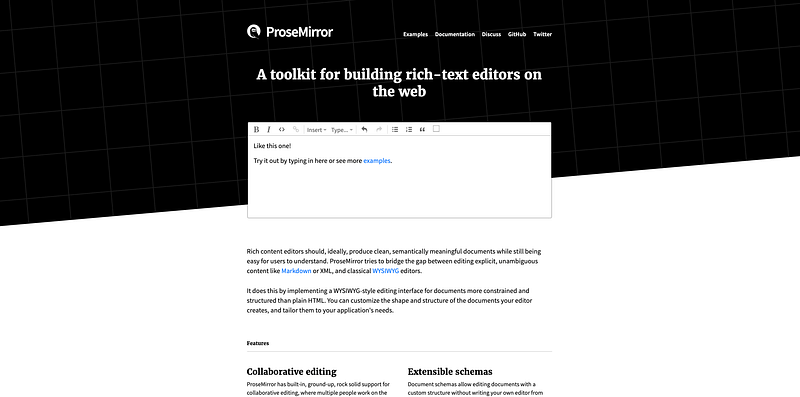
ProseMirror has the following features:
- Document Model Based: ProseMirror uses the document tree as its abstract model and provides a rich text editor to facilitate the manipulation and management of documents.
- Extensibility: A rich API and plug-in system supports user customization and extensions, such as blocks, modules, styles, etc., to meet different needs.
- Format support: ProseMirror supports many rich text formats, such as HTML, Markdown, LaTex, etc., for easy import and export of documents.
- High customizability: Flexible customization of each element and component to meet user editing needs, including editing capabilities and styles, etc.
- Visual Editing: Provide visual editing function, users can preview the document style and rendering effect in real-time, easy to edit and adjust.
13. Sir Trevor JS (4.5k ⭐)
🏠 Homepage: http://madebymany.github.io/sir-trevor-js/ 🗳️ Repository: https://github.com/madebymany/sir-trevor-js
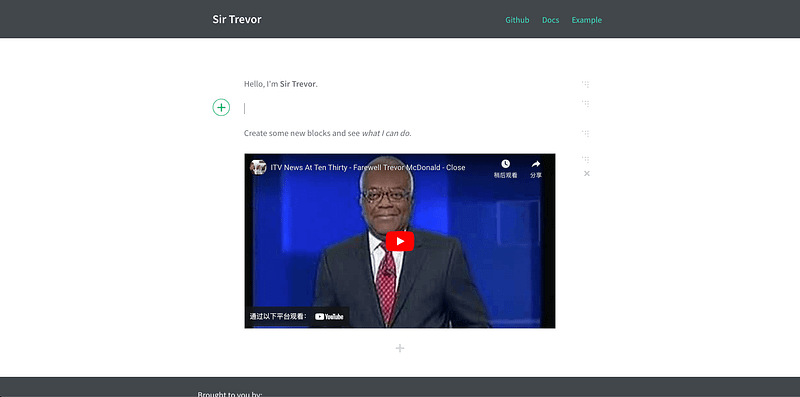
Sir Trevor JS is a modern rich text editor that is block-based, easy drag-and-drop, plug-and-play architecture, easy to use, supports multi-platform and multi-browser, and is fully customizable.
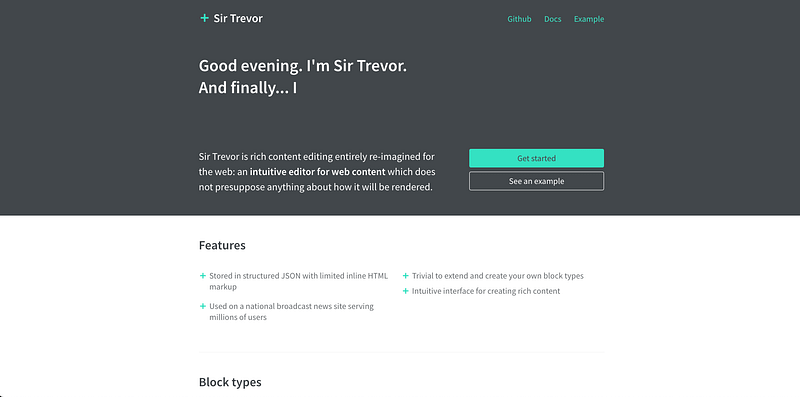
Sir Trevor JS has the following features:
- Block-based: break document content into blocks, such as text, images, videos, etc., each with custom styles and behaviors.
- Easy drag-and-drop: Use drag-and-drop components to build document structure quickly.
- Plug-in architecture: Provide a variety of plug-ins, such as code blocks, image blocks, task blocks, etc.
- Easy to use: Easy to get ⭐ted and can be integrated into any web application with a few lines of code.
- Multi-platform and multi-browser support: Supports multi-platform browsers, such as Mac, Windows, iOS, Android, Chrome, Firefox, Safari, etc.
- Fully customizable: With the ability to be fully customizable, users can flexibly define the style and functionality.
Summary
Whether you are a professional developer or an interested learner, these open-source editors will bring you unlimited creative space, while being easily extendable and customizable, making your work more efficient and enjoyable. Choosing a reliable rich text editor is the first step in keeping your personal and team collaboration competitive.
We hope these open-source rich text editors will meet your various needs and requirements and bring you endless creativity and inspiration.
More content at PlainEnglish.io. Sign up for our free weekly newsletter. Join our Discord community and follow us on Twitter, LinkedIn and YouTube.
Learn how to build awareness and adoption for your startup with Circuit.


