
12 Best Mac Apps You Need to Download ASAP in 2024

The tools we choose for our Mac can shape the ease with which we navigate through our daily routines.
Regardless of whether you’re an experienced user or just embarking on your journey with a Mac, selecting the right applications can substantially enhance your efficiency and unleash your creative potential.
In this article, we present a curated selection of 12 essential Mac apps for 2024, designed to cater to a diverse range of needs and preferences.
DaisyDisk: Visualize and Optimize Your Storage
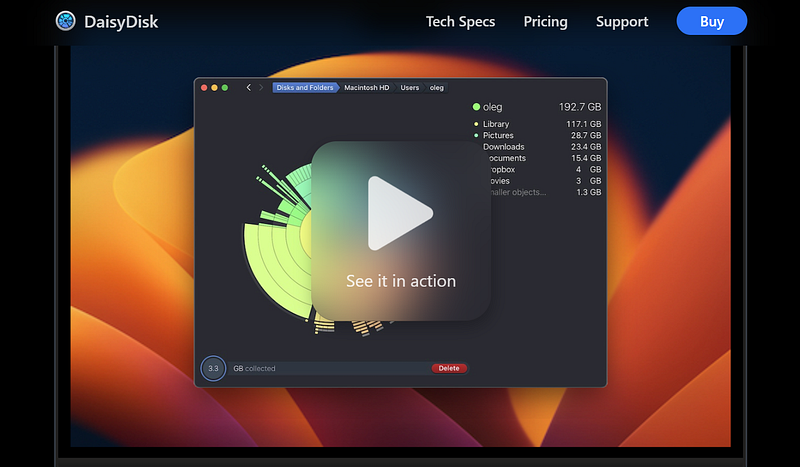
DaisyDisk isn’t just another disk cleanup tool — it’s a game-changer for Mac users looking to reclaim precious storage space.
With its intuitive interface and visual representation of disk usage, DaisyDisk makes it easy to identify large files and unnecessary clutter hogging your disk space.
Plus, its powerful cleaning capabilities ensure that your Mac runs smoothly and efficiently.
Bear: Organize Your Thoughts with Ease
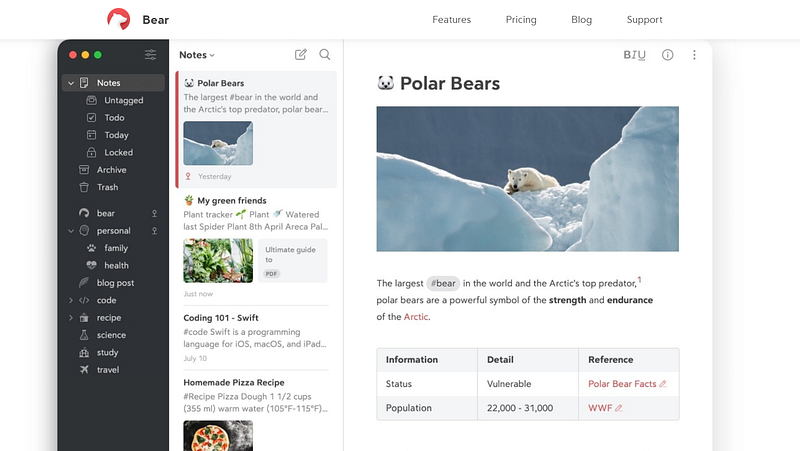
Say goodbye to scattered notes and hello to Bear, the ultimate note-taking app for Mac users.
With its minimalist design and seamless syncing across devices, Bear helps you capture and organize your ideas, to-do lists, and inspirations in one centralized location.
Whether you’re brainstorming for a project or jotting down quick reminders, Bear makes it effortless to stay organized and productive.
Meeter: Streamline Your Meeting Schedule
In today’s remote work environment, managing multiple meeting platforms can be a headache.
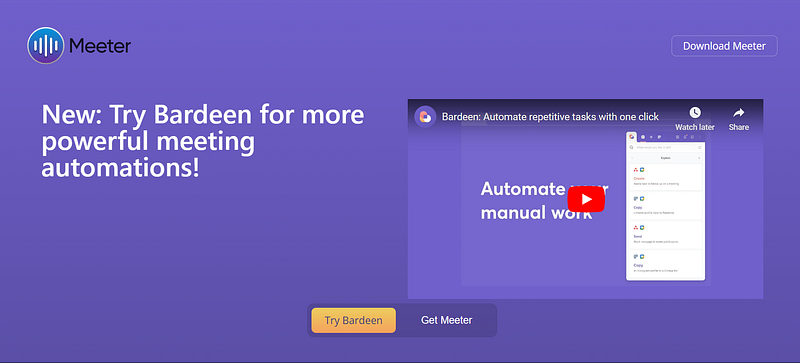
Meeter, the all-in-one meeting scheduler that simplifies your life. By consolidating all your upcoming meetings from various apps like Zoom, Microsoft Teams, and Google Meet into a single dashboard, Meeter ensures that you never miss a meeting or waste time searching for links again.
With Meeter, scheduling meetings has never been easier.
Fantastical: Your Personal Calendar Assistant
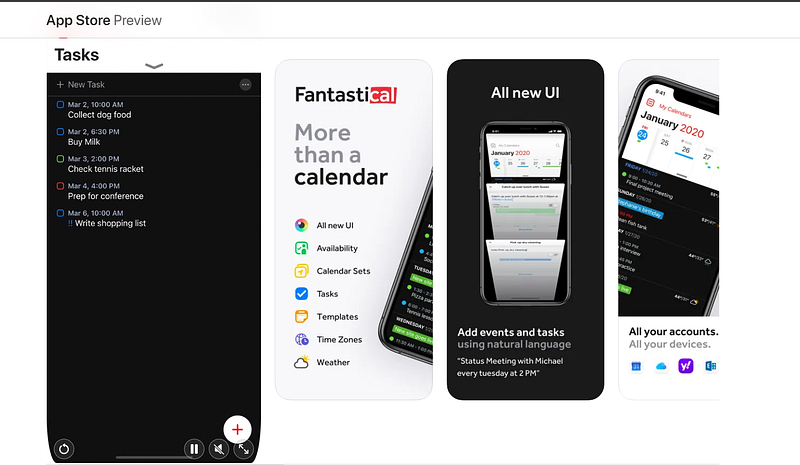
Fantastical isn’t your average calendar app — it’s your personal scheduling assistant.
With its natural language input and intuitive interface, Fantastical makes it a breeze to create and manage events, reminders, and appointments.
Whether you’re planning your week or scheduling a Zoom call, Fantastical’s seamless integration with other apps ensures that you stay organized and on top of your schedule.
Parallels Desktop: Run Windows and Mac Side by Side
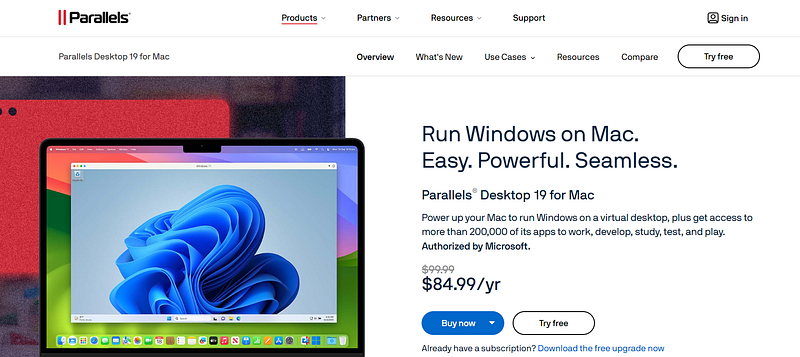
Whether you’re a business professional or a casual user, Parallels Desktop offers seamless integration between Windows and macOS, allowing you to switch between operating systems with ease.
With Parallels Desktop, you can enjoy the best of both worlds without compromising on performance or compatibility.
Pixelmator Pro: Unleash Your Creative Vision
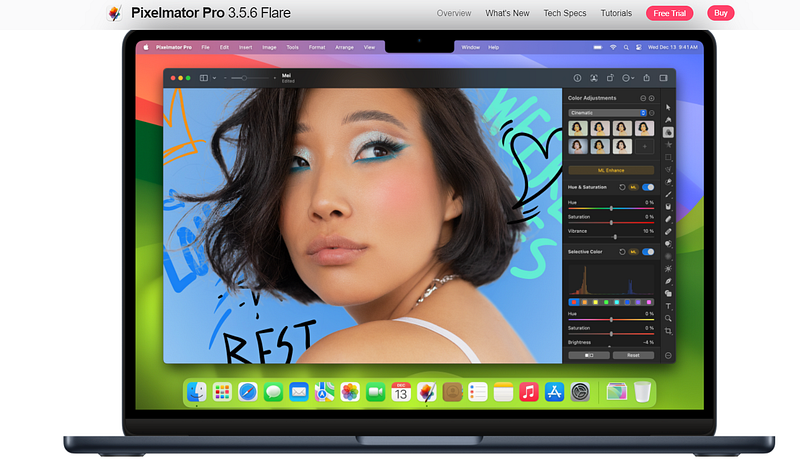
Pixelmator Pro is more than just a photo editing app — it’s a powerful tool for unleashing your creative potential.
With its intuitive interface and advanced editing features, Pixelmator Pro empowers users to create stunning visuals, edit photos like a pro, and bring their artistic visions to life.
Whether you’re a photographer, graphic designer, or digital artist, Pixelmator Pro is your go-to app for all your creative endeavors.
Ulysses: Write Without Distractions
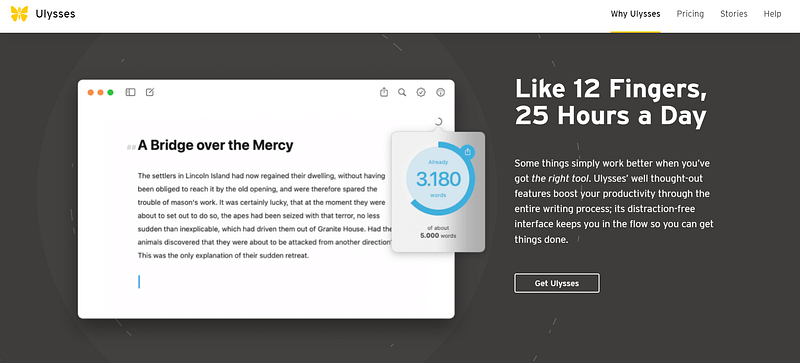
Ulysses isn’t just a writing app — it’s a sanctuary for writers seeking focus and inspiration.
With its distraction-free interface and powerful features like Markdown support and seamless synchronization, Ulysses allows you to immerse yourself in your writing without distractions.
Whether you’re working on a novel, a blog post, or a school assignment, Ulysses helps you stay in the flow and unleash your creativity.
Spark: Master Your Email Inbox
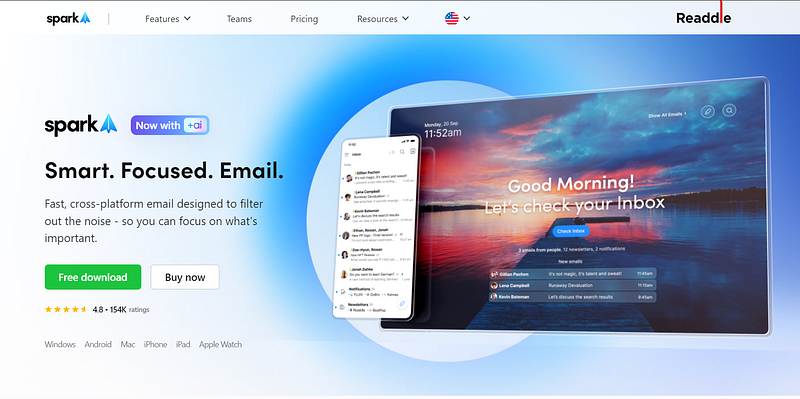
Say goodbye to email overload with Spark, the smart email client for Mac.
With its intelligent inbox management and handy features like snooze and follow-up reminders, Spark helps you stay on top of your email game and focus on what matters most.
Whether you’re managing work emails or personal correspondence, Spark makes email management a breeze.
Steam: Discover Your Next Gaming Adventure
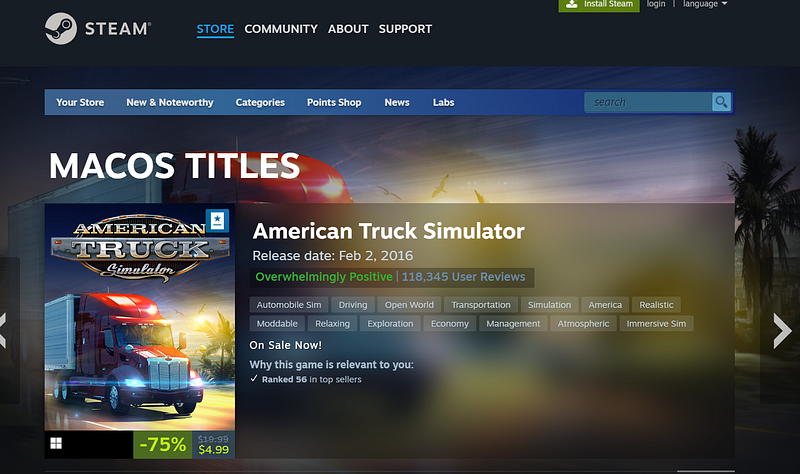
Steam is more than just a gaming platform — it’s a vibrant community where gamers come together to discover, play, and connect.
With its vast library of games, easy installation process, and social features like friends lists and chat, Steam offers an unparalleled gaming experience that’s perfect for Mac users of all ages and interests.
Things 3: Get Things Done, Your Way
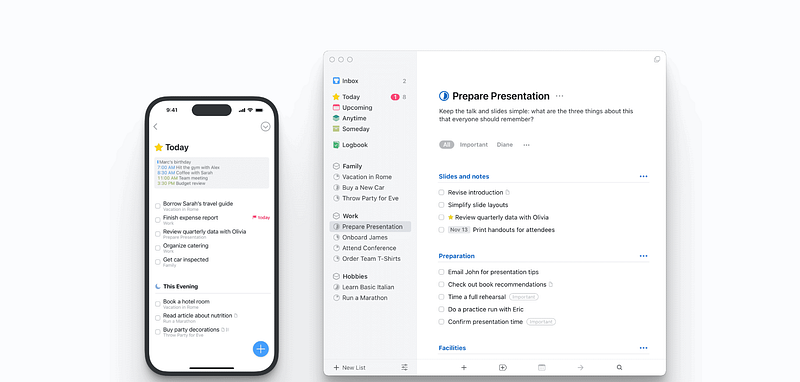
Things 3 isn’t just a task manager — it’s your personal productivity companion.
With its intuitive interface and powerful features like tags, deadlines, and natural language input, Things 3 helps you stay organized, focused, and on track to achieve your goals.
Whether you’re managing work projects or personal tasks, Things 3 adapts to your workflow and helps you get things done, your way.
Adobe Creative Cloud: Unlock Your Creative Potential
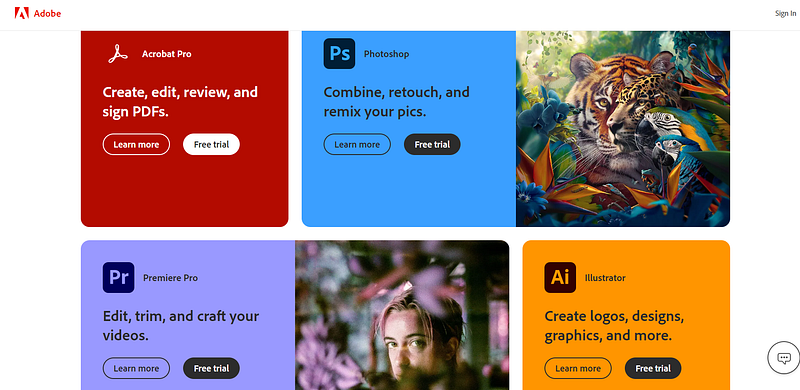
Adobe Creative Cloud is the ultimate toolkit for creative professionals and hobbyists alike.
With its comprehensive suite of apps, including Photoshop, Illustrator, and Premiere Pro, Adobe Creative Cloud offers everything you need to bring your ideas to life and express your creativity in new and exciting ways.
Whether you’re a graphic designer, photographer, or video editor, Adobe Creative Cloud empowers you to create, collaborate, and innovate like never before.
CleanMyMac X: Keep Your Mac Running Smoothly
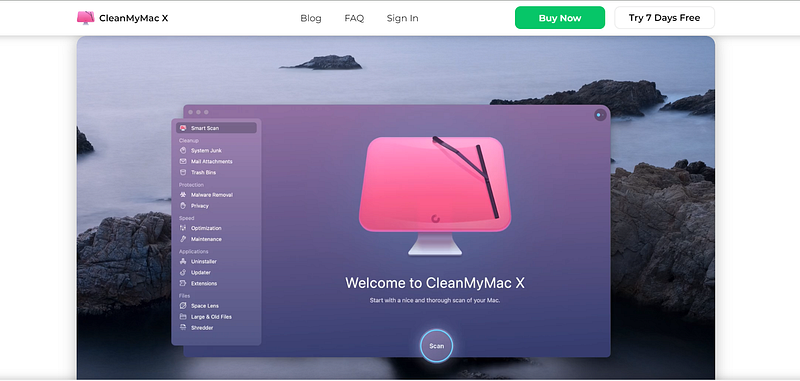
CleanMyMac X is like a spa day for your Mac — it cleanses, rejuvenates, and revitalizes your system for optimal performance and efficiency.
With its powerful cleaning tools, optimization features, and privacy protection measures, CleanMyMac X ensures that your Mac stays fast, secure, and clutter-free.
Whether you’re a tech novice or a seasoned pro, CleanMyMac X is your go-to solution for keeping your Mac in tip-top shape.
Day One: Capture Life’s Moments
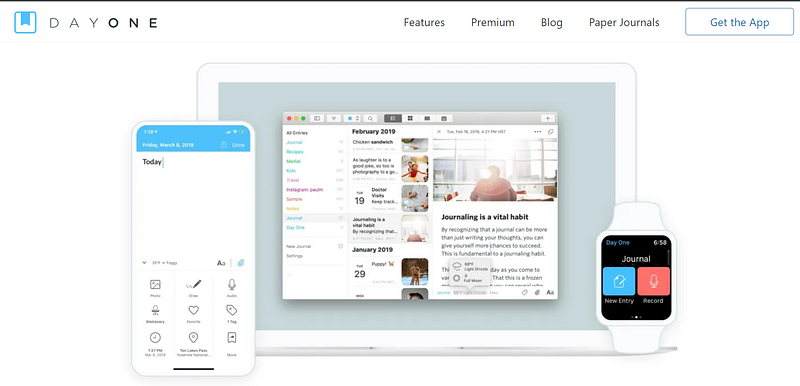
One Entry at a Time Day One isn’t just a journaling app — it’s a treasure trove of memories, reflections, and moments worth preserving.
With its elegant interface and multimedia capabilities, Day One allows you to capture and chronicle your life’s journey in a way that’s meaningful and timeless.
Whether you’re writing daily entries, uploading photos, or recording voice memos, Day One helps you cherish the moments that matter most and create a legacy that lasts a lifetime.
If you liked the article, show your support with a clap 👏 and follow me! Feel free to highlight your favorite parts too. Your engagement keeps me inspired!
“Would you like to discover how to 10X your productivity?” I share all the interesting details, techniques, and suggestions for creating efficient daily rituals, staying focused, and avoiding distractions!” In my ebook, you’ll learn how to 10X your personal productivity.


