avatarSimon Holdorf

Free AI web copilot to create summaries, insights and extended knowledge, download it at here

1860

Abstract

/p><h1 id="be04">Prettier</h1><figure id="2971"><img src="https://cdn-images-1.readmedium.com/v2/resize:fit:800/0*zU2RGCQqSzCr7u2D.png"><figcaption></figcaption></figure><p id="bc15">Prettier from Esben Petersen is a pretty neat extension that has been downloaded nearly 26 million times. It helps you format your code and provides color keywords for more readable code.</p><h1 id="9bce">CSS Peek</h1><figure id="ae7f"><img src="https://cdn-images-1.readmedium.com/v2/resize:fit:800/0*UbHMrlN8Ze4tgmy2.png"><figcaption></figcaption></figure><p id="0d43">CSS Peak helps you when working markup language class strings and IDs by identifying and enumerating the different styles that are already applied. This comes in handy because you no longer have to jump between HTML and CSS files.</p><h1 id="9aea">Vetur</h1><figure id="5d36"><img src="https://cdn-images-1.readmedium.com/v2/resize:fit:800/0*f4Qm9HMMt5xu83Ur.png"><figcaption></figcaption></figure><p id="da3e">Vetur is the official VueJS Extension and has been downloaded over 11 million times. It provides error-checking capabilities, auto-completion features, and provides Vue snippets. This is really cool if you are a Vue developer like me!</p><h1 id="d4de">ESLint</h1><figure id="a94a"><img src="https://cdn-images-1.readmedium.com/v2/resize:fit:800/0*SVYi_dJ1mIwtTpJz.png"><figcaption></figcaption></figure><p id="9cdd">ESLint — what can I say? Many people love linting, but many do not. But the value linting provides for clean code is hardly arguable and this extension, with 22 million downloads, is the best tool for it if you develop with JavaScript.</p><h1 id="ae82">Live Sass Compiler</h1><figure id="f0df"><img src="https://cdn-images-1.readmedium.com/v2/resize:fit:800/0*gP4L8WJOQkc5QxuL.png"><figcaption></figcaption></figure><p id="7731">The Live Sass Compiler extension is a small but pow

Options

erful tool that can compile your SASS/SCSS files to CSS files in real-time and provide a live preview of the compiled styles in your browser.</p><h1 id="7219">Debugger for Chrome</h1><figure id="4a7c"><img src="https://cdn-images-1.readmedium.com/v2/resize:fit:800/0*n_bTkV1lDJeV7lWn.png"><figcaption></figcaption></figure><p id="1346">Chrome, for many developers is the number one browser for developing, testing, and debugging their code. With this official extension for VS Code, you can do so directly from Visual Studio Code — how cool is that?!</p><h1 id="3f42">Live Server</h1><figure id="517d"><img src="https://cdn-images-1.readmedium.com/v2/resize:fit:800/0*pZfGTCZCrt0YuA_r.png"><figcaption></figcaption></figure><p id="ad30">Live Server by Ritwick Dey, who also created the Live Sass Compiler, creates a local development server right in Visual Studio Code to serve your static and dynamic sites. Using the go-live button in your editor, you can serve your code right away, and the extension also supports live reloading — neat!</p><h1 id="d57f">Beautify</h1><figure id="e2ad"><img src="https://cdn-images-1.readmedium.com/v2/resize:fit:800/0*k9CPu0Zft-pW1QX2.png"><figcaption></figcaption></figure><p id="a54b">Last but not least in this collection comes Beautify, another great extension for code formatting, much like Prettier. Almost 9 million downloads speak for themselves, and you can format code written in JavaScript, JSON, CSS, Sass, and HTML.</p><h1 id="a341">Conclusion</h1><p id="7069">This collection is far from complete, and the extensions are not necessarily the best, but I hope it provides you with some good tools to help you write high-quality code and become a better web developer. Let me know in the comments if you find something useful or have other suggestions of extensions you think are first-class.</p></article></body>

10 Visual Studio Code Extensions for Frontend Developers in 2023

The best extensions for the best code editor
I use ClickUp to collect & manage ideas for my blogs — you should check it out. It’s brilliant and for free!

https://bit.ly/3hd3ksY

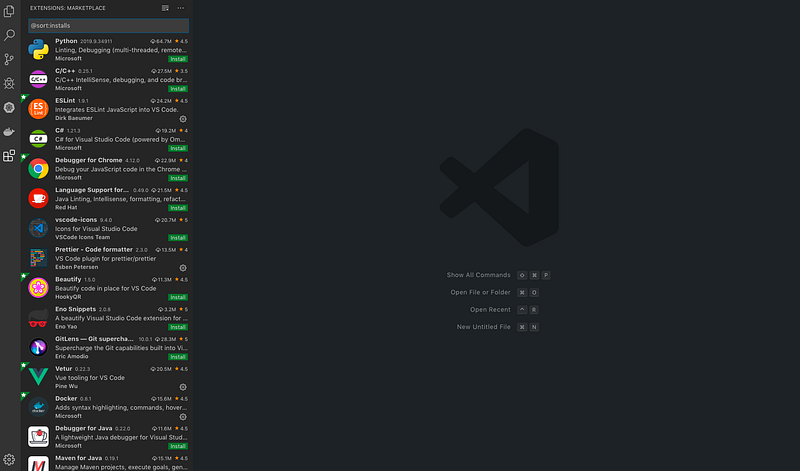
Visual Studio Code had 14 million monthly active users in 2021 (the latest official number I could find — it’s undoubtedly more by now) and is arguably the best code editor out there at the moment. One of the best features is the Market Place, offering tons of extensions to customize it exactly to your needs and help you in writing high-quality code. In this article, I will recommend 10 VS Code extensions for frontend engineers working with HTML, CSS, JavaScript, and frameworks like VueJS or ReactJS.

JavaScript Code Snippets
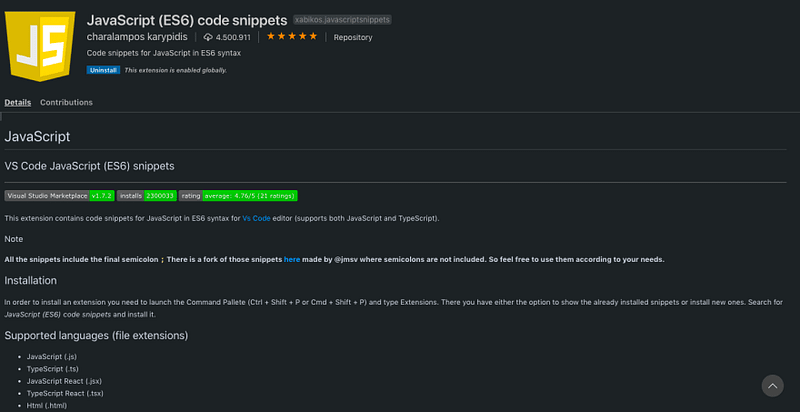
This extension was created by Charalampos Karypidis and has been downloaded 9.7 million times. It provides Code Snippets for writing JavaScript, Typescript, React, Vue, and HTML, …and it supports ES6 syntax.

NPM
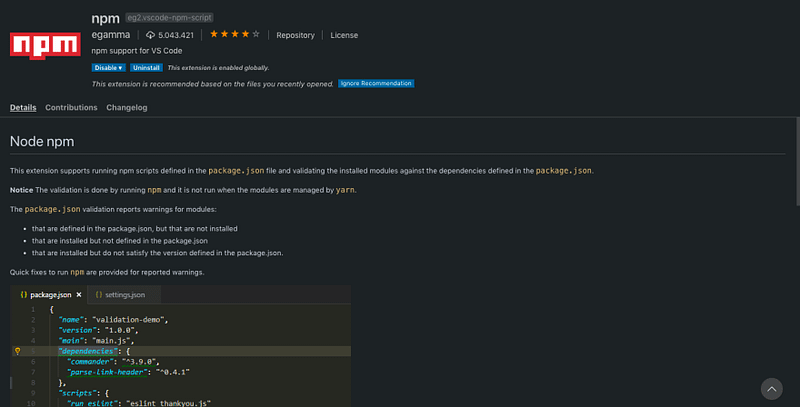
Every developer knows NPM — the Node Package Manager. This extension helps you manage your Package.json, provides warnings if dependencies are not installed yet, and helps with version control.

Prettier
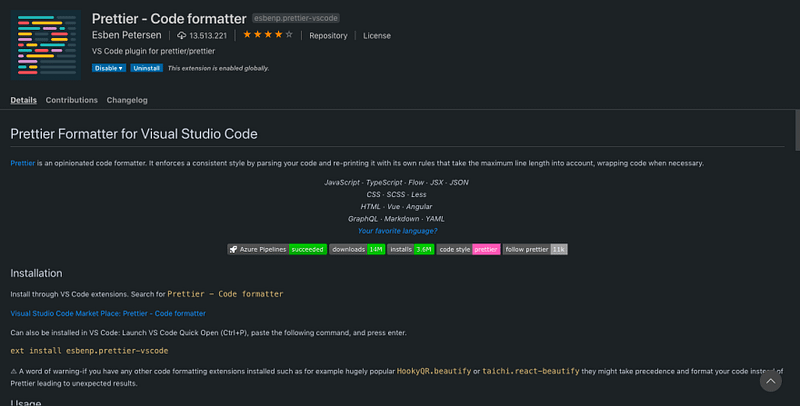
Prettier from Esben Petersen is a pretty neat extension that has been downloaded nearly 26 million times. It helps you format your code and provides color keywords for more readable code.

CSS Peek
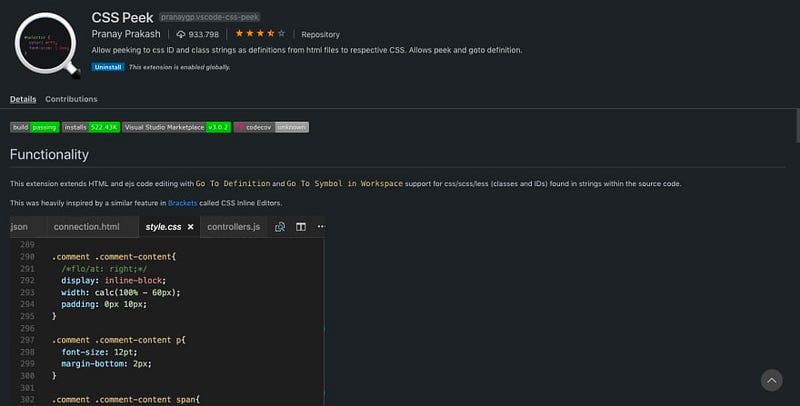
CSS Peak helps you when working markup language class strings and IDs by identifying and enumerating the different styles that are already applied. This comes in handy because you no longer have to jump between HTML and CSS files.

Vetur
Vetur is the official VueJS Extension and has been downloaded over 11 million times. It provides error-checking capabilities, auto-completion features, and provides Vue snippets. This is really cool if you are a Vue developer like me!

ESLint
ESLint — what can I say? Many people love linting, but many do not. But the value linting provides for clean code is hardly arguable and this extension, with 22 million downloads, is the best tool for it if you develop with JavaScript.

Live Sass Compiler
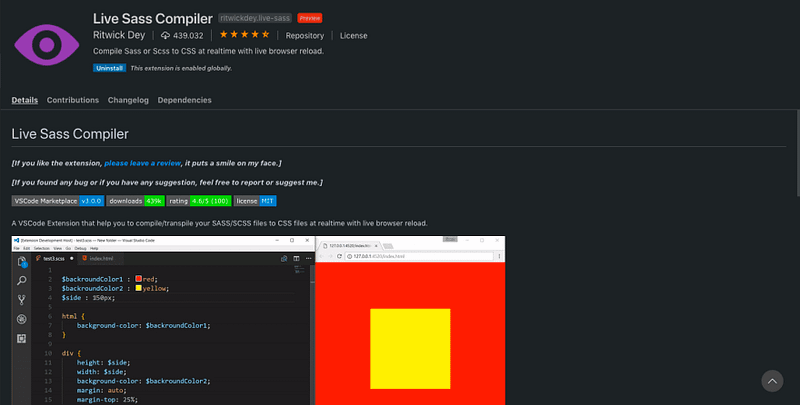
The Live Sass Compiler extension is a small but powerful tool that can compile your SASS/SCSS files to CSS files in real-time and provide a live preview of the compiled styles in your browser.

Debugger for Chrome
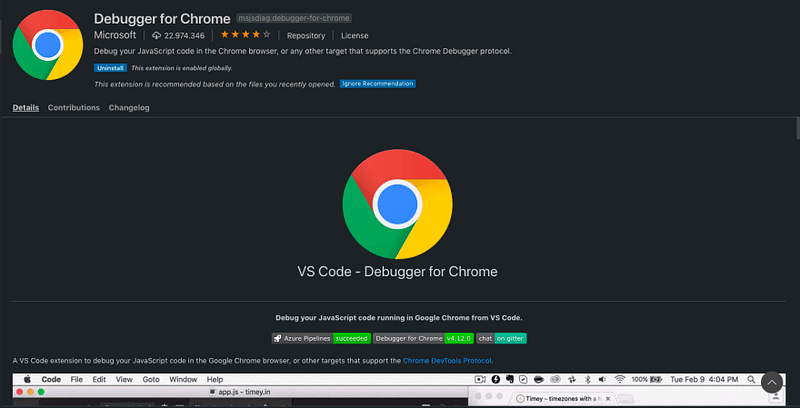
Chrome, for many developers is the number one browser for developing, testing, and debugging their code. With this official extension for VS Code, you can do so directly from Visual Studio Code — how cool is that?!

Live Server
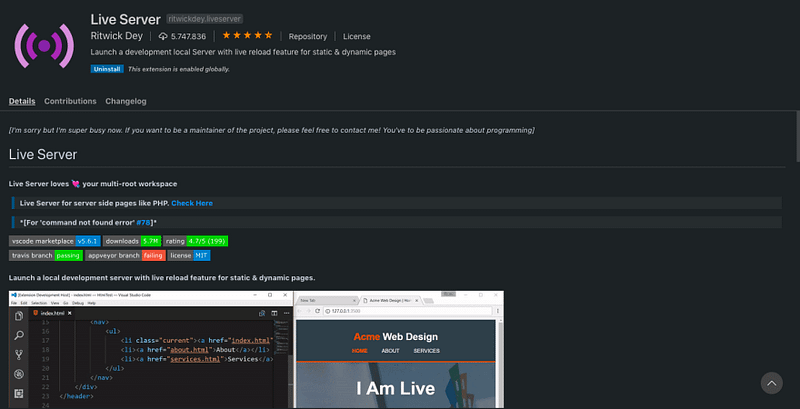
Live Server by Ritwick Dey, who also created the Live Sass Compiler, creates a local development server right in Visual Studio Code to serve your static and dynamic sites. Using the go-live button in your editor, you can serve your code right away, and the extension also supports live reloading — neat!

Beautify
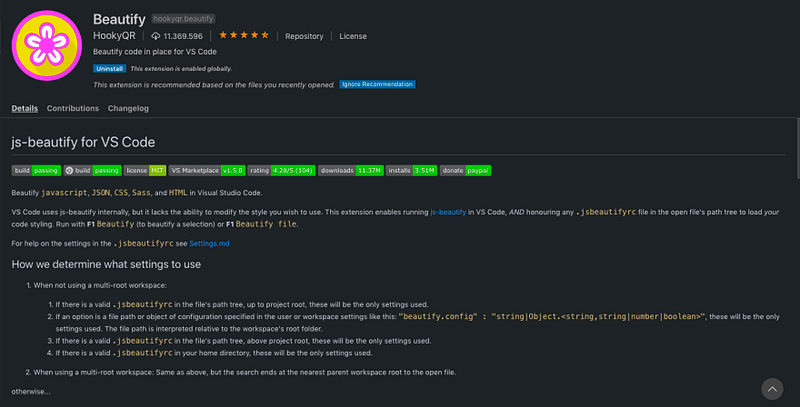
Last but not least in this collection comes Beautify, another great extension for code formatting, much like Prettier. Almost 9 million downloads speak for themselves, and you can format code written in JavaScript, JSON, CSS, Sass, and HTML.

Conclusion

This collection is far from complete, and the extensions are not necessarily the best, but I hope it provides you with some good tools to help you write high-quality code and become a better web developer. Let me know in the comments if you find something useful or have other suggestions of extensions you think are first-class.

JavaScript
Technology
Programming
Productivity
Vscode Extension
Recommended from ReadMedium