
10 Top Pitchlane Alternatives & Competitors [Comparison]
Exploring the Best Alternatives to Pitchlane for Professionals
In the dynamic realm of sales and marketing, the power of video cannot be overstated. Sales videos, in particular, have emerged as a game-changer. How? By enabling businesses to connect with prospects on a more personal level, showcase their products/services effectively, and ultimately driving conversions. However, creating high-quality sales videos can be a daunting task. Especially for those without extensive video production expertise. This is where Pitchlane comes into play. Pitchlane is a popular platform that empowers businesses to create personalized sales videos without any prior video editing experience. Despite its popularity, Pitchlane may not be the ideal solution for every business. Whether you’re seeking a more affordable option, a wider range of features, or a more intuitive user interface, exploring Pitchlane alternatives can open up a world of possibilities.
In this article, we’ll explore 10 top Pitchlane alternatives, each offering unique strengths and functionalities to suit your specific needs. So, without further ado, let’s get started.
Top Alternatives to Pitchlane.com
1. Potion
Potion is an AI video prospecting tool that helps sales professionals create personalized videos for their prospects at scale. It allows users to record a single video template and then use AI to insert personalized elements, such as the prospect’s name, company, and interests. This makes it possible to create thousands of unique videos in a matter of minutes. Also, the AI perfection of Potion is what makes it one of the best alternatives to Pitchlane.
Key features of Potion:
- AI-powered personalization: Potion’s AI goes beyond just inserting names. It tailors each video’s content to the prospect’s specific needs, making it feel like a genuine one-on-one interaction.
- Easy to use: Potion’s user-friendly interface makes it easy to create personalized videos with no technical knowledge required.
- Scalable: Potion can be used to create thousands of videos in a matter of minutes, making it ideal for sales teams of all sizes.
- Video landing pages: Build your custom digital business card with video pages by Potion. You can add your own branding, custom domain & have calendar embeds.
- Video CTA: Want users to complete an action right after watching your video? Custom call-to-action feature allows you to do just that.
- Workspace management: Manage all your outreach content and promote collaboration between teams.
Why Choose Potion? Here are some of the reasons why you should choose Potion as a professional:
- Increased engagement: Personalized videos are more likely to be watched and engaged with than traditional text-based emails.
- Improved conversion rates: Studies have shown that personalized videos can lead to a 20% increase in conversion rates.
- Stronger relationships: Personalized videos can help you build stronger relationships with your prospects, which can lead to more sales.
- Secure and safe: Worries that your business information might get leaked? Not anymore. Potion AI is SOC2 Type I compliant and takes security SUPER seriously. So that you can seamlessly focus on your business.
Overall, if you’re looking for a way to improve your sales results, Potion is a great option. With its easy-to-use interface, powerful AI capabilities, and scalable platform, Potion can help you create personalized videos that will get results.
2. Loom
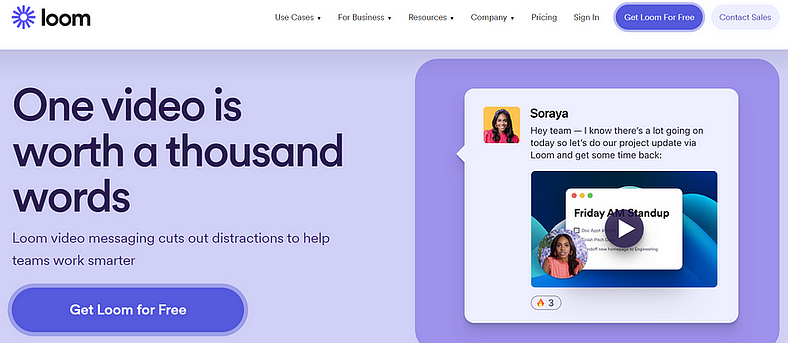
Loom, a free screen recorder for Mac and PC, empowers professionals to communicate efficiently in the digital age. Its intuitive interface and powerful features make it an ideal tool for creating engaging video messages, tutorials, and presentations.
Key Features of Loom:
- Effortless Screen and Camera Recording: Capture your screen, webcam, or both simultaneously, providing a comprehensive visual representation of your message.
- Simple Sharing and Embedding: Share your videos with a direct link, embed them in emails or websites, or password-protect them for secure access.
- Easy Editing: Trim and stitch clips, add drawings, annotations, and text overlays, and customize the background for a professional touch.
- Transcriptions and Closed Captions: Generate automatic transcriptions and closed captions to enhance accessibility.
- Video Privacy Controls: Control who has access to your videos, ensuring confidentiality and privacy.
Why Choose Loom? A few reasons to use Loom include,
- Enhance Communication: Convey complex ideas clearly and effectively, reducing misunderstandings and improving collaboration.
- Boost Engagement: Capture attention and increase engagement with visually appealing and informative content.
- Elevate Professionalism: Present yourself with polish and expertise, demonstrating your ability to communicate effectively in the digital realm.
3. Vidyard
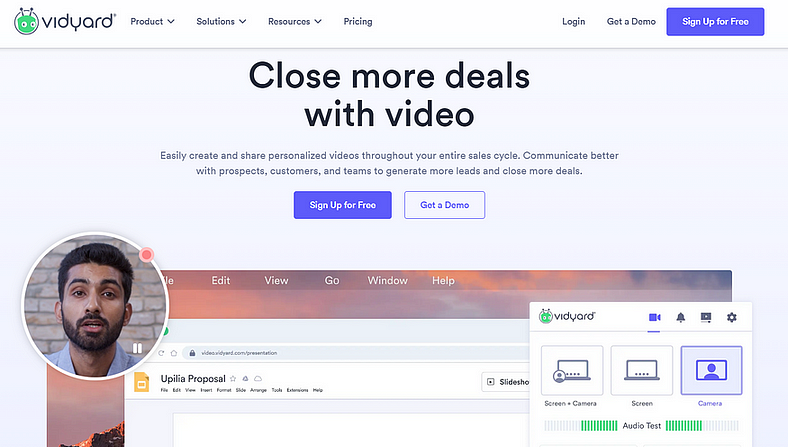
Vidyard is a cloud-based video hosting platform that empowers businesses to create, manage, and distribute engaging videos across their online channels. It offers a comprehensive suite of tools for seamless integration into websites, social media platforms, and email marketing campaigns.
Key Features of Vidyard:
- Video Hosting and Storage: Vidyard provides secure and scalable video hosting, ensuring your content is always accessible and optimized for playback across devices.
- Video Creation and Editing: With Vidyard’s screen recording tools, you can easily capture tutorials, product demos, and team updates. It also offers basic editing capabilities for trimming, adding annotations, and branding your videos.
- Video Analytics and Tracking: Gain insights into audience engagement and video performance with detailed analytics. Track viewer demographics, watch time, and conversion rates to optimize your video content strategy.
- Marketing and Distribution: Share your videos seamlessly on social media platforms, embed them in website pages, and integrate them into email campaigns.
Why Choose Vidyard? Here’s are a few reasons,
- Enhance Customer Engagement: Vidyard helps you capture attention, convey complex information effectively, and build stronger customer relationships through engaging video content.
- Boost Sales and Marketing Results: Video marketing drives higher conversion rates and improves lead generation.
- Streamlined Management: Centralize your video library, manage access permissions, and track video performance.
4. BombBomb
BombBomb is a video messaging software that helps businesses save time, increase conversions, and build trust with their customers. It allows users to record and send personalized video messages from their computers, smartphones, or tablets. BombBomb also offers a variety of features to help businesses track the results of their video campaigns, such as open rates, click-through rates, and engagement metrics.
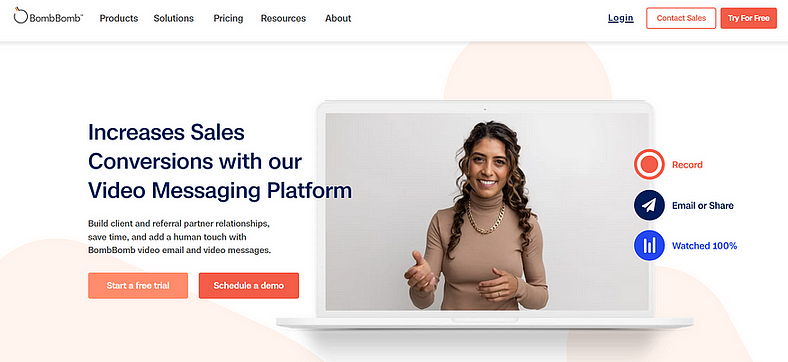
Key features of BombBomb:
- Record and send personalized video messages from your computer, smartphone, or tablet.
- Track the results of your video campaigns with open rates, click-through rates, and engagement metrics.
- Integrate BombBomb with your Gmail, Outlook, and Salesforce accounts.
Why Choose BombBomb? A few good reasons, include,
- It can help you save time by reducing the amount of time you spend writing and sending emails
- It can help you increase conversions by making your messages more personal and engaging
- It can help you build trust with your customers by showing them that you are a real person who cares about their business
Overall, BombBomb is a powerful tool that can help businesses of all sizes achieve their goals. If you are looking for a way to improve your communication and marketing efforts, I highly recommend checking out BombBomb.
5. Wistia
Wistia is a comprehensive video marketing platform designed to empower businesses and professionals to create, host, manage, and analyze their content seamlessly. It offers a suite of powerful features that cater to every stage of the video marketing journey, from video creation and optimization to distribution and performance tracking.
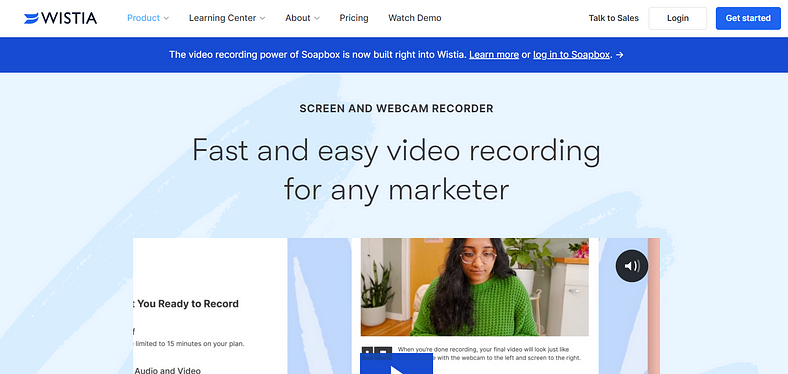
Key Features of Wistia:
- Video Hosting and Player Customization: Wistia provides secure and reliable hosting for your videos, ensuring fast loading times and optimal viewing experiences across all devices. Its customizable video player allows you to match your brand identity and seamlessly integrate videos into your website.
- Branded Video Channels and Galleries: Create stunning video galleries and channels to showcase your video content in an organized and engaging manner.
- Advanced Analytics and Video Insights: Gain in-depth insights into your video performance with comprehensive analytics. Track viewership metrics, engagement patterns, and audience demographics to make data-driven decisions for your video marketing strategy.
Why Choose Wistia? Here’s a list of reasons to consider:
- User-Friendly Interface and Ease of Use: Wistia’s intuitive interface and drag-and-drop functionality make it easy to manage your videos, create stunning visuals, and access actionable insights.
- Customer-Centric Support and Resources: Wistia offers extensive documentation, tutorials, and a responsive support team to assist you with any queries or challenges.
6. VidGrid
VidGrid is a video creation platform that specializes in creating interactive sales videos. Its unique features allow you to embed CTAs, polls, and forms directly into your videos, making them more engaging and effective in driving conversions.
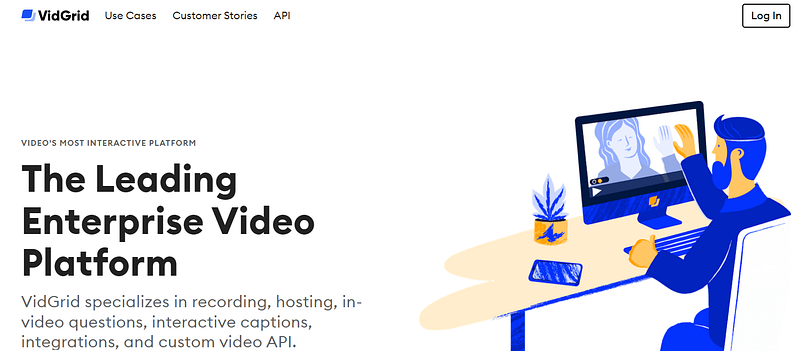
Key features of VidGrid:
- Seamless Recording: VidGrid’s user-friendly interface and one-click recording capability simplify the process of capturing videos from any device, including smartphones, tablets, and laptops.
- Secure Hosting: VidGrid’s secure cloud storage ensures the safety and integrity of your videos, preventing unauthorized access and guaranteeing optimal performance.
- Interactive Engagement: Engage your audience with in-video questions, interactive captions, and polls, fostering active participation and enhancing comprehension.
Why Choose VidGrid? There are 3 advantages it offers,
- Enhanced Engagement: Boost audience engagement and interaction with interactive video elements.
- Improved Comprehension: Foster deeper learning and knowledge retention through interactive video experiences.
7. Hippo Video
Hippo Video is an AI-powered video platform that empowers sales, marketing, and communication teams to create personalized videos that engage prospects, drive conversions, and enhance customer experiences.
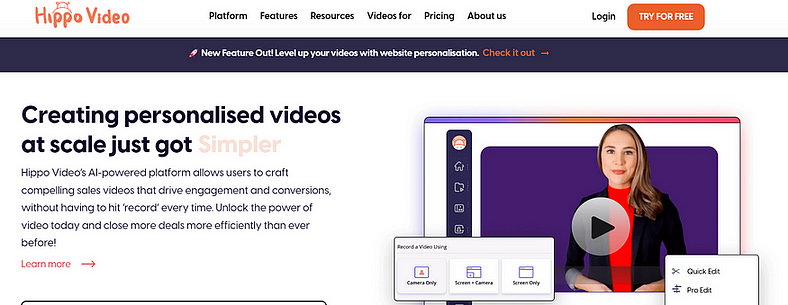
Key features of Hippo Video:
- Increase sales engagement: Personalized videos capture attention, build trust, and drive prospects through the sales funnel.
- Enhance customer communication and support: Create personalized onboarding videos, product demos, and support tutorials to delight customers and reduce churn.
- Boost marketing campaign effectiveness: Use personalized videos to attract leads, nurture prospects, and launch engaging campaigns.
Why Choose Hippo Video? As a professional, choosing Hippo Video empowers you to:
- Elevate your communication and engagement with personalized videos that resonate with your audience.
- Accelerate your sales and marketing efforts with a platform that simplifies video creation and enhances video performance.
8. Zight
Zight is a versatile screenshot and screen recording tool that empowers professionals to capture, enhance, and share their digital content seamlessly. Its intuitive interface and comprehensive feature set make it an ideal choice for individuals and teams across various industries.
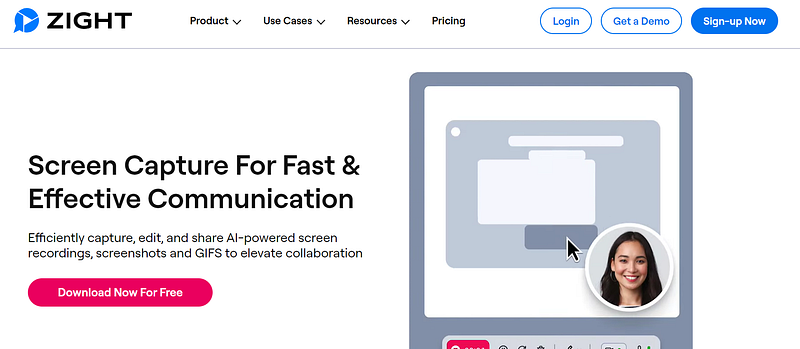
Key Features of Zight:
- Effortless Screenshot Capture: Capture full or partial screenshots with precision and ease.
- Powerful Screen Recording: Record your screen, webcam, or both simultaneously, producing high-quality videos.
- AI-Powered Annotations: Enhance your screenshots and recordings with annotations, callouts, and text using Zight’s intelligent AI tools.
- Streamlined Sharing: Instantly share captured content via unique URLs or export to popular storage platforms.
Why Choose Zight? You should consider the following,
- Enhance Communication: Clearly convey ideas, instructions, and feedback to colleagues, clients, or customers.
- Streamline Presentations: Create engaging presentations and tutorials to effectively share your knowledge.
- Improve Productivity: Eliminate the need for lengthy explanations and save time by sharing visual representations.
Zight empowers professionals to communicate effectively, enhance productivity, and streamline workflows, making it an indispensable tool for success in today’s digital world.
9. Camtasia
Camtasia stands as a beacon of simplicity and power. Its intuitive interface seamlessly guides users through the video creation process. Right from capturing high-quality screen recordings to incorporating enriching visual elements and editing with finesse.
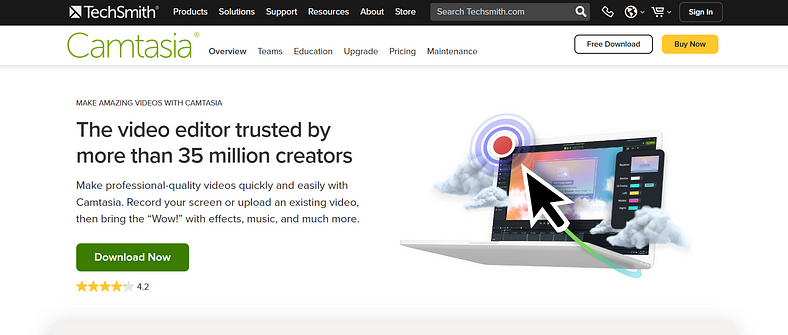
Key features of Camtasia:
- Effortless Screen Recording: Capture your screen with unparalleled clarity, recording your webcam, microphone, and system audio simultaneously.
- Powerful Editing Tools: Edit your footage with precision, utilizing a vast array of tools for trimming, splitting, adding transitions, and enhancing audio.
- Engaging Visual Enhancements: Elevate your videos with a library of royalty-free music, sound effects, transitions, and animations.
- Seamless Presentations: Create captivating presentations with Camtasia’s presentation templates and annotation tools.
Why Choose Camtasia? Well, as a professional, Camtasia is an invaluable tool for:
- Software Tutorials: Craft clear and engaging tutorials that guide users through software applications.
- E-learning Courses: Develop comprehensive e-learning courses that effectively impart knowledge and skills.
Overall, Camtasia empowers professionals to craft engaging and informative screencasts, tutorials, and presentations with remarkable ease.
10. Adobe Premiere Pro
Adobe Premiere Pro is the industry-standard video editing software used by professionals worldwide. It offers a vast array of features and capabilities, making it ideal for creating highly polished and sophisticated sales videos.
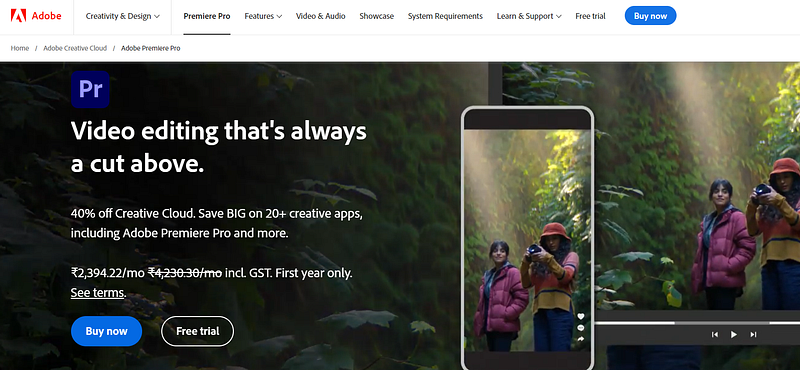
Key Features of Adobe Premiere Pro:
- Timeline-based Editing: It’s timeline provides a flexible workspace for assembling and manipulating video clips, graphics, and audio tracks. Its drag-and-drop functionality, intuitive trimming tools, and powerful multicam editing capabilities streamline the editing process.
- Advanced Color Correction and Grading: The comprehensive color grading tools enable precise control over color, contrast, and saturation, ensuring visually stunning and consistent visuals. AI-powered color matching tools and Lumetri Color panels simplify color adjustments.
- Professional Audio Editing: Robust audio editing capabilities allow for seamless integration of sound effects, music, and voiceover tracks. Its precise audio mixing tools, including multitrack mixing and audio ducking, ensure a balanced and engaging soundscape.
- Motion Graphics and Visual Effects: Integration with Adobe After Effects enables seamless integration of motion graphics and visual effects. Create dynamic titles, transitions, and animations directly within Premiere Pro’s timeline.
Why Choose Premiere Pro? There are plenty of reasons to choose it over others, but here are a few notable ones,
- Industry-Standard: Itis the preferred choice for professionals in film, television, and online media, ensuring compatibility and widespread acceptance.
- Comprehensive Feature Set: Its extensive toolset caters to a wide range of editing needs, from simple video assembly to complex motion graphics and visual effects.
- Creative Flexibility: The non-linear editing approach provides unlimited creative freedom, allowing for experimentation and iteration throughout the editing process.
- Seamless Integration: It integrates seamlessly with other Adobe Creative Cloud applications, enabling a fluid workflow from pre-production to post-production.
Overall, the industry-standard non-linear video editing software, empowers video professionals to craft compelling stories with unrivaled creativity and precision.
Top Tips for Creating Effective Sales Videos
- Know your audience: Understand your target audience’s demographics, interests, and pain points to tailor your video content accordingly.
- Keep it concise: Aim for videos that are around two minutes or less in length to maintain engagement and avoid overwhelming viewers.
- Use strong visuals: High-quality visuals, including product demos, customer testimonials, and eye-catching graphics, can significantly enhance your video’s appeal.
- Craft a compelling script: A well-written script ensures your video flows smoothly, delivers a clear message, and resonates with your audience.
- Add a call to action (CTA): Encourage viewers to take action, whether it’s visiting your website, signing up for a demo, or making a purchase.
- Track and analyze: Regularly monitor your video’s performance using analytics tools to identify areas for improvement and optimize your strategy.
By following these tips, you can create sales videos that captivate your audience. Also curate messages that drive conversions, and propel your business forward.

Conclusion
In 2024, crafting compelling sales videos is crucial for driving conversions. While Pitchlane has gained popularity as a tool for creating personalized sales videos, exploring Pitchlane alternatives can open up a world of possibilities.
Remember, creating effective sales videos requires more than just choosing the right tool. You should also focus on crafting concise, engaging, and audience-tailored content that clearly communicate your value proposition.
The top Pitchlane alternatives highlighted in this guide offer a diverse range of features and functionalities to cater to your specific needs. Whether you’re seeking a user-friendly interface, a comprehensive suite of video marketing tools, or the ability to create interactive sales videos. This article has provide ample options to help revamp your video marketing strategy.
FAQs or Frequently Asked Questions
What are the key factors to consider when choosing alternatives to Pitchlane?
When selecting a Pitchlane alternative, consider your specific needs and priorities. Factors such as ease of use, features, pricing, and integrations should be carefully evaluated.
How can I create effective sales videos using Pitchlane alternatives?
Effective sales videos should be concise, engaging, and tailored to your target audience. Clearly communicate your value proposition and use visuals effectively to showcase your product or service.
How can I measure the success of my sales videos?
Track key metrics such as views, engagement, and conversions to gauge the effectiveness of your sales videos. Use these insights to refine your video content and improve your overall strategy.
You may also like,