Free AI web copilot to create summaries, insights and extended knowledge, download it at here
4685
Abstract
es-1.readmedium.com/v2/resize:fit:800/1*RzNvycFk6fUvecfnwpFbBw.png"><figcaption></figcaption></figure><figure id="c5c1"><img src="https://cdn-images-1.readmedium.com/v2/resize:fit:800/1*R4oDLfC052g9IEDgu9iIyQ.png"><figcaption></figcaption></figure><p id="4c45"><b>Check out the documentation here:</b></p><div id="7bab" class="link-block">
<a href="https://marketplace.visualstudio.com/items?itemName=gerane.Theme-Abyss">
<div>
<div>
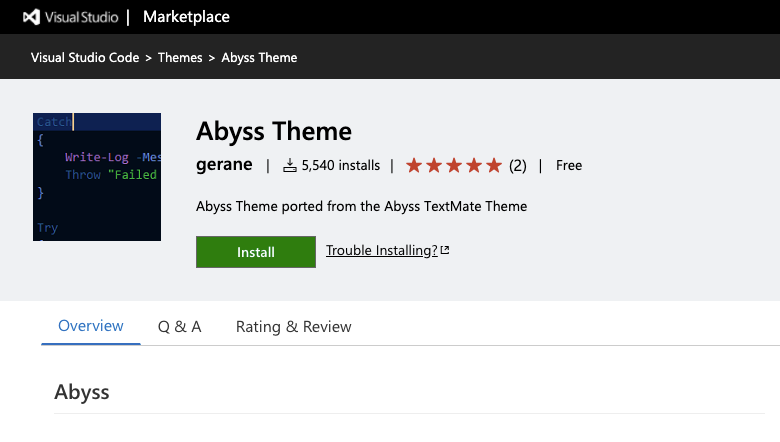
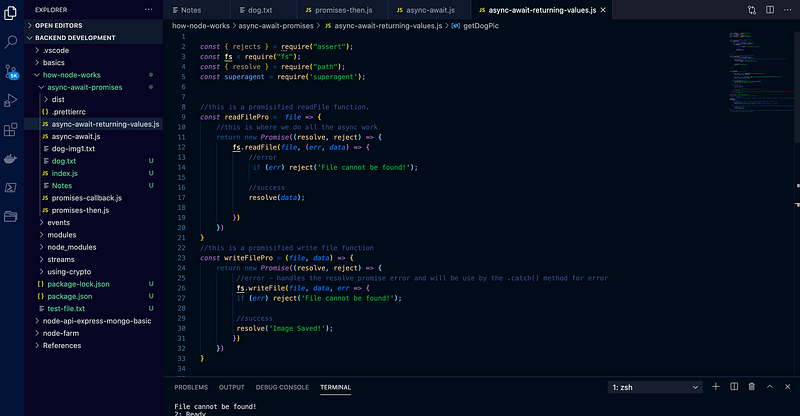
<h2>Abyss Theme - Visual Studio Marketplace</h2>
<div><h3>Extension for Visual Studio Code - Abyss Theme ported from the Abyss TextMate Theme</h3></div>
<div><p>marketplace.visualstudio.com</p></div>
</div>
<div>
<div style="background-image: url(https://miro.readmedium.com/v2/resize:fit:320/0*ULiN_O1LEKMDKg1S)"></div>
</div>
</div>
</a>
</div><h1 id="9a67">Shades of Purple</h1><figure id="5b2a"><img src="https://cdn-images-1.readmedium.com/v2/resize:fit:800/1*wo1DNAS7EB5Q33bYuhMSWg.png"><figcaption></figcaption></figure><figure id="81be"><img src="https://cdn-images-1.readmedium.com/v2/resize:fit:800/1*HwBkIqEEEk_7ooE7lVkl7Q.png"><figcaption></figcaption></figure><p id="b8de"><b>Check out the documentation here:</b></p><div id="129a" class="link-block">
<a href="https://marketplace.visualstudio.com/items?itemName=ahmadawais.shades-of-purple">
<div>
<div>
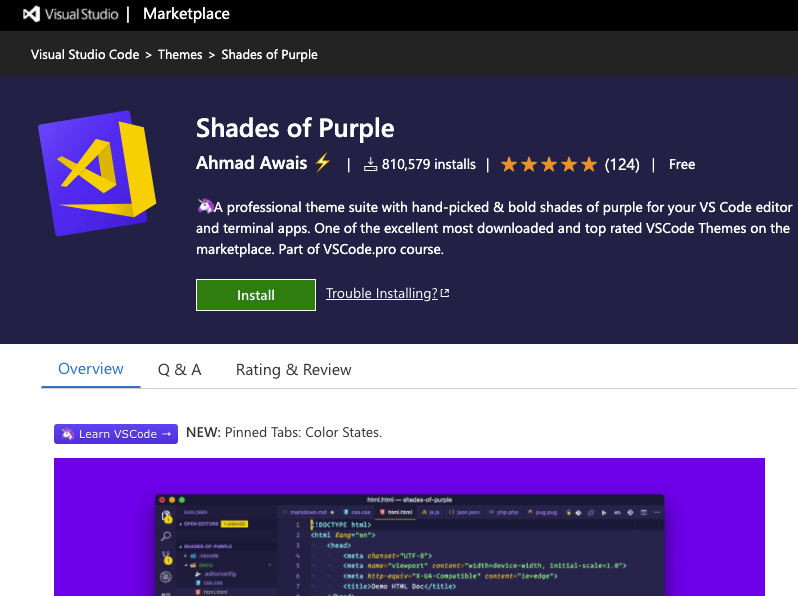
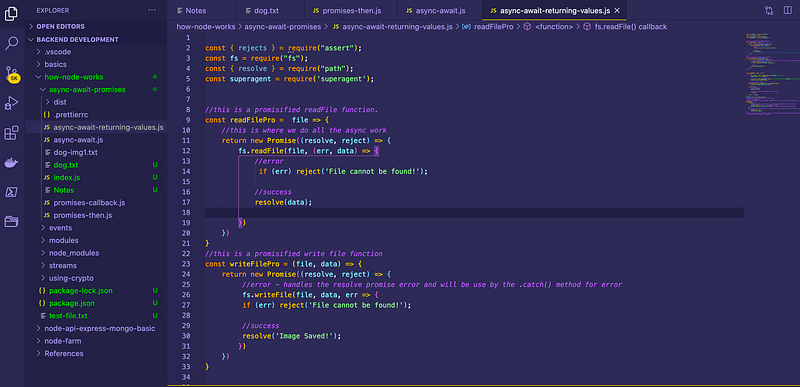
<h2>Shades of Purple - Visual Studio Marketplace</h2>
<div><h3>Extension for Visual Studio Code - 🦄 A professional theme suite with hand-picked & bold shades of purple for your VS…</h3></div>
<div><p>marketplace.visualstudio.com</p></div>
</div>
<div>
<div style="background-image: url(https://miro.readmedium.com/v2/resize:fit:320/0*vD6jaGX2FWttBW03)"></div>
</div>
</div>
</a>
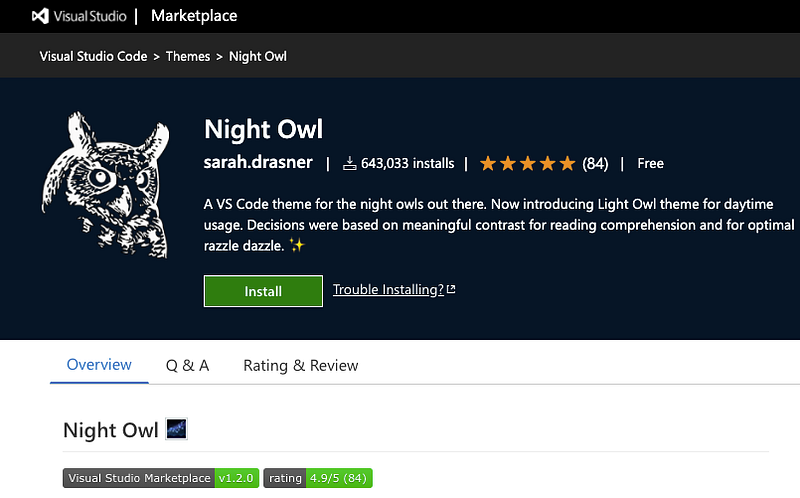
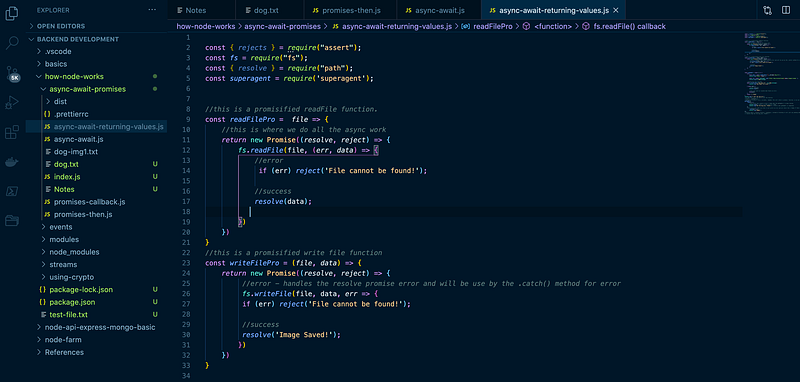
</div><h1 id="45bf">Night Owl</h1><figure id="f9b8"><img src="https://cdn-images-1.readmedium.com/v2/resize:fit:800/1*fLpvEJvaqZGutcAY0ot4FA.png"><figcaption></figcaption></figure><figure id="60b2"><img src="https://cdn-images-1.readmedium.com/v2/resize:fit:800/1*FoFYJtCFmj_k2yBs7bci8g.png"><figcaption></figcaption></figure><p id="4ca4">If you are a night-owl-kind-developer then you should check this out.</p><p id="71e6"><b>Check out the documentation here:</b></p><div id="dd78" class="link-block">
<a href="https://marketplace.visualstudio.com/items?itemName=sdras.night-owl">
<div>
<div>
<h2>Night Owl - Visual Studio Marketplace</h2>
<div><h3>A Visual Studio Code theme for the night owls out there. Fine-tuned for those of us who like to code late into the…</h3></div>
<div><p>marketplace.visualstudio.com</p></div>
</div>
<div>
<div style="background-image: url(https://miro.readmedium.com/v2/resize:fit:320/0*GTiSWSM4sEa8jBxx)"></div>
</div>
</div>
</a>
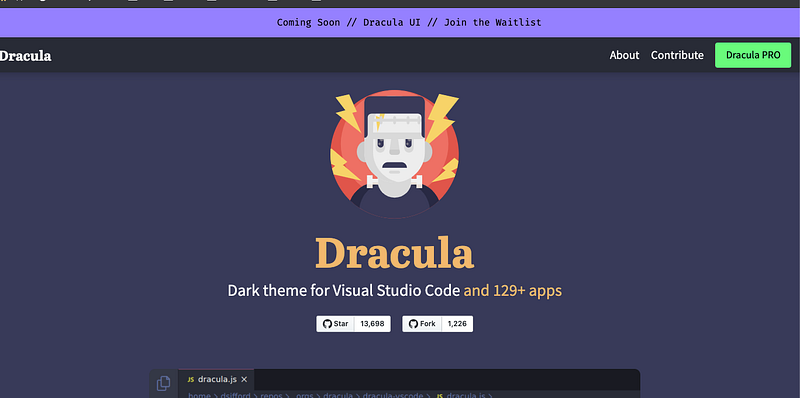
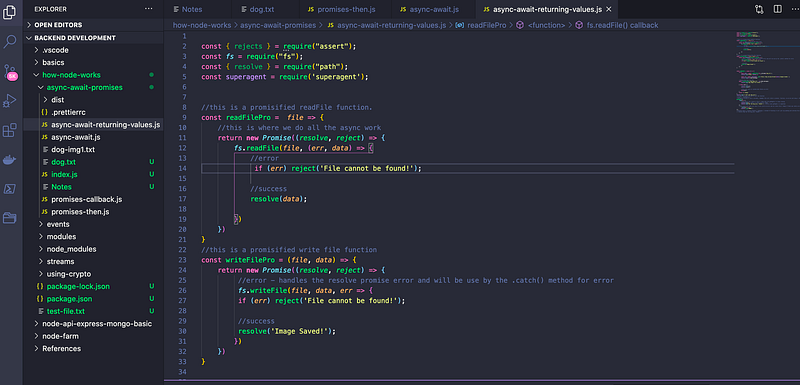
</div><h1 id="46f7">Dracula Official</h1><figure id="d1ab"><img src="https://cdn-images-1.readmedium.com/v2/resize:fit:800/1*inK4xCUa1npQxMAJ626oRw.png"><figcaption></figcaption></figure><figure id="7cef"><img src="https://cdn-images-1.readmedium.com/v2/resize:fit:800/1*JqgwmoMMo086dj5_Twirrw.png"><figcaption></figcaption></figure><p id="912b"><b>Check out the documentation here:</b></p><div id="28a7" class="link-block">
<a href="https://draculatheme.com/visual-studio-code">
<div>
<div>
<h2>Dark theme for Visual Studio Code and 129+ apps - Dracula</h2>
<div><h3>Install using Command Palette Go to View -> Command Palette or press Ctrl+Shift+P Then enter Install Extension Write…</h3></div>
<div><p>draculatheme.com</p></div>
</div>
<div>
<div style="background-image: url(https://miro.readmedium.com/v2/resize:fit:320/0*iRF2s0lYT5SM2p1n)"></div>
</div>
</div>
</a>
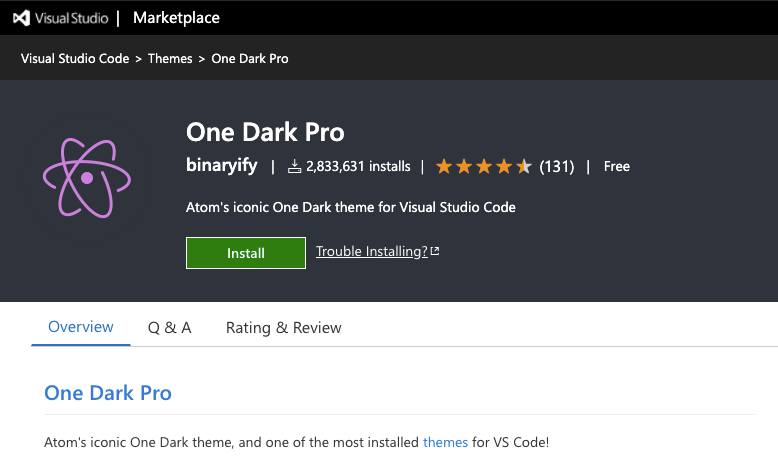
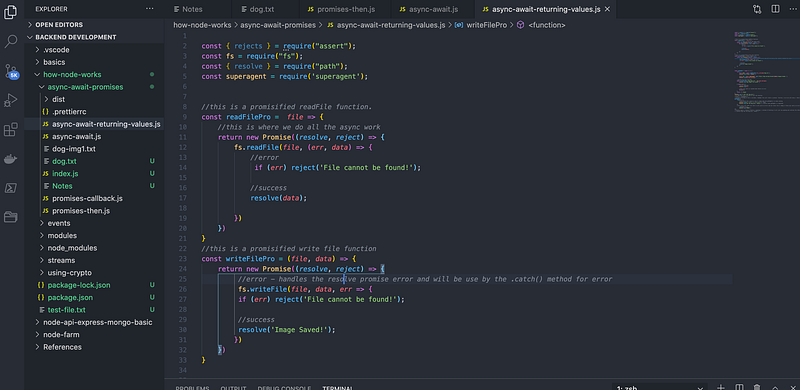
</div><h1 id="3494">One Dark Pro</h1><figure id="bad5"><img src="https://cdn-images-1.readmedium.com/v2/resize:fit:800/1*w4w5rzzM9nc-nYLqjNMK-A.png"><figcaption></figcaption></figure><figure id="6f55"><img src="https://cdn-images-1.readmedium.com/v2/resize:fit:800/1*hQCQ5yccr7i7RR9yprrkPg.png"><figcaption></figcaption></figure><p id="135b"><b>Probably the most popular with over 2.8M Installs with a 4.5 Ratings.</b></p><p id="951a">I’ve been using this theme for years
Options
until before I shifted to Palenight, I’ve always been using dark mode on almost everything.</p><p id="b721"><b>Dark mode version of VSCode ON.</b></p><p id="83c9"><b>Check out the documentation here:</b></p><div id="e155" class="link-block">
<a href="https://marketplace.visualstudio.com/items?itemName=zhuangtongfa.Material-theme">
<div>
<div>
<h2>One Dark Pro - Visual Studio Marketplace</h2>
<div><h3>Atom's iconic One Dark theme, and one of the most installed themes for VS Code! GitHub repository CHANGELOG.MD…</h3></div>
<div><p>marketplace.visualstudio.com</p></div>
</div>
<div>
<div style="background-image: url(https://miro.readmedium.com/v2/resize:fit:320/0*OG9KHOTX912Okzcn)"></div>
</div>
</div>
</a>
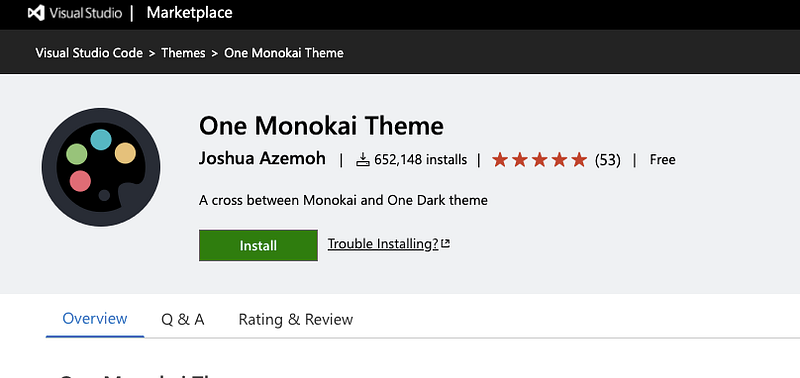
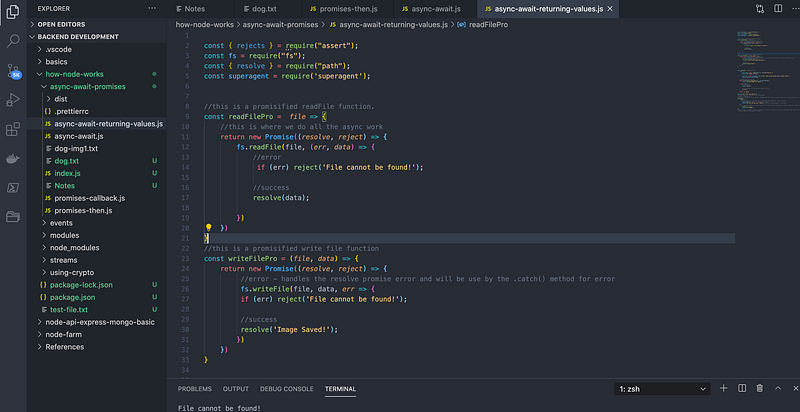
</div><h1 id="e719">One Monokai</h1><figure id="3870"><img src="https://cdn-images-1.readmedium.com/v2/resize:fit:800/1*V2YJeM47jf4Di1mV1K1Zog.png"><figcaption></figcaption></figure><figure id="d86b"><img src="https://cdn-images-1.readmedium.com/v2/resize:fit:800/1*nkjwaTP05SyaAvINlwLDJw.png"><figcaption></figcaption></figure><p id="9f0d"><b>With over 652k+ installs and 5-star ratings.</b></p><p id="54aa"><b>Check out the documentation here:</b></p><div id="3067" class="link-block">
<a href="https://marketplace.visualstudio.com/items?itemName=azemoh.one-monokai">
<div>
<div>
<h2>One Monokai Theme - Visual Studio Marketplace</h2>
<div><h3>A cross between Monokai and One Dark theme press ctl/command + shift + p to launch the command palette then run ext…</h3></div>
<div><p>marketplace.visualstudio.com</p></div>
</div>
<div>
<div style="background-image: url(https://miro.readmedium.com/v2/resize:fit:320/0*IbVx0GNGwvXM17GK)"></div>
</div>
</div>
</a>
</div><h1 id="0857">Bluloco Light</h1><figure id="2f8c"><img src="https://cdn-images-1.readmedium.com/v2/resize:fit:800/1*I05J0G0hwP3fUHhC-HGutw.png"><figcaption></figcaption></figure><p id="0ac6"><b>“A fancy yet sophisticated light designer color scheme/theme.”</b></p><p id="fc56"><b>Check out the documentation here:</b></p><div id="82a1" class="link-block">
<a href="https://marketplace.visualstudio.com/items?itemName=uloco.theme-bluloco-light">
<div>
<div>
<h2>Bluloco Light Theme - Visual Studio Marketplace</h2>
<div><h3>A fancy but yet sophisticated light designer color scheme / theme for Visual Studio Code. This theme features a much…</h3></div>
<div><p>marketplace.visualstudio.com</p></div>
</div>
<div>
<div style="background-image: url(https://miro.readmedium.com/v2/resize:fit:320/0*TjxpsR5pl3yaEnu3)"></div>
</div>
</div>
</a>
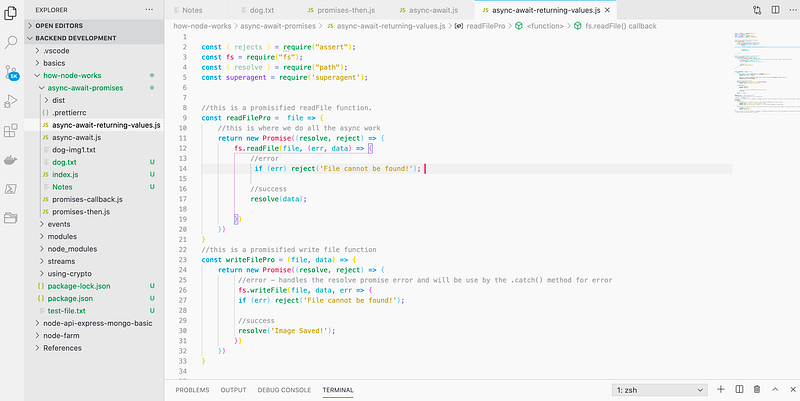
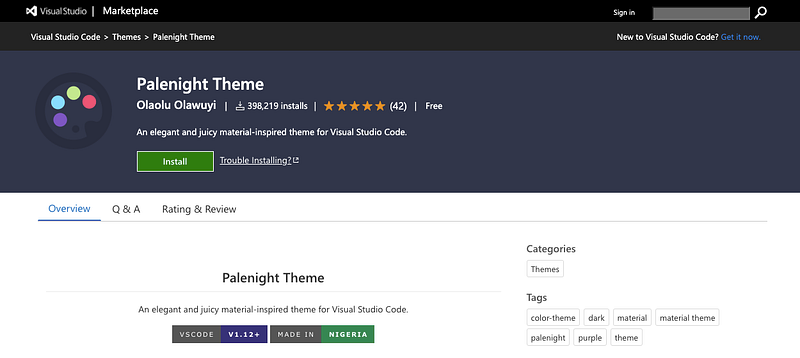
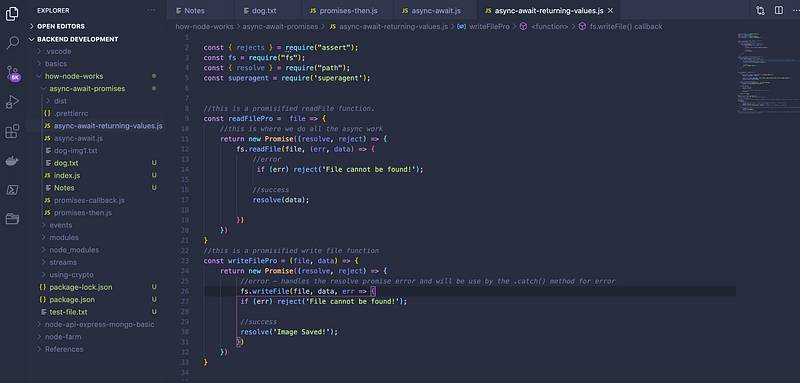
</div><h1 id="b17c">Palenight</h1><figure id="5e44"><img src="https://cdn-images-1.readmedium.com/v2/resize:fit:800/1*FesbPCs8BJPC7BWTtMLqrg.png"><figcaption></figcaption></figure><p id="26ce"><b>“An elegant and juicy material-inspired theme for Visual Studio Code.”</b></p><p id="2b9b"><b>This one is my favorite.</b></p><p id="bd3b">I’ve been using this theme for a while now, it’s dark, simple, and yet very elegant looking, whether you work in the morning or at night, it just feels so comfortable.</p><figure id="6118"><img src="https://cdn-images-1.readmedium.com/v2/resize:fit:800/1*QZJW3NunCztiajXMj6N3nw.png"><figcaption></figcaption></figure><p id="4304"><b>Check out their documentation here:</b></p><div id="4ce6" class="link-block">
<a href="https://marketplace.visualstudio.com/items?itemName=whizkydee.material-palenight-theme">
<div>
<div>
<h2>Palenight Theme - Visual Studio Marketplace</h2>
<div><h3>An elegant and juicy material-inspired theme for Visual Studio Code. Open the Extensions sidebar in VS Code. View →…</h3></div>
<div><p>marketplace.visualstudio.com</p></div>
</div>
<div>
<div style="background-image: url(https://miro.readmedium.com/v2/resize:fit:320/0*wwipPQDZSNYPy9Vw)"></div>
</div>
</div>
</a>
</div><p id="4cd0">Thank you very much for reading! <b>Follow me for more Self-taught developer writings and inspiration</b>, you can also find me on <a href="https://instagram.com/womencodes_">Instagram</a>, see you there!</p></article></body>