
10 Best Free-to-Use Text-to-Image Generators
generating oil paintings, realistic photos, and more
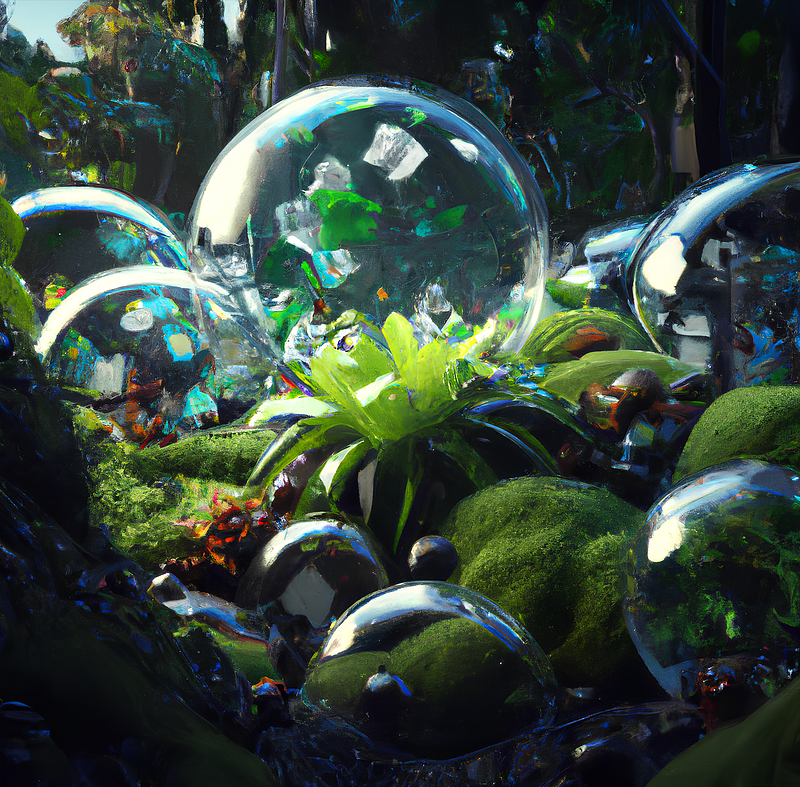
In the last couple of months, text-to-image generating AI models gained major popularity due to their ability to generate magnificent drawings, 3D rendering, and more from a single description.
Here I would like to present 10 online platforms and websites which make the creation of such images from text prompts as easy as possible while additionally offering a multitude of features.
Text-to-Image Generators
Text-to-image generators can create more or less any kind of image from text input. Further, they cannot only visualize the written content but create different kinds of styles and qualities based on the information given. This can mean that you can create either a drawing with a specific style or a full HD photo.
Skip to the text-to-image generator of your choice by clicking on it:
- OpenAI
- Replicate’s Stability AI
- Dreamstudio
- Huggingface
- DeepAI
- Nightcafe
- Starry AI
- Wombo
- Craiyon
- Replicate’s Pixray
OpenAI
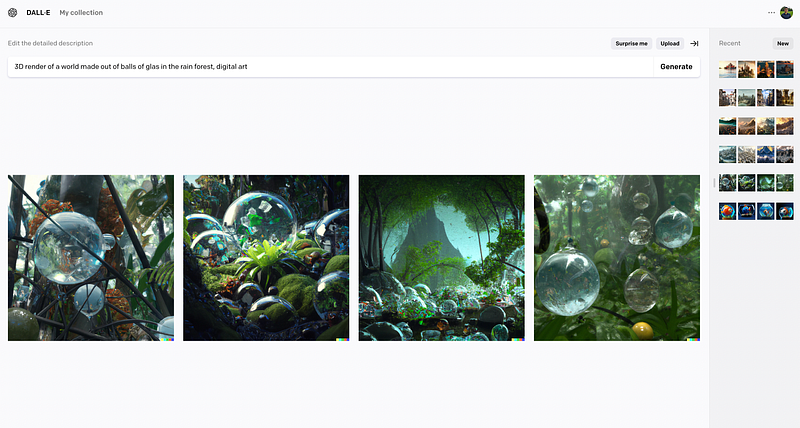
The OpenAI DALL-E 2 AI model renders beautiful scenes from any text input.
While simple to use and very fast, the platform does not offer any additional features for the creation of images. Anyway, the images are breathtaking.
Replicate
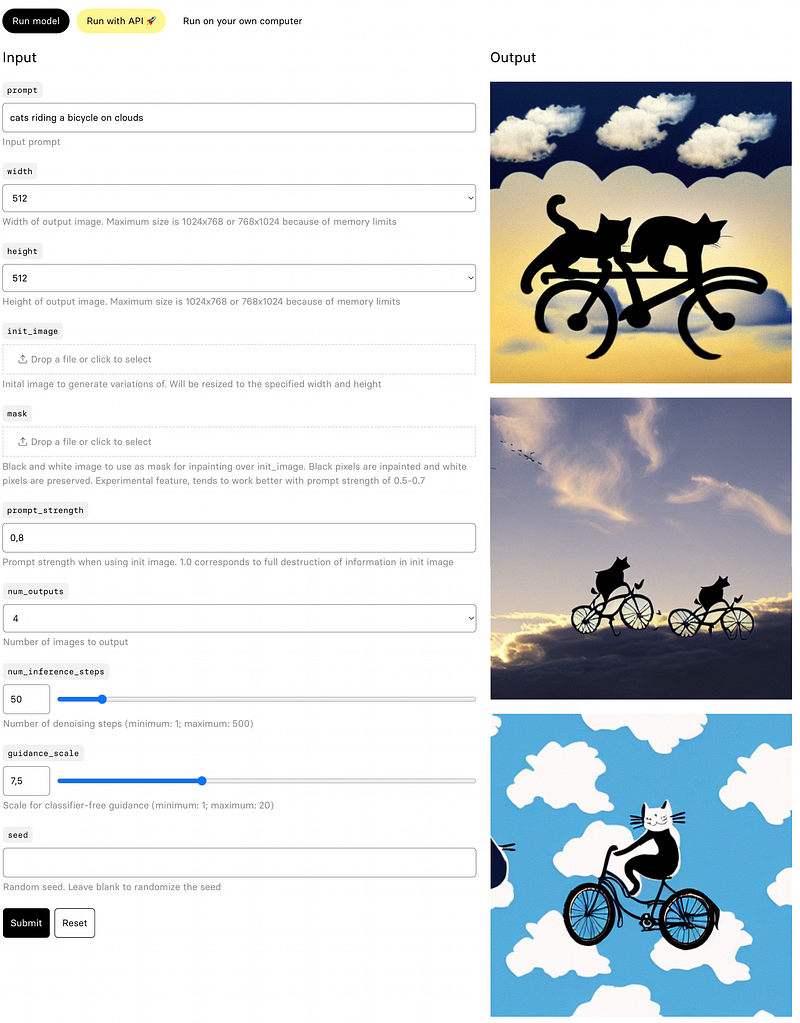
Replicate is a platform that serves as a host for various kinds of machine learning (ML) models. Stability-AI’s Stable Diffusion model allows you to create images from texts. It is also possible to provide a starting image for the AI on which its prediction is based.
Dreamstudio
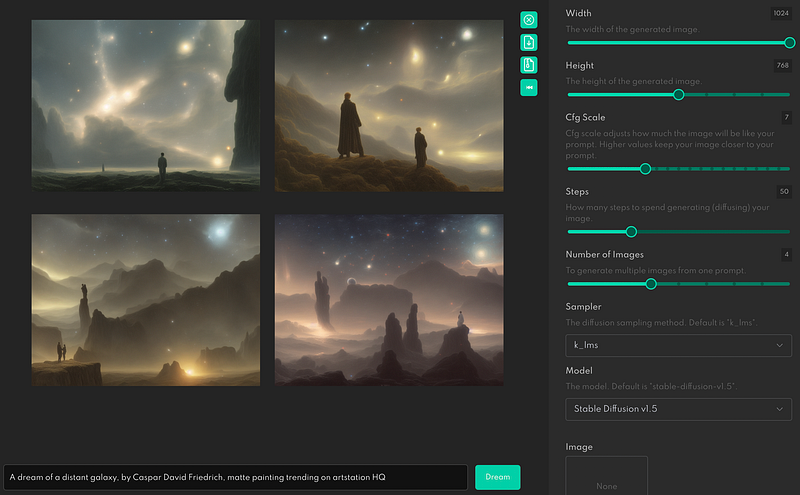
The beta version of dreamstudio.ai offers another great way to create images from text. It makes it possible to customize your command even more by specifying the style of the image. Available options are for instance:
- Realistic
- Oil painting
- Pencil drawing
- Concept art
You can also specify in the case of a drawing the drawer and choose from a list of popular artists like Michelangelo, Leonardo da Vinci or Vincent van Gogh, mentioning only some of them.
In addition, you can also provide a starting image based on which it gets modified by the text input.
Huggingface
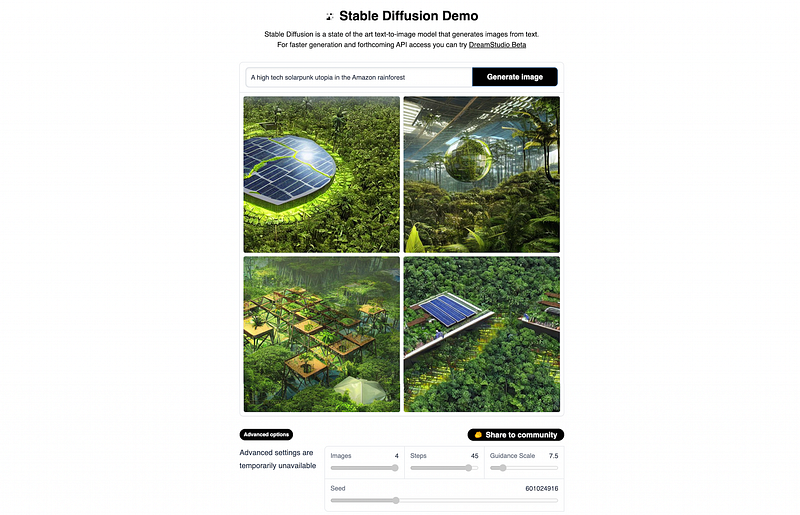
While not providing any kind of features yet, hugginface.co’s Stability-AI Stable Diffusion demo tool offers a simple-to-use interface, creating fast predictions.
DeepAI
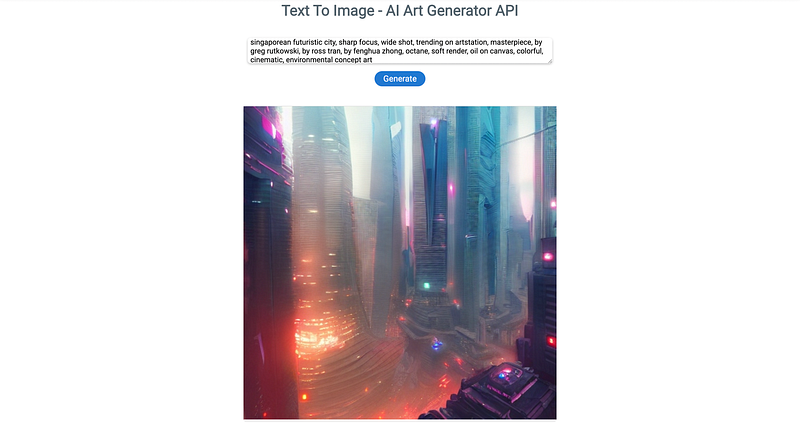
As Deep AI is describing itself they are a platform that aims to accelerate the world’s transition to AI by offering an agent that anyone can teach to perform a task. Additionally, they offer insights into the latest research and development in the vast field of AI. The text-to-image generator is a stable diffusion-based one that creates great art.
Nightcafe
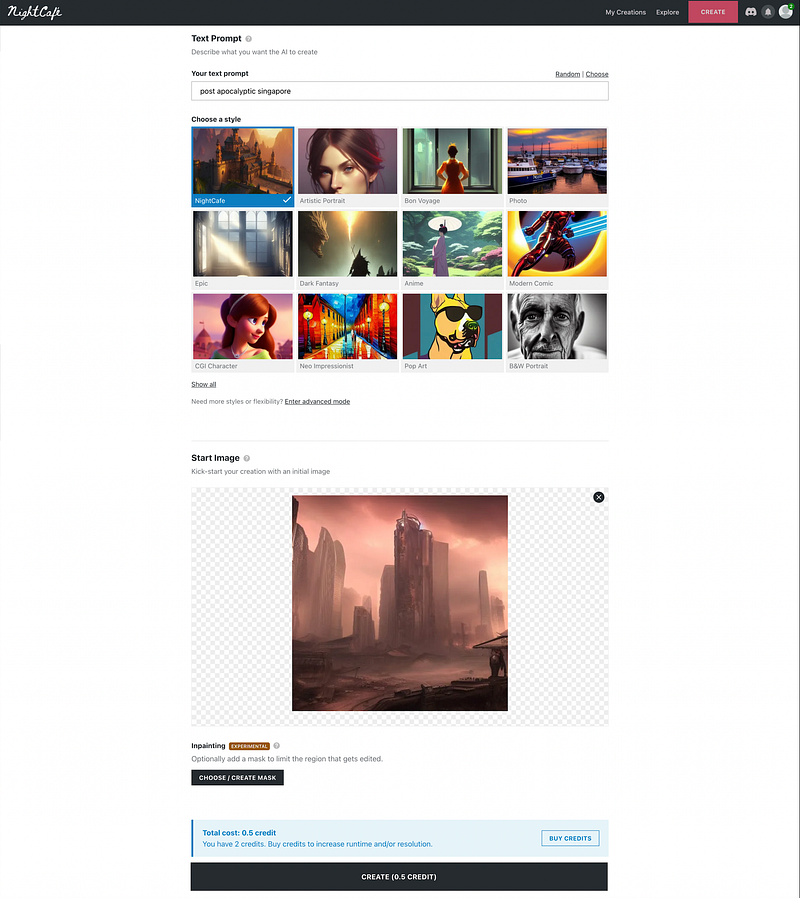
The nightcafe website for creating images from text allows the use of various model types (stable diffusion, clip-guided diffusion, and VQGAN Clip) for creating text from images. Next to that also applications like style transfer and mask drawing with an initial image. As you can see in the image below you can also choose from various styles.
Starry AI
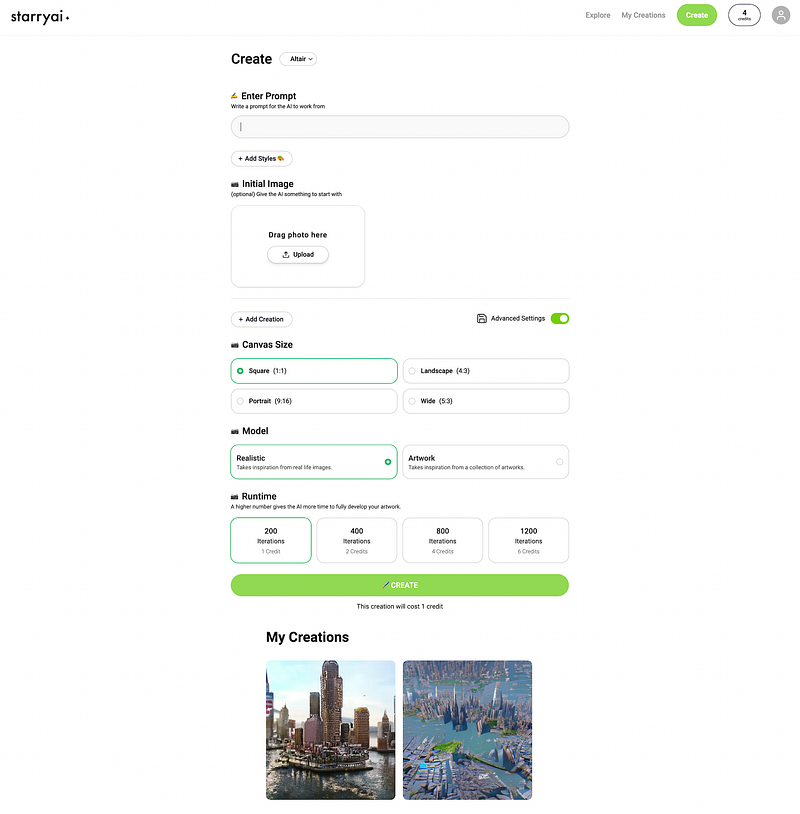
Starry AI is a great place for text-to-image generation where you can choose between the different AI models:
- Altair, for producing rather abstract dream-like images
- Orion, for creating more cohesive unreal reality images
- Argo, for rendering art
Like on the other platforms each engine allows for choosing between multiple styles, and aspect ratios which leads to very customized results. You can also spend more credits if you want to create images of higher resolutions.
Wombo
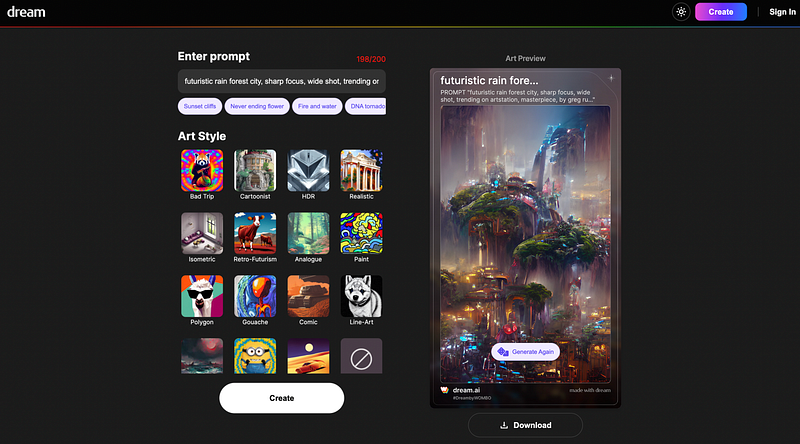
While most of the other platforms have some form of restriction regarding the number of predictions that can be generated, Wombo offers an unlimited amount of creation. The Wombo Art platform is specialized in images for mobile phone applications, allowing creations on any device. While not offering many tunable features still a lot of styles are available with fast high-quality results.
Craiyon
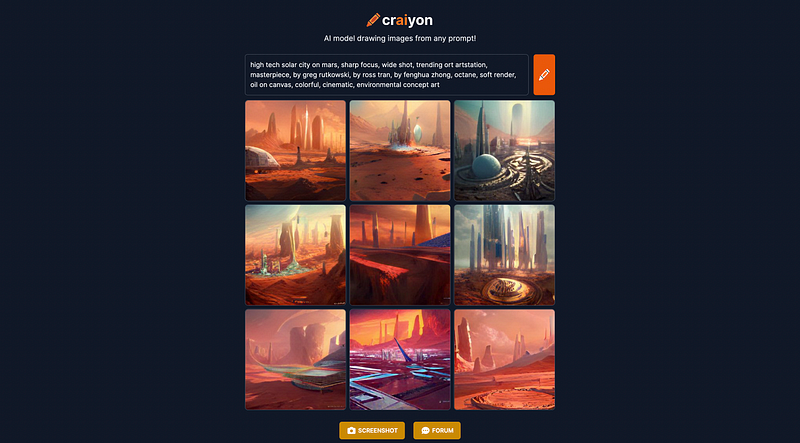
The craiyon website offers an easy-to-use DALL-E mini AI model for text-to-image generation. While the website is simple and no customized extra features next to the text input itself can be made the results are still magnificent if used properly.
Pixray
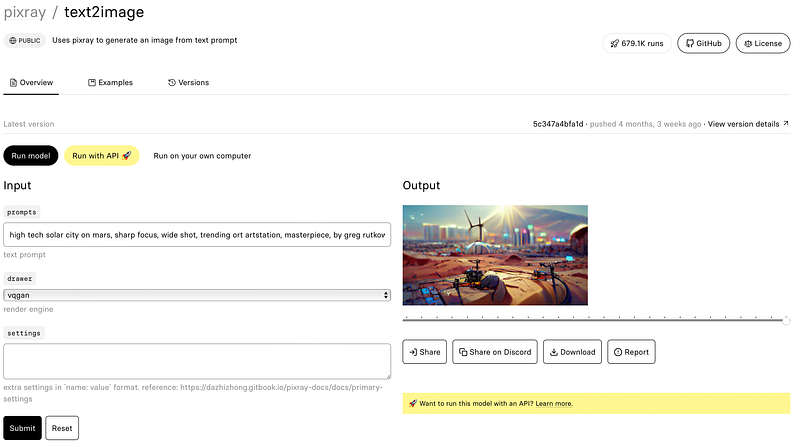
Another text-to-image generation tool on Replicate’s platform is the image generation system Pixray. As you can see in the screenshot it is a very simple easy-to-use tool that has the advantage of choosing between six different AI models. The only disadvantage is that you have to register on the platform if you plan to generate a lot of images.
Final Notes
The more I dug into the different platforms the more I enjoyed creating any kind of art just by using a couple of words.
Before I started the post I wanted to figure out which platform or AI model works best, however, I have to admit that I could not decide which website I would prefer personally, since all create great art.
For you, I would recommend simply starting and trying out multiple ones too, especially because most do not allow the generation of an unlimited amount of free image renderings.
Finally, I hope that you have enjoyed the post and think about following me or leaving some claps. This would show me if this content is interesting to you.
In case you have questions, recommendations, or other things to tell just leave a comment or contact me directly via LinkedIn.
You can also take a look at my GitHub and other articles on Medium.


