
10 Apps for Visual Note Taking
Introduction
As a very visual person, I’m a big fan of note-taking apps and styles that use visual elements such as drawings, diagrams, and images to supplement text. Visual note-taking can be impactful for several reasons, including its ability to make complex information more accessible, facilitate connections between concepts, and enhance retention and recall. It can also be more inclusive for those who may have difficulty with traditional note-taking methods.
Notion
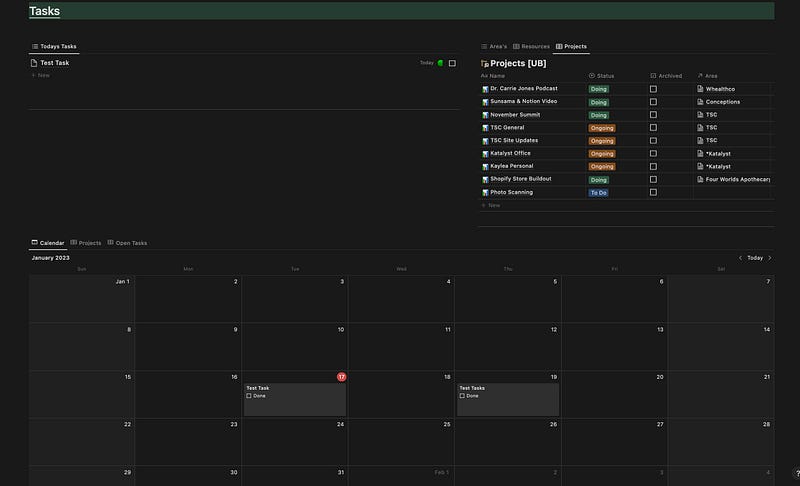
Notion is an app that is very flexible in what you can do with it. Great for making dashboards and planning things.
Xtiles
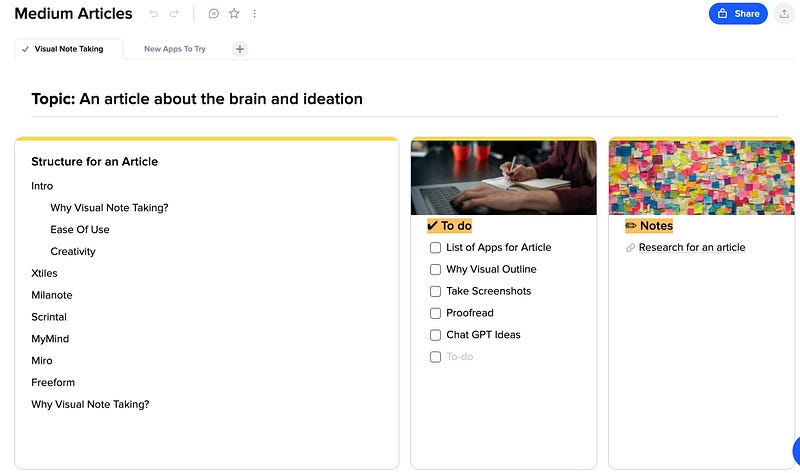
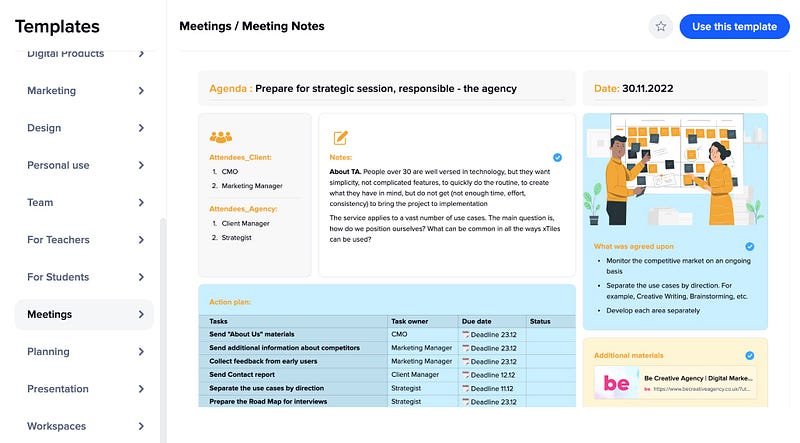
X-tiles is an interesting application that use tiles and nodes to make a dashboard of sorts. You can have tables, text blocks, to-do’s, youtube videos, media, and other various elements. Though you need to use there tiles to add content. It has Limited Mobile App where you can add quick notes.
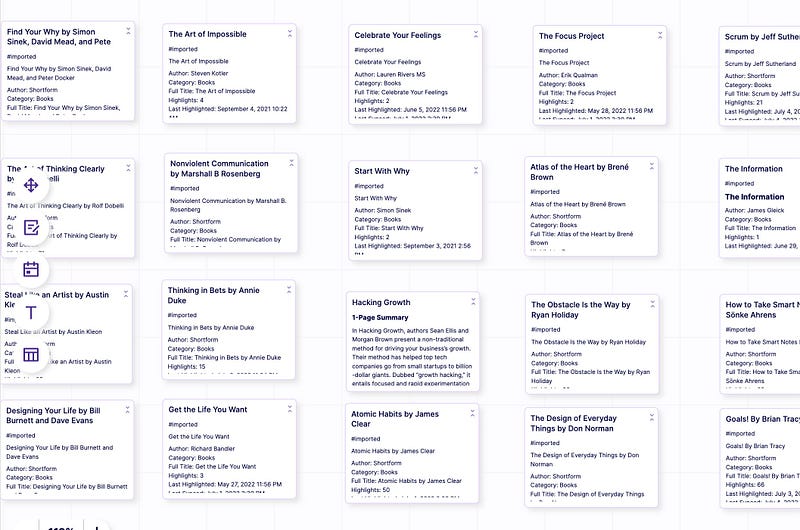
Scrintal
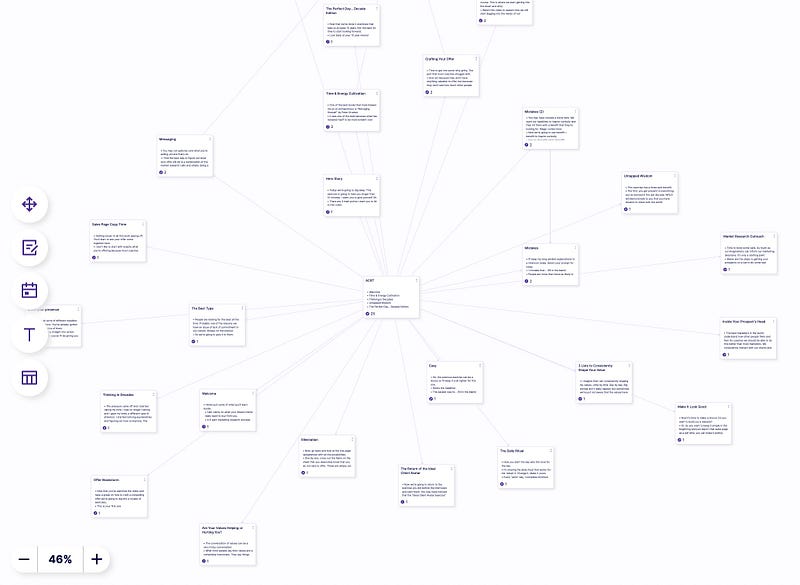
It is a cross between a mind-mapping app like Miro and a bi-directional linking app like Roam. Its biggest selling point is ease of use and a intuitive experience. It is in still in alpha, so it is rough around the edges though I have been enjoying using the product in its current state.
Milanote
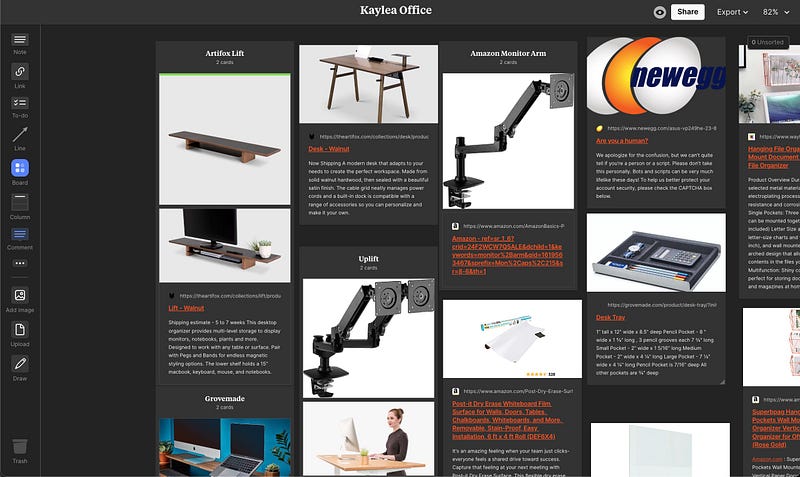
Milanote has been around for a bit and is a much more polished user experience than most. It has an excellent mobile and desktop app.
MyMind
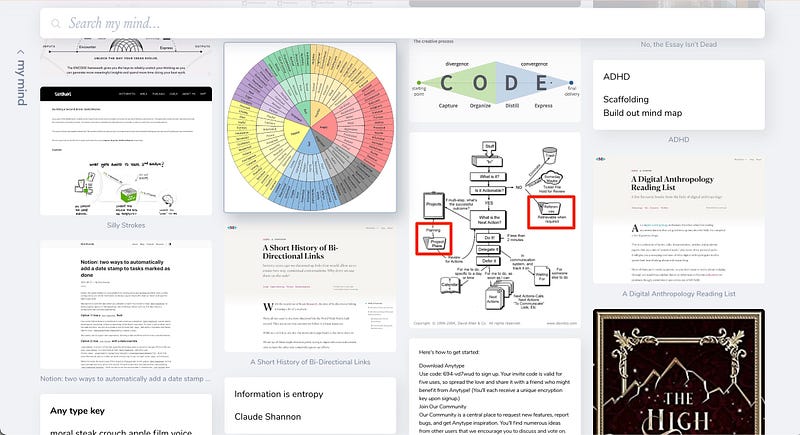
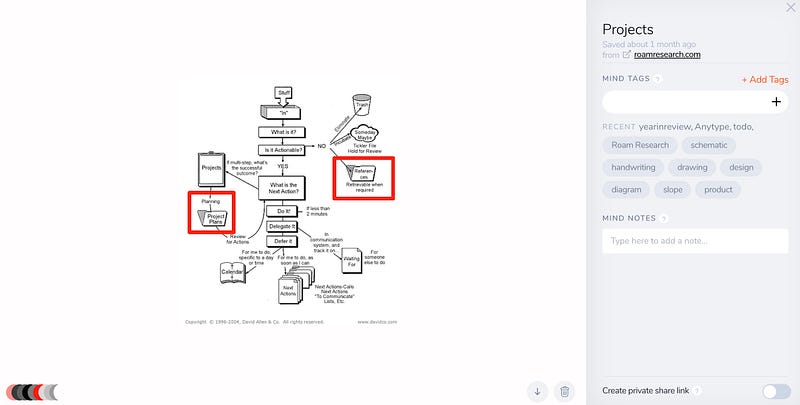
My Mind is a read latter app that blurs the line with more utility. It uses Ai to tag and sort your notes for you.
One of the aspects that I find amazing is that it tags photos by color so that you can copy the color code.
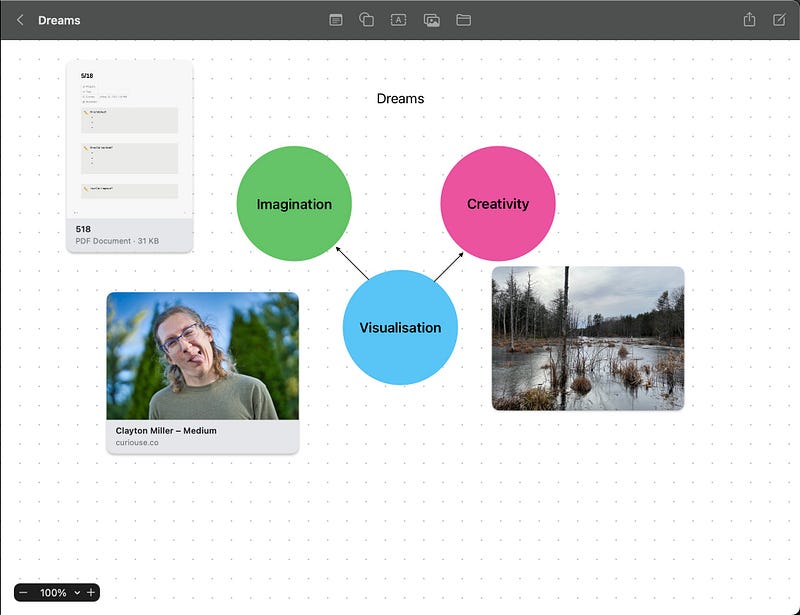
Freeform
This is a new apple program that has a low barrier of entry since it is now a stock app available on apple devices.
Walling
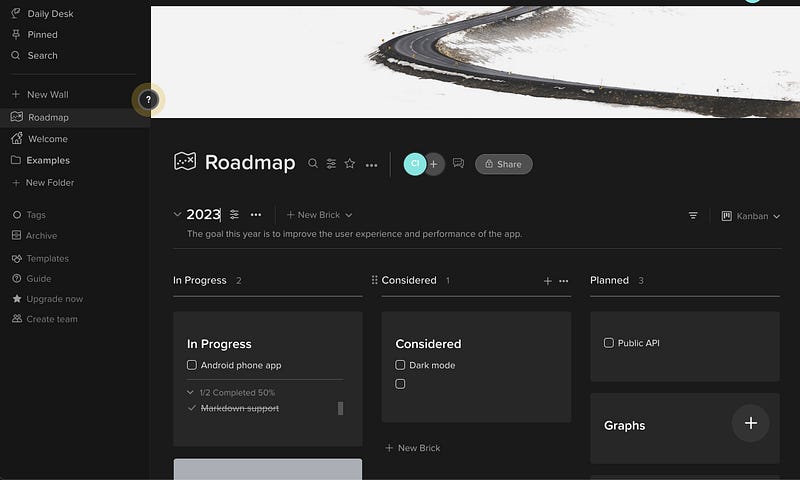
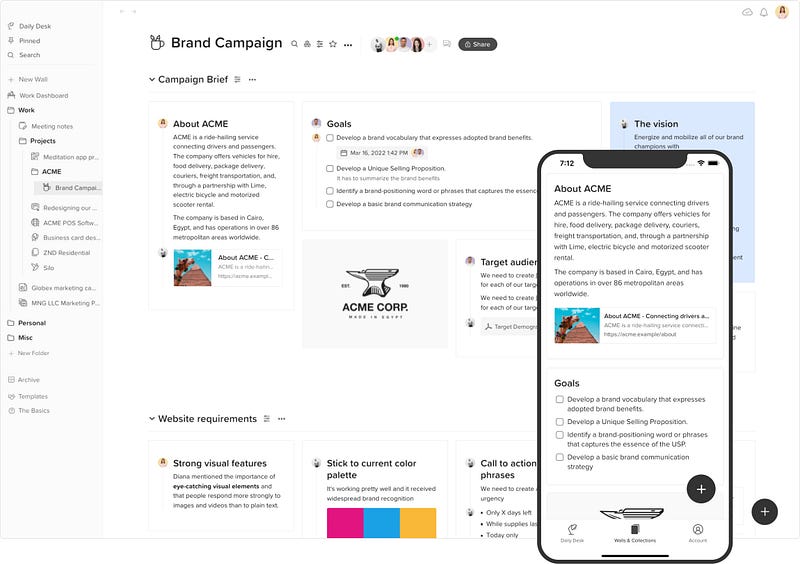
Walling is an app where you have a wall, section, bricks, a daily desk. Organize your ideas side by side, color-code them or label them with tags. The visual experience helps you stay on top of everything. It is Kanban and Table based.
Obsidian Canvas
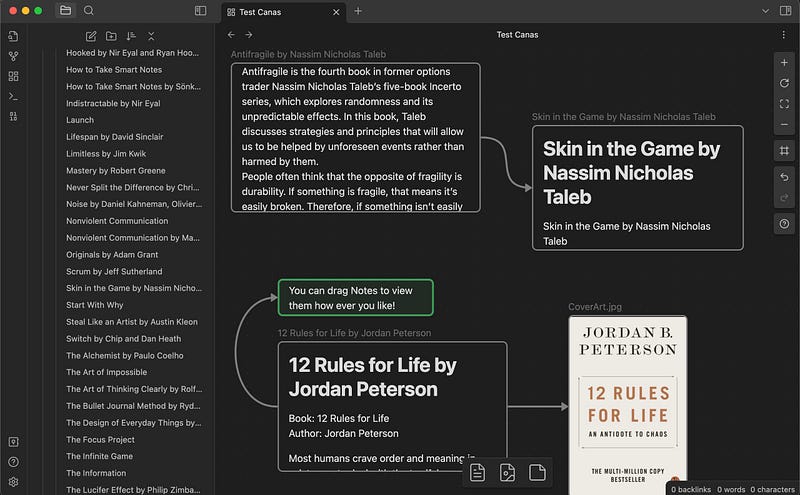
A newcomer in the more visual note-taking space though is a fantastic graph-based outliner app that now has even more tricks up its sleeve.
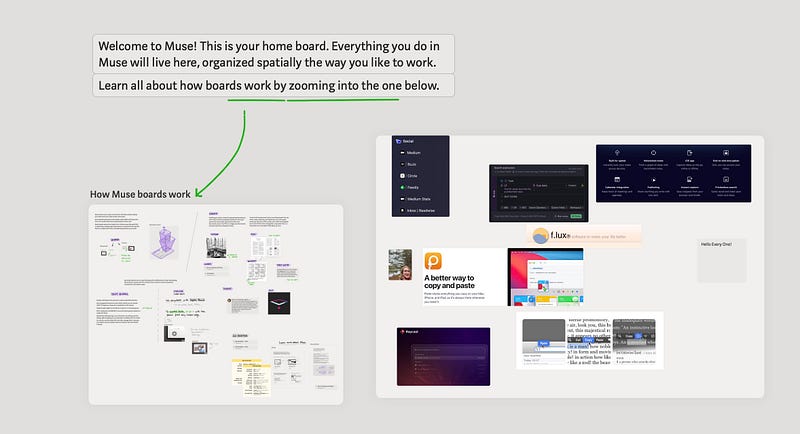
Muse
This is the most chaotic of the apps, with no real way to organize anything. You have one infinite canvas with lots of boards.
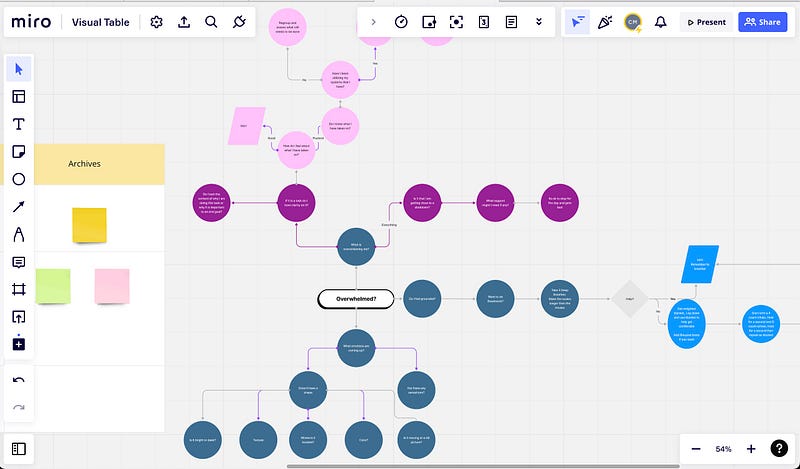
Miro
Great for teams to whiteboard and diagram out flows for projects. Easy to brainstorm and make mindmaps while collaborating.
Making Complex Information More Accessible
Visual note-taking can help to make complex information more accessible and easier to understand. The use of visual aids can help to convey information in a more intuitive and memorable way. This can be especially helpful for those who are visual learners, as it allows them to process the information more easily.
Seeing the Big Picture
Visual note-taking also allows for a more holistic view of the information being presented. It can help to identify patterns and relationships that may not be immediately obvious when taking notes in a linear format. Understanding the different pieces of the puzzle and how they fit together can be beneficial for helping to make sense of the material.
Enhancing Retention and Recall
Research suggests that visual note-taking can increase the retention of information and improve the ability to recall information later on. This is because the visual elements can be used as cues to help jog the memory, making it easier to recall the information when needed.
Inclusivity
Visual note-taking can also be more inclusive than traditional note-taking methods. For those with dyslexia or ADHD, the use of visual elements can be more effective in helping to process the information.
Conclusion
Visual note-taking can be a powerful tool for making complex information more accessible, fostering connections between concepts, and enhancing retention and recall. It can also be more inclusive for those who may have difficulty with traditional note-taking methods. For those who are visual learners, it can be an invaluable resource for helping to understand the material.


