
10 Amazing Apps I Use Daily to Stay 10X Productive
Apps I Use Daily to Stay 10X Productive in a day.
I recently wrote an article on how I transformed my smartphone into a productivity machine.
You guys gave a great response to it. Thank you so much for it.
But I noticed that something is missing in that article as I forgot to mention one crucial point: which apps I personally use to stay 10X productive in a day.
So here it is. This is a sequel to that article.
Let’s dive in.
#1. Google Calendar
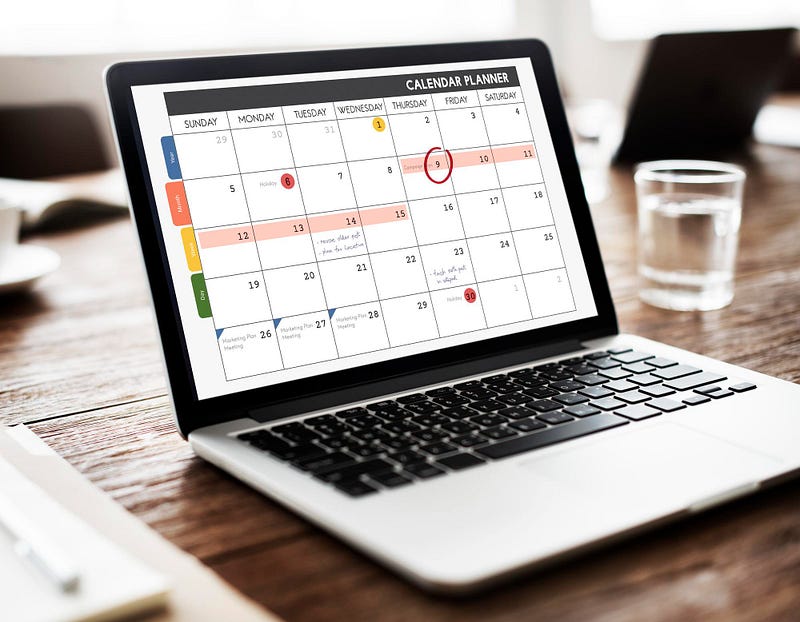
You may be wondering how Google Calendar can make me productive?
It may be lying on your smartphone for ages, as it is a pre-installed system app on many android devices.
Let me tell you how it can completely change the productivity game for you.
How do I use the Google Calendar?
Whenever I want to schedule a meeting, task or work. I simply open Google Calendar and add a reminder there.
This cuts all the chaos from my mind, which ultimately helps me focus better on my work.
Also, after doing this, I don’t need to remember everything. As Google Calendar automatically reminds me about certain tasks.
As they say it: “Your mind is for having ideas not holding them.”— David Allen
#2. GIGL
Do you often struggle with writer’s block or lack of content ideas? then it is pretty sure that you’re not consuming enough quality content.
As Tiago Forte says: “You are what you consume, and that applies just as much to information as to nutrition.”
GIGL solves this problem for you.
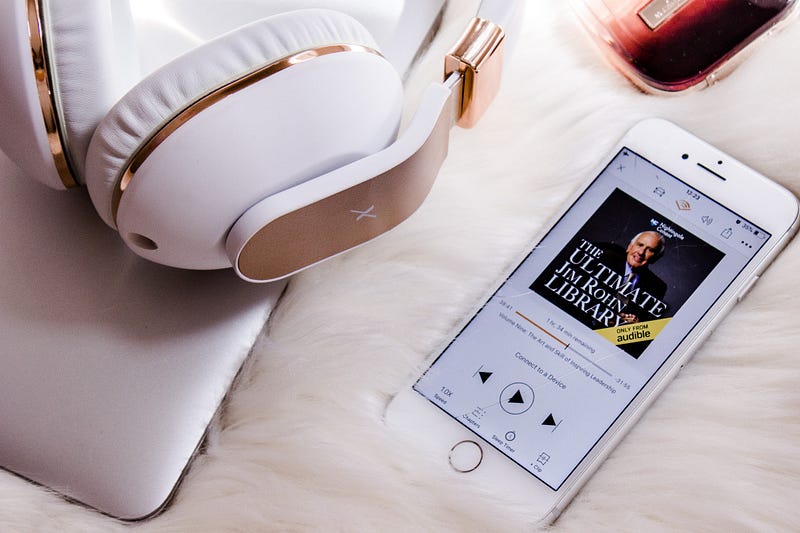
GIGL stands for Great Ideas Great Life. It is basically a book summary app where you’ll get access to 1000+ famous book summaries.
Some of them are free while some of them are included in a paid subscription, which again costs less than $5 a year. Pretty cheap I know.
How do I use the GIGL app?
My go-to app for listening book summaries and also a number 1 source of all my content ideas.
GIGL also shares a written version of a particular summary so that I don’t need to take notes myself.
It saves plenty of my time which I can utilize on any other task.
#3. Google Docs
Since the author Tiago Forte launched his famous book: “Building a Second Brain”, Digital notes have become a trend.
People are using different apps like Evernote, Obsidian, Milanote.
But I prefer Google docs because of its simple user interface.
How do I use the Google Docs app?
I write all my articles and tweets on Google Docs. This makes them digitally available over the internet.
I can access them anywhere and at any time. The only thing I need to do is sign in to my Google account and boom everything is back.
#4. Nice Mind
Nice mind is an amazing mind-mapping tool which helps you capture ideas and thoughts in the form of mind maps.
Nice mind is for android users. For iPhone users, there is a similar tool called Simple Mind which works almost the same.
How do I use the Nice Mind app?
Sometimes there are concepts and research datas that are hard to understand. So I simply create a mind map of that particular thing using the Nice Mind app.
This helps me understand that concept in a better manner.
Also I use Nice Mind for my studies and personal work. It reduces clutter from my mind and helps me focus only on the important things.
#5. xTiles
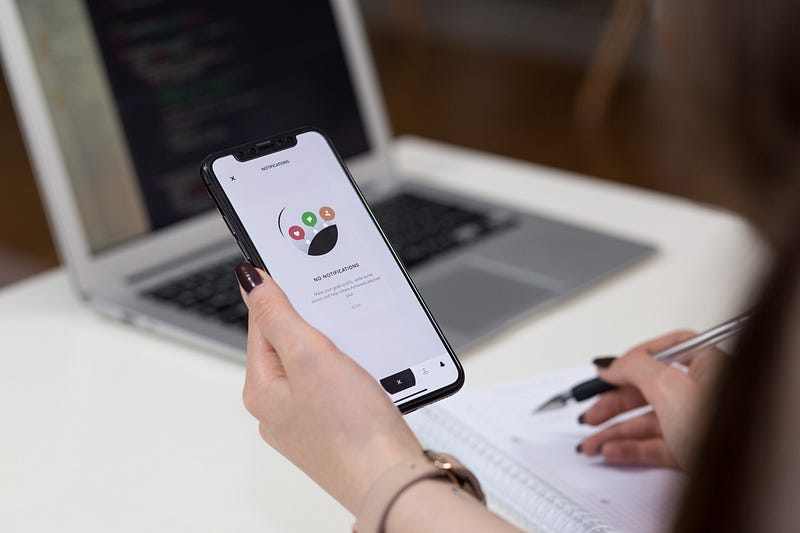
xTiles is an amazing note-taking app for both students and working professionals. I have a detailed review on this app for your reference.
How do I use the xTiles app?
I use xTiles for capturing direct links and images on the web. Yes it also works as a web clipper.
I know there are similar and amazing tools on the internet like Evernote, Pocket, Instapaper. But I prefer xTiles because of its simple user interface.
It has a quick notes feature which temporarily saves your captured data which you can use later.
#6. Uptime
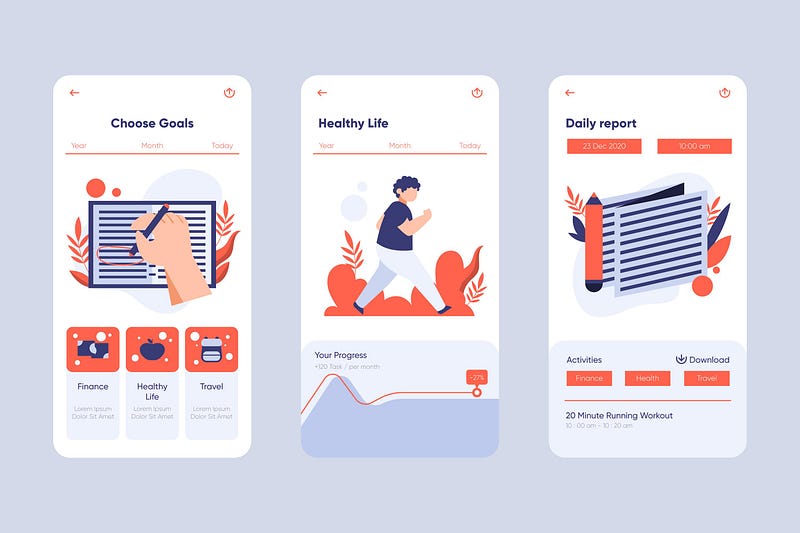
Uptime is a home for 5-minute courses, podcasts, books and smart hacks.
Here you will get a customized summary of any book, course or podcast which you can read in less than 5 mins.
How do I use the Uptime App?
I use uptime to find amazing quotes and inspirational lessons from any famous book or podcast.
Sometimes it also helps me find amazing content ideas for both my medium blog and twitter.
#7. Kindle
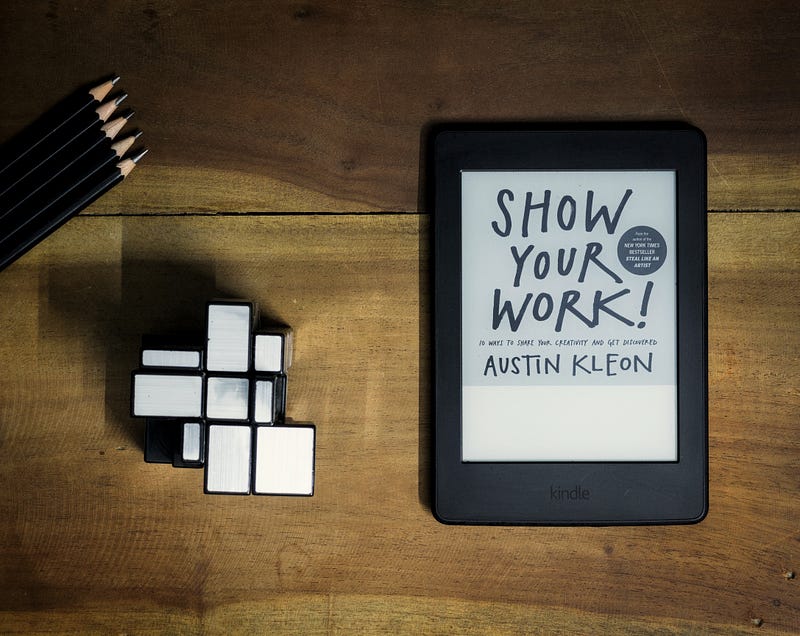
I don’t need to explain how amazing the Kindle app is.
If you don’t know, Kindle is an Amazon company which is a home for avid readers.
It gives you access to world class books at a cheap rate and in digital format.
How do I use a Kindle app?
It is my second most used source for finding content ideas.
Basically whenever I want to discover a particular thing in depth. I go to kindle.
It helps me absorb that book inside out. Also it makes your reading experience engaging with its amazing features like adding a bookmark, taking notes, highlighting, speed reading, etc.
#8. Notion
Notion is one of the most popular and complete note-taking tools currently. It provides you a personal workspace to write, capture and organize at one place.
If you want to know more about Notion. Search Easlo channel on YouTube. You will get a detailed idea about it.
How do I use a Notion app?
I use Notion as a Habit tracker. I’ve designed a customized template to help me track all my habits and goals.
I’ve shared that template also in my previous article. You can check out from there or download from here.
You can use Notion according to your priorities and needs. Some of my friends also use it for studies. So it completely depends on how you use it.
#9. Linkedin
LinkedIn is one of the most trending social media platforms currently.
You can even term it as “Facebook for professional persons”.
It helps you find freelance clients, work and even full-time jobs.
How do I use the LinkedIn app?
I get all my freelance writing clients from LinkedIn.
Also it helps me make new connections with the same people in my field. Facebook, Instagram, Twitter don’t provide such a facility.
I’ve followed some brilliant creators on LinkedIn that consistently produce awesome content which helps me learn new things in a short amount of time.
If you want to know the creators I follow. Comment below with “yes I want to know”. I will bring an insightful case study on LinkedIn on how to find jobs and find the best creators there for personal growth.
#10. Insight Timer
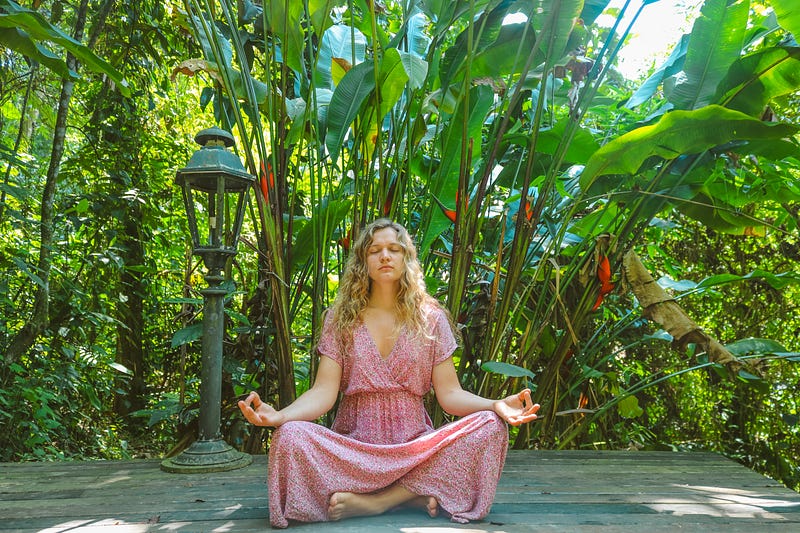
Insight Timer is a number 1 free meditation app available on the internet.
It is the best alternative to apps like mindspace and calm.
It provides guided meditation practices, talks, timers at one place. No other such app provides such things for free.
They also have a premium plan for advanced meditation practices. But I think free is enough for your needs.
How do I use the Insight Timer app?
I’ve created a 30 minute timer for meditation in which I have used bird chirping and waterfall sounds.
Also after every 10 minutes a bell rings to let you know that 10 minutes are over.
This feature is paid in a calm app but you’ll get this same feature for free on Insight Timer.
So these are some that keep me 10X productive throughout the day.
Thank you for reading :)
Which app you personally use to stay productive?
P.S. If You Want to Support My Work as a Writer, Consider Signing Up to Become a Medium Member for Unlimited Access.


